Email Aqua Mail is an email application for Android systems. This application supports multiple email accounts and boasts a fast response time, ensuring users receive email messages promptly. It also supports sending various file formats and allows users to add their own signatures. Furthermore, this application does not infringe on user privacy and does not record user account passwords or other private information. Most importantly, it features email organization, displaying all user messages and emails in a single interface for quick and easy access.
Click to load YouTube / 点击加载视频
YouTube ↗Features
Smart Inbox, Intuitive and Easy to Use
On your busiest days, the last thing you want is a frustrating and difficult-to-use email client. Our email application is optimized for quick email replies, easy reading (swipe to browse emails), and convenient one-handed access to numerous features.
Secure and Privacy
From its inception, security and privacy have been Email Aqua Mail's top priorities. Our private and secure email client does not collect or store your passwords, emails, or private message content.
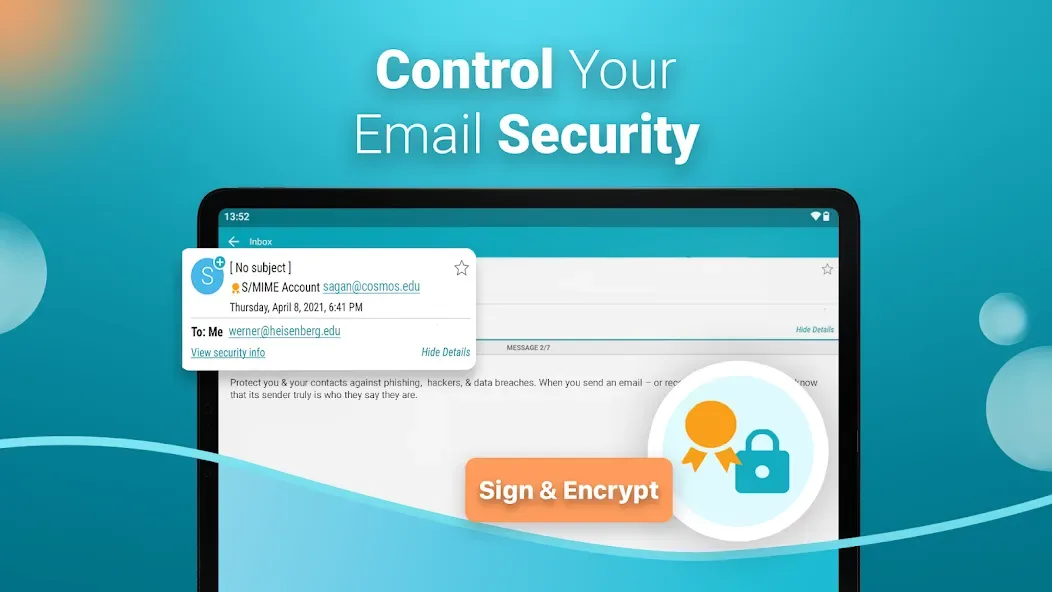
When adding Gmail, Yahoo, Hotmail, and Yandex accounts, our secure email client uses the more secure OAuth2 login method. In addition, we provide extra security with the latest encryption protocols, including SSL hardening, SSL certificate tracking, and DKIM and SPF verification.
Manage all your email the way you want.
Customization was one of our primary goals when developing our email client for Android. After a decade of development, continuously adding intuitive features and settings, we can proudly say that Email Aqua Mail is one of the most customizable email clients on Android phones and tablets.
Functions
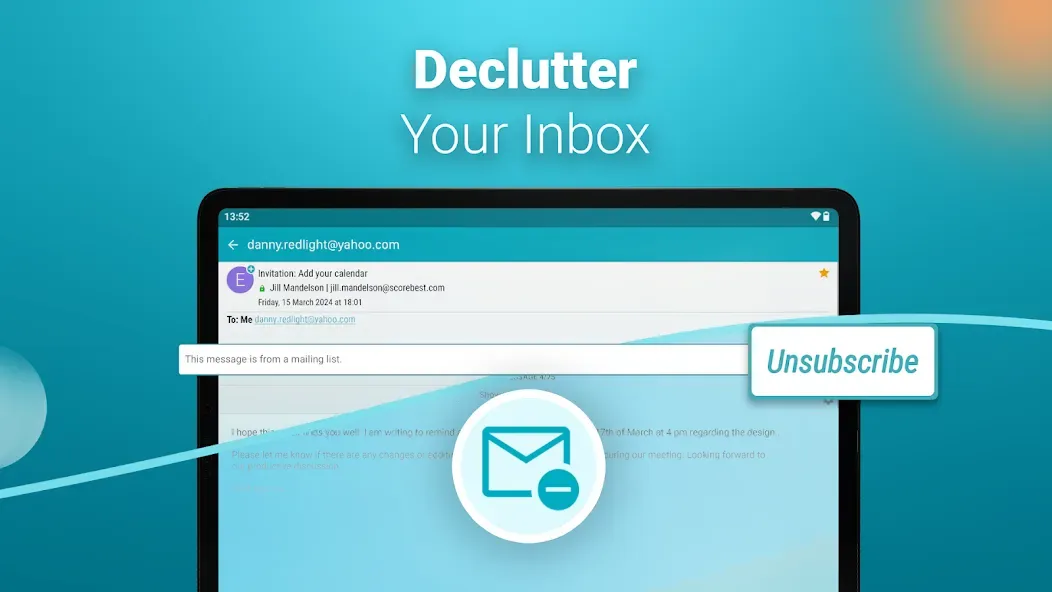
Smart Folders - Organize all emails from different accounts in one place.
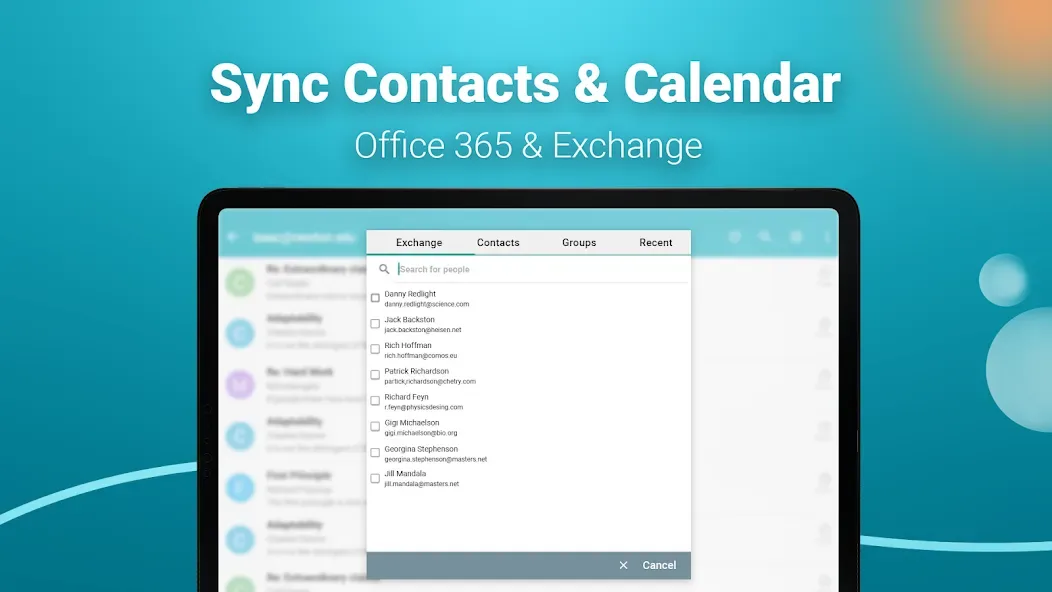
Exchange and Office 365 Contacts and Calendar Sync - Compatible with any calendar app or widget.
Home Screen Widget - View your important emails at a glance.
Android Wear Smartwatch Integration - Browse emails directly on your wrist and reply with voice input.
Save emails as PDFs.
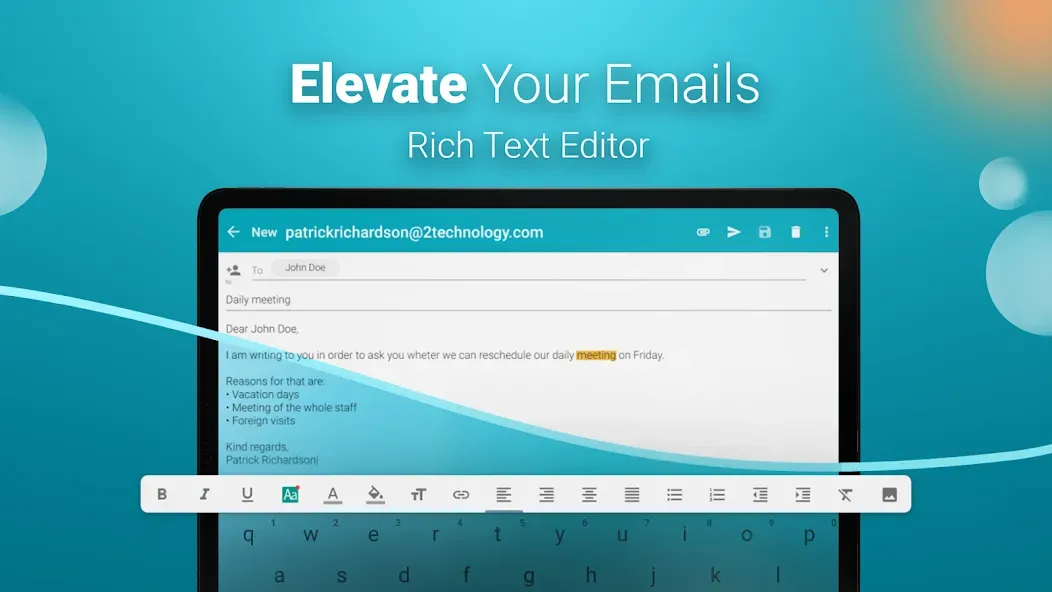
Unique Signature Support - Add different signatures for each account (image, link, text format, HTML signature).
On-device, via cloud (Dropbox, OneDrive, Google Drive), or file backup/restore settings.
Power Saving Options.
Email Notifications.
FAQS
Which email accounts work with Email Aqua Mail?
Email Aqua Mail works with Gmail, Outlook.com, Hotmail, Yahoo Mail, iCloud Mail, AOL Mail, GMX, Fastmail, Yandex Mail, Exchange, and Microsoft 365.
Can I view all my emails in one inbox?
Yes. "Smart Folders" is Email Aqua Mail's unified inbox and email organization tool. It collects new emails from multiple email accounts into a single list, allowing you to view Gmail, Yahoo Mail, Outlook, and Hotmail emails in one place.
Is Email Aqua Mail a private and secure email application?
Yes. Email Aqua Mail is not a cloud-based email client: it does not collect or store your passwords, emails, or email content.
User Reviews
I've been using it for 8 years, and this is the best app I've ever used. No other app can compare!!!
I love this app. I use it to manage my IMAP accounts.
It's incredibly fast, and the interface is beautiful. Definitely my favorite email app.
Conclusion
Email Aqua Mail fully supports all major email service providers, ensuring you can easily manage all your accounts on one platform. Whether you use Gmail, Yahoo, Hotmail, FastMail, Apple, GMX, Outlook, AOL, or Exchange, Aqua Mail has you covered. In addition, the application supports any other email service that supports the IMAP or POP3 protocol, providing unparalleled flexibility and convenience.