
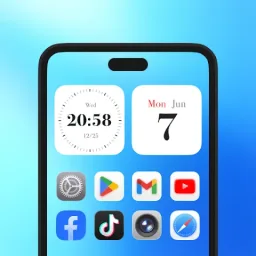
Themes Launcher is a stunning theming tool. The app offers redesigned icons and other visual elements that can completely transform the look of your Android phone, enhancing its aesthetic appeal and making your device stand out from the crowd. With Themes Launcher, you can choose from a wide range of cool themes and HD wallpapers, while also customizing app icons and font styles to create a look that is uniquely yours. Thanks to its beautiful design, user-friendly interface, and extensive customization options, you can easily personalize your phone to reflect your own style.
Highlights:
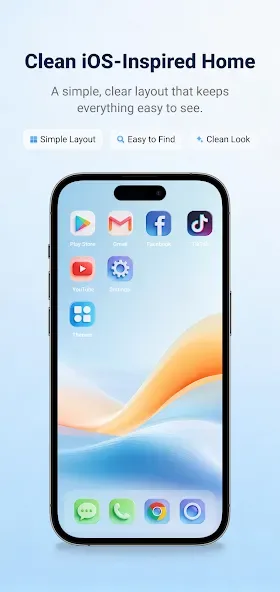
iOS-inspired home screen style
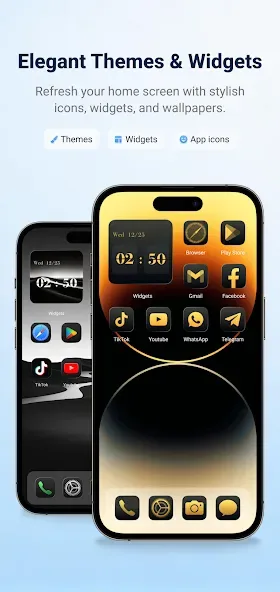
Beautiful themes for different moods
Custom app icons
HD wallpapers
Smart app groups by category
Clock and calendar widgets
Clean layout and easy setup
Features:
Custom App Icons
Apply stylish icons to match your selected theme. Create a consistent and personalized look for your favorite apps.
Wallpapers for Your Style
Choose wallpapers that match your themes and help your screen feel fresh, clean, and visually complete.
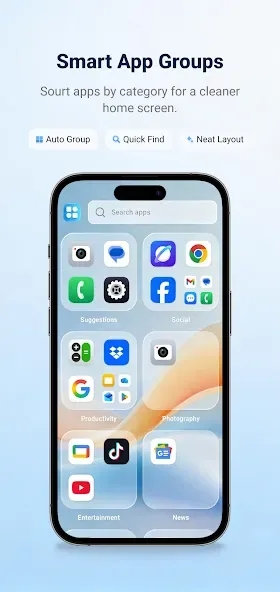
Smart App Groups
Keep your apps easier to find with simple category-based grouping. Quickly access social apps, tools, media apps, productivity apps, and more.
Useful Widgets
Add clock and calendar widgets to make your home screen more practical and beautiful.
Easy Theme Setup
Choose a theme, apply icons and wallpaper, and enjoy a refreshed home screen layout with simple steps.
Tips and Tricks:
Step 1: Download the Launcher theme app and install it.
Step 2: After you've installed it, you will be able to customize your Android device by changing the look of your home screen and lock screen.
Step 3: The Launcher theme app will allow you to change the look of your Android device by changing the look of your home screen and lock screen.
Benefits:
Change the phone theme this this amazing design and fantastic colors as you can see in the HD screenshots;
Customize app icons and change them all on your phone to match you preferred style;
Have great visual effects that you can choose from and apply to this HD Launcher;
Change the font and color to match the look of this free theme launcher.
Final Words:
Overall, Themes Launcher stands out as a comprehensive solution for enhancing your smartphone’s appearance and functionality. With its vast selection of themes, fonts, wallpapers, and ringtones, coupled with a user-friendly interface, it offers an effortless customization process. Encountering designs that need to be purchased separately can be a bummer, though.








