

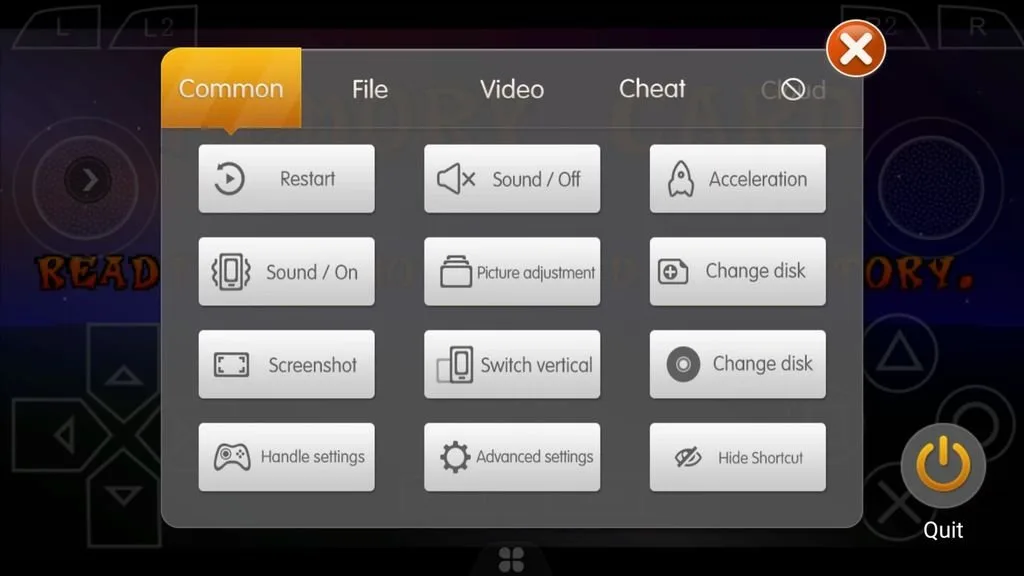
Happy Chick is a powerful Android emulator app that consolidates various classic gaming platforms into a single environment. It covers systems such as the Sony PlayStation 1, Nintendo 64, and the Game Boy series, allowing users to revisit a wide range of classic console and handheld games on their Android devices. With Happy Chick, users can relive games from different eras within the same interface and enjoy a smooth gaming experience without switching apps. Furthermore, the app supports game controllers, enabling you to play using a traditional gamepad.
Highlights:
Exclusive Public Online Multiplayer
Exclusively supports online multiplayer for Arcade and PSP games with leaderboards. Challenge your friends without leaving home – more games coming soon.
Local Area Network (LAN) Multiplayer
Whether at school, office, or on a train, with or without Wi-Fi, you can team up and play without consuming mobile data.
Easy Wins with Cheats
Supports cheats (Game Genie), one-click special moves, quick level selection for a complete experience.
Cloud Saves & Cloud Settings
Full support for game saves – back up your progress anytime. Cloud save backup and sync across multiple devices.
Features:
Support for classic game systems
Happy Chick supports 18 classic platforms, including PS1, PSP, NDS, N64, GBA, Game Boy, NES, SNES, MAME, FBA, Mega Drive, Dreamcast, and arcade systems. This lets you keep games from several generations in one app instead of moving between different emulators. Platform support can be useful when you play both console and handheld titles.
Games organized by platform and series
Happy Chick provides access to more than 10,000 classic games. You can browse titles by the console they belong to or by game series, which can make it easier to look for a particular type of game. This structure is useful if you remember the system or franchise but not the full game title.
Several ways to control games
You can play with touchscreen gestures, compatible external controllers, or motion sensor controls. Happy Chick also supports custom button settings for Android gamepads that do not use a standard layout. Therefore, you can adjust controls based on the game and the controller available to you.
Built in emulator setup
Happy Chick uses integrated emulators that are optimized for its supported platforms. This reduces the need to install, test, and configure separate emulator apps before starting a game. For players comparing a Happy Chick Emulator setup with managing several individual tools, the unified approach keeps platform browsing and play access in the same place.
Multiplayer and gameplay tools
You can use online battles with selected arcade and PSP games, while local area multiplayer allows nearby players to join supported games together. In addition, Happy Chick includes cheat codes, one tap moves, and quick stage selection. These options let you change how you approach a game when you want to revisit a specific part or use a different play style.
Simple to use:
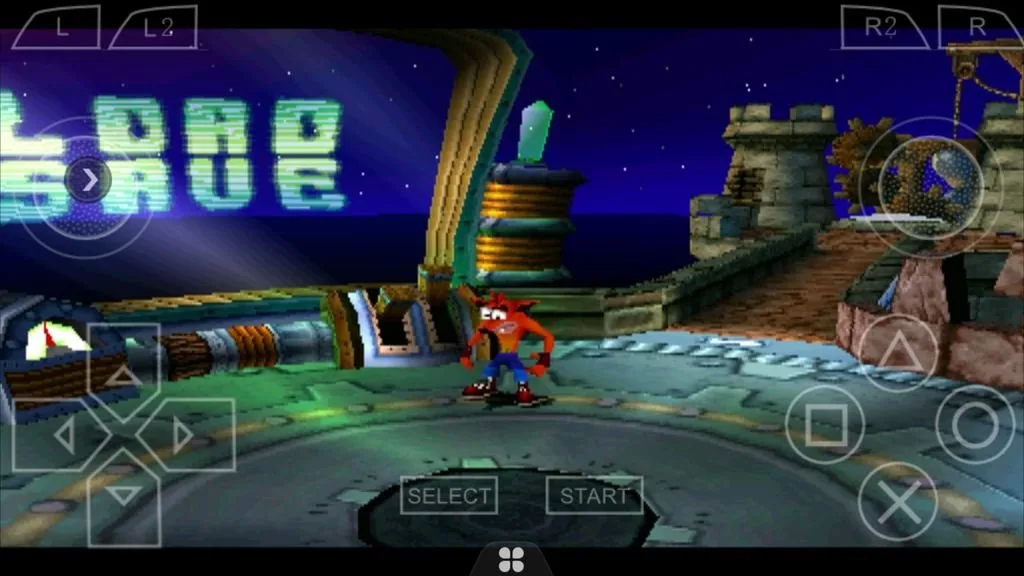
One of Happy Chick Emulator’s standout features is its innovative control options. Users can employ traditional controllers, and the utility app also supports gesture and sensor-based controls, enhancing the gaming experience by adapting to different play styles. This flexibility makes it easier to enjoy classic games with modern conveniences.
The emulator performs well across the supported platforms, offering smooth gameplay and reliable performance. The interface is user-friendly for straightforward navigation and quick access to games. However, as with any emulator, the experience can vary depending on device performance and game compatibility.
Pros & Cons:
Pros
Multi-system emulator with support for PS1, N64, and multiple Game Boy variants (GBA, GBC, SGB, GB)
Includes additional platforms such as PSP for broader handheld coverage
Offers flexible control options, including controllers, gestures, and sensor-based input
Modernized interface that looks cleaner than older versions
Great fit for nostalgic players who want many classic systems in a single app
Cons
Strong reliance on network connectivity, with offline capability still lacking
Limited ways to reach customer support and no dedicated service number
Conclusion:
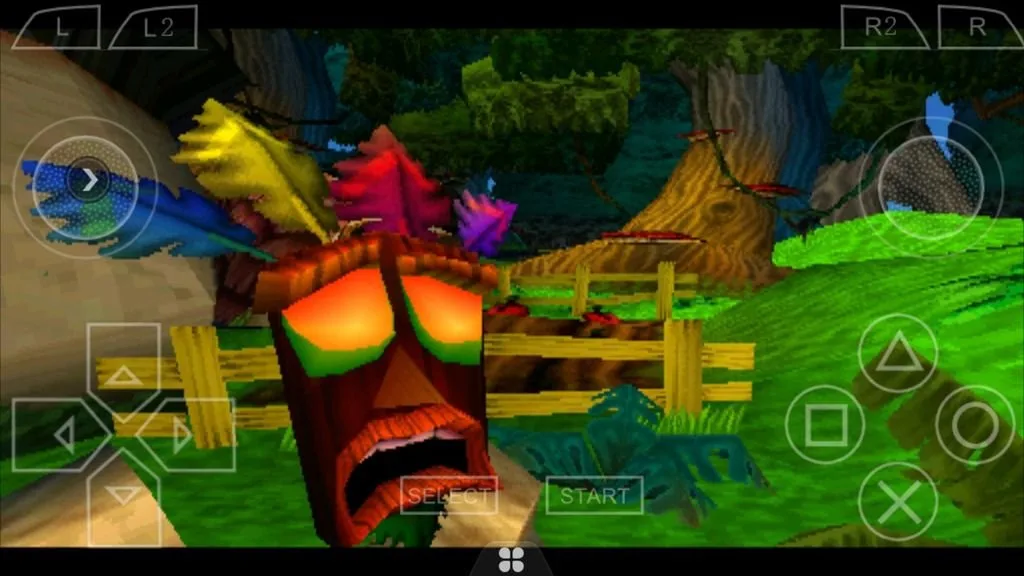
This app is able to emulate games for PlayStation 1, 2 or 3, Nintendo 64, MAME, Nintendo DS, PSP, Gameboy, and practically any other console available in the market. Plus, it lets you download Android games through its own servers. This emulator pack lets you enjoy all the classic games you can think of. Happy Chick makes it easy to find games, adapt your screen, and play with the onscreen controls or with any controller by connecting it via Bluetooth.








