

Termux is a free and open-source Android application. It offers powerful features, including a full-fledged terminal emulator that allows users to run command-line programs, shell scripts, and various terminal-based applications. With Termux, you can set up a Linux environment directly on your Android device, gaining access to standard Linux utilities, tools, and package managers. Furthermore, you can use a Python console to build simple calculators and leverage version control systems like Git and SVN to manage your projects efficiently.
Highlights:
Enjoy the bash and zsh shells.
Edit files with nano and vim.
Access servers over ssh.
Compile code with gcc and clang.
Use the python console as a pocket calculator.
Check out projects with git and subversion.
Run text-based games with frotz.
Features:
Terminal app for easy command entry
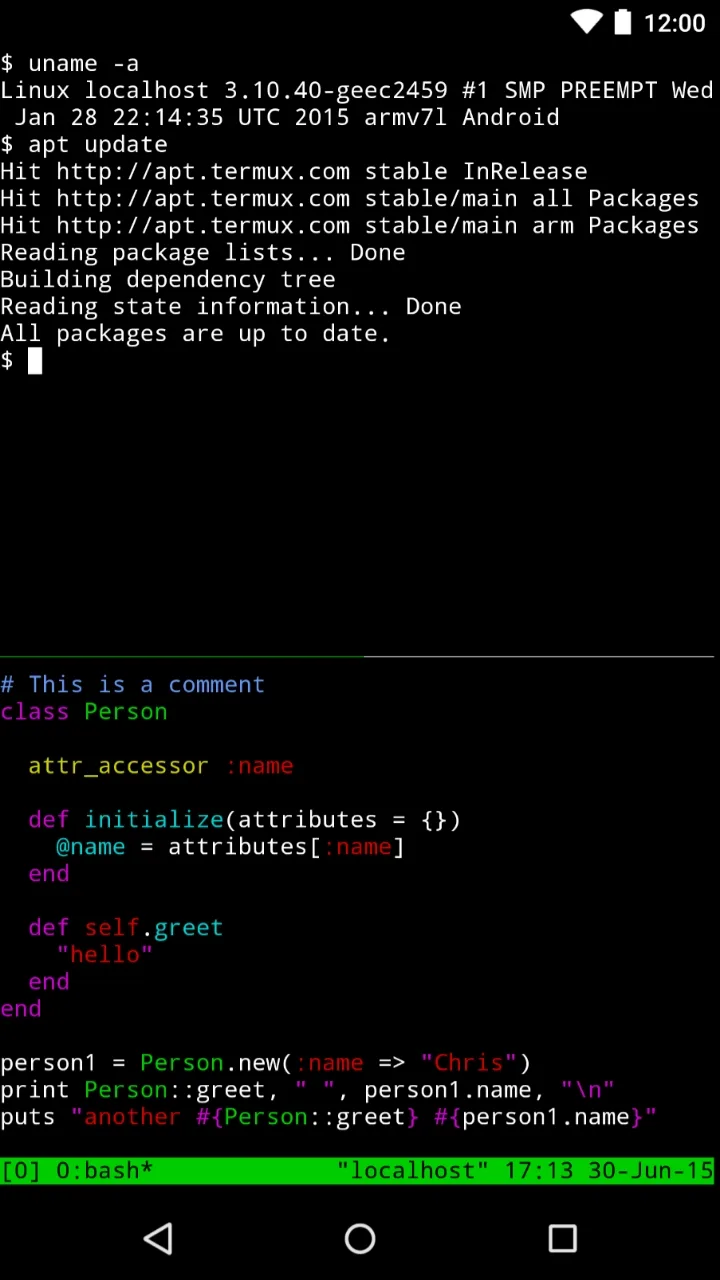
Simply tap and hold the Termux interface to access the tool's context menu. From here you can copy, paste or edit commands with great ease and freedom. In addition, thanks to the side navigation drawer, you can also manage multiple active sessions, name them or create new ones with a single tap. To further enhance the experience, you will find a notification bubble to help you optimize the device's performance.
Termux can be used without root access
You will not need root access on your smartphone to use Termux. However, if you know how, you can always combine the tool with a rooted device to install complete Linux distributions or even automate recurring tasks.
Compatibility with a number of Linux packages
Undoubtedly, Termux's great compatibility with thousands of Linux packages is one of the tool's main advantages. Without having to resort to other external apps, you can install compilers such as GCC, interpreters such as Python, NodeJS and Ruby, and even work with advanced tools such as Git, Vim, and Curl in minutes.
Termux-X11 and other variants
If you want to get even more out of the app's graphical interface, you can install Termux-x11. Through this X server you can run lightweight desktop environments directly from Android. By downloading this variant, you can enjoy an experience that is closer to a traditional Linux system.
Pros & Cons:
Pros
Feature-packed emulator
Safe and easy
Tons of terminal shell options
Compile codes and store contact list backups with ease
Cons
Requires some technical knowledge to make full use of the software
Changelog:
Increase read buffer size from 4KB to 64KB.
Fix inverted typo in termcap values for KEYCODE_PAGE_UP and KEYCODE_PAGE_DOWN.
Bump bootstrap packages.
Update java dependencies.
Conclusion:
All in all, Termux is a boon for power users who like to tweak and unlock other functions and options that Android has to offer. It's lightweight, doesn't require rooting, and can be used in a variety of ways. Beginners will encounter a steep learning curve, but if that's not a concern for you, then give this one a try. Recommended.








