

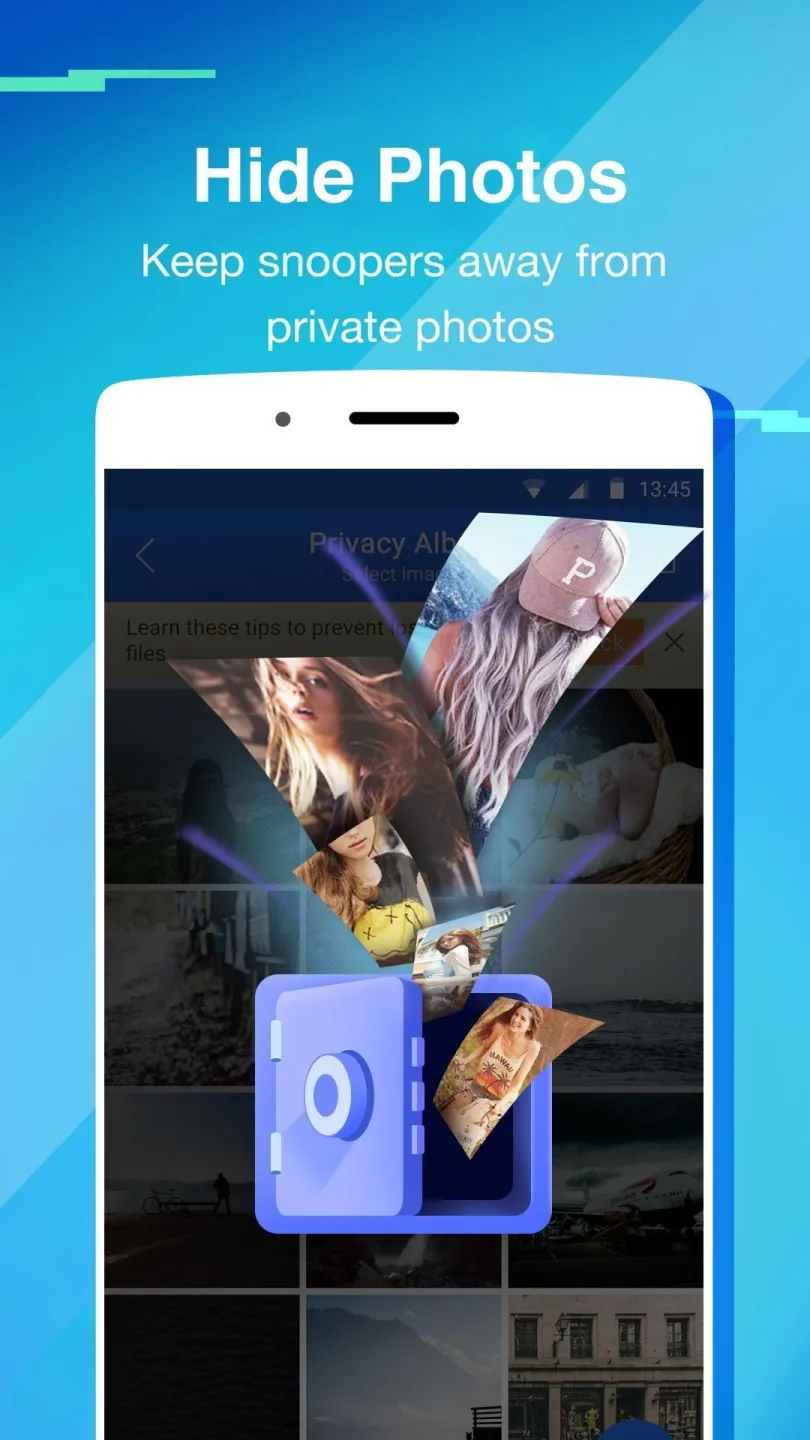
Private Zone is a privacy protection software that provides robust protection for important files, pictures, videos, and other content uploaded to the software. Users can set appropriate passwords and fingerprint recognition to prevent unauthorized access. The software also supports a private browsing function, which automatically clears the user's browsing and search history, allowing for worry-free internet access. Furthermore, users can add app locks to important applications; if someone fails to unlock the app multiple times, the app will automatically take a picture and send it to the user, enhancing device security.
Click to load YouTube / 点击加载视频
YouTube ↗Features of Private Zone:
Locks, Covers, and Break-in Alert: Files ranging from photos and music to documents and APKs can be placed out of sight, while individual apps can be protected with a PIN or lock pattern. This makes Private Zone a sensible choice for people who share a device, want to keep children out of certain apps, or store confidential material on their phone.Covers add another layer of misdirection. App Error, Beauty Cover, Fingerprint, and Unknown Call screens conceal the real unlocking method. The Fingerprint option, for example, only pretends to require biometric authentication; tapping its scanner three times opens the protected app. That is clever camouflage, though it should not be mistaken for genuine fingerprint security.Break-in Alert is more directly useful. When someone enters an incorrect PIN or pattern, the app photographs the attempted intruder. Google Drive backup provides another safeguard for stored data, particularly for anyone concerned about losing files kept inside the vault.
A Private Browser With Extra Utilities: The Discover feature keeps browsing activity inside the app, including sessions on Facebook, YouTube, and Amazon. It complements the locker well, since private browsing history can be just as revealing as a photo gallery.The cleaner and booster are convenient additions for users who would otherwise install separate maintenance tools. Still, they make the package feel less focused. The app locker, file hiding, and Break-in Alert remain the strongest reasons to use Private Zone; the maintenance features are secondary.
Functions of Private Zone:
The apps come with a built-in phone cleaner, speed booster, and a private VPN service.
These features come in additionally and remove the need to download separate apps.
Private Zone app has a recovery plus data backup feature that takes all the data or selected bits of information and keeps it as a backup in case you ever need to or accidentally delete something and want to restore it.
For added security, you can enable the app’s surveillance system. Once enabled the app will capture photos and videos of all intruders while they attempt to access the private zone.
There is also an interesting feature called the self-destruct feature. Which once enabled will destroy all the data in the vault after the 5th wrong attempt.
This app will enable you to protect your privacy with peace of mind.
FAQs of Private Zone:
How to change password?
Open AppLock, Protect, Unlock Settings.
How to stop uninstalling AppLock?
Please enable Advanced Protection in Protect of AppLock, so nobody can uninstall or kill AppLock without password. You can disable Advanced Protection when you don't want it.
I forgot my password, How to find it?
Update to the latest version first. And then tap AppLock icon, click the icon at top right corner of lock page, tap 'forgot password'.
- Security answer: enter security answer, click 'reset password'.
- Security email: click 'send code to security email', input reset code, click 'reset password'.
AppLock uses the Device Administrator permission?
To enable Advanced Protection, please activate AppLock as "device administrator". It's only used for preventing intruders uninstalling AppLock.To enable the power saving mode, please turn on the Accessibility Service. Once enabled, AppLock can monitor foreground app changes in real time, to improve locking and unlocking efficiency, reduce battery consumption, and ensure the stable operation of AppLock.
Why does AppLock need this permission?
We've received a lot of user feedback complaining that the lock fails after the phone restarts and their apps lose protection. This issue mainly stems from the delay in detecting changes in foreground apps. With Accessibility services enabled, AppLock will be informed when any app is opened and provide instant protection for locked apps, and reducing battery consumption.
Conclusion:
Overall, Private Zone is a multifunctional app equipped with a browser, file cleaner, and many more. However, its main functionalities lie in its app and file locker. With the ability to set Covers and take pictures of intruders, the app promises next-level security, in addition to your peace of mind. Unfortunately, one glaring flaw of the app is the slow load times of hidden videos.








