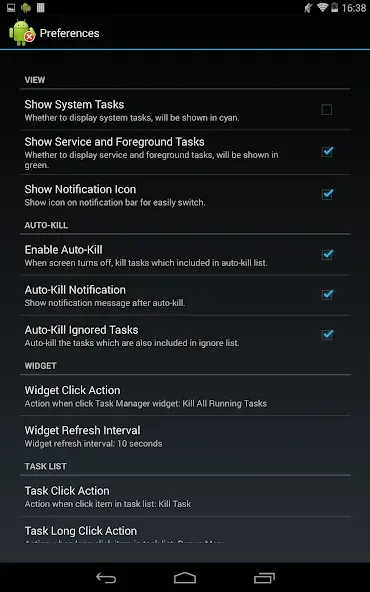
Task Manager Pro is a management tool designed for mobile devices. It allows users to monitor memory usage in real time and terminate background apps and games, thereby freeing up memory and boosting the device's operating speed. The app includes a built-in search function, enabling users to quickly locate specific applications to uninstall, update, or terminate as needed. Furthermore, the software is completely free of advertisements and pop-ups, ensuring a seamless and worry-free user experience.
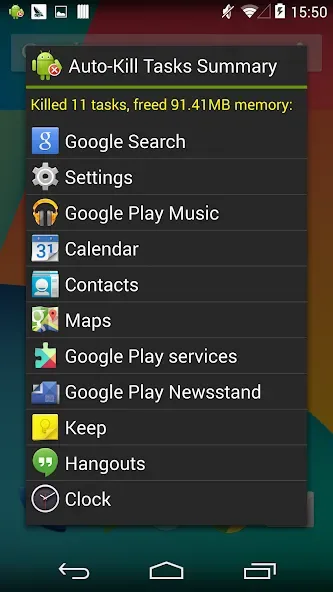
Features of Task Manager Pro:
Handy Home Screen Widget: Check your memory stats at a glance or kill off unwanted tasks in one tap. The 1×1 widget also lets you launch any app right from your home screen.
Task Sorting Options: Prefer things alphabetized? Easily sort your running apps by name, making it quick to spot what you’re looking for.
No Ads, No Distractions: Enjoy all these features in an ad-free environment, so you can focus on what matters.
Convenient Context Actions: Long-press on items to switch apps, uninstall them, ignore specific ones, set auto-kill, or even jump straight to a search if you’re curious.
Custom Ignore List: Choose which apps you always want to keep running and Task Manager Pro (Task Killer) will skip them — no worries about accidentally shutting down something essential.
Highlights of Task Manager Pro:
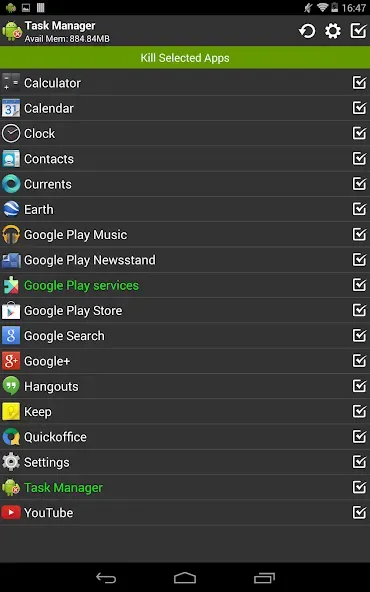
Kill task to free memory.
Context menu to switch, uninstall, ignore, auto-kill or search application.
Ignore preferred application when kill.
Bulk select and rich notification.
Directly force stop task for rooted device.