
UltData is a powerful data recovery tool for Android. This app offers a simple and quick process to help users retrieve photos, videos, and WhatsApp files from the internal storage or SD card of their Android devices, without needing to worry about whether the device requires root access. With UltData, whether you accidentally deleted important photos, videos, or files, you can quickly recover them in just three simple steps. In addition, this app supports multiple languages, making it convenient for users from different regions to use.
Highlights:
Deep Scan Technology – Thoroughly scans your device to find deleted and lost files
Photo & Video Recovery – Restore precious memories in high quality
Multiple File Types Supported – Recover photos, videos, contacts, messages, and documents
Preview Before Recovery – View files before restoring to ensure accuracy
Fast & Easy Recovery – Simple steps with quick processing speed
Safe & Secure – Protects your privacy with secure recovery methods
Get your files back:
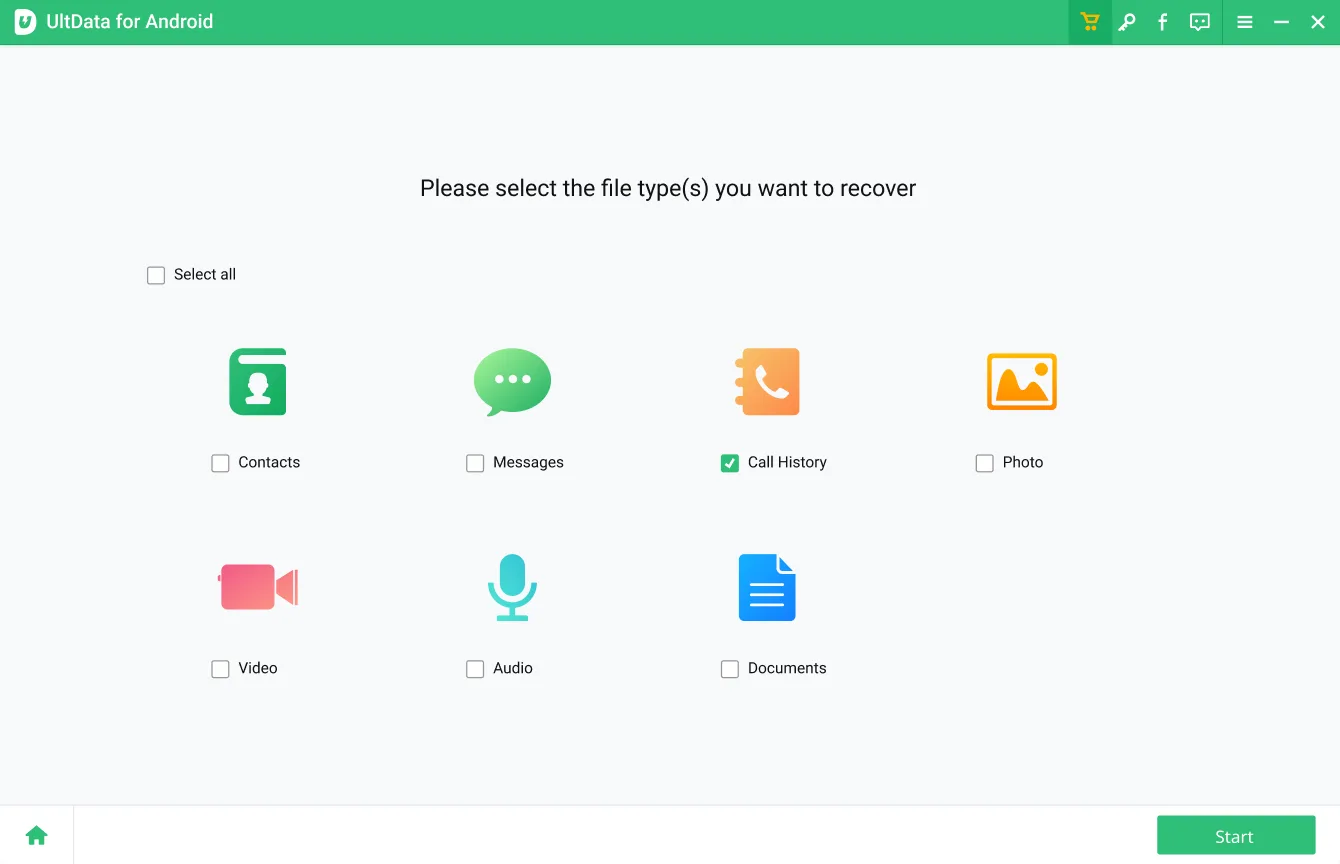
There are four ways to use UltData, and you get to choose which one right away from the main screen. You choose to scan for photos, videos, and audio files to check if they can still be retrieved. Pick one to proceed and a list of results will be presented after. You can filter them by Time and File Size to further narrow down your search.
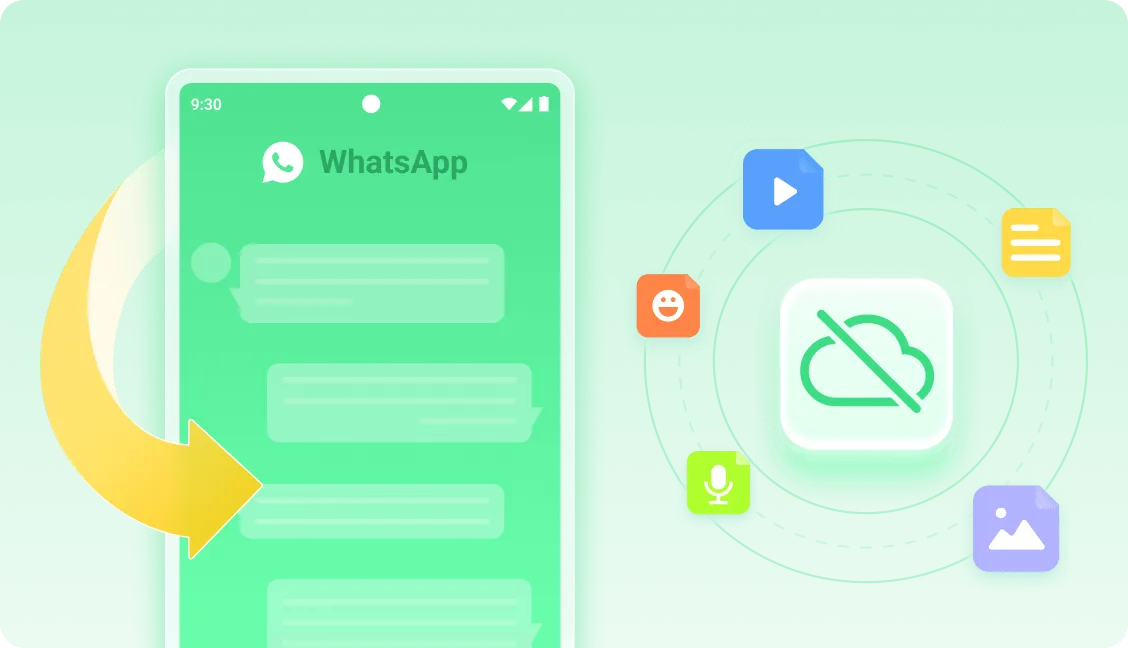
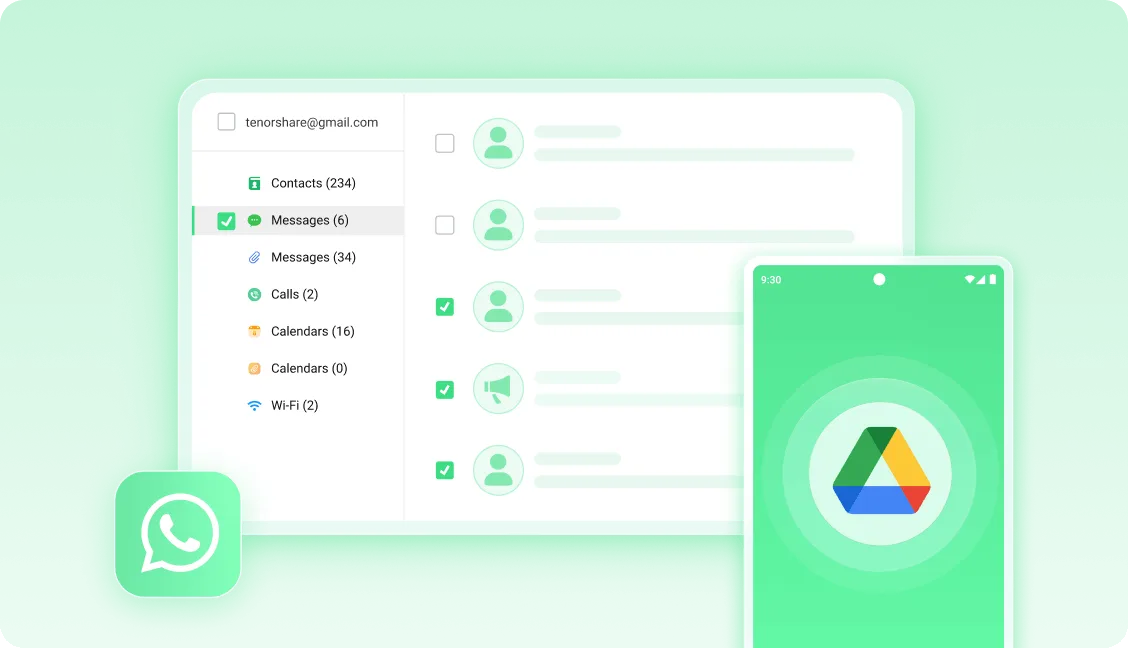
Regardless of which one you choose, this app will let you preview results before deciding to recover, letting you save on time and storage space. Apart from all that, there is the WhatsApp Recovery feature, which as its name suggests, will let you recover data from the popular messaging service. It covers the media types mentioned above and adds documents and chat logs to the list.
One thing of note is that compared to other similar solutions, this app does not require root access to function. As such, you won't need to do any complicated tweaking to get it to work. Now, with all that being said, just be aware that there's no guarantee that you will be able to recover your files as there are multiple factors involved.
Features:
Data Recovery: This app can effectively recover photos, videos, and WhatsApp files from both Android internal memory and SD card.
No Root Required: You can recover your lost data immediately without the need to root your Android device.
Easy Recovery Process: The app enables you to recover files on Android without a computer in just three simple steps - install, scan, and recover.
Quick Filter: After scanning, you can filter files by size, file types, and date to easily find and select the items you want to recover.
Preview Functionality: You can preview and play the scanned files before performing the recovery to ensure you can successfully retrieve the desired files.
Multi-Language Support: The app supports multiple languages, making it accessible to a wide range of users.
Pros & Cons:
Pros
Scans internal storage and SD cards without root access
Filters results by time and file size
Previews files before selective recovery
Includes WhatsApp and WhatsApp Business recovery
Cons
Recovery success is never assured
Some scans may return existing files or poor thumbnails
Final Words:
With its easy-to-use interface, quick scanning capabilities, and comprehensive file recovery options, this app ensures that you can retrieve your lost data without any hassle or risk. Whether you need to recover photos, videos, or WhatsApp files, UltData has got you covered. Download now and regain access to your valuable files in no time!








