

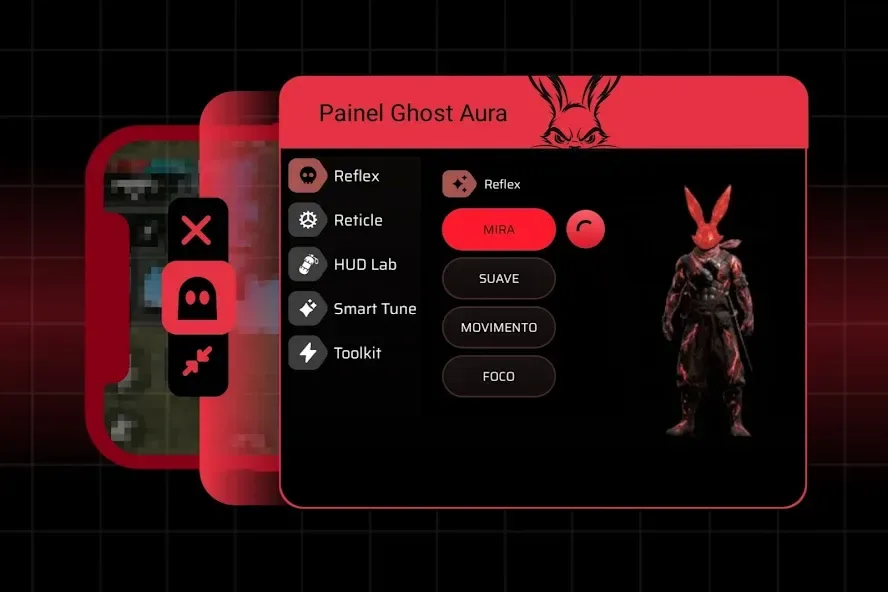
Ghost Aura is a lightweight, free utility app for Android. Compact and convenient, it features a floating overlay that provides sensitivity setting recommendations, allowing users to make adjustments based on their personal preferences for a tailored experience. With Ghost Aura, users can monitor key device information in real time and easily toggle static visual aids on or off during gameplay. Furthermore, the app offers sensitivity reference values based on individual preferences; you can manually input these suggested settings into your games to optimize your personal gaming experience.
Highlights:
Improved Graphics: Makes the game look better, so you can see everything clearly and enjoy the beautiful visuals.
Steady FPS (Frames Per Second): Keeps the game running at a steady speed, which means no more annoying pauses or glitches.
Lag Fix: Reduces lag, so your game responds quickly to your actions, making it easier to win!
Features:
Dark Aura Interface
A clean red and black design with smooth navigation, offering a modern panel experience that is easy to understand and simple to use.
Floating Panel Tools
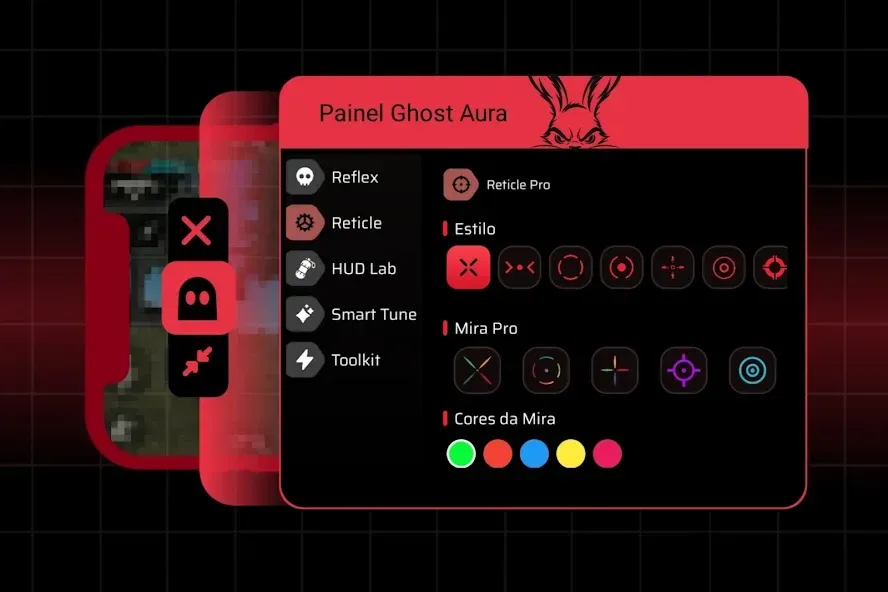
Activate the switch button to open a floating panel on the screen and access useful visual options such as reticle styles, trick button customization, HUD layout settings, and basic adjustment controls.
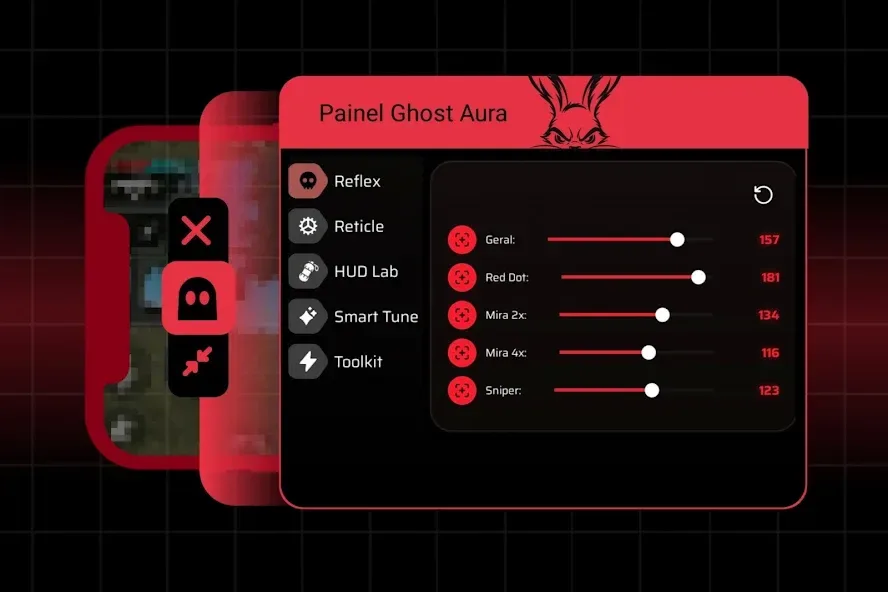
Sensitivity Preferences
Easily adjust general sensitivity options to create a more comfortable setup for your personal play style.
Device Information
Check useful phone details such as FPS, ping, temperature, RAM usage, and live monitor status before starting a Free Fire session.
Smart Setup Experience
Ghost Aura Dashboard keeps tools organized in one place, helping users customize the visual layout, manage configuration preferences, and view device status through a simple dark dashboard interface.
Tips and Tricks:
Keep Your Device Updated: Make sure your Android device is running the latest software updates. This helps the app work more effectively.
Close Background Apps: Before playing, close any apps running in the background. This frees up resources for your game.
Regularly Check for Updates: Keep an eye out for updates to the Ghost Aura APK. New versions often come with improvements and new features.
FAQs:
What is Ghost Aura APK?
Ghost Aura APK is a lightweight performance optimization tool designed specifically for Free Fire players on Android. It helps boost FPS, reduce lag, optimize touch response, and improve overall gameplay stability without modifying game files.
Is Ghost Aura APK safe to use?
Yes, Ghost Aura APK is completely safe. It's a performance optimization tool that doesn't modify any game files or require root access. It simply optimizes your device's settings for better gaming performance.
Will using Ghost Aura get me banned in Free Fire?
Ghost Aura is a device optimizer, not a cheat or hack. It optimizes your phone's performance settings rather than modifying the game. However, we always recommend using any third-party tools responsibly and at your own discretion.
Is Ghost Aura free to download?
Yes, Ghost Aura APK is completely free to download and use. There are no hidden charges, subscriptions, or premium features locked behind paywalls.
Final Words:
The Ghost Aura APK is a fantastic tool for anyone who loves playing Free Fire on their Android device. It helps make the game run smoother, look better, and respond faster. With easy installation and a user-friendly interface, it’s a must-have for gamers who want the best experience possible. So, why wait? Download the Ghost Aura APK today and take your gaming to the next level!








