
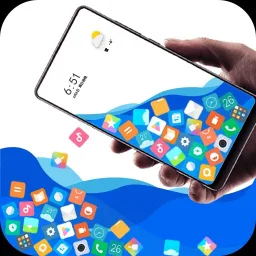
Rolling icons is an entertainment-oriented icon tool. The app offers scrolling methods such as gesture control and gravity sensing, allowing users to interact with app icons and photo icons in a completely new way, generating various collision and spark effects. With Rolling icons, users can easily make various icons roll, collide with each other, and create cool spark effects with simple gestures or gravity sensing. Furthermore, the app offers extensive customization options, enabling you to curate your own unique collection of rolling icons for a highly personalized experience that you control entirely.
Highlights:
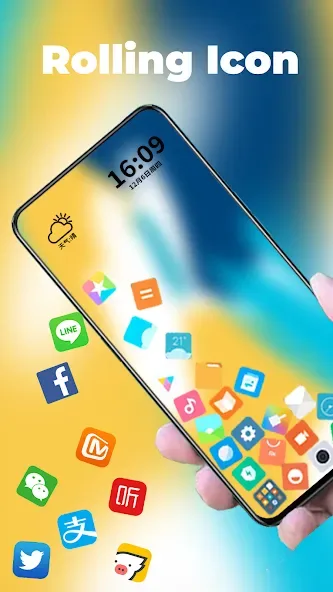
Rolling icons lets you use a live wallpaper that simulates the look of an app launcher that you can populate with various custom icons and photos. You can add as many as you like, control their size, and even use your preferred background if you want.
It lets you flick icons across the screen. It also detects gyro-based movements and reacts accordingly as you see them fall, collide, and roll all over the edges of your screen. All that said, it can end up getting in the way of certain screen interactions, gestures, and taps.
Rolling icons is a fun live wallpaper app that provides simple fun. However, it ultimately becomes an unavoidable distraction and hindrance when you actually need to interact with your home screen. It's mindless entertainment for a little while, but you'll end up disabling it to get any work done.
Features:
Interactive Universe: After using this app, your phone will look like a miniature world that is active. The special thing is that you can interact with it.
Gravity Playground: The app will give you a feeling like you can completely manipulate both gravity and gravitational force.
Custom Personality: There are quite a few pre-made templates and they are classified by theme. This is so that you can easily express your style by choosing a template that you like.
Dual Gravity Forces: This app becomes even more interesting when the user can add a second zero gravity space running parallel to the previous space.
Phone Physics Sims: Both zero gravity environments on your phone will also have their gravity index set by you in 2 different ways.
Unique Experiences: Your icons will continuously float back and forth between the 2 spaces and each space will have a different effect on the icons, creating quite an interesting competition.
Tips for Users:
Rolling with gesture: The app icon and photo icon can be rolled using gesture controls, adding a cool and dynamic element to the user experience. It also allows for collision and sparks effects, making it visually appealing.
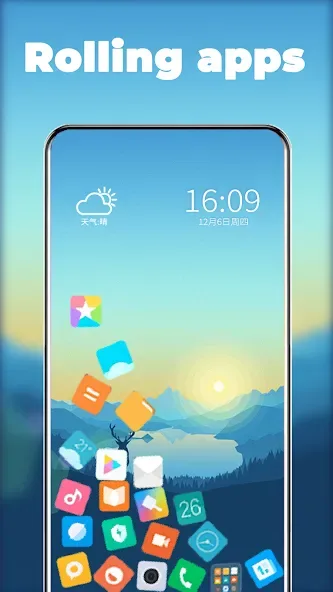
Rolling in launcher: When set as the live wallpaper, the app enables the launcher to rock and roll, creating an awesome and unique effect.
Customization: The app allows users to customize various aspects such as selecting which icons to roll, how many icons to display, and the size of the icons. This level of customization adds a personal touch and makes the user feel in control.
Pros & Cons:
Pros
Responsive rolling and collision effects
Photos and emoji can open assigned apps
Flexible icon sizing and background choices
Cons
Moving icons hinder taps and gestures
No folders or multiple screens
Final Words:
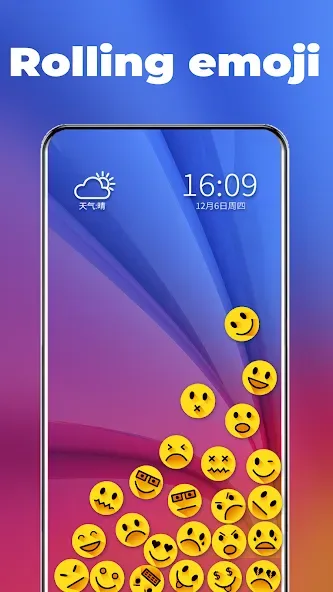
Another fun option is adding emojis to your cascade of icons. Again, you can select exactly which emoji you want to appear, and, as with the photos, you can link the emoji to an app, so the app will open when you tap on it. Download Rolling icons to give your Android device a more dynamic and fun look. It may take you a few seconds to find the icon for the app you want to open, but it's worth it because you'll have more fun and can even surprise your friends.








