

T2S is a text-to-speech tool designed for the Android operating system. It allows users to convert text documents in various formats into spoken audio, which can then be saved for use anytime, anywhere. The app also features a built-in browser, enabling users to open web pages and have their content read aloud. Furthermore, it supports cross-platform functionality: simply enter a URL, and the app will convert the webpage text into audio. Most importantly, T2S supports offline use, offering added convenience for users.
Click to load YouTube / 点击加载视频
YouTube ↗Features
Read Text from Files
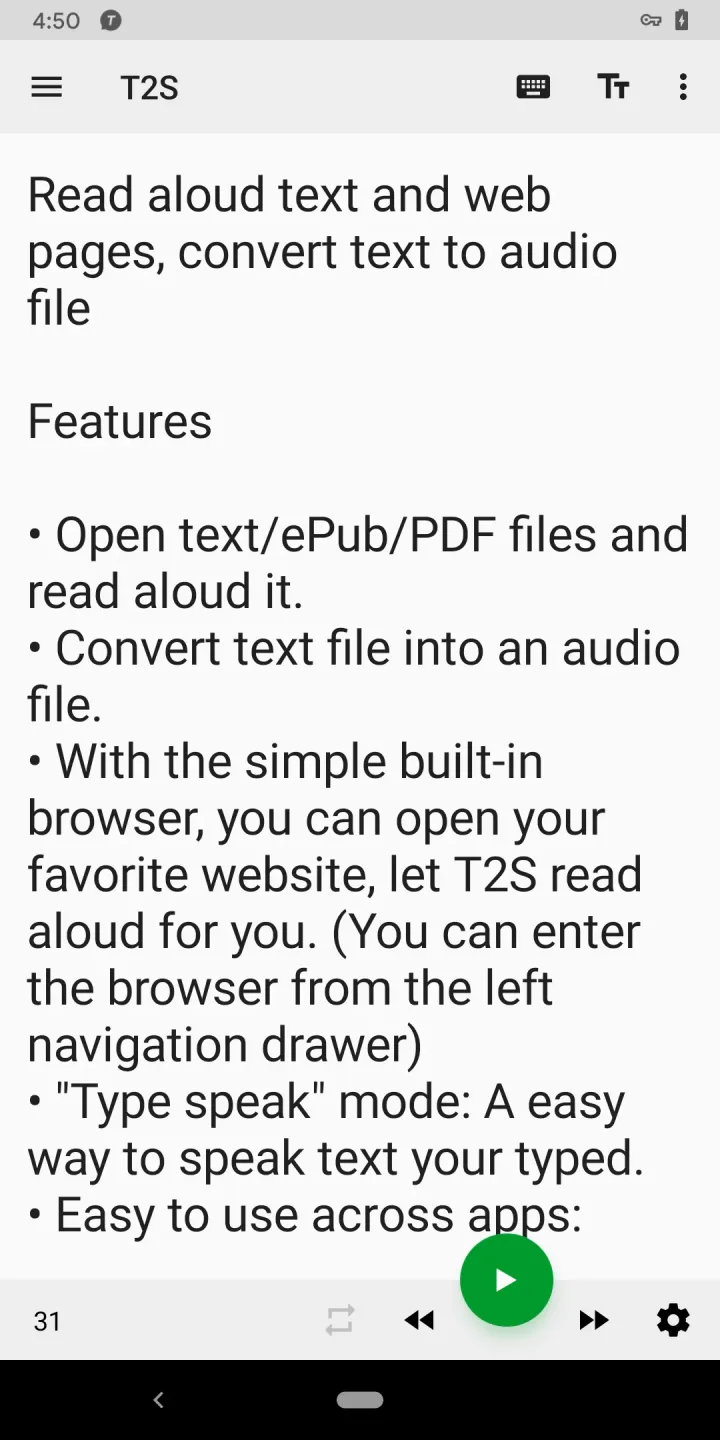
T2S can open text, ePub, and PDF files, reading them aloud with clear, natural-sounding speech. This allows you to listen to books, reports, and saved documents without needing to manually copy the content.
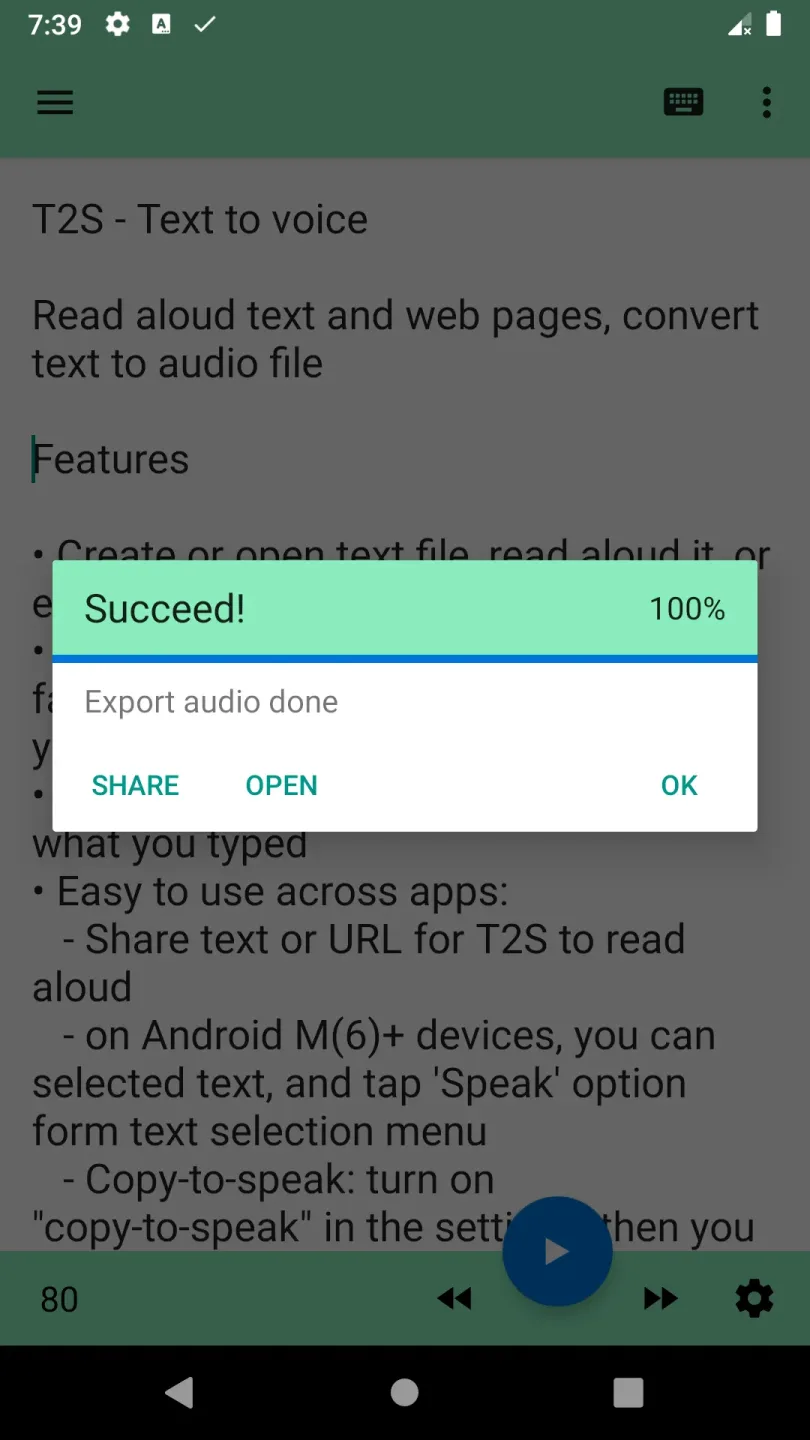
Save Audio from Text
Convert text files into audio files for later playback—perfect for reviewing study notes or long articles while offline.
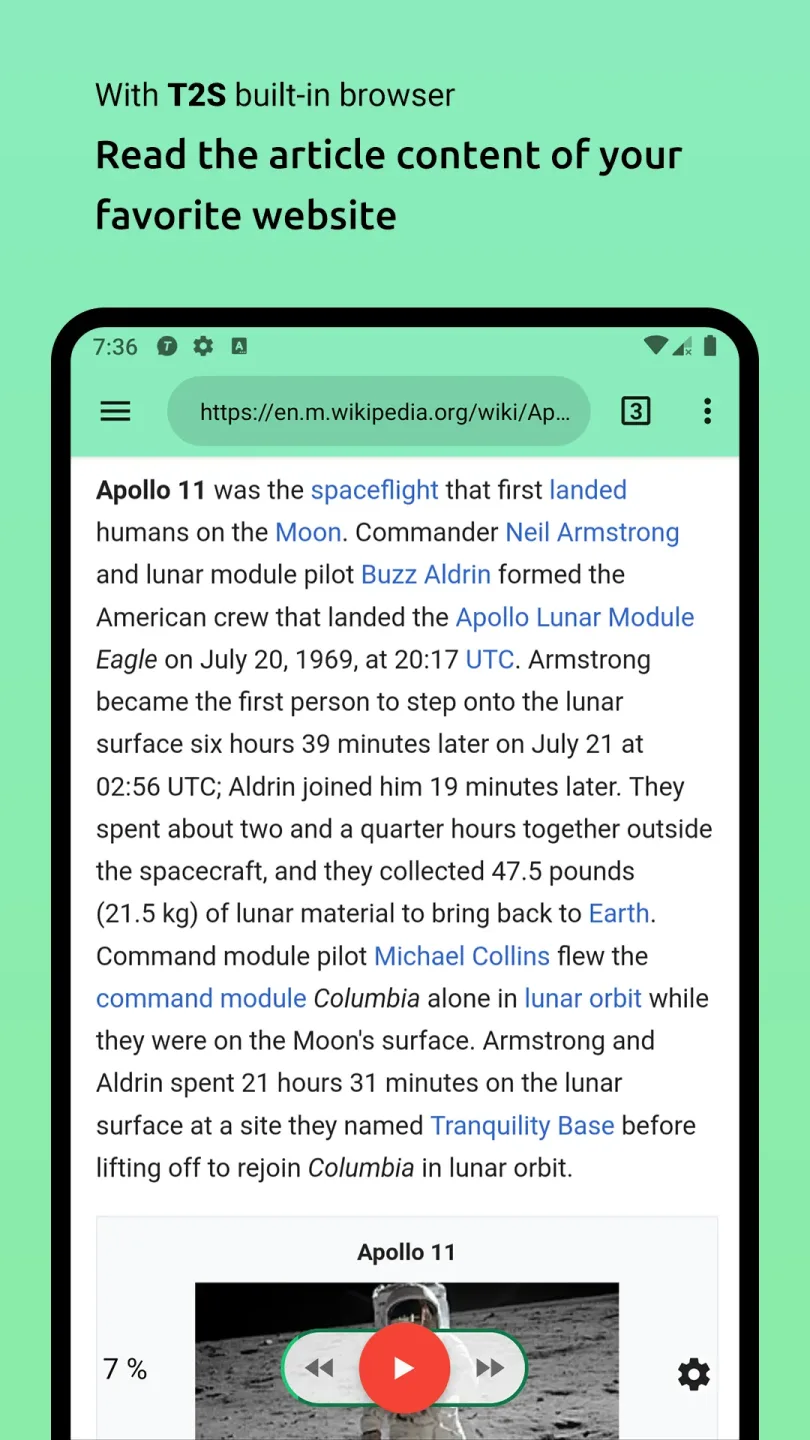
Built-in Browser Reading
Use the integrated browser to visit your favorite websites and have T2S read the page content aloud. You can also access the browser quickly via the side menu.
Cross-App Integration
Share text or URLs from other apps to T2S to have them read aloud. For URLs, the app can load the page and extract the article text.
On Android 6 or higher, the latest version of T2S allows you to select text within other apps and tap "Speak" from the text selection menu (this requires the other apps to use standard system components).
Alternatively, copy text or a URL and tap the floating "Speak" button to listen to the copied content. This feature can be enabled in the settings.
Pros and Cons
Pros:
Reads short to medium-length passages clearly.
Straightforward text-to-speech workflow with minimal distractions.
Useful for studying, aiding comprehension, and listening to drafts.
Cons:
Limited selection of voices and customization options.
May process longer passages more slowly.
FAQs
How long does it take to download the T2S app?
The T2S app has a file size of 39.3 MB. With a stable 4G, 5G, or Wi-Fi connection, the download time can range from a few seconds to several minutes, depending on your network speed.
Why am I unable to download or install the app?
Common reasons include insufficient storage space, an incompatible Android version, an unstable network connection, a corrupted download file, or a lack of necessary installation permissions.
What are the system requirements for the T2S app?
The latest version of the T2S app requires Android 6.0 or higher. If your device is running an older version of Android, please check whether a compatible, earlier version of the app is available.
Conclusion
The T2S app (text-to-speech/read-aloud) is a practical tool that converts text from various formats and sources into speech. It supports ePub e-books, PDF documents, and plain text files, allowing users to listen to content while engaged in other activities, or providing an audio alternative for those who prefer an option other than traditional reading.








