
Good Lock is a modular customization suite designed for Samsung smartphones. It allows you to tailor various aspects of your device’s interface, making your screen more functional. You can curate a library of your frequently used apps for quick switching, and configure a clean yet powerful navigation system. In short, Good Lock enhances the capabilities of your Samsung phone, offering extensive customization options that make your device even more convenient to use.
Features
Lock Screen and AOD Customization
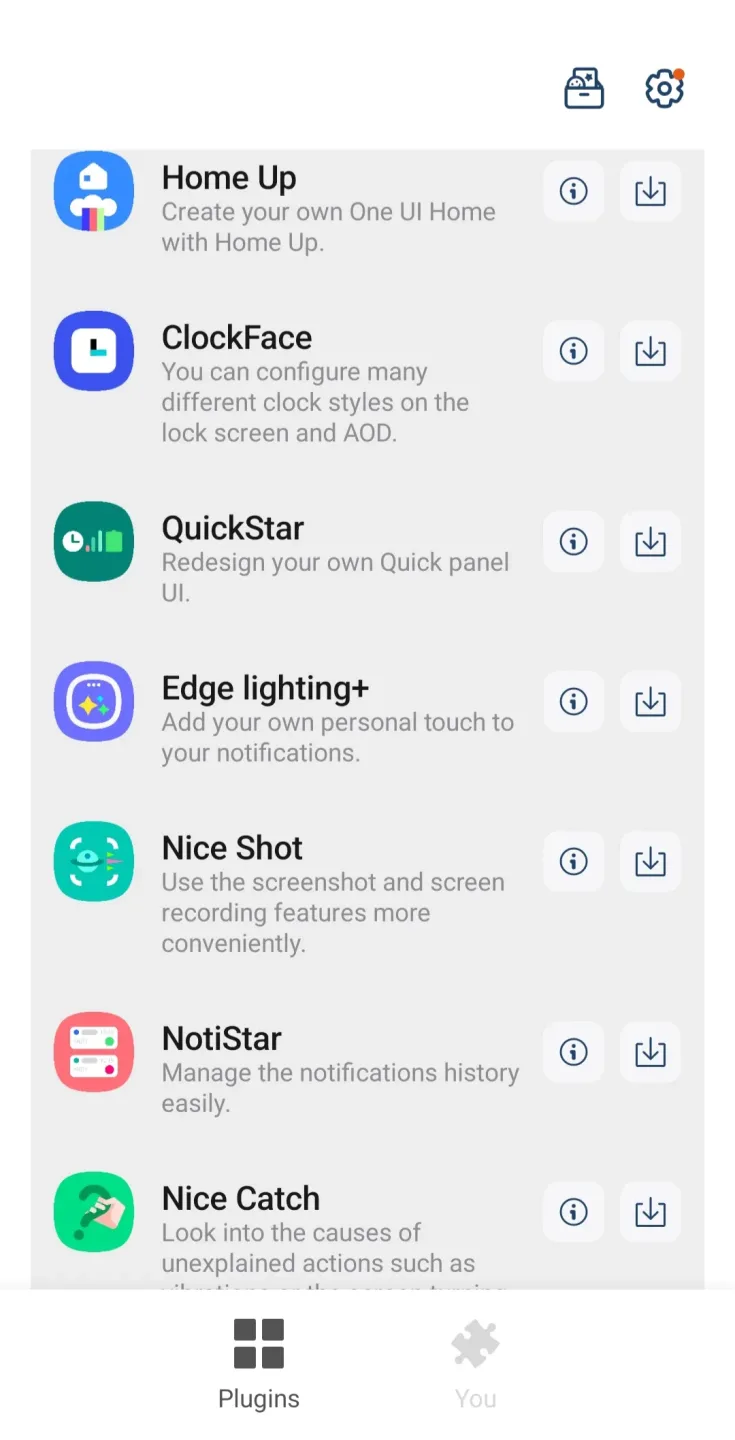
With LockStar and ClockFace, Good Lock gives you precise control over the layout of your lock screen and Always-On Display (AOD). You can reposition the clock, notifications, and shortcuts, and select clock faces that perfectly complement your theme. Preview your changes to ensure essential information remains clearly visible, and maintain a consistent layout every time your screen lights up.
Quick Settings and Status Bar Control
Focus on the top area of the One UI interface. You can rearrange quick-access toggles, refine status indicators, and hide items you rarely use. This keeps your status bar clutter-free and ensures that your most frequently used controls are always within reach when you swipe down the panel.
Enhanced Home Screen Experience
Home Up optimizes the One UI home screen, delivering a reliable and streamlined navigation experience. It offers various folder styles and grid options, allowing you to arrange icons and folders in a way that best suits your personal habits. Additionally, it provides tools for the "Recents" (Recent Apps) screen, making app switching smoother and more predictable—even during your busiest days.
Navigation and Gesture Adjustments
NavStar lets you fine-tune how you interact with your phone. You can reorder navigation buttons, swap their functions, or adjust gestures to better match how you hold your device. Once configured, everyday actions—such as going back or accessing the overview screen—will remain consistent across all your apps.
Central Hub and Module Management
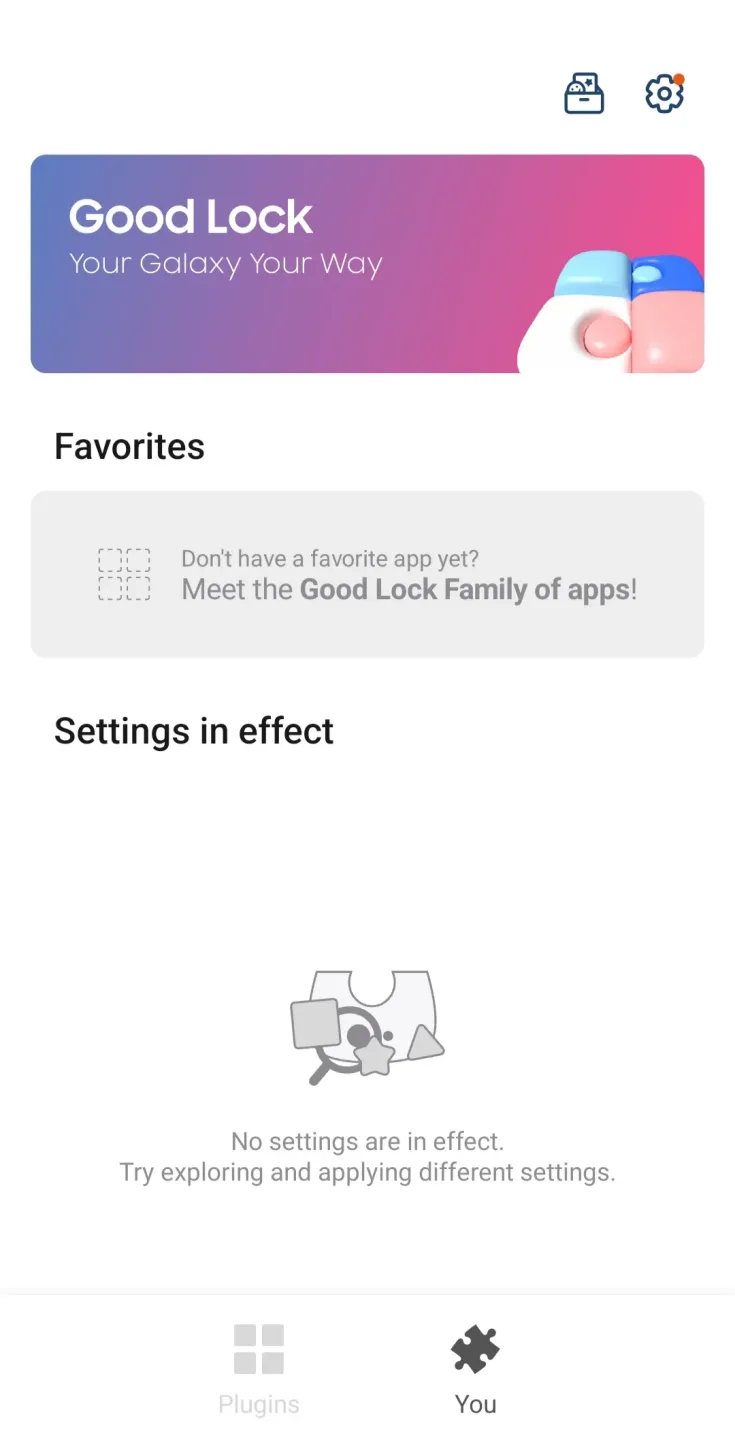
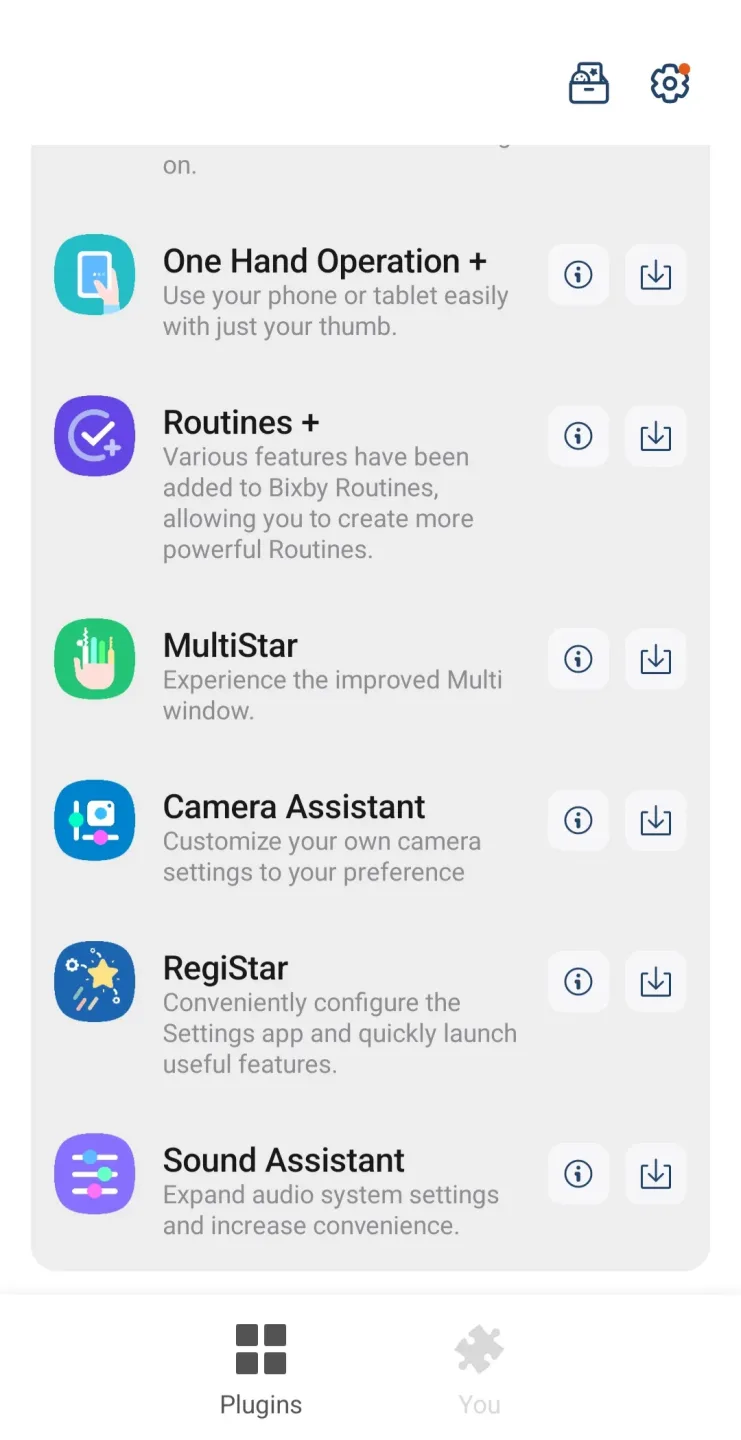
Serving as a unified hub for all its modules, Good Lock is divided into two categories: "Make Up" (for visual enhancements) and "Life Up" (for functional utilities). You can mark your favorites, perform batch updates, review update history, and use the "Reset All" feature to quickly revert any experimental changes. The built-in catalog helps you explore a variety of add-on features, such as multi-window tools, audio utilities, routine enhancements, and visual options—like "Wonderland" for creating dynamic, responsive wallpapers. You can safely enable or disable each module whenever you like.
Usage
Open Good Lock and grant any requested permissions so the app can apply system-level changes.
Browse the "Make up" section for visual customizations or the "Life up" section for functional utilities, then select the module that suits your needs.
Follow the on-screen prompts to enable or update your chosen module, then launch it from within Good Lock.
Adjust the available settings, preview your changes (where applicable), and apply them to your lock screen, home screen, or panels.
Mark frequently used modules as favorites for quick access, and use the "Reset all" feature in Good Lock if you ever need to undo your changes.
Pros and Cons
Pros:
A wide selection of modules to choose from.
Compatible with many Samsung smartphones and tablets.
Customizable installation.
Cons:
Not all device models are supported.
FAQs
What can the Good Lock app do?
With this app, you can reposition elements on your phone screen and change your screen backgrounds. You can also customize how notifications appear and set their priority according to your preferences.
How can I create my own themes using this app?
The "Theme Park" feature allows you to create custom themes based on the colors of a chosen wallpaper. In addition to receiving color suggestions, you can now use a color mixer to blend your own custom colors.
How can I customize Dark Mode on my Samsung phone?
Dark Mode support allows you to tailor the experience, applying a dark theme to your Quick Settings panel and app backgrounds.
Conclusion
Simply put, if you own a supported Samsung smartphone or tablet, the Good Lock app is a must-have—you should install it as soon as possible. The sheer number of ways it can enhance your device experience is too good to pass up. Give it a try and see for yourself. Highly recommended.








