

3X VPN is a VPN tool designed for the Android operating system. It allows users to connect to servers located around the world through a simple, one-tap process. The tool also supports acceleration for gaming services, making it an excellent choice for gamers. Furthermore, 3X VPN places a strong emphasis on user privacy; it does not log user data or personal information, and it encrypts all services to ensure the security of user privacy. With its intelligent algorithms and clean, minimalist interface, 3X VPN is an ideal option for users.
Features
A key feature of 3X VPN is its commitment to privacy. The app guarantees that it will not record users' online activities or leak personal information—a crucial benefit for those concerned about their digital footprint. When the VPN is active, all traffic—including both UDP and TCP protocols—is encrypted, further bolstering data security. This allows users to browse the web, stream content, and conduct online transactions with greater peace of mind, ensuring their privacy remains protected.
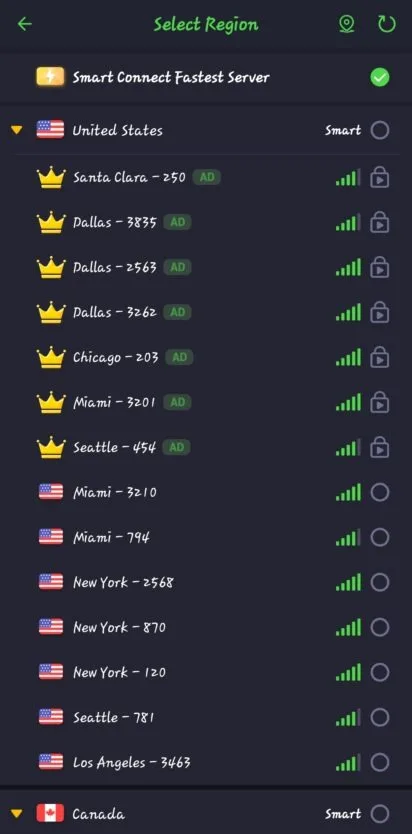
3X VPN utilizes an intelligent connection algorithm that automatically selects the fastest available server for the user. This optimizes the browsing experience, enabling quick internet access without the need for manual server selection. With a vast network of servers distributed globally, the app offers a wide range of connection options, which helps to enhance both browsing speed and stability.
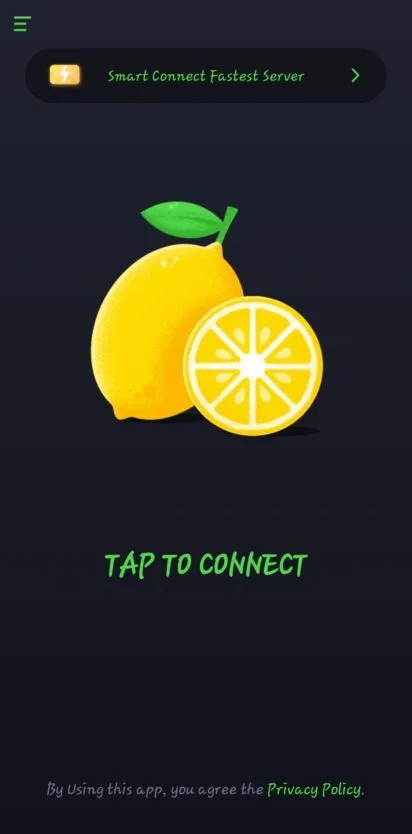
The user interface of 3X VPN is designed to be intuitive and easy to navigate. Its clean, straightforward layout ensures that users can operate the app without encountering unnecessary complexity. This focus on user experience is reflected in the one-tap connection process, allowing users to activate the VPN service effortlessly at any time. Additionally, the app requires no extra permissions, further simplifying the installation and setup process.
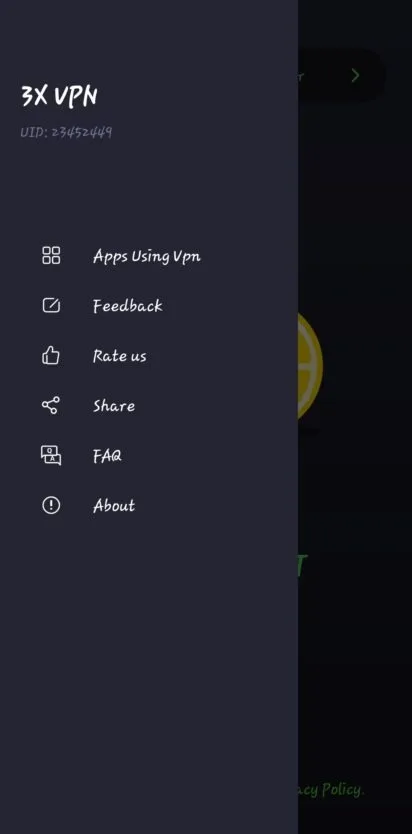
In terms of functionality, 3X VPN allows users to specify which applications should be routed through the VPN proxy. This flexibility gives users control over their online activities, enabling them to choose which apps benefit from the enhanced security provided by the VPN. This feature is particularly useful for users who prefer not to route all of their network traffic through a VPN, yet still wish to secure specific online activities.
Pros and Cons
Pros:
One-tap connection with automatic server selection
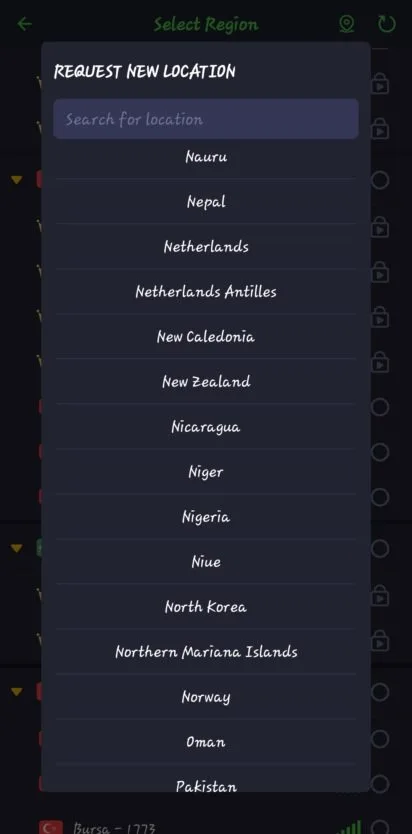
Servers located in multiple countries/regions
Remembers previous connection preferences
Includes game acceleration
Cons:
Potential for slower speeds and connection issues
Lacks technical details regarding encryption and privacy policies
FAQs
Does 3X VPN provide privacy protection?
Yes. With this app, you benefit from anonymous browsing, genuine privacy protection, and a guarantee that no activity logs are kept.
Does it offer multiple server locations?
3X VPN uses a smart connection algorithm to connect you to the fastest available VPN server. It is an excellent choice for Android—simple and user-friendly, allowing you to enable or disable the proxy with just a single tap.
Is it easy to connect to the VPN service?
This VPN app offers a convenient connection process; you can secure your connection quickly and easily with the press of a single button.
Conclusion
If you want a secure and unrestricted internet experience on your device, consider giving 3X VPN a try. Its advanced security features protect your browsing privacy from prying eyes. Whether you want to unblock websites or access geo-restricted content, it serves as a practical tool that ensures your online safety.








