
DU Screen Recorder is a video tool designed for the Android operating system. It allows users to record high-definition (HD) videos, with the flexibility to adjust resolution and various other settings based on the specific device being used. Users can also import existing videos into the app for editing. The built-in video editor offers a wide range of features, enabling comprehensive customization. Furthermore, the app supports live streaming, allowing users to broadcast directly to YouTube and various other social media platforms, while also facilitating real-time interaction with the audience.
Features
High-Quality Screen Recording
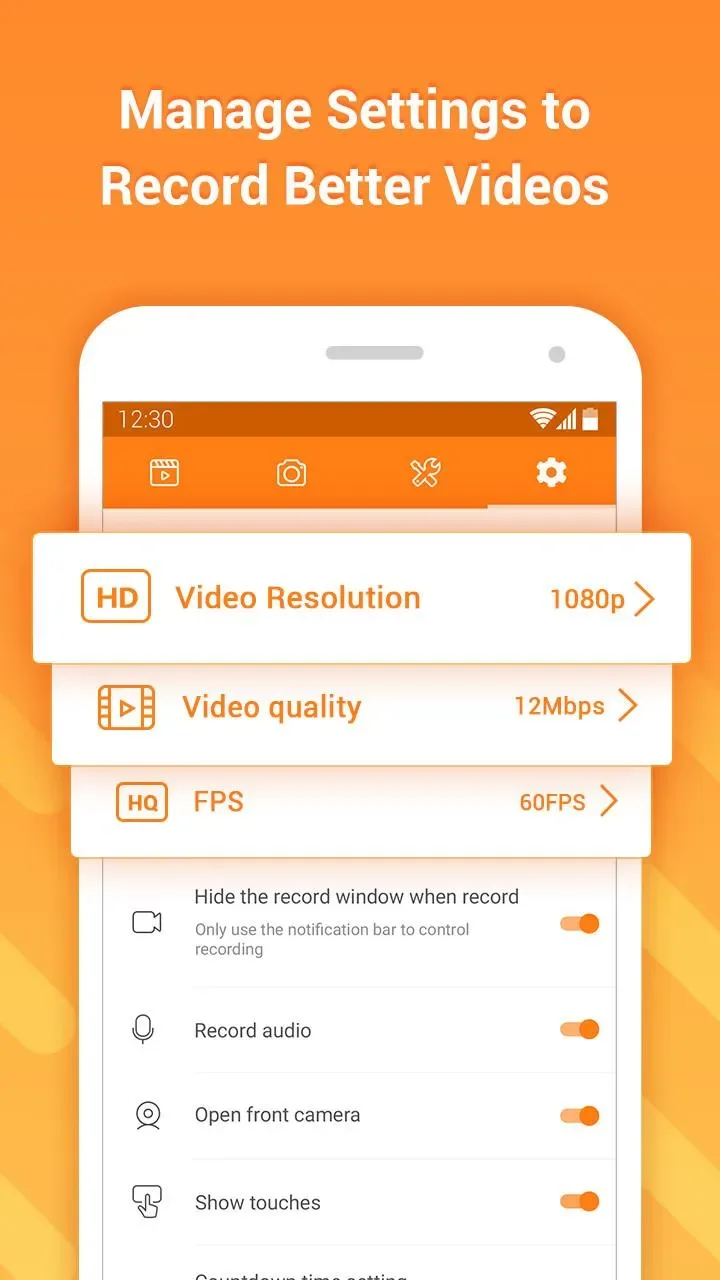
DU Screen Recorder supports high-definition recording at up to 1080p and a smooth 60 frames per second (fps). You can customize the resolution, bitrate, and frame rate to suit your device and the content you wish to share. The app allows you to pause and resume recordings, and you can even display on-screen taps—a useful feature for demonstrations.
Live Streaming Toolkit for Major Platforms
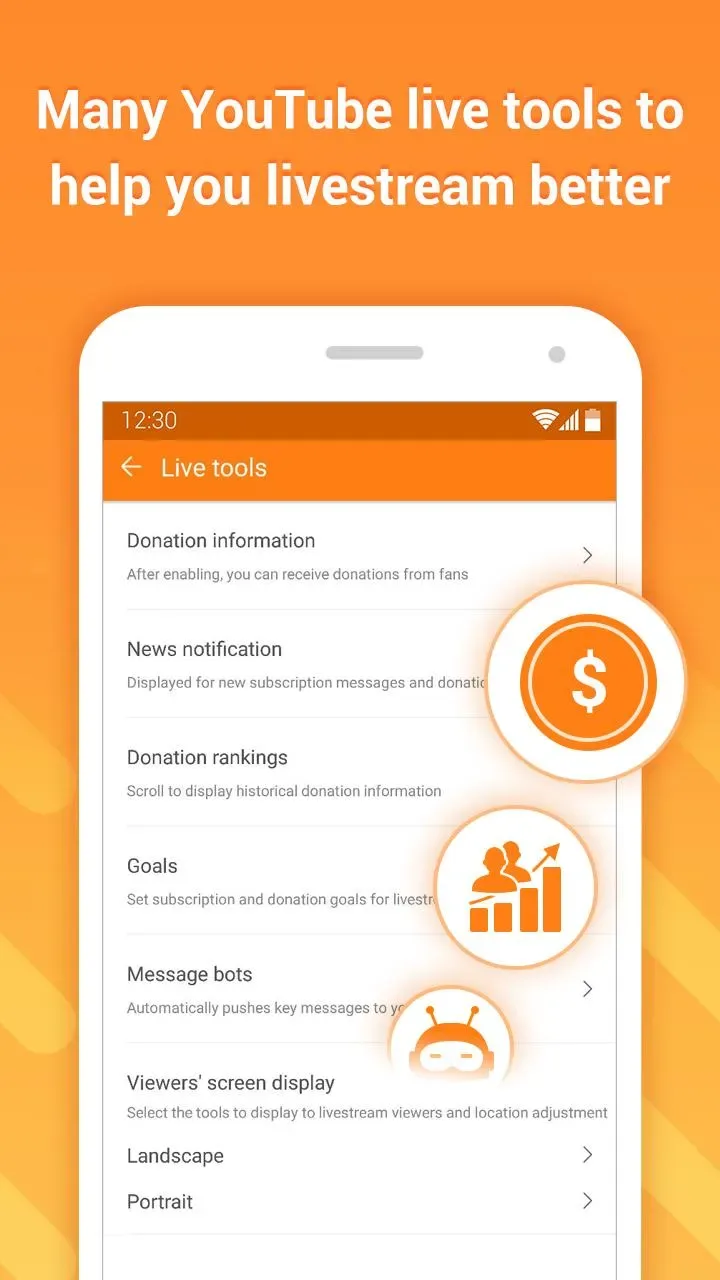
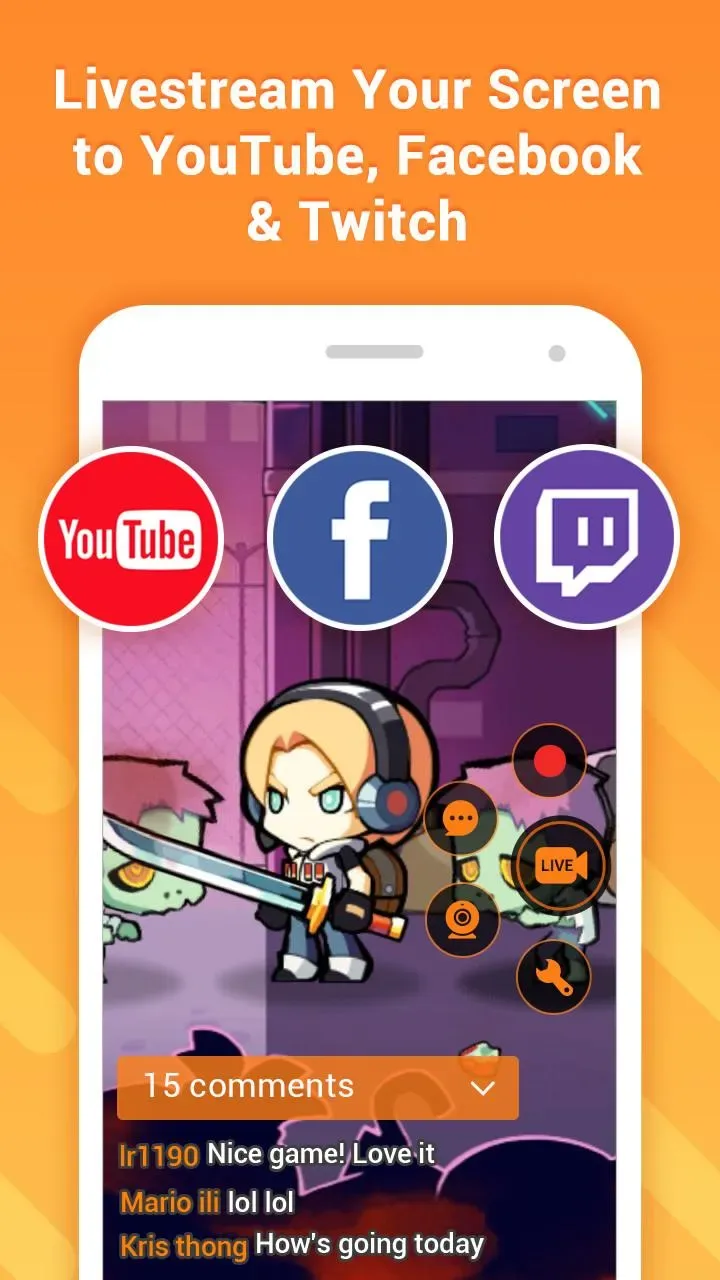
You can stream directly from DU Screen Recorder to platforms like YouTube, Facebook, or Twitch. The app supports real-time on-screen comments, displays for donations and subscription goals, and privacy controls that allow you to manage your audience. Additionally, it supports the use of your front-facing camera, enabling you to include a video overlay of yourself to enhance viewer engagement.
Built-in Video Editor
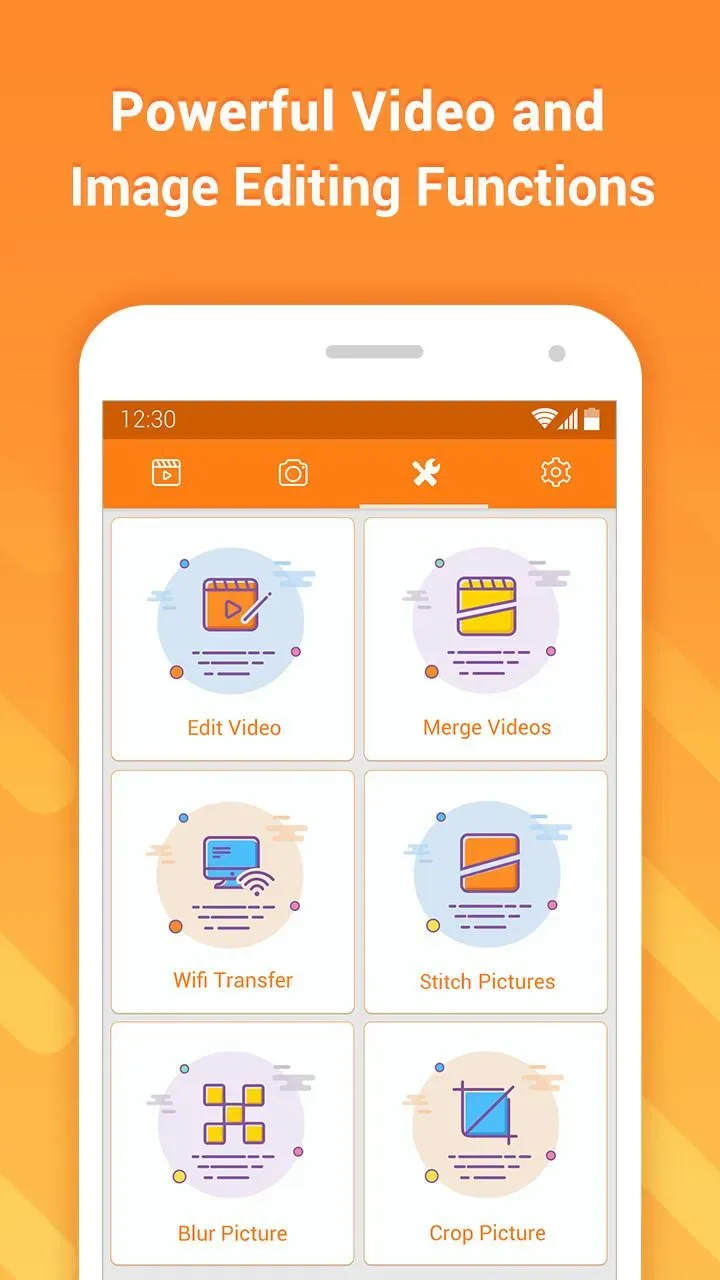
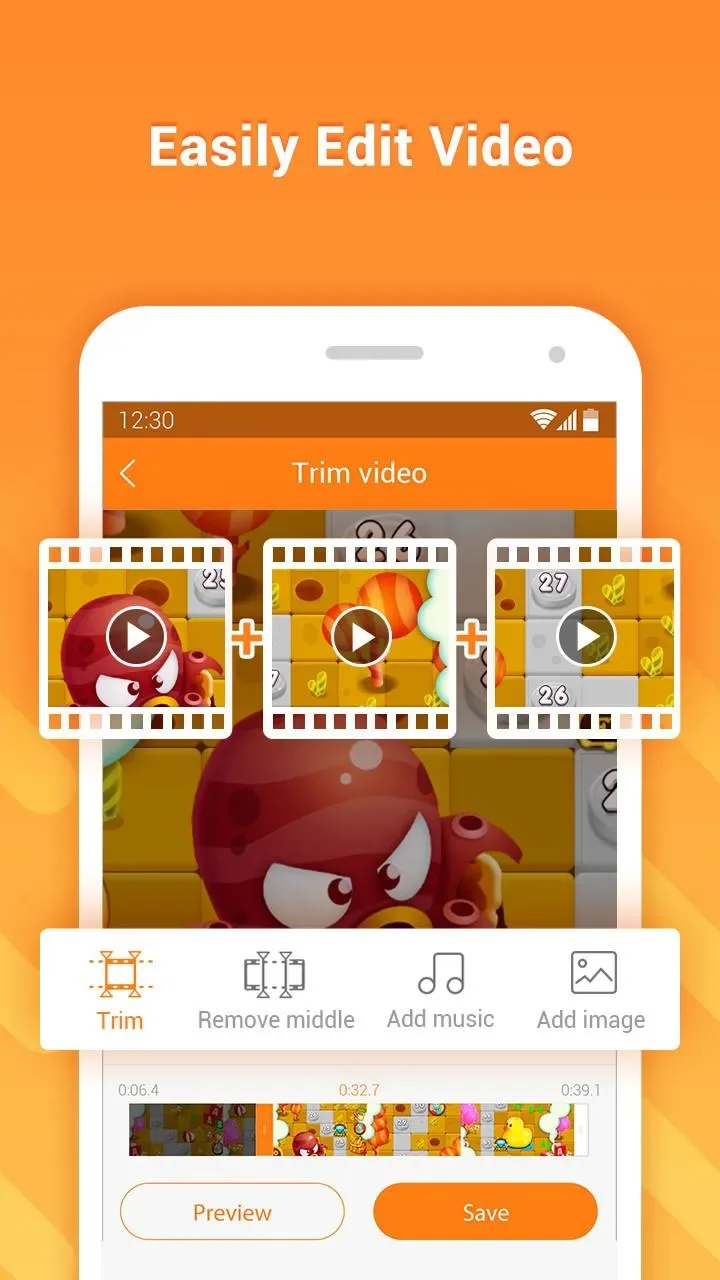
Once a recording is complete, DU Screen Recorder lets you trim and merge clips to create a seamless video. You can add music, subtitles, and even intros or outros to produce a polished final product. The app also supports cropping, rotating, adjusting playback speed, and converting videos into GIFs for quick sharing—all within the app, eliminating the need to transfer files to external software.
Screenshots and Image Tools
Capture screenshots effortlessly while you work using the one-tap function located in the notification panel or a floating window. DU Screen Recorder allows you to stitch multiple images together into a single long screenshot and blur sensitive information before sharing. You can also crop images to highlight specific areas or create animated GIFs for lightweight, engaging messaging.
Controls and Creator Features
Control buttons are accessible via a floating window or the notification bar, allowing you to start, stop, or pause your recording without interrupting what is happening on your screen. During recording, you can use a brush tool to draw shapes, mark steps, or highlight specific areas on the screen. DU Screen Recorder supports external audio recording and camera overlays; it also allows for the transfer of recordings to a computer via Wi-Fi and enables saving files to either internal storage or an SD card. A multi-language interface ensures that users from various backgrounds can get started with ease.
Usage
Launch DU Screen Recorder, then access the recorder via the floating window or the notification control panel.
Select your preferred resolution, bitrate, and frame rate. You can also choose whether to display touch gestures or use the brush tool while recording.
Tap the "Record" button and wait for the countdown to finish. If you need to take a break during your work or gaming session, you can pause the recording and resume it whenever you're ready.
Once finished, stop the recording. You can then use the built-in editor to trim clips, merge footage, add music or subtitles, and export your final video.
If you wish to go live, switch to "Live Stream" mode, select a platform (YouTube, Facebook, or Twitch), configure your privacy settings and stream destination, and begin your broadcast.
FAQs
What audio sources can I record?
You can choose to record internal system audio, use a microphone for voice commentary, or capture both simultaneously for a complete audio mix.
Can I edit videos after recording?
Yes, the app includes a built-in editor that allows for basic editing—such as trimming clips, adding music, and inserting text—without the need for additional software.
Can I live stream my gameplay?
Absolutely. DU Screen Recorder supports direct live streaming to platforms like YouTube and Facebook, allowing you to broadcast your mobile gameplay or other on-screen activities in real time.
Pros and Cons
Pros:
Allows for simultaneous screen and front-facing camera recording.
Offers both live streaming and standard recording (for later upload).
Includes a wide range of editing tools.
Cons:
The app contains advertisements, though they are not overly intrusive.
Conclusion
DU Screen Recorder is an excellent tool for capturing high-quality screen recordings on Android devices. It is ideal for content creators, educators, and gamers, making it simple to produce tutorials, document gameplay, or share various on-screen activities. It combines a powerful recording engine with built-in editing tools, making it a comprehensive solution for creating professional-grade videos without the need for multiple applications.








