

HDO Box is a video streaming application designed for the Android platform. It offers a vast library of content, including movies, TV series, individual episodes, and entertainment programs across a wide range of genres. The app features a powerful search function, allowing users to easily find content by region or category. With multiple server options, HDO Box ensures a smooth, high-definition viewing experience. The app is largely free of intrusive advertisements; any ads that do appear are brief, and the option to close them becomes available after just a few seconds. Additionally, the app supports multiple audio tracks, enabling users to switch between different audio settings while watching.
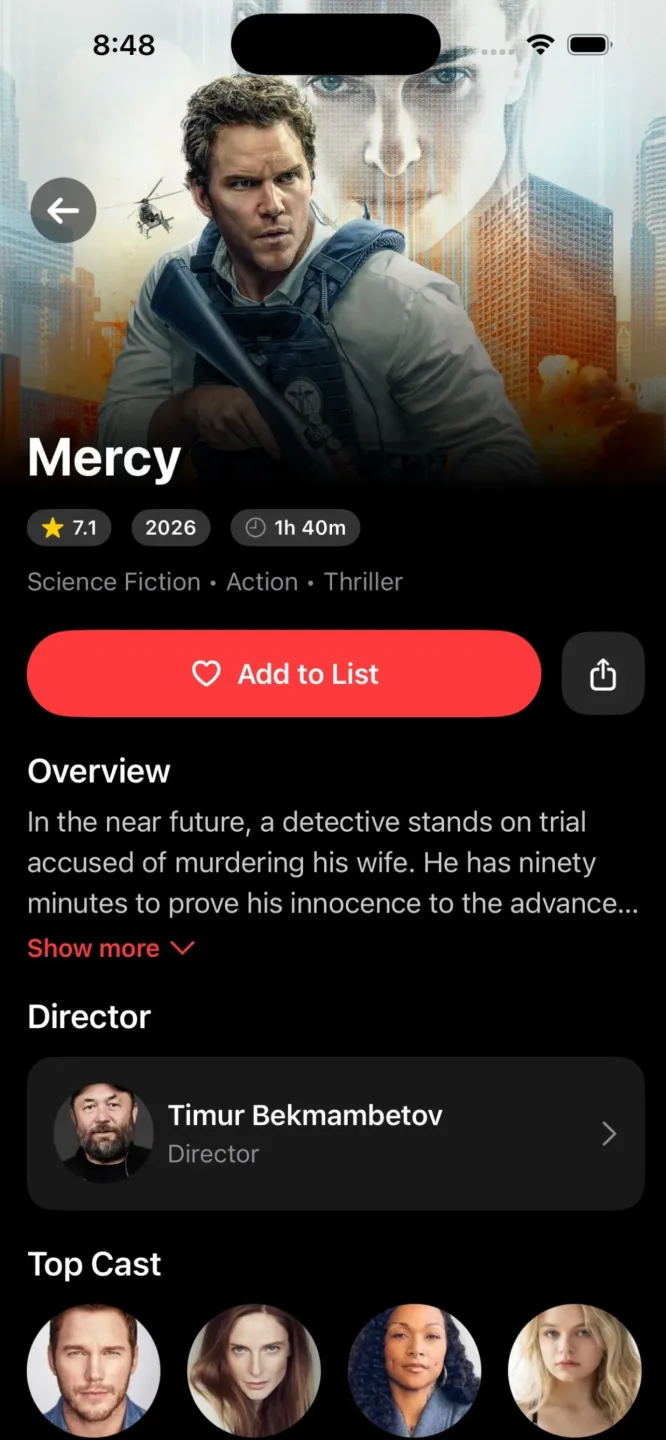
Features
Explore a Wide Variety of Movies
Discover movies across genres such as action, adventure, comedy, romance, drama, thriller, horror, animation, and more. Browse through various categories to find films that match your interests and mood.
Explore TV Shows and Series
Dive into a diverse collection of TV shows, web series, and popular episodic content—from dramas and comedies to mysteries, adventures, and other forms of entertainment.
Trending Movies and Entertainment
Browse trending content to discover movies and series that pique your interest. Explore new categories and find fresh content for your next viewing session.
Easy Search and Discovery
Find movies and TV shows effortlessly with an intuitive discovery experience. Search for titles by region, browse through available categories, and explore the world of entertainment with ease.
4K and HD Streaming
HDO Box provides multiple servers, allowing you to switch between them seamlessly—even while a video is playing. These servers ensure a smooth, ultra-high-definition viewing experience for your favorite movies and TV shows. The app also supports Dolby Vision and HDR 10, with the ability to automatically adjust video quality based on your available bandwidth.
Ad-Free Experience
Unlike many other streaming apps, HDO Box offers a seamless viewing experience. There are no advertisements during playback. If any ads do appear, they only show up when you pause or stop watching, and the option to close them becomes available after just a few seconds.
Dual Audio Tracks
HDO Box supports dual audio tracks, allowing you to easily switch between different audio options while watching. This feature is particularly useful—for instance, if you speak Hindi and wish to watch Hollywood content.
Usage
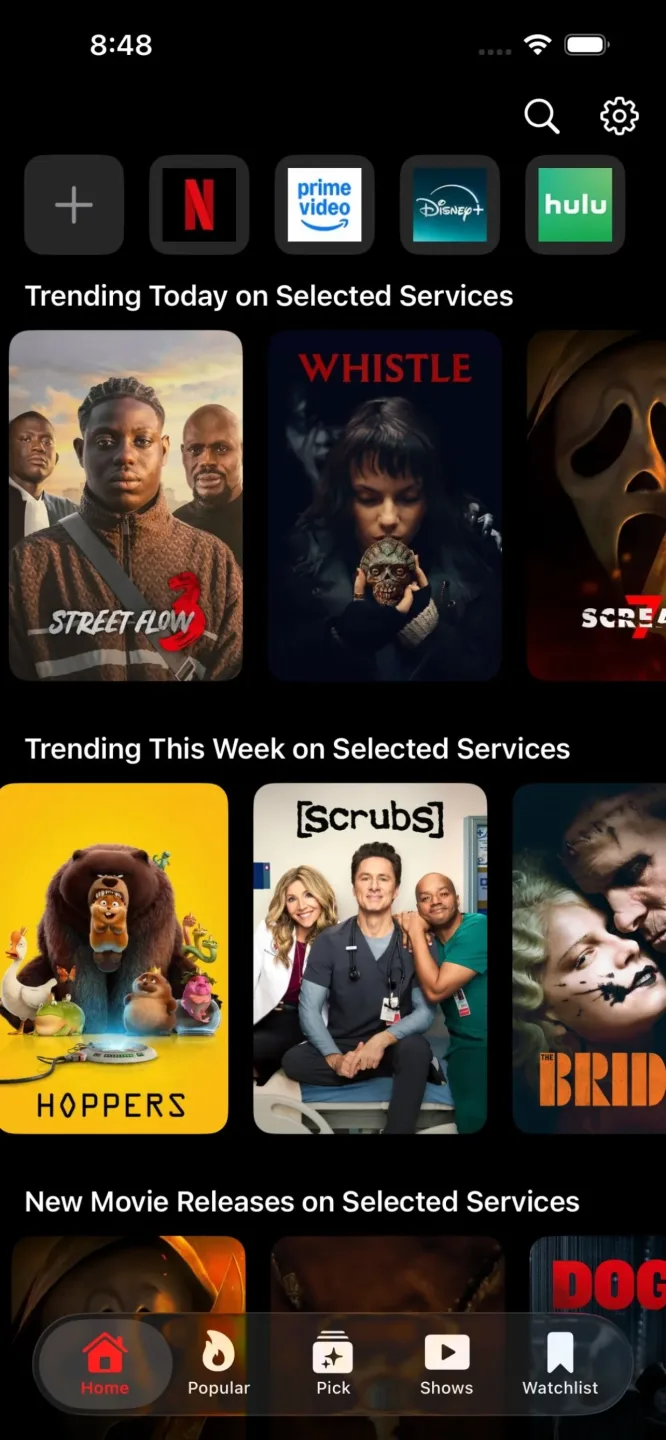
Open HDO Box on your device and navigate to the home screen. You will see various categories and recommended content. Select a category to browse through movies, series, TV shows, or anime.
If you already know what you want to watch, use the search bar. Enter the title of the movie or series, then select the matching result.
Open the title you wish to watch and choose from the available playback options. You can also adjust subtitles and other player settings according to your preferences.
If you would like to watch something later, check for a download option. Keep HDO Box updated to ensure you have the latest features and a smoother user experience.
Pros and Cons
Pros:
Completely free—no monthly subscription fees.
Extensive content library covering movies, series, and anime.
High-definition streaming links in 720p, 1080p, and 4K.
Quick, one-click playback with automatic link retrieval.
Support for subtitles in over 30 international languages.
Cons:
Free public servers may experience buffering during peak hours.
FAQs
How can I fix buffering or streaming issues?
Buffering is usually related to internet speed or an unstable network connection. For smooth HD or Full HD playback on HDO Box, a stable connection is essential—ideally with a speed of 10 Mbps or higher.
How do I download or save movies to watch later?
It’s simple: just tap on the movie or TV series you want to save, then select the download button. Afterward, go to "My Library" to find your saved content.
Why does the app sometimes fail to work properly?
Clear the app cache (Settings > Apps > HDO Box).
Ensure you have updated to the latest version, 4.4.7.
Try switching your VPN server.
Conclusion
With features like multi-language subtitles, offline downloads, Trakt synchronization, and Real-Debrid compatibility, HDO Box offers a smooth and stable streaming experience for both casual viewers and home cinema enthusiasts.








