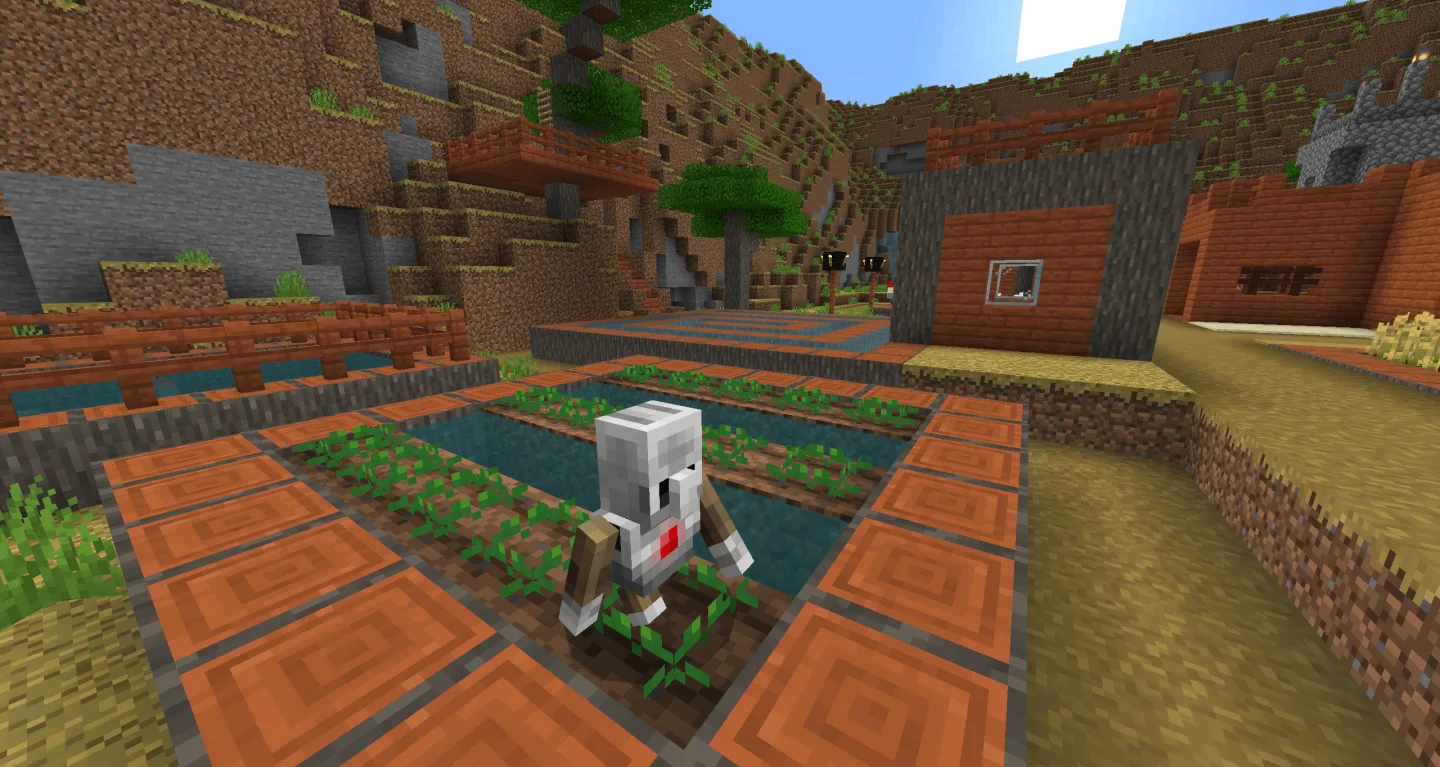
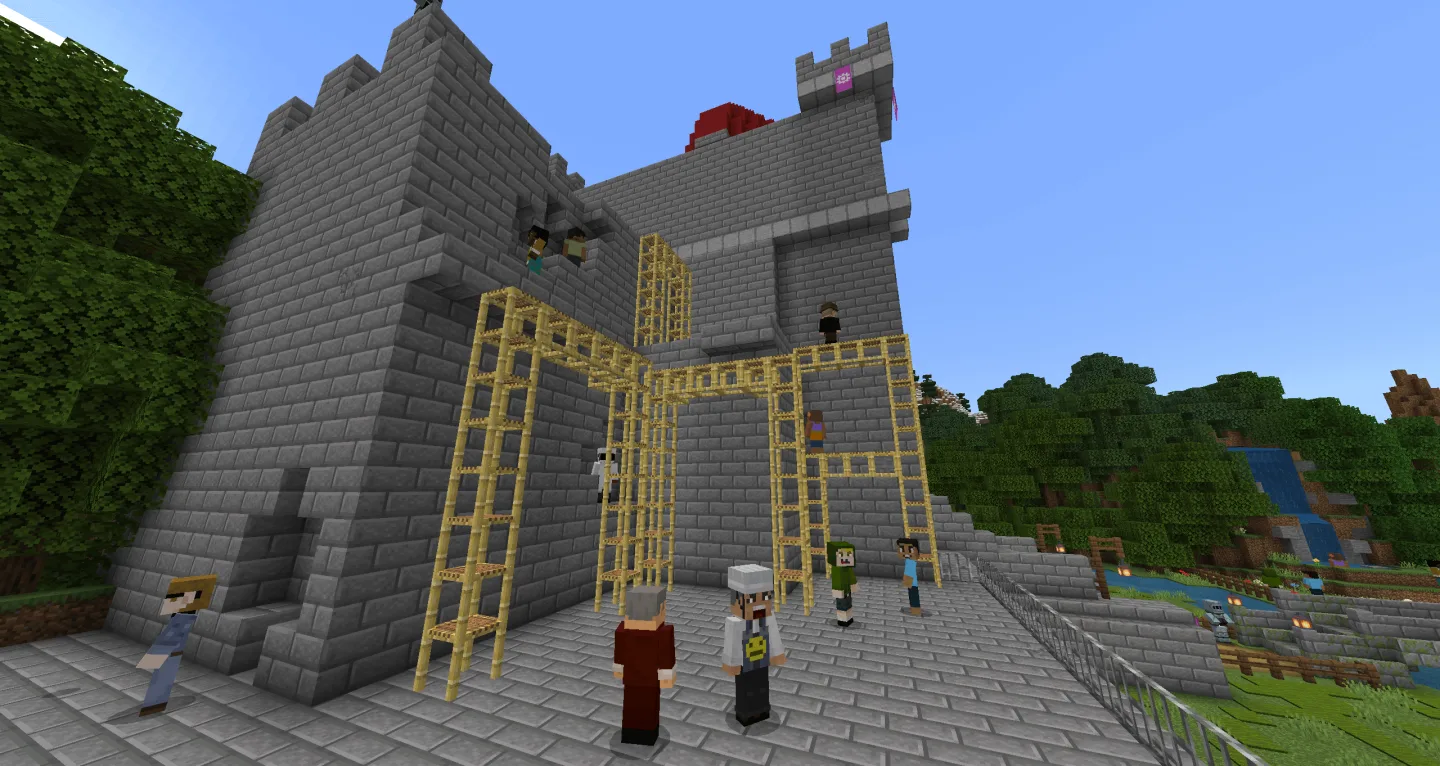
Minecraft: Education Edition is an unprecedented action game with stunning visuals and educational features, offering players a thrilling adventure. In Minecraft: Education Edition, players take on the role of a pixelated block character, using the game's built-in code generator to create with blocks, JavaScript, or Python. You can adjust text spacing and other display options, independently performing various actions. Furthermore, you can use a camera to document the building process, experimental steps, and project stages, and organize your work using Book & Quill.
Highlights:
Shared worlds with easy hosting
Minecraft Education supports cross platform multiplayer so students can join the same world from different devices. Teachers can host sessions and guide the pace of a lesson, move students to focus areas, and pause or resume activity when needed. This setup suits hybrid classrooms and club settings where not everyone uses the same device.
In game coding with Code Builder
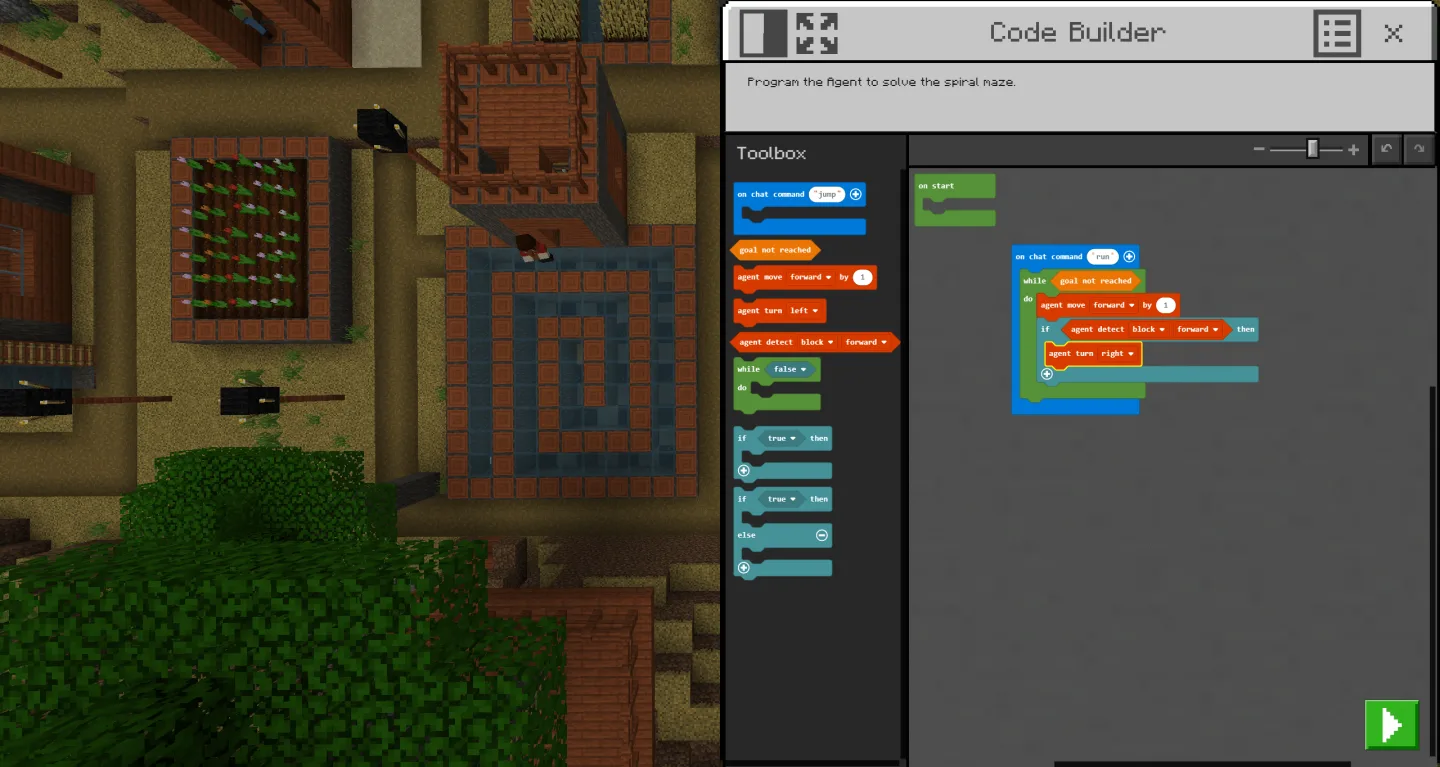
The Code Builder opens coding inside the world so you can create with blocks, JavaScript, or Python. Students write code and see results live, which helps connect abstract concepts to visible changes on screen. This flow reduces context switching and keeps the focus on problem solving.
Accessibility with Immersive Reader
Immersive Reader reads on screen text aloud and offers translation to support different reading levels and languages. Students can adjust text spacing and other display options, which helps more learners follow instructions independently. This tool supports classes where students have varied literacy or language needs.
Document learning with Camera and Book & Quill
You can capture builds, lab steps, and project stages with the Camera, then organize them using the Book & Quill. Students reflect on choices, add captions, and export their books as files for sharing or assessment. This record makes it easier to review progress over time and give specific feedback.
Features:
Huge Library of Lessons
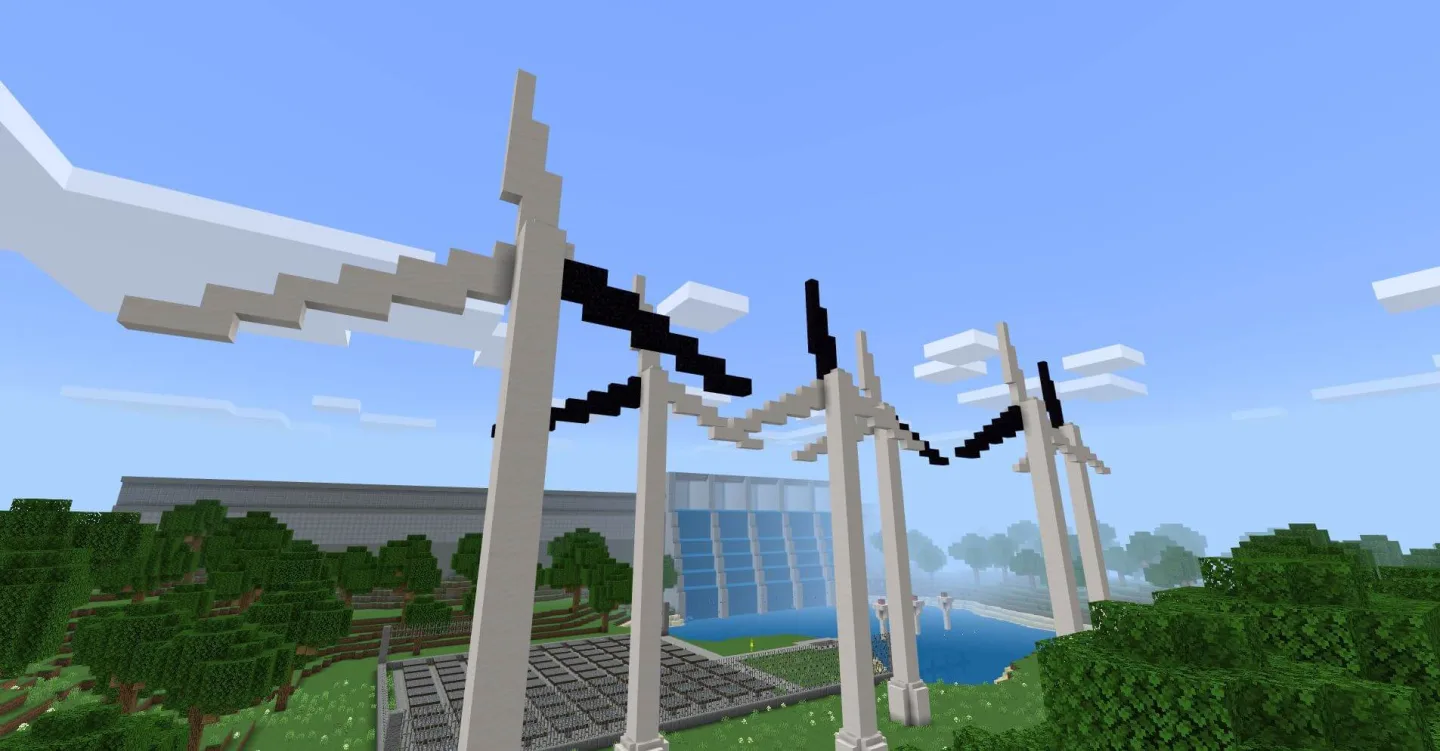
The best thing about Minecraft Education Edition is that it comes with more than a few hundred lessons for the players. With a library of more than 700 unique lessons available for the players. With these unique lessons crafted through interactive gameplay, the players would be able to learn them efficiently. New lessons on various topics are being introduced in this game with the newer updates.
Hours of Content
In this game, you are not short of seeing the curricular content. For example, the game comes with more than 200 hours of content for computer science students. With this content, the players can easily learn about computer science while playing the game. The best thing is that the content is not restricted to computer science, but the institutes can introduce personalized content for the players.
Build Challenges
In the original game, you had the freedom to use the collected resources and craft anything. But in this game, there are various build challenges. These build challenges will keep your thinking intrigued. You have to brainstorm to complete the provided challenge in the limited amount of resources available. It’s like a puzzle but in the Minecraft style.
Integrations
When the teachers want to communicate with the students to complete the various projects in the collaborative mode, the integration comes in really handy with the support for integration with the tools like Microsoft teams and Flipgrid to help teachers to communicate with the students and let them complete the assignments. With these integrations, it becomes easier to make this game the better option to communicate with the students and let them complete the assignments in a playful manner.
Immersive Reading
With the option for immersive reading, the players can easily start reading the PDF files in this game. The immersive reading mode allows you to dive deep into your study sessions by effectively allowing you to read the PDF files. Most of the institutes host their book libraries inside this game. Also, you can enter into the libraries of other people in the multiplayer mode to enjoy the various books and other content.
Pros & Cons:
Pros
Strong educational tools and lesson plans
Encourages creativity, collaboration, and problem-solving
Built-in coding and Hour of Code support
Safe, teacher-controlled learning environment
Cons
Steeper learning curve for teachers
Updates arrive slower than standard Minecraft
Conclusion:
Minecraft: Education Edition transforms a beloved sandbox into a powerful classroom tool, blending creativity with structured learning. Its education-focused features, coding lessons, and collaboration tools make it highly effective for teaching problem-solving, teamwork, and digital literacy. While it asks more from educators in terms of setup and learning curve, the depth of engagement it offers students makes it a worthwhile investment for modern classrooms.