
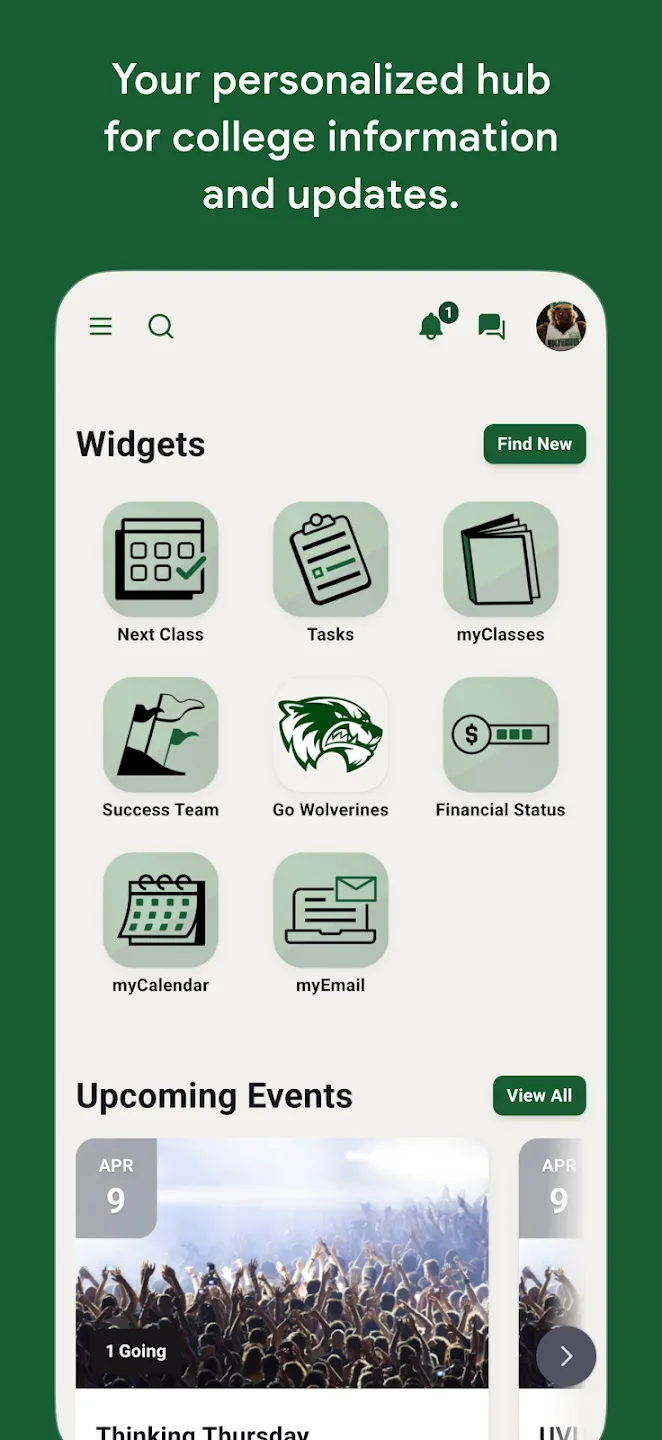
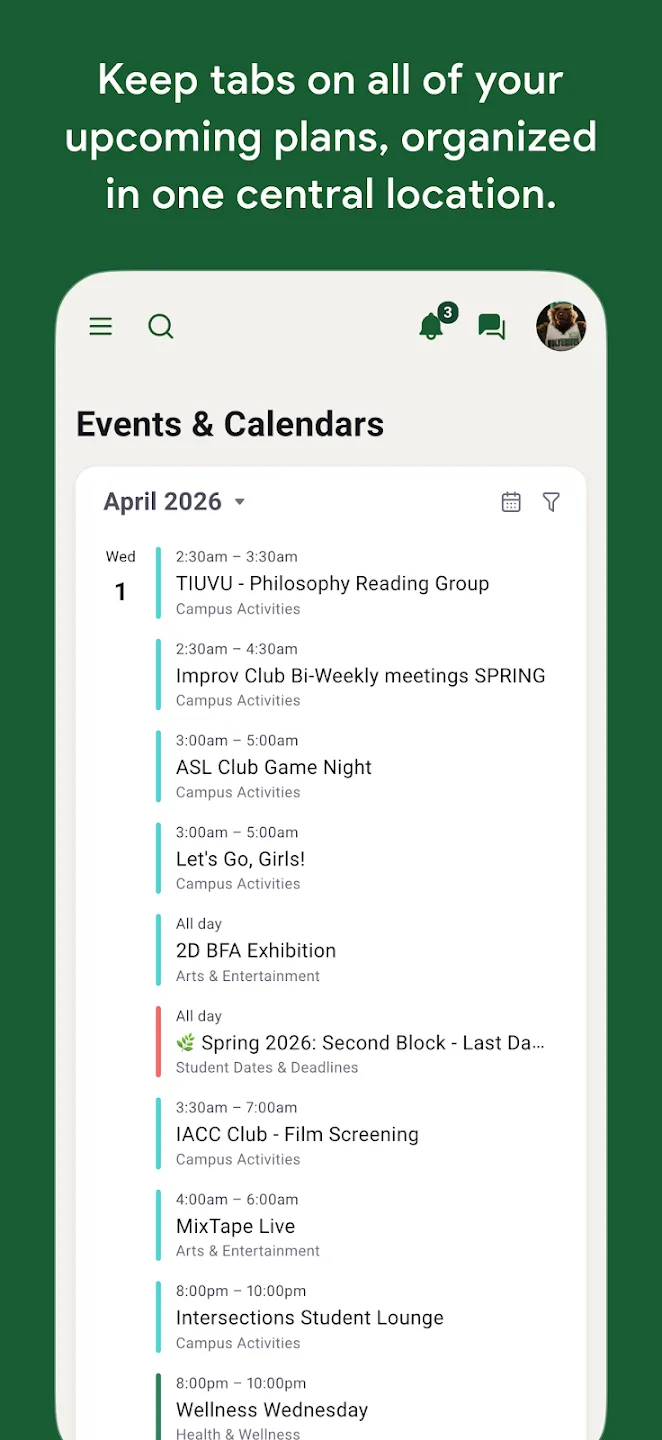
myUVU is a lifestyle tool designed specifically for UVU students. Users can view their real-time class schedules, complete course selections and service appointments, and track their progress in real time, saving time and effort. The software also lists various latest campus events, allowing users to easily view highlights or register with a simple click. For students about to enter the workforce, the software offers a range of job-seeking and interview advice to help them find their ideal job and begin their professional careers.
Click to load YouTube / 点击加载视频
YouTube ↗Useful Tips of myUVU:
Create a Skills Inventory: List out both hard skills (technical abilities like software proficiency or analytical skills) and soft skills (communication, teamwork, leadership, etc.). Reflect on the experiences that helped you develop these skills, whether through coursework, internships, volunteer work, or personal projects.
Identify Your Strengths: What are you naturally good at? Where do you excel compared to others? Understanding your strengths will allow you to target jobs where you’re more likely to succeed and feel fulfilled.
Assess Your Experience: Consider any previous internships, part-time roles, volunteer experiences, or projects that gave you relevant experience. These experiences are valuable when evaluating what types of jobs you might be best suited for.
Short-Term vs. Long-Term Goals: Think about where you want to be in the next 1-3 years and where you hope to be in 5 or 10 years. Your short-term goals should support your long-term aspirations. Whether it’s gaining specific experience, learning new skills, or moving up in your field, having defined goals will keep you motivated.
Desired Job Titles and Industries: What job titles are you targeting? Which industries are you most interested in? Be specific about the roles that appeal to you and do some research to understand the typical career path in those roles.
Skills and Experience Gaps: Are there any skills or experiences you still need to gain to achieve your goals? Identifying these gaps early on will help you stay proactive in acquiring them during your job search.
FAQs of myUVU:
Do you take drop-in appointments?
The First-Year Advising Center offers quick (15 minutes or less) drop-in appointments for brief questions from 8 am - 4:30 pm. If your question will require a more in-depth discussion, please schedule an appointment to meet with your assigned counselor. We can do these in person, or over the phone if you contact our front desk.
What does a first-year advisor do?
Your first-year advisor is here to serve as a resource for you as you make your transition to UVU. We can assist you with any questions or concerns that you may come across and will help you navigate your UVU experience during your first year. We can help with course planning and registration and are also able to connect you to other campus resources to make sure you have everything you need to be successful at UVU.
How do I complete my math placement?
Before you can take a math class you will need a math placement score. If you have an ACT score less than two years old, it may be used for placement. If not, you will need to take a math placement test using ALEKS, which is our math preparation and placement program.
Why do I have a hold, and how can I remove it?
There are several reasons a student may receive a registration hold, and there are some holds that can only be released by certain offices on campus. You can view your holds, and how to remove them, on the Students tab in myUVU. Simply select “Registration” in your enrollment dashboard and you will see the information regarding any holds currently placed on your account. If you are unsure where to begin, please contact your first-year counselor and they can help identify any necessary steps for the removal of your hold(s).
What is a waitlist? Can you tell me more about them?
The waitlist provides the option to “get in line” for a space in a class that is already full. You can select this option while registering for classes. When a seat becomes available for you, you will receive an email or text message alerting you to the opening, and at that point you will have 24 hours to register for the course.
Final words:
With the myUVU you can complete and view your registration and course schedule, Contact or schedule an appointment with your advisor, See the various events going on around campus, and so much more!