

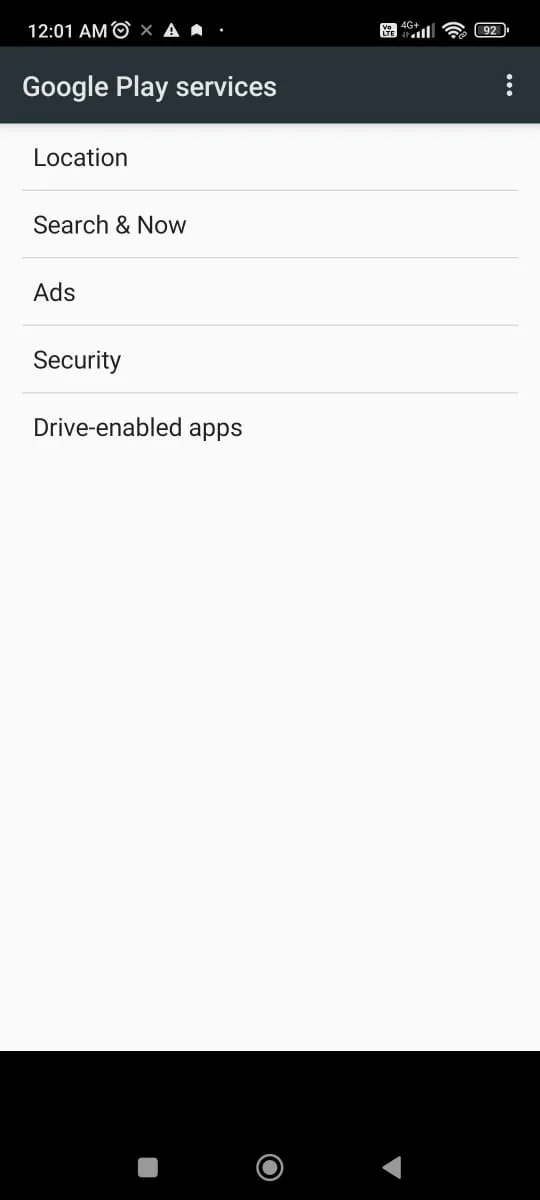
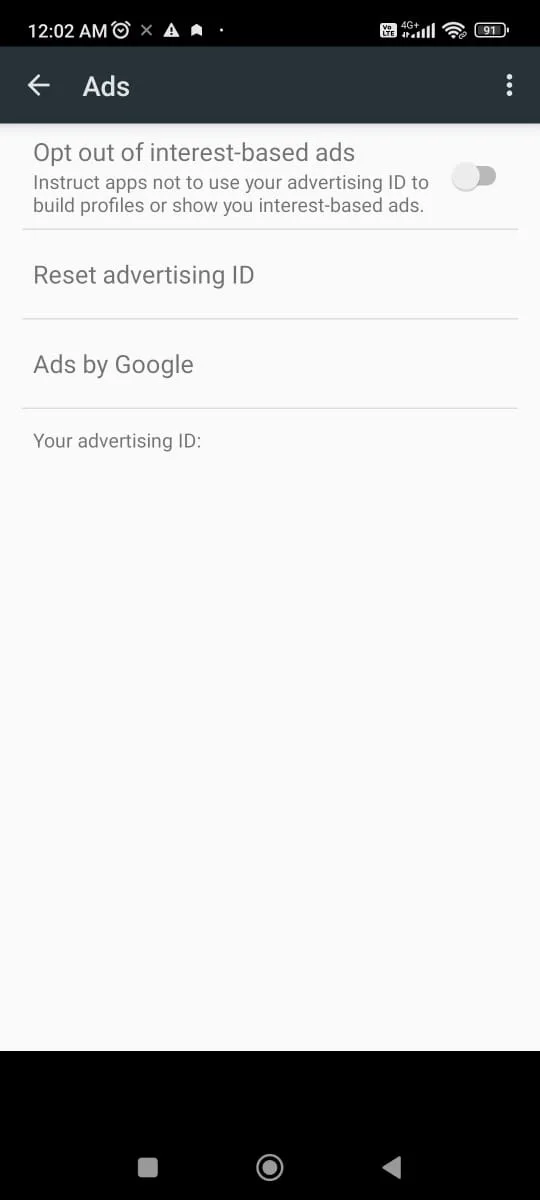
Technocare APK is a tool application designed specifically for bypassing the Factory Reset Protection (FRP) of Android devices. It mainly helps users who have been locked out of their devices due to forgetting their Google accounts to regain access to their devices. It breaks through security restrictions by guiding users to set up and directly add new accounts in developer mode. It does not require root permissions and is compatible with multiple versions of Android systems. With a simple interface and relatively safe operation process, it provides a convenient FRP unlocking solution for users with weak technical foundation.
Key Features:
Safe To Use
Technocare is a safe and reliable application to bypass Factory Reset Protection on Android devices. There are no bugs, viruses, malware, or any other malicious programs in the App.
Easy To Use
You can easily unlock and flash your Android device and install custom ROM in it. Technocare is easy to use, and you don’t require any technical or professional knowledge to use this application to unlock FRP.
Free Service
Technocare Tricks App is free to use. You don’t have to waste your money on unlocking your Android device. Technocare does it for free.
No Registration Required
Unlike most other applications, Technocare does not ask users to register or create an account to use its services. You can use the App without providing any personal information of yours.
Easy User Interface
It has an easily understandable User Interface that makes it easy to use for every user.
Supports Most The Android Devices
It supports almost all Android devices. However, it works best with the 2018 and 2019 smartphone models. Suppose you have devices like Samsung j701f / j7NXT, G615f/ j7 Max, etc. Technocare is the best for you.
No Ads
The best part of the App is that even after being a free application, there are no advertisements in the App. Users can get an ad-free experience for free.
Pros and Cons:
Pros
Free to use
No need for technical expertise
Works on a variety of Android devices
No root access required
Safe from malware and viruses (when downloaded from a trusted source)
Cons
Not available on Google Play Store
May not work on some newer Android security patches
Using bypass tools may raise security concerns
Limited support from developers
Frequently Asked Questions:
Is Technocare App Free?
Yes, Technocare App is entirely free to use.
Does Technocare App require root access?
No, Technocare App does not require root access. It works seamlessly on non-rooted devices as well.
Does Technocare App harm my device?
Technocare App is a safe and secure tool that does not harm your device.
Is Technocare App compatible with my device?
Technocare App supports a wide range of Android devices. You can check the compatibility of your device with Technocare App before downloading it.
Conclusion:
Technocare is a lightweight Android utility app designed for one very specific purpose: helping users bypass Factory Reset Protection (FRP). When someone resets an Android phone and forgets the Google account tied to it, they often get stuck on the login screen. This app steps in to simplify that frustrating situation. It is not a game, not a browser, and not an entertainment app — it’s a focused tool meant to restore access to your device. The app is most useful for people handling used phones, secondhand buyers, or technicians who regularly troubleshoot locked devices. For them, it’s a reliable addition to their toolkit. By focusing on one problem and doing it well, Technocare saves time and keeps devices from turning into expensive paperweights.








