Video Player MP4 Player is a popular video playback software that allows users to import and export videos in various formats. Users can adjust playback speed, picture quality, and volume to their liking, and it automatically blocks ads and pop-ups, providing the most comfortable viewing environment. Users can easily share videos with friends or on social media platforms, enjoying interesting videos together and satisfying their personalized needs. Don't miss this gem of a software if you want to watch various videos for free!
Features:
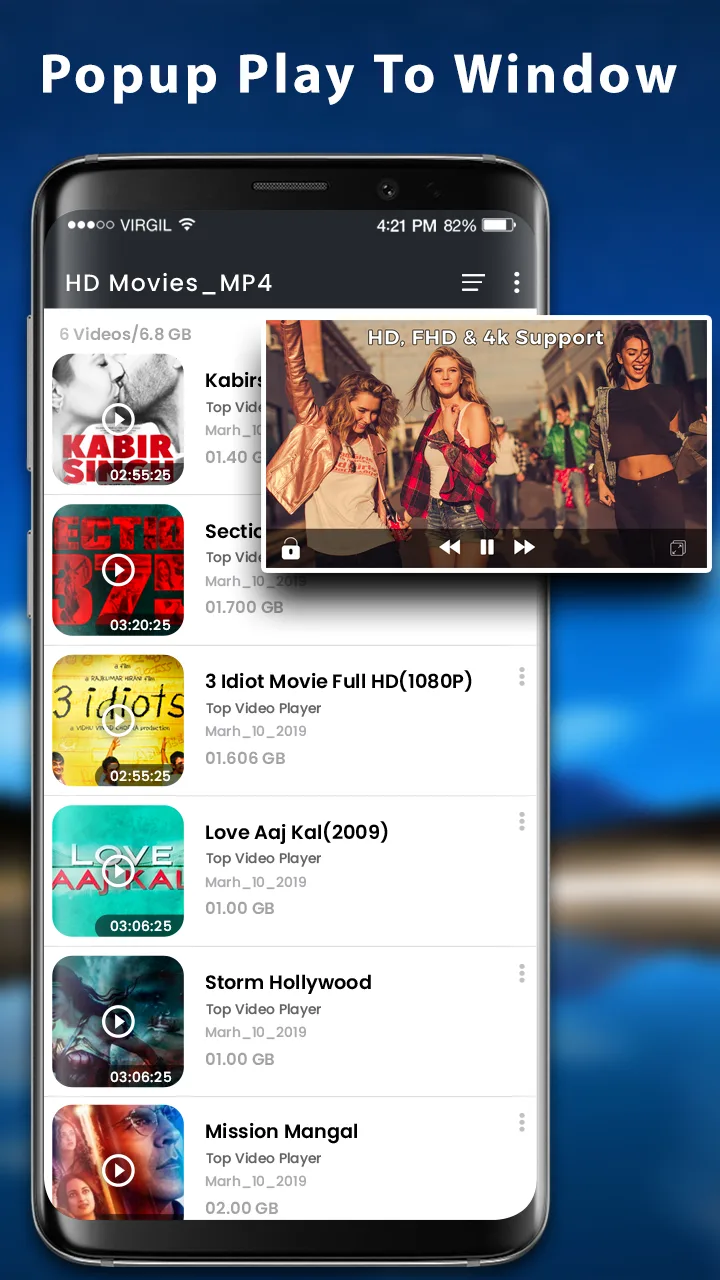
Video player with complete control in media files: Recently played video queue, create playlist, filter duplicate media files, search video and songs, manage photo albums.
Files manager: Identify ALL video files on your device and SD Card automatically. In addition, manage or share videos easily.
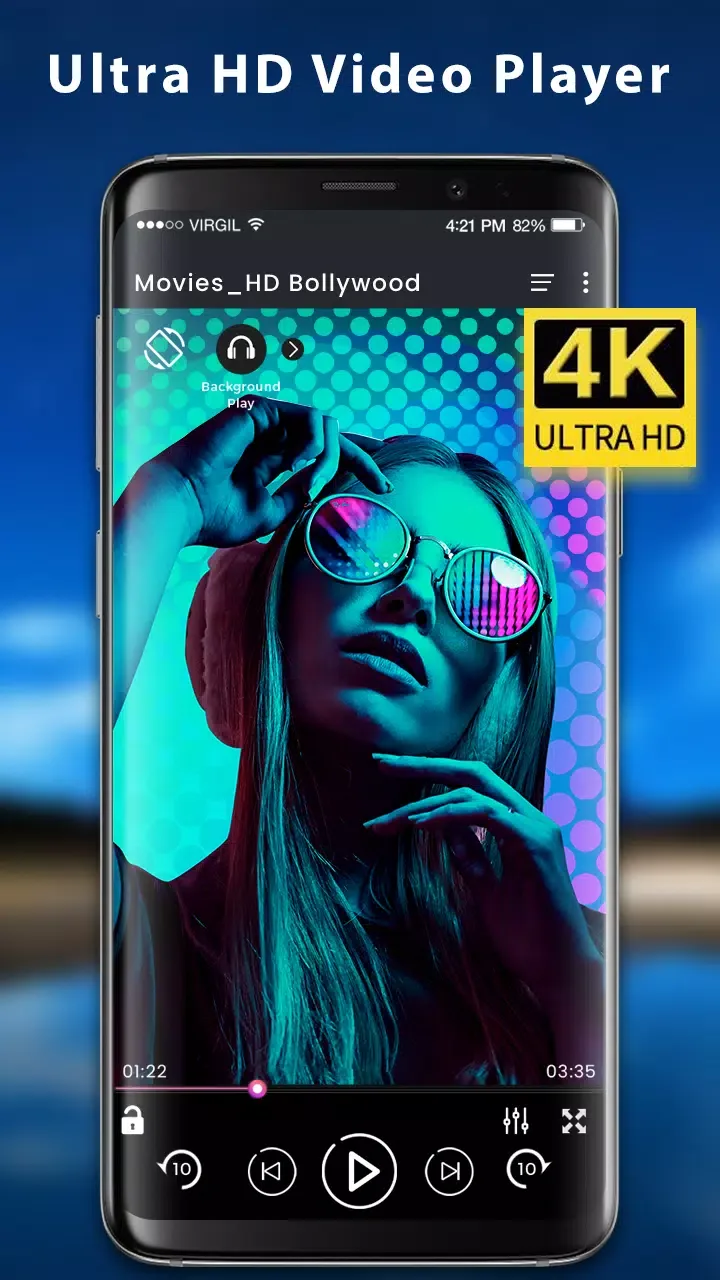
MP4 Player: Play HD, full HD & 4k video smoothly, moreover play video in slow motion.
Set password for private videos: Secure password for your private videos in a folder to hide and manage them. Access the private videos through secure steps and you don’t need to worried about anything. If forgot the password, you can find back your password by your security questions.
Easy and convenient control: Video Player supports gestures to easily adjust the screen brightness and video volume when you are watching the video. And you can click the button to quickly control the videos’ progresses and the last or next video to play. In addition, locking screen, floating window playback, horizontal and vertical screen switching, trimming current interface, adjusting screen sizes features are ready for you!
HD Player with speed control: HD player helps you enjoy full hd playback with slow motion & fast motion advanced settings. You can change media speed from 0.5 to 2.0 easily with this HD Player.
Useful Tips:
Utilize the file management features to easily organize and share your video files.
Take advantage of the speed control settings for a unique viewing experience tailored to your preferences.
Safeguard your private videos by utilizing the password protection feature for added security.
FAQs:
Can I stream videos with this app?
Yes, Video Player - MP4 Player supports video streaming, making it easy to watch videos online.
Does this app support subtitles?
Yes, the app supports subtitle downloads, allowing you to enjoy videos with subtitles if needed.
Can I adjust the playback speed?
Yes, you can easily adjust the playback speed of your videos, allowing for slow-motion or fast-motion playback.
Final words:
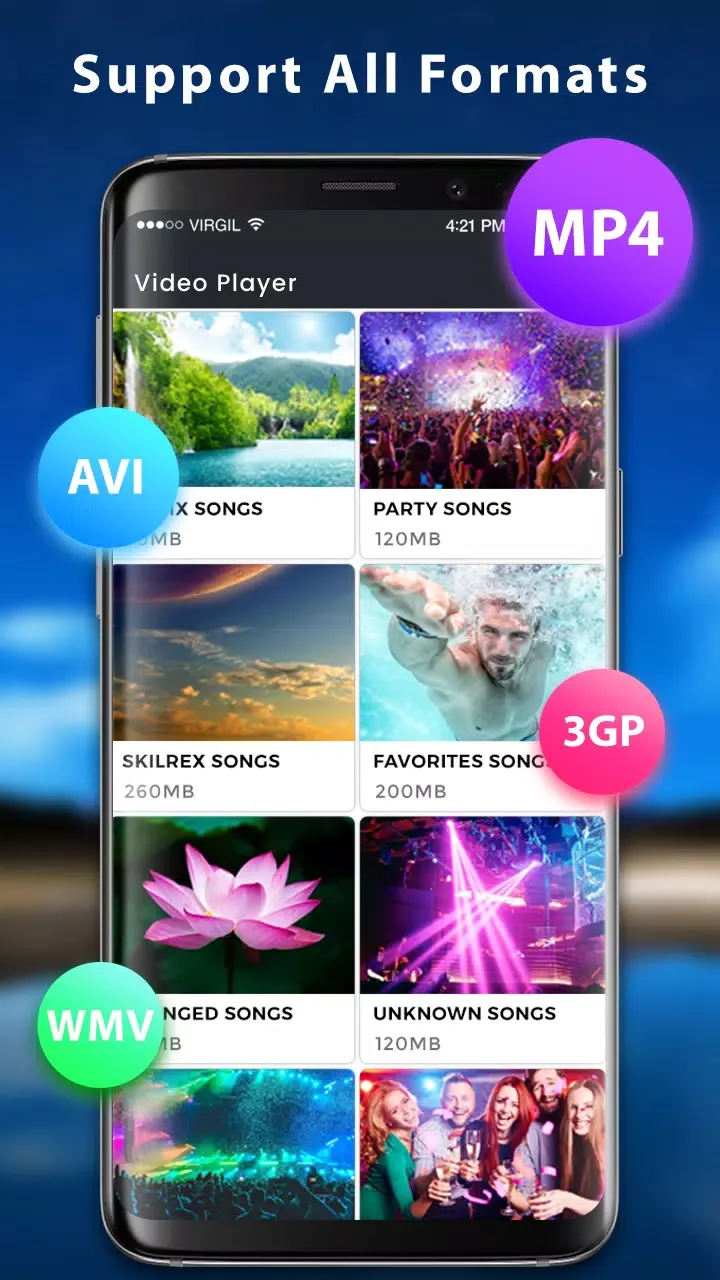
Video Player - MP4 Player is a versatile and powerful media player specifically designed for Android devices. The app supports all popular video formats, including MP4, MKV, AVI, FLV, and 4K Ultra HD files, ensuring seamless playback for your favorite movies, shows, and other video content. With hardware acceleration and an intuitive interface, it provides a smooth and enjoyable viewing experience, making it an ideal choice for managing and playing video files efficiently.