

SwitchVPN is a unique and practical internet proxy service that provides users with high-quality, stable, and fast internet connections, allowing you to enjoy a seamless experience of accessing online resources. SwitchVPN features a clean and simple interface design, allowing users to easily locate the functions they need through a smooth navigation bar. SwitchVPN supports server switching in multiple countries and regions, unlocking blocked website content. Users can enable anonymous proxy services, and military-grade encryption technology ensures your information security.
Click to load YouTube / 点击加载视频
YouTube ↗Attractive Highlights of SwitchVPN
Easily switch between IKEv2 or OpenVPN protocols
Split tunnel function, allowing you to select specific applications to use the VPN with
Select multiple servers from 32 countries/regions worldwide
Always-connected function ensures your VPN connection is always uninterrupted
Military-grade 256-bit encryption, network speeds up to 1Gbps
Unlock websites and protect your internet connection
Top-notch in-app customer support
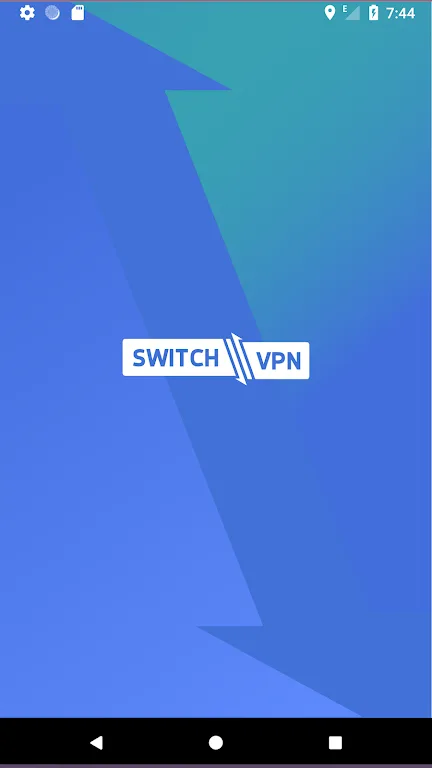
Wonderful Features of SwitchVPN
Fast Connection
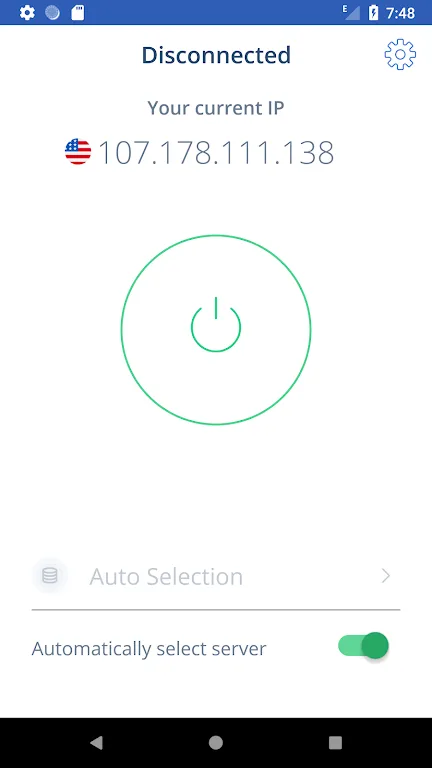
Enable automatic server selection; our built-in fast connection algorithm will find the nearest and fastest VPN server to your location.
Rock-Solid AES-256 Encryption
SwitchVPN uses industry-leading AES-256 encryption to protect you from hackers and snoops at home or on guest Wi-Fi networks.
Split Tunneling
Split tunneling allows you to choose which apps' traffic goes through SwitchVPN and which apps' traffic goes through your regular internet connection.
Frequently Asked Questions of SwitchVPN
What is a VPN on Android?
An Android VPN is an application compatible with your Android device, such as the SwitchVPN Android app. A major reason to install a VPN on your Android device is that a Virtual Private Network (VPN) can help you encrypt your internet traffic, hide your virtual identity, bypass geo-restrictions and internet censorship, and protect your personal data from hackers and snoops. VPNs have many more uses; you can learn more on our "What is a VPN?" page.
Does My Android Phone Need a VPN?
Yes, you need to install a VPN on all your devices. A VPN is a powerful, multi-purpose tool. You can use VPN software for a variety of activities, such as bypassing geo-restrictions, watching streaming media, sharing files, playing games, or protecting your network security.
How to use a VPN on an Android device?
Install SwitchVPN on your Android device. Once installed, open the app and check the "Automatic Server Selection" box or manually select a server. Tap the green button to start connecting to a VPN server. If you selected "Automatic Server Selection," our algorithm will connect you to the nearest and fastest server. Otherwise, you will connect to the server you manually selected. That's it. Now you can bypass internet censorship, browse the internet securely and privately, and enjoy many more features.
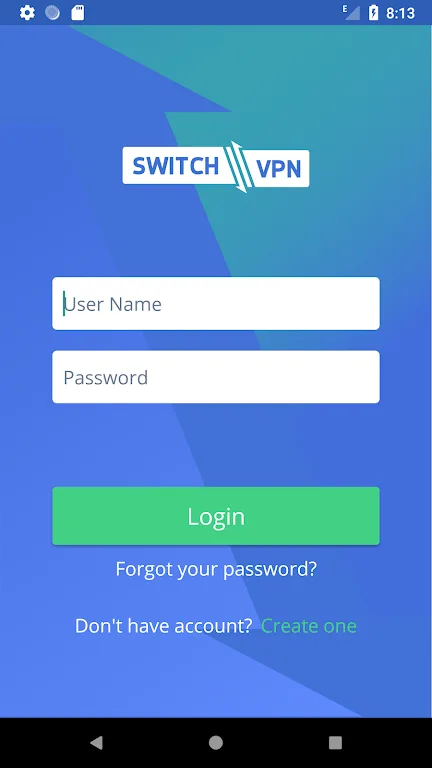
Gripping Benefits of SwitchVPN
SSL Encryption
Easy One-Click Connection
Extensive Server Selection
Easy Automatic Reconnection
Protect your iOS device from insecure Wi-Fi connections
Protect your device from unwanted inbound connections with a NAT firewall
Zero-Logs VPN
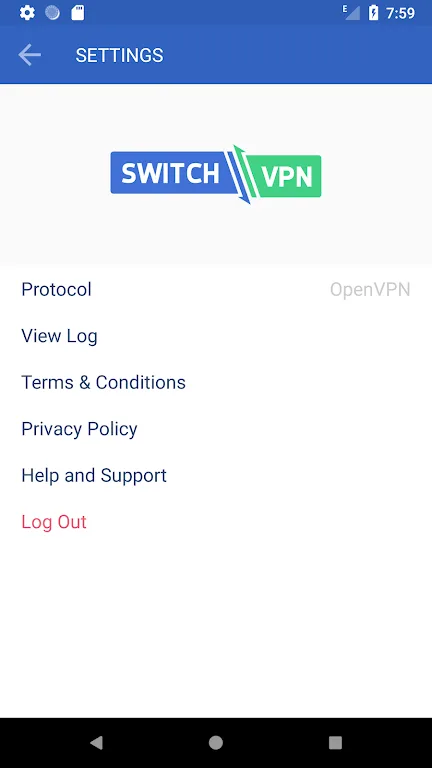
Final Thoughts
SwitchVPN provides a secure Virtual Private Network (VPN) for easy internet access. It also helps you access blocked and geographically restricted websites. SwitchVPN uses protocols such as OpenVPN, SSTP, L2TP, and PPTP (Point-to-Point Tunneling Protocol) to enhance security.








