

DoxGram is an impressive social chat and instant messaging utility that helps users build close connections with important contacts, start conversations anytime, anywhere, and maintain efficient and flexible communication. This application presents a well-designed and feature-rich social communication application to a wide user base. Users can experience a customizable interface, rapid response, more new features, and advanced privacy controls. The application supports users creating and using multiple accounts simultaneously, allowing you to differentiate between personal and work chats. Users can also experience powerful automated reply tools to help you manage group tasks more efficiently.
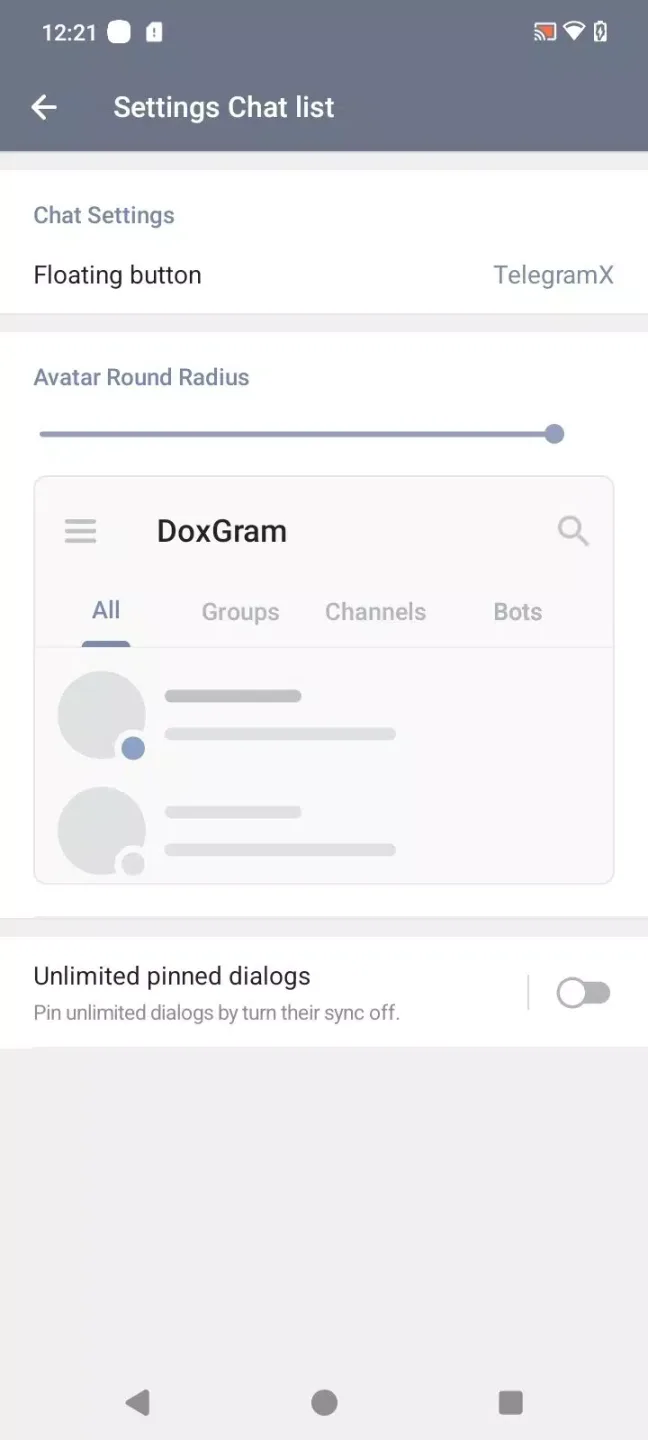
Awesome Performance of DoxGram
Advanced Privacy Controls
DoxGram allows you to hide your last online time, online status, and read receipts, giving you more effective control over visibility. You can enable Secret Chat with self-destructing messages and end-to-end encryption. This gives you more ways to manage who can see your activity while ensuring secure conversations.
Built-in Connection Privacy
DoxGram has a built-in proxy switch and in-app VPN switch, allowing you to adjust network settings without leaving the chat interface. It helps you stay connected even with limited network access. In addition, you can quickly test or change routes to improve connection stability.
Easily Create Multiple Accounts
It supports using multiple accounts simultaneously and allows for easy switching within the same interface. This helps differentiate between personal and work chats without logging out. Furthermore, you can set notifications and privacy preferences for each account.
Personalized Interface and Themes
You can apply themes and adjust layout elements to create a look that suits your personal preferences. DoxGram maintains a familiar structure, ensuring clear and concise navigation. Therefore, you can change colors and spacing while maintaining the integrity of the information flow.
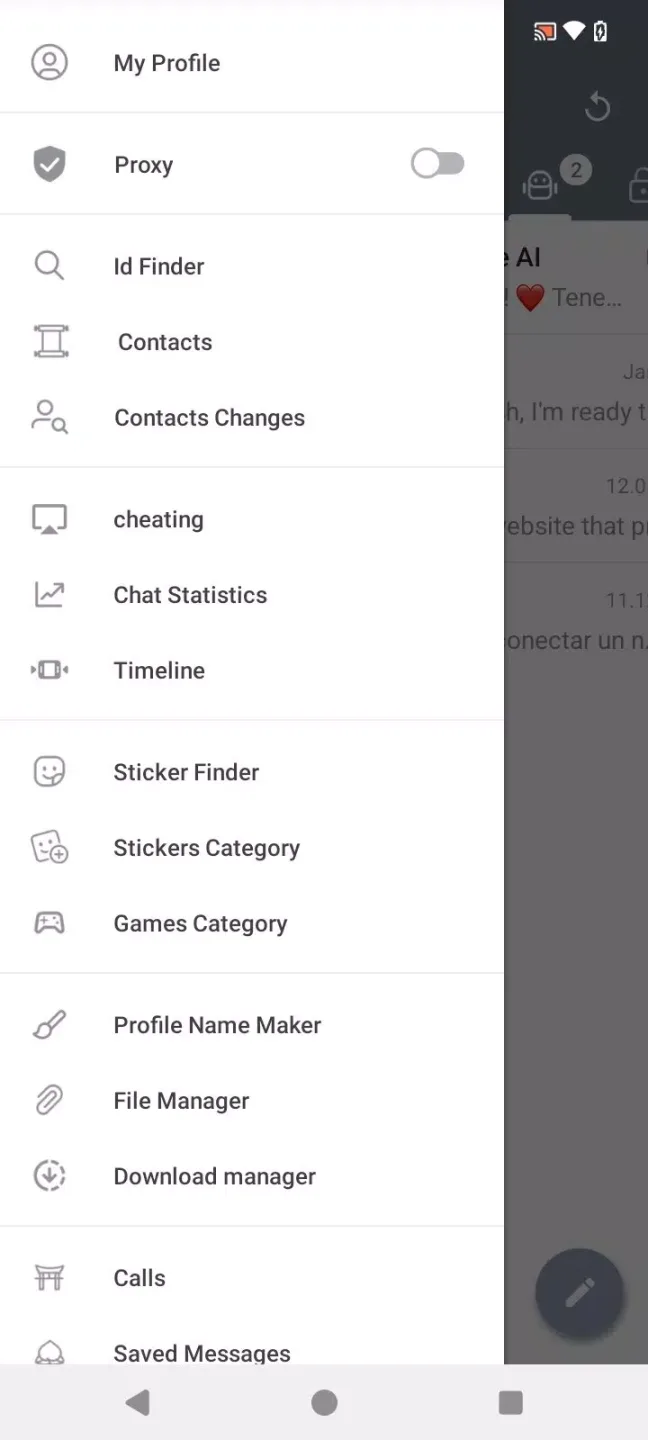
Attractive Features of DoxGram
Video Editing Tools: Doxgram includes built-in video editing features that allow you to apply filters, overlay text or music, and crop and trim video clips.
Photo Enhancement: Users can generate high-quality images directly from their mobile devices by adjusting brightness, contrast, and saturation using advanced photo filters and tools.
Collaboration Features: Doxgram also offers features that facilitate collaboration with other users, enabling you to share posts, tag others in content, and easily co-create content.

Helpful Tips of DoxGram
Download DoxGram Choose the latest version of the DoxGram APK to get the latest fixes and features.
Open your device settings, go to Security or Apps, and enable "Install Unknown Apps" for your browser or file manager.
Next, tap the downloaded file and read the permission prompts on the installation screen. If you agree, confirm the installation.
Then open DoxGram and log in to your Telegram account using your phone number and verification code.
After setup, open DoxGram's "Settings". Configure privacy options, proxy or VPN, themes, and add more accounts as needed. Also, check Android permissions and disable any permissions you don't intend to use.
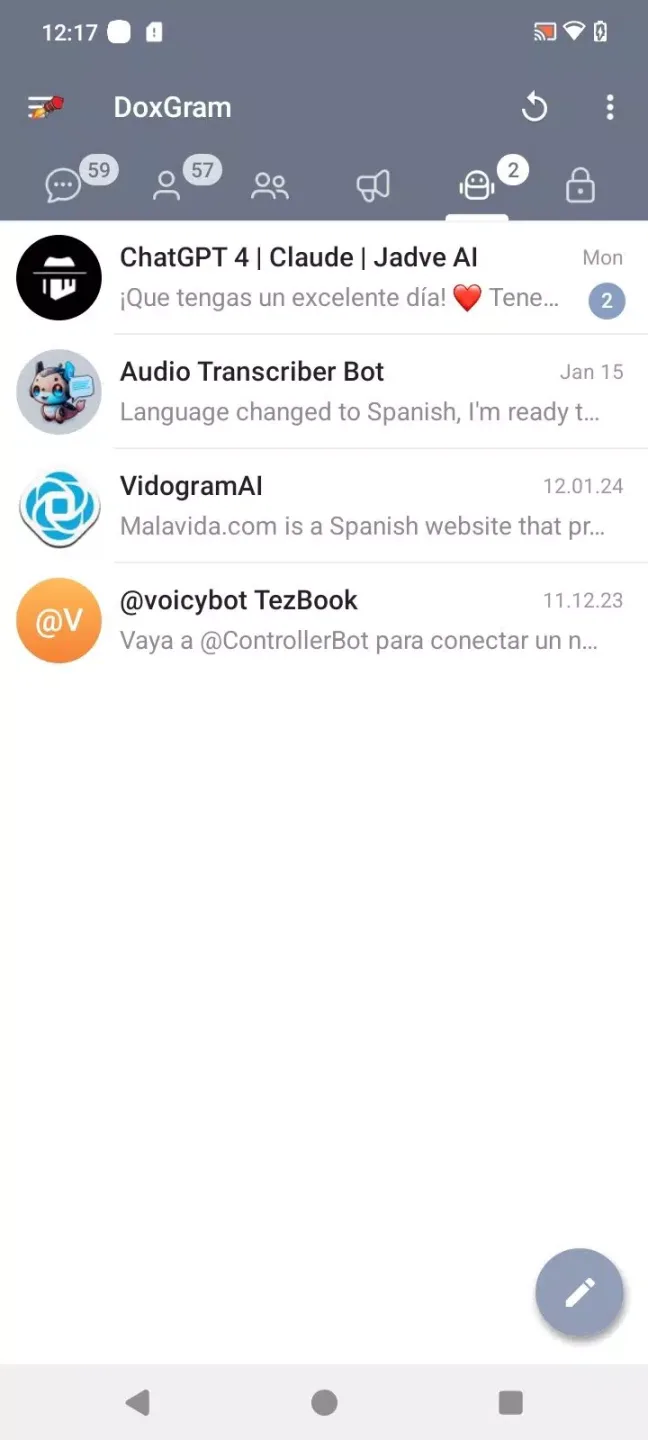
Wonderful Highlights of DoxGram
The Russian version of the Telegram MOD, with many new features.
Enhanced privacy settings, hiding last connection time, online status, and read confirmation messages.
Improved confidentiality with the secret chat feature using self-destructing messages.
Customizable interface.
Fast automatic response.
Easy tools for managing large teams.
Multi-account support: Manage multiple accounts simultaneously without logging out. Integrated VPN.
Download Manager.
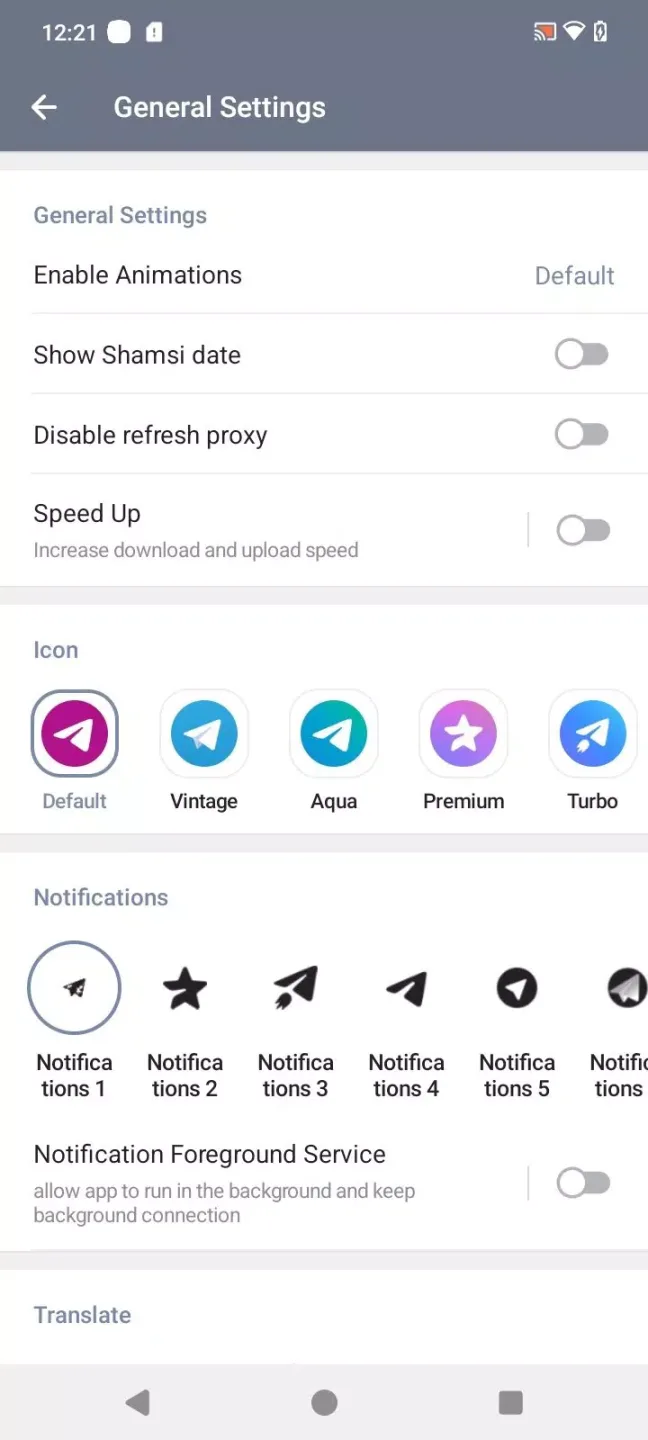
Final Words
In short, DoxGram, once downloaded for free, offers a decent option for users looking for a more complete and personalized instant messaging experience on their Android devices. However, it has some security and data handling issues, but these are common in most modding applications.








