

SuperVPN Fast VPN Client is a free VPN application that emphasizes one-click connection and a no-logs policy. Users can use it to bypass geographical restrictions and access blocked overseas websites and video platforms. Suitable for various scenarios, its interface is simple and easy to use, allowing users to quickly establish a virtual private network connection, lowering the barrier to entry. Furthermore, the software adheres to a no-logs policy, meaning it does not record user browsing behavior, IP address, or device information, helping to protect user privacy and security.
Click to load YouTube / 点击加载视频
YouTube ↗How to use:
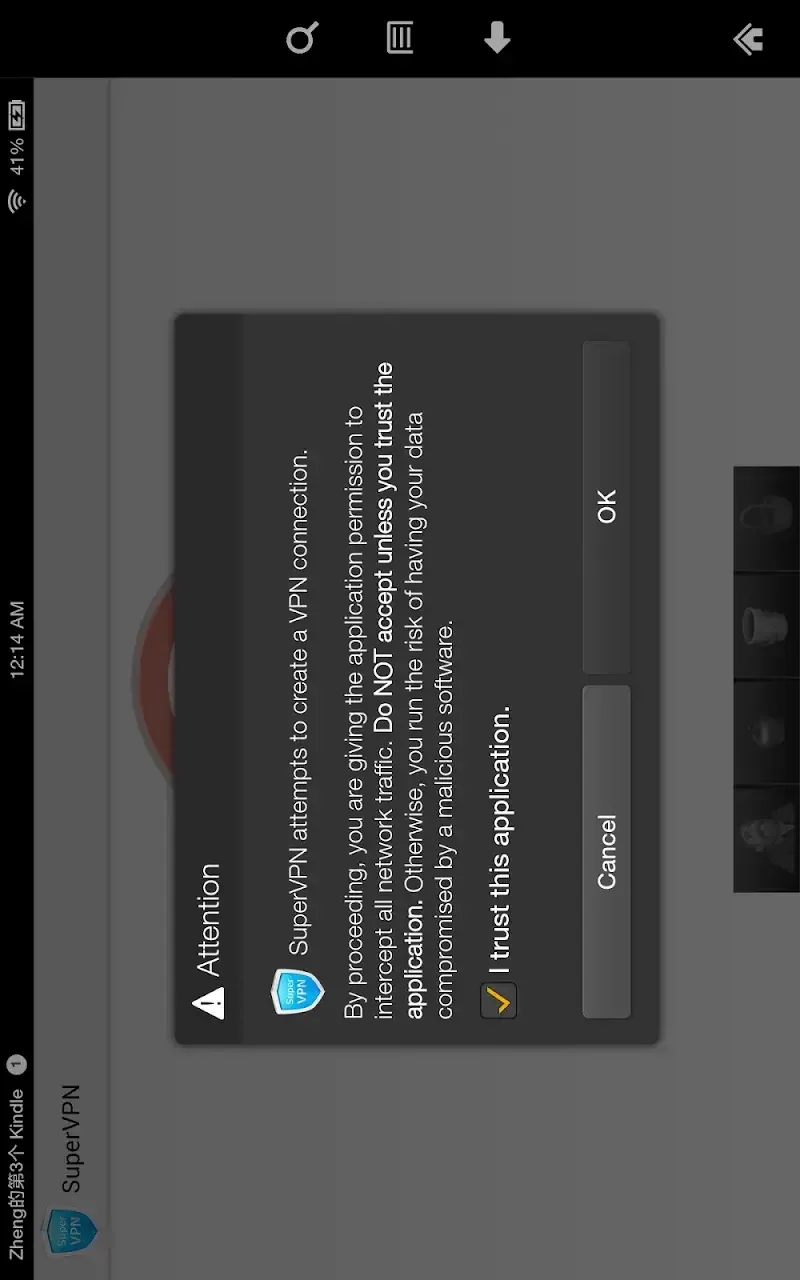
Download the app from the appropriate app store for your device.
Open the app and press the call button.
Wait for a connection to one of the available servers.
After connecting, you can browse the internet safely and freely.
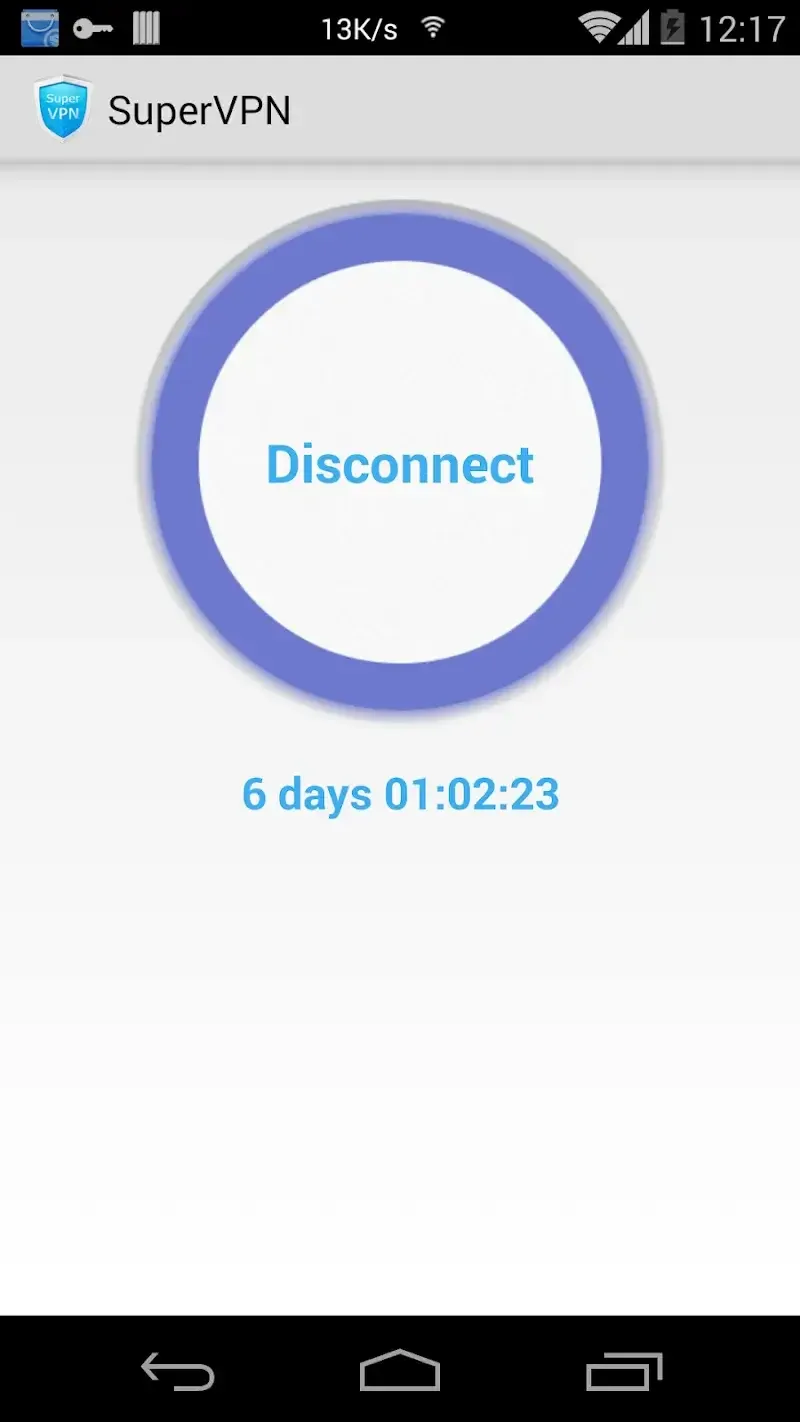
When finished, the connection can be easily disconnected through the app.
Function:
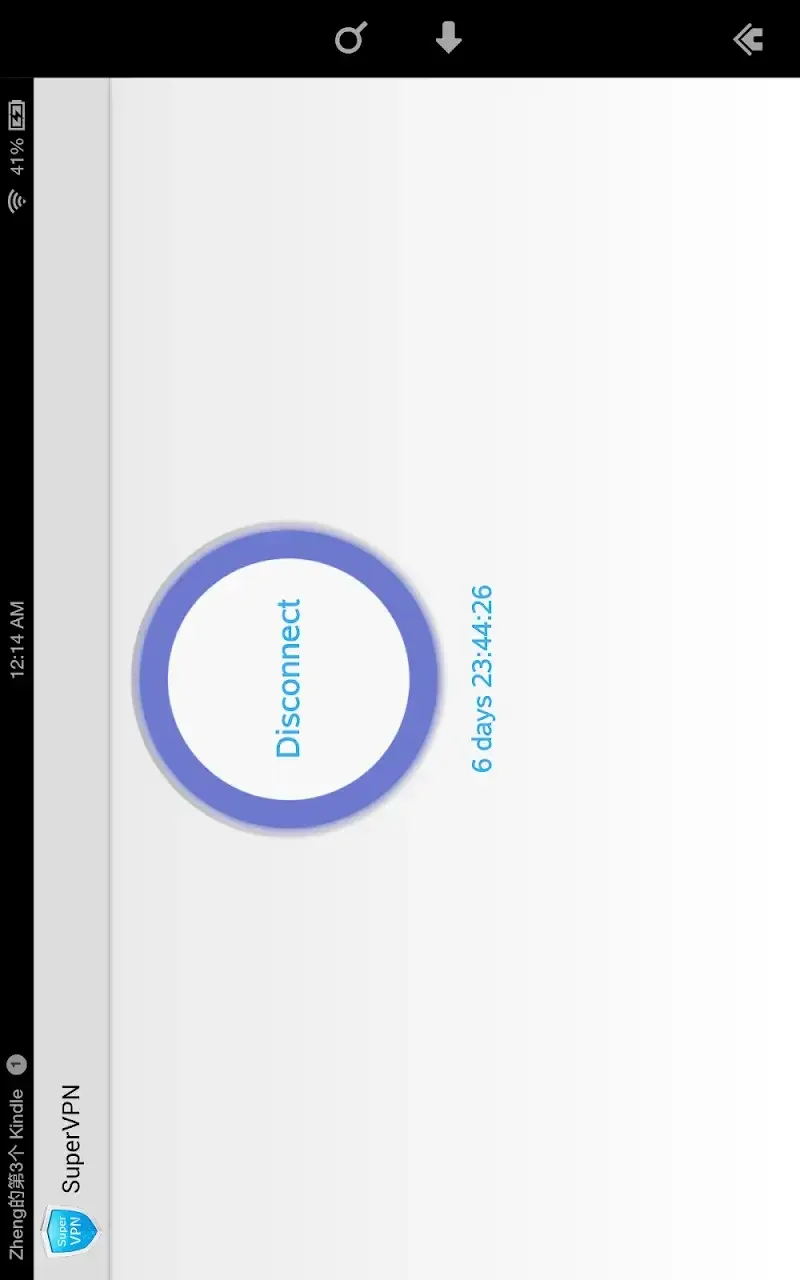
One tap connection
You see a large Connect button on the home screen. A single tap connects and the app picks a fast server automatically. If the connection drops, tapping Connect again usually restores service within seconds. For steadier performance, keep it active in the background and turn off aggressive battery optimization.
Free use with unlimited data
SuperVPN : Fast Free VPN Client does not require sign up or root access. Bandwidth is not limited, so everyday browsing and streaming are supported. Free sessions can end about every hour, after which you need to reconnect. Plan to refresh the connection during extended use to avoid interruptions.
Encryption and privacy notes
Encrypts traffic and masks your IP, helpful on public Wi Fi.
May collect details of visited websites while the VPN is enabled.
If this is a concern, use it only when needed and turn it off after.
Clearing browser history is sensible on shared devices.
Access to blocked apps and sites
After connecting, you can open apps or sites that were unavailable due to location filters. This is useful for travel, campus networks, or regional services. Speeds can vary because traffic passes through another server and can slow during busy times. If performance drops, reconnecting can help the app choose a less crowded route.
Features:
Protect your privacy, keep you safe from 3rd party tracking
No registration required, no settings required
No speed limitation, no bandwidth limitation
One-click to connect to VPN
No root access needed
Encrypt your internet traffic
Top server speed & reliability
Using most secure VPN solution

Pros and Cons:
Pros
Entirely free
Easy to use
Access Geo-locked sites
Great for streaming movies
No registration required
Cons
Slows down web pages
Lack of transparency
Final Thoughts:
For those seeking a no-frills VPN solution, this client offers a practical choice. While it may not replace premium services for heavy-duty needs, it serves as a handy tool for casual use. The combination of ease, performance, and accessibility makes it a viable option for anyone looking to enhance their online privacy without a subscription.








