

Uninstaller is a file cleanup application. Here you can get the best file cleanup experience. The app supports various search methods, including sorting by size or installation date. It's very easy to use: tap a single app to delete it individually, and long-press to uninstall multiple apps in batches. As a file cleanup app, the most important function is, of course, file uninstallation. Here you can quickly uninstall unwanted files and scan for residual files from deleted apps, freeing up space for more useful apps. In addition, the app offers a quick launch mode, which you can use to optimize your app loading speed for a better user experience.
Usage
Open the uninstaller and wait for the application list to load so you can see all your apps in one place.
Use the search function to find your target app, or sort by size or installation date to place key items at the top.
Tap an app to delete it individually, and long-press to select multiple apps for batch uninstallation.
Confirm the uninstallation prompts and follow the on-screen progress indicators until each uninstaller is complete.
After cleanup, if you need more space, go to "Settings" and check "Storage" to clear the cache.
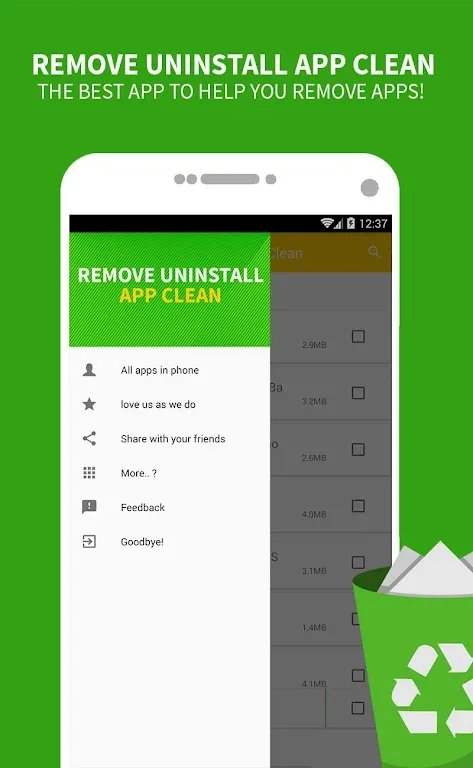
Features
- Easily uninstall apps with a single click!
- Supports batch uninstallation
- Displays app name, version, size, and installation time
- Search apps by name
- Multiple sorting options
- Extremely small app size
- Uses an SD card icon to indicate apps moved to the SD card
- Filters out system apps that cannot be uninstalled
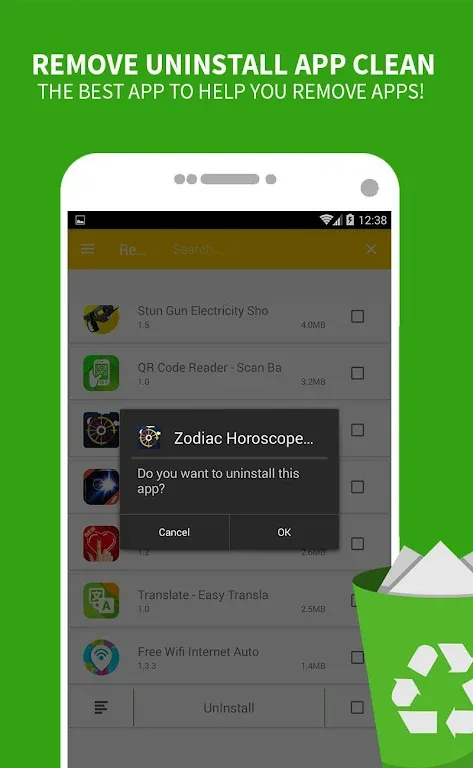
Highlights
Ad-free, fast startup, low power consumption, small size, and highly practical. Seemingly simple, but not really. "App Uninstaller Cleanup" has only one purpose: to thoroughly remove all unnecessary apps. Its interface is clean and beautiful, and its operation is intuitive. With just a few clicks, you can clean up device memory and make room for new and exciting apps.
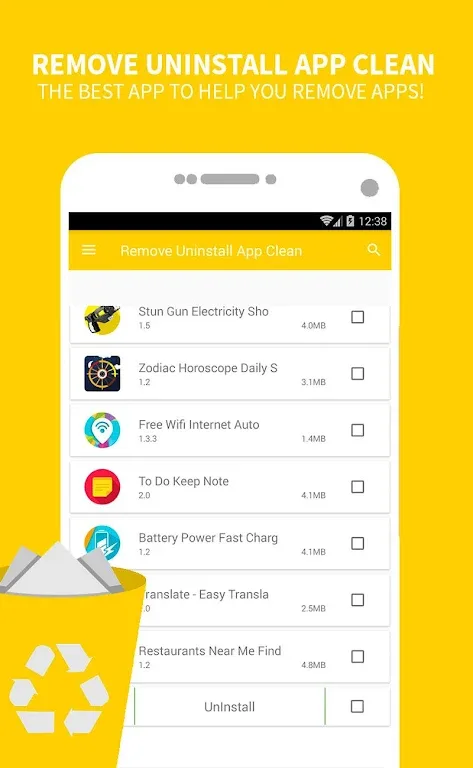
Tools
Quick Uninstall - Remove unwanted apps with one click, while deleting all residual files, junk files, and hidden files.
Residual File Scan - Scan your Android device to find residual files and folders associated with uninstalled apps. These files and folders are not only useless but also slow down your device.
Batch Uninstall - Uninstall multiple apps with just a few clicks. When uninstalling in batches, you can see the number of apps marked and the total size of the data to be deleted.
Fast Launch Mode - Enabling Fast Launch Mode optimizes app loading speed. If Fast Launch Mode is off, you can view the full size of files deleted from your device.
Search and Sort Apps - Search for apps to uninstall using various filtering and grouping options, including entering the name of the desired app.
App Ranking - Rank your apps, including the top 10 by number of apps, latest release, release date, and brand.
Conclusion
For users who want to effectively manage their applications and free up storage space, the uninstaller is a practical choice. This app boasts numerous features designed to simplify operations and improve efficiency, providing a comprehensive solution for Android users who want better control over their installed applications.








