
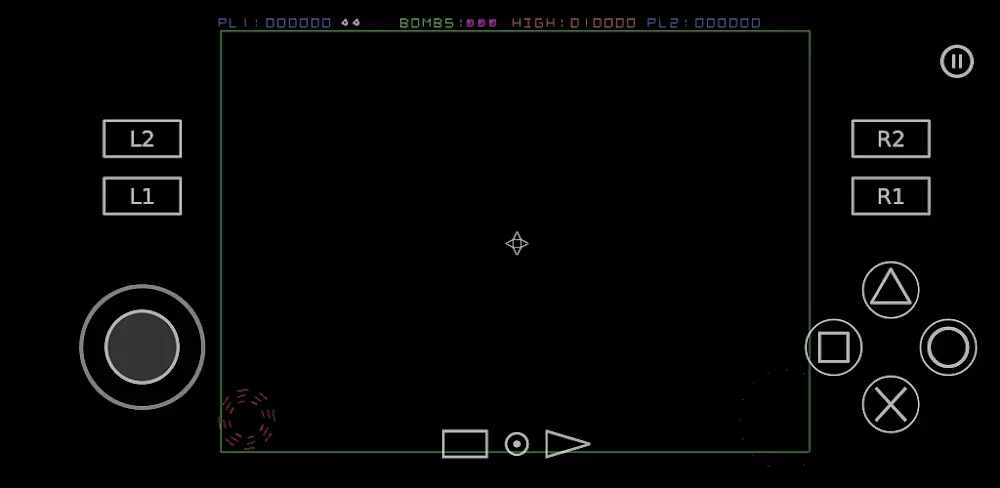
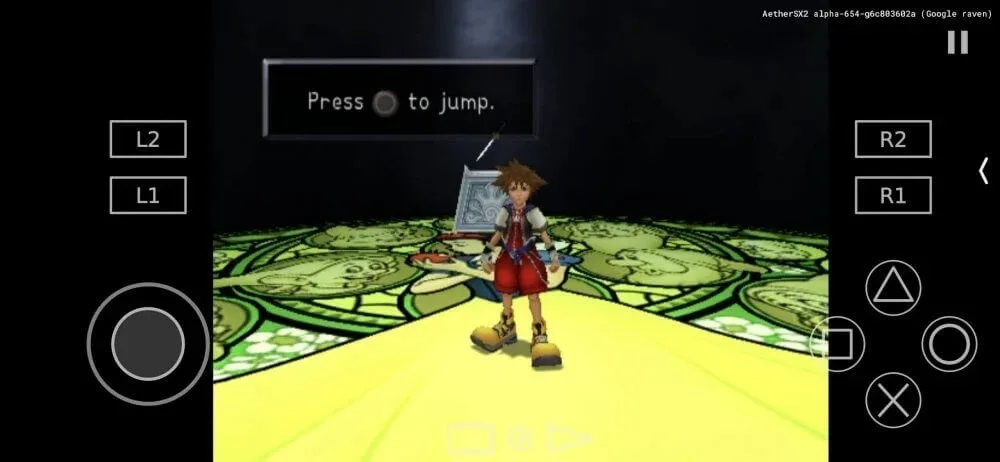
AetherSX2 is a powerful Android PS2 emulator. This application boasts a range of convenient and powerful features, offering a rich game library that allows users to freely choose the games they are interested in. With AetherSX2, users simply need to manually download games to their device and install them within the emulator to embark on a unique gaming journey. Furthermore, you can switch rendering modes based on your device's performance and stability for a smoother gaming experience. Additionally, if you want a full console gaming experience, you can connect a controller to your phone via Bluetooth.
Highlights:
- System simulation
- OpenGL, Vulkan and Software rendering
- Upscaling of games to 1080p and beyond
- Widescreen patches for games without native support
- Save states
- Touchscreen and bluetooth controller support
- Games can be loaded from iso/chd/cso disc images
- Per game settings
Features:
Ad free interface and library management
AetherSX2 keeps navigation straightforward so you can see recent titles, browse folders, and launch games quickly. Per game profiles let you save settings for individual titles, which makes returning to demanding games easier. The layout avoids clutter while giving you the tools needed to stay organized.
Enhanced visuals and renderer options
You can raise internal resolution to sharpen PS2 graphics on modern displays and apply widescreen patches for games without native support. AetherSX2 lets you choose between OpenGL, Vulkan, or software rendering based on what runs best on your device. This flexibility helps you balance image quality and performance as you prefer.
Save states and quick resume
Save states allow you to pause progress anywhere and come back right away. Quick resume shortens the path back into gameplay after a break. With per game settings stored, the app keeps each title tuned without extra steps every time you play.
Flexible touchscreen and controller support
You can rearrange the touchscreen layout to match your grip and visibility needs. External controllers connect over Bluetooth or USB, and inputs can be mapped for consistent controls across different games. This gives you a predictable setup whether you prefer touch or physical buttons.
Compatibility and launcher integration
AetherSX2 reads common PS2 image formats including ISO, CHD, and CSO, and it requires a valid BIOS from your own console. The app is built around widely shared community knowledge to help many devices reach stable performance. If you manage a larger collection, optional integration with Launchbox and DaiSho can scan libraries and launch games from a unified front end.
Tips for Users:
Use a device with an Adreno GPU for smoother gameplay
Close background apps before launching games
Lower resolution on mid-range devices to reduce lag
Enable the Vulkan renderer if supported
Adjust frame skipping only if needed
Use game-specific settings for better results
Pros & Cons:
Pros
High-quality PS2 emulation on Android
No ads in official builds
Strong customization options
External controller support
Save states and upscaling features
Cons
Requires a PS2 BIOS file
High-end hardware recommended for best results
Development has stopped
Conclusion:
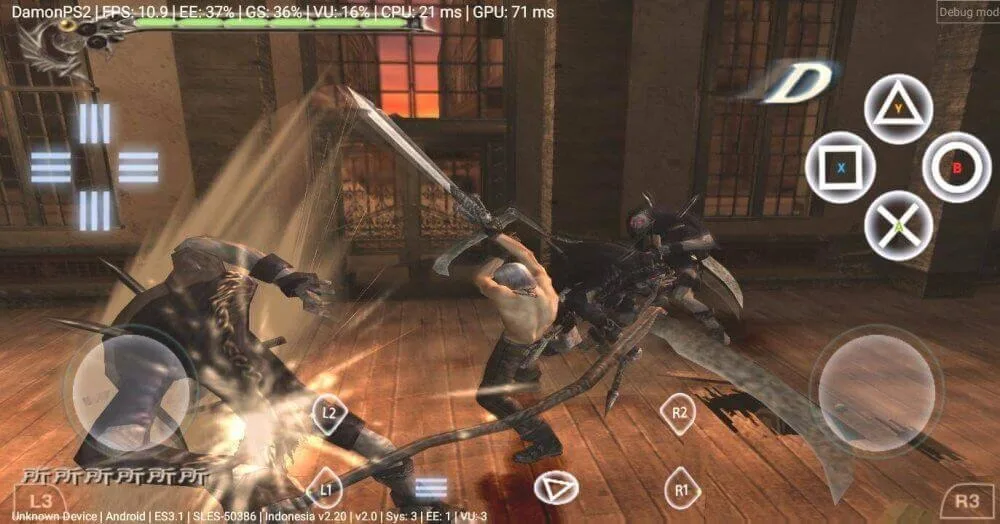
AetherSX2 is a high-quality, free emulator that allows you to play countless PS2 games. The older version of the PS2 emulator lacked customization options, but this issue has been addressed by the developers. It supports 1080p HD resolution, making the game experience on this emulator very realistic. The game’s resolution can be increased depending on the game. Overall, the emulator+BIOS allows you a unique and premium gaming experience which comes with no cost.