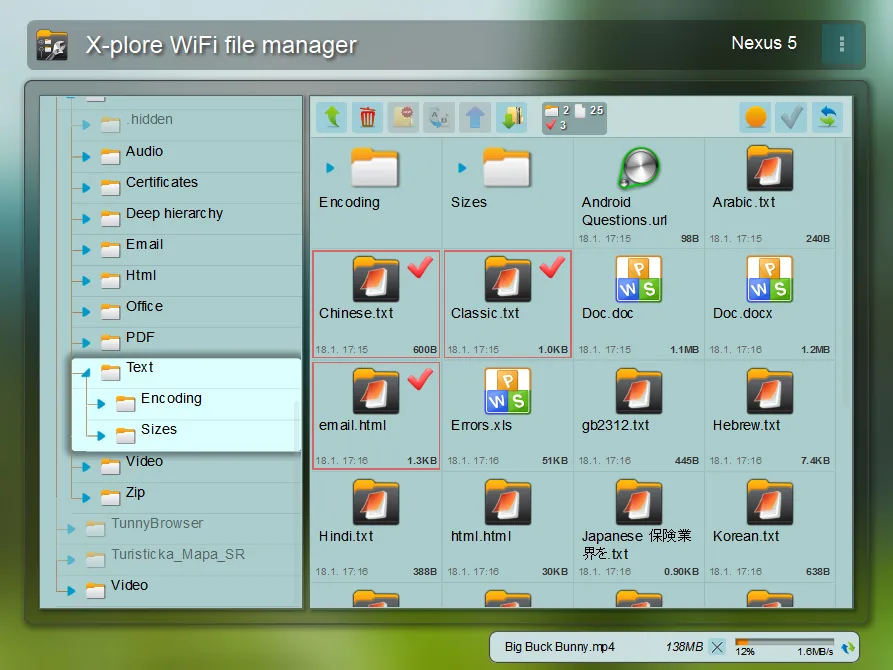
X-plore File Manager, developed by Lonely Cat Games, is a long-established professional file manager for Android. Its signature dual-split tree-like interface allows users to open two directories simultaneously for drag-and-drop copying and moving, significantly improving organization efficiency. The software is free and ad-free, supports various compressed file formats such as ZIP, RAR, and 7Z, and includes a built-in multimedia preview, document reader, and hexadecimal editor. It also features application backup, batch renaming, and Wi-Fi file sharing capabilities, and is compatible with phones, tablets, and Android TVs, catering to the advanced file management needs of both casual users and tech enthusiasts.
Click to load YouTube / 点击加载视频
YouTube ↗Features:
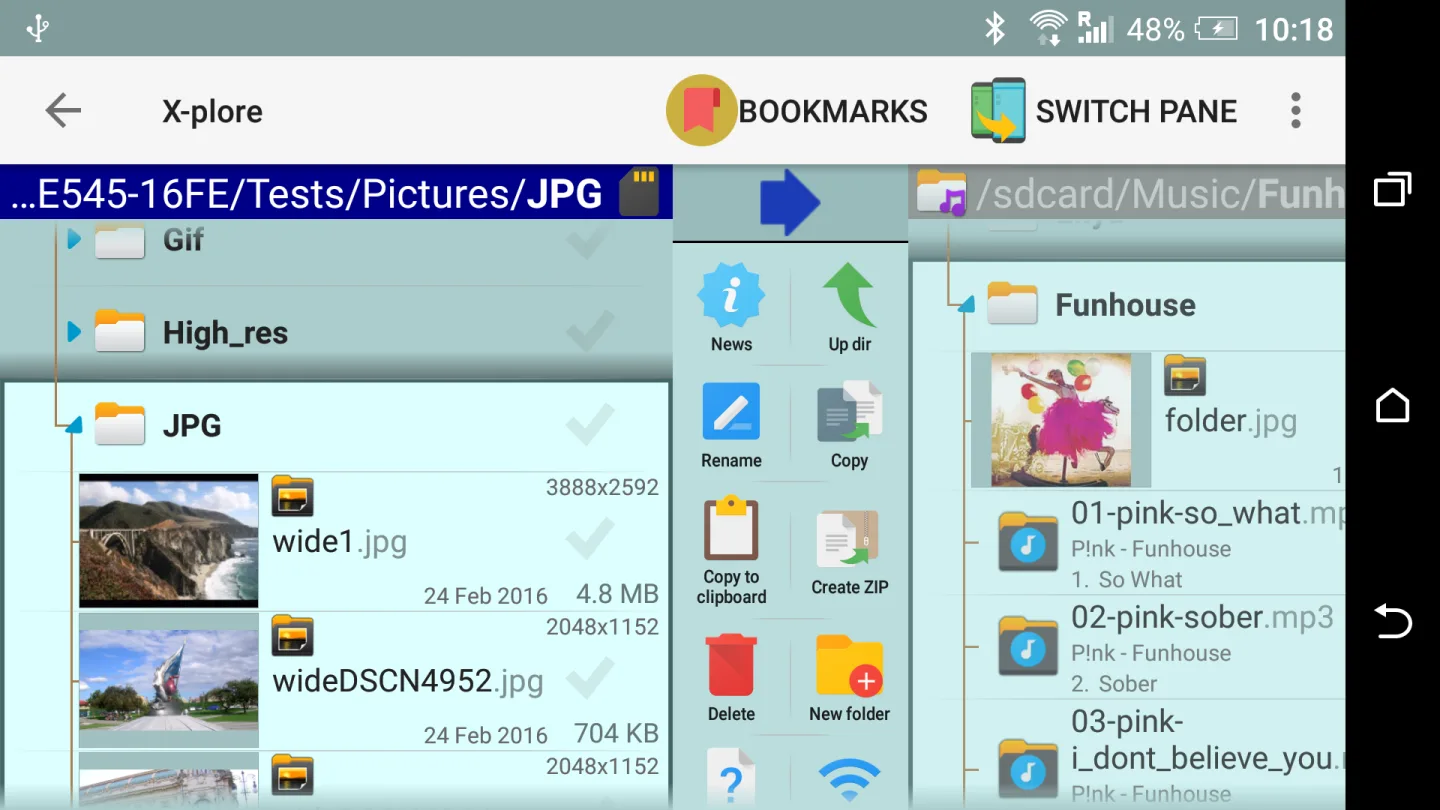
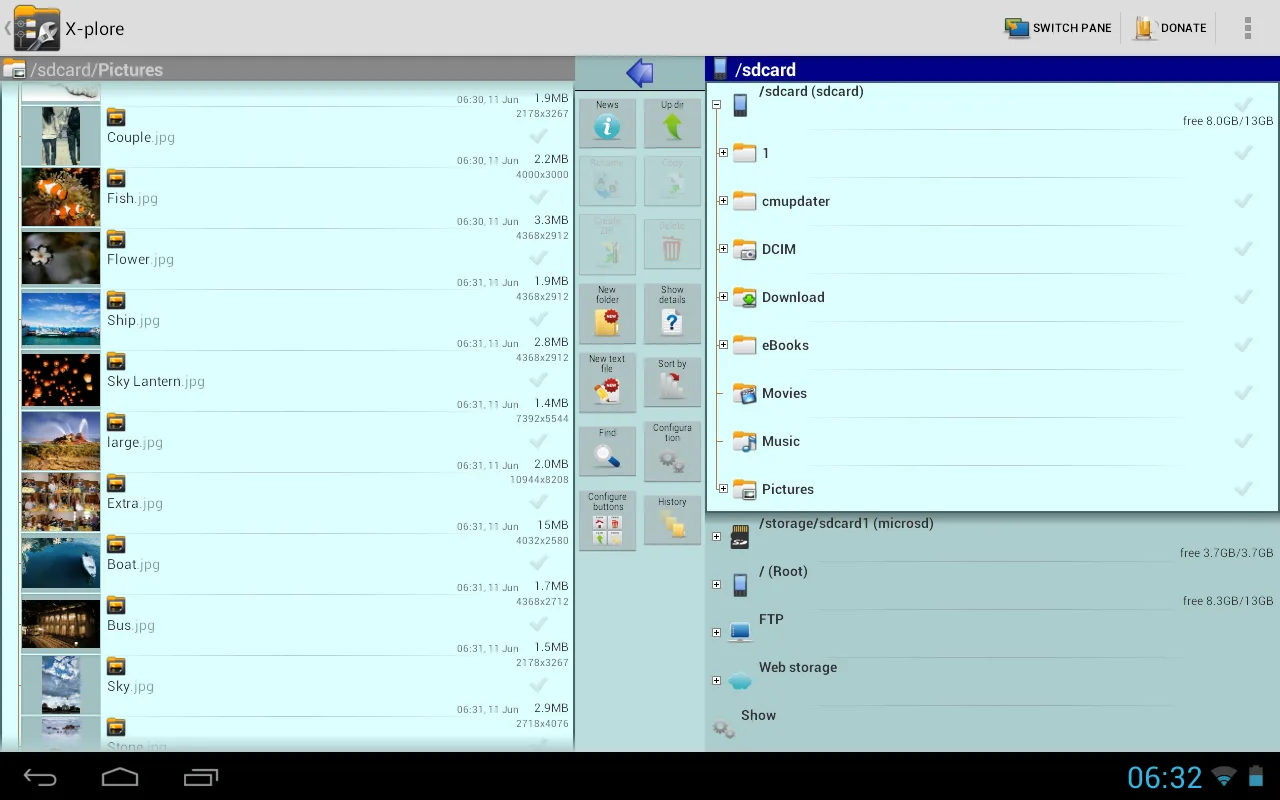
DUAL-PANE VIEW
Users can open two different data files at the same time to compare and add other opinions. Besides, you can move files in the same folder or copy data from one folder to another without spending too much time. Users are allowed to control the number of files, rename each folder, and display file access time.
ROOT ACCESS (REQUIRES ROOTED DEVICE)
System data is stored by the application in a hidden file so that you can access it to find information in case of data loss. Besides, the application also allows you to edit and add new or backup data to many different devices to prevent device loss.
FILE SHARING CAPABILITIES
Usually, other file storage devices will not allow you to share files in many different formats. However, this application helps you share files easily and without taking too much time. As long as your device has an internet or wifi connection, sharing files only takes a few minutes or even a few seconds. You can also access shared files and edit or add different ideas. You can also save both the original file and the edited file in the same folder easily.
CLOUD STORAGE SUPPORT
The application supports storing large files and folders, and you can also compress files. Each file will be saved in its original form; when you want to open the file, just click quickly. In addition, the application supports you in sharing files to different folders, and you also have the right to change the file name according to your purposes. The application allows you to use it in 2 different forms, online and offline. Online supports the editing process, while offline supports opening files anytime, anywhere.
ADVANCED FILE MANAGEMENT
The application has an effective file management feature for each individual folder, and you can set it to private mode. You can copy and move files to different devices depending on your needs. When copying, you have the right to copy large amounts of text and save it to file data to serve the effective search process. For large files, you can compress the file into many formats to make the file transfer process easier. Users also have the right to encode that file segment into a series of numbers to facilitate the security process.
Pros and Cons:
Pros
Intuitive to use
Feature-rich
Unlocked features are handy
Cons
Outdated UI design
FAQs:
Is the X-plore file manager free?
Yes, X-plore is free to use, and you can manage files without paying. Some advanced tools require a donation, including SFTP with SSH shell, Wi Fi file sharing, management from a PC web browser, the music player, the video player with subtitles, and Vault encryption.
Can X-plore edit RAR archives?
No, RAR support in X-plore is read only. You can open and view files inside RAR archives, but packing and modifying RAR archives is not available. For full editing, use Zip or 7zip within X-plore.
Is root access required to use X-plore?
No, X-plore works fully without root. Root access is optional and intended for experienced users who need to work in protected areas. You can also hide internal memory to reduce the risk of unwanted changes.
User Reviews:
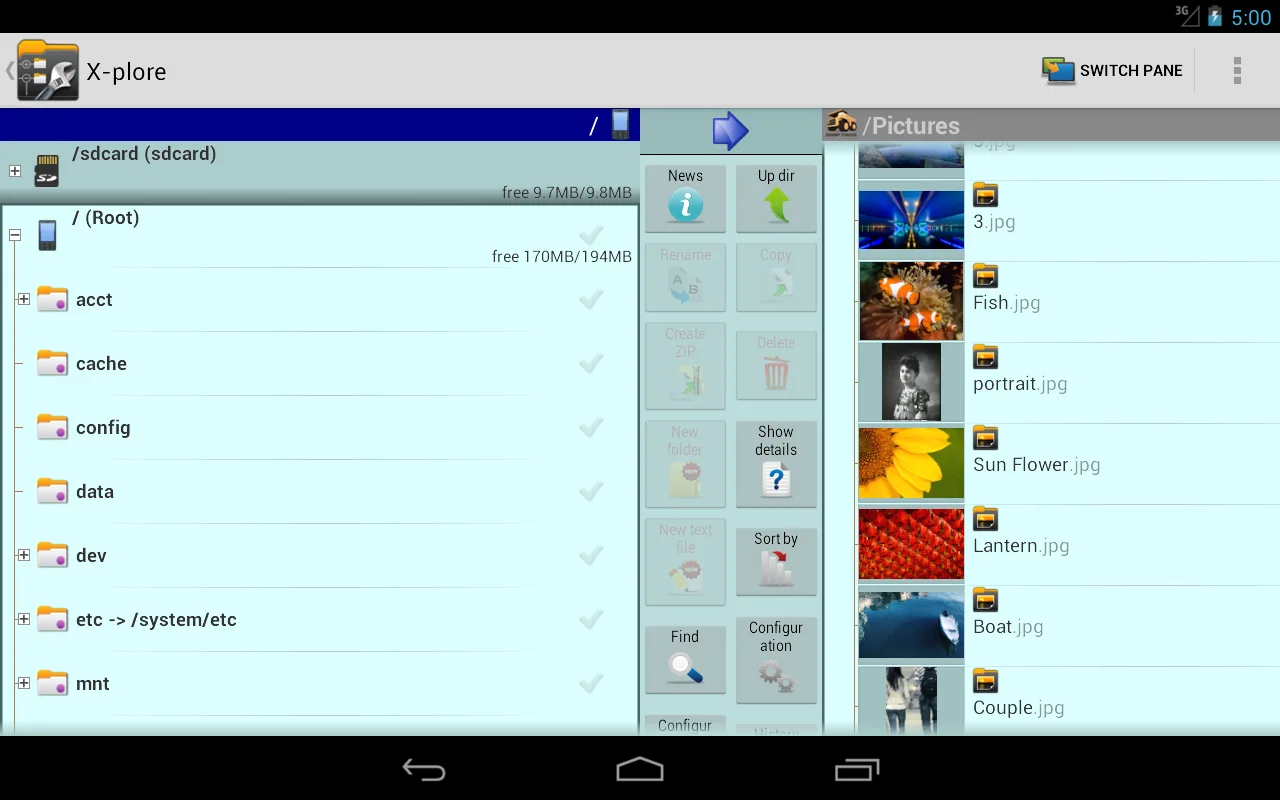
X-plore boasts a rich feature set, especially its unique dual-window interface, which makes copying and pasting files incredibly convenient. Frankly, the dual-window operation was the main reason I chose to install it. However, after using it, I discovered a strange problem—when I opened and edited a WPS document in X-plore, I was required to choose a save location when saving! Yet, when I opened and edited the same document in the Xiaomi File Explorer (which comes pre-installed on my phone), I didn't need to choose a save location at all. Common sense dictates that, whether on a PC or a mobile device, opening any document anywhere and editing it, unless you choose "Save As," shouldn't require selecting a save location. In this respect, I feel X-plore clearly goes against user habits and increases the complexity of document saving. If the developers can improve this aspect, I'd be happy to pay for it.
Conclusion:
X-plore File Manager is an app for Android that simplifies organizing and accessing your files. It makes managing and moving files around intuitive and is visually appealing. By using X-plore File Manager, you will be able to access files on your device that you otherwise might not be able to access.