

Root Booster is an app optimization tool for Android devices that requires root access. It identifies and terminates persistent background services and frees up system memory and storage space occupied by internal applications. It also allows for CPU frequency scaling to balance performance and efficiency, optimizes memory stacks, and helps prevent out-of-memory errors caused by insufficient resources when running large applications—effectively solving a major challenge for low-end and mid-range devices.
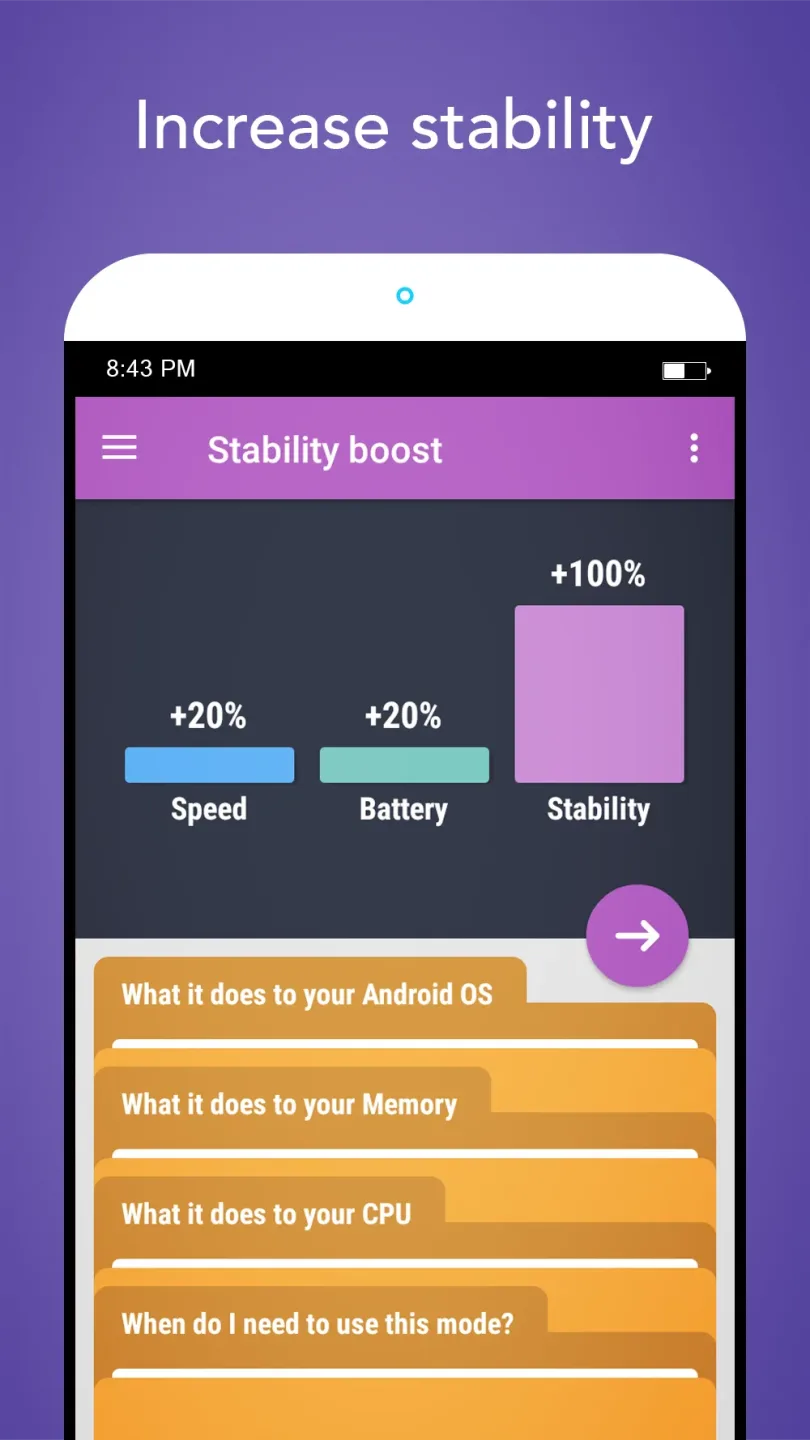
Features
Background app hibernation
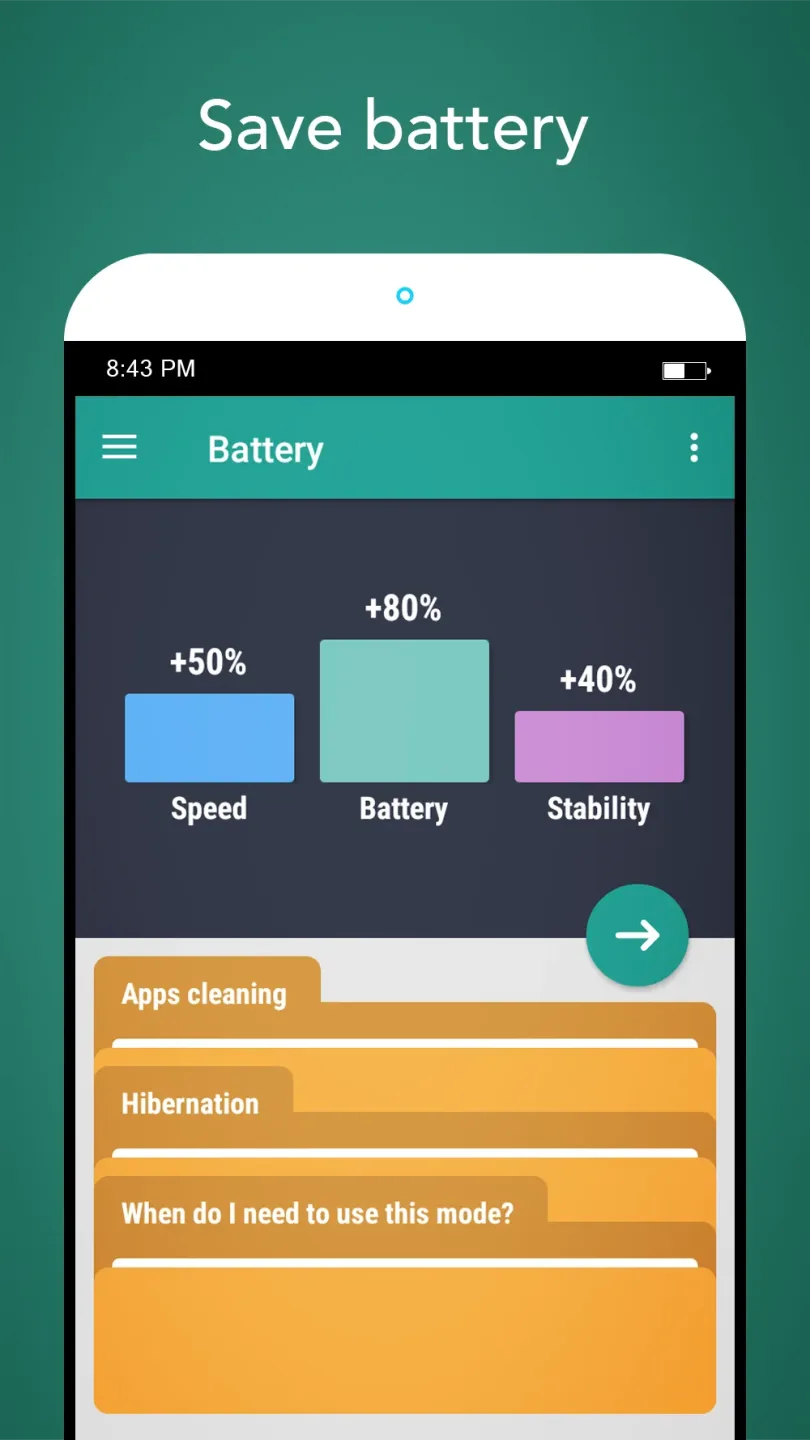
Root Booster identifies apps that keep services running in the background and puts them into hibernation. This stops those services so they no longer use CPU time or drain the battery. It avoids repeatedly killing tasks and helps the device stay responsive. On non rooted setups, hibernation can disable and freeze selected apps.
CPU governor selection
For processor tuning, Root Booster selects a suitable CPU governor based on the mode you choose. The governor controls how fast the CPU reaches higher or lower frequencies. The right choice can favor speed, battery saving, or stability. This adjustment needs root access and may vary by device.
RAM and VM heap tuning
To support stability in heavy apps, Root Booster measures memory behavior and sets an appropriate VM heap size. This helps reduce out of memory crashes when large apps need more working space. Changes follow the selected mode.
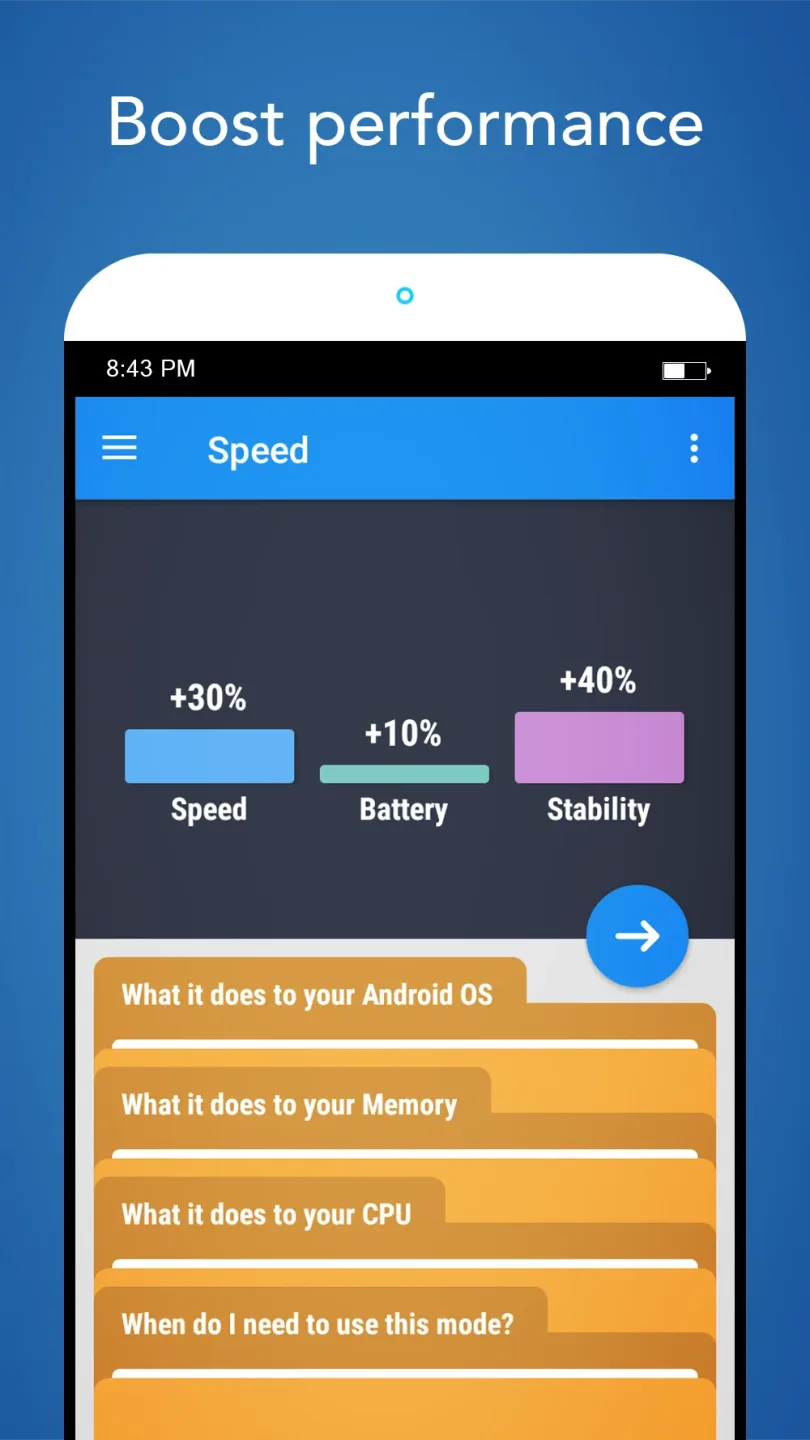
Application Principle
Applications on the Android operating system are often opened at the same time. Sometimes you think that after choosing to quit an application, it will completely stop its operation, but it is not. When closed, applications continue to run in the background, which means it continues to consume battery power as well as use other resources of the device. The only thing to completely stop unnecessary applications is to hibernate. You can tweak it manually, or Root Booster will help you do it automatically.
To do this job, the application will directly affect two parts: CPU (Central Processing Unit) and RAM (Random Access Memory). In a nutshell, the CPU is the controller, deciding the operating procedures of the applications in the machine, and the RAM is the memory, where data is stored. The CPU will take the data in RAM to serve the needs of the computer its control process. Reducing the burden of these two parts directly affects the operation of the machine.
Function
System Cleaner
Cleans empty folders, gallery thumbnails and uninstalled apps trash to speed up
your device and free up your storage.
Hibernation
Hibernation disables and freezes apps running in the background to improve battery life
and purify your device.
Cache Cleaner
Each app creates unnecessary files that use your SD card or internal storage
space. Removing cache files by one tap to free up space helps you to reclaim
storage and optimize and speed up your Android system.
Summarize
Root Booster is an app that lets you activate several special modes for your rooted Android device. Obviously you do need superuser privileges to get any use out of this app. If not, there's not much sense in downloading it.








