

Cash Organizer is a handy cash management app that links to your bank accounts to generate monthly and yearly financial charts, providing a clear overview of your financial status. It analyzes your past spending history to estimate your current month's expenditure and offers relevant suggestions to help you cut costs. The app features built-in categorization and filtering tools, allowing you to quickly locate transactions by date or tag, or search directly by payee to suit your specific needs. Regarding security, it automatically encrypts user information and protects financial data in real-time, ensuring peace of mind while you use the app.
Features of Cash Organizer:
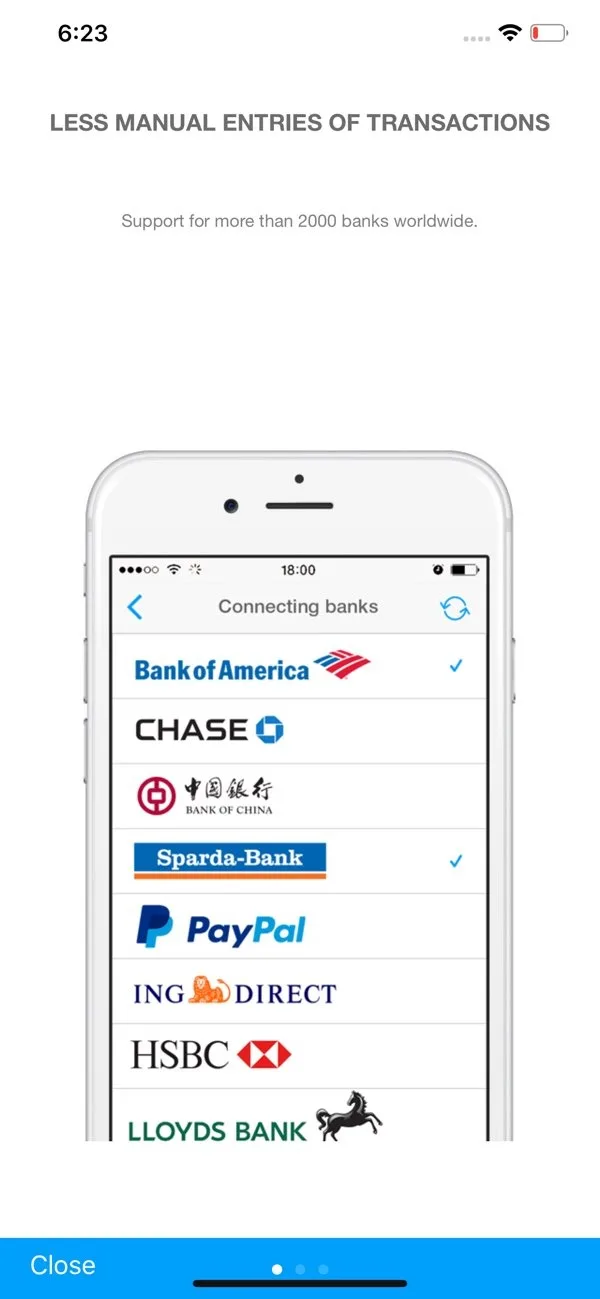
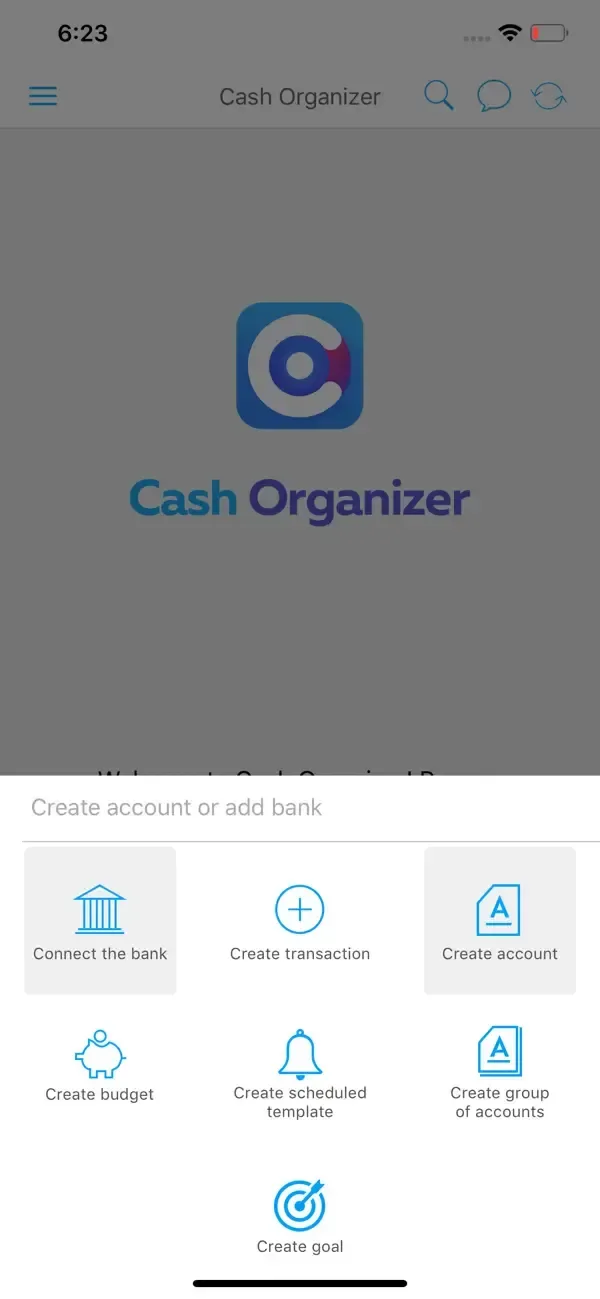
Synchronize online banks with the application and add a cash account to see the full picture of income and expenses;
If your bank doesn't provide its personal online banking, so just add your bank accounts to the application and control them easily;
Cash Organizer automatically check the balance of accounts, and credit card limits;
Cash Flow section provides reliable information on incomes and expenses for a current month or set period of time;
The application automatically determines the expenses by categories and displays information in a user-friendly graphical chart;
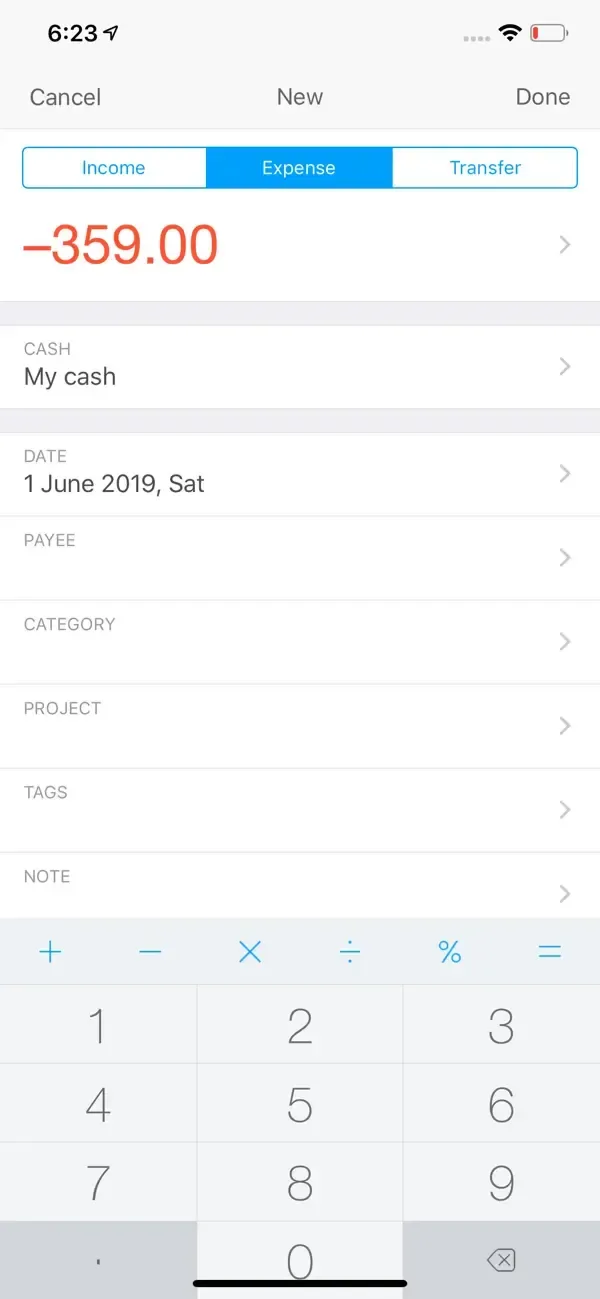
You can easily find information about any transactions by date, a payee or a tag;
Predict and plan your monthly budget;
Group your accounts of the same category, so you will see the overall balance of each accounts group;
How to Use Cash Organizer:
Step 1. Start. Visit the site And click Online button.
Step 2. Create an account: Account provides access to a database on the server. Here you just need to press the red button highlighted by the arrow in the illustration.
Step 3. Choosing the type of database: Online database hosted in the cloud. Cloud (or cloud service) - a technology for data placement on a server on the Internet. Such a placement will allow us to have access to their data from different computers and mobile devices. In this case, security is ensured thanks to strong encryption.In addition, Cash Organizer allows us to work with the cloud database even without an internet connection. In this case, all changes are saved in the database on local computer or phone if we work on Android version, and the changes are synchronized next time when the connection is established.
Step 4. Account information: Huge plus of Cash Organizer - the minimum amount of information required from the user during registration. Actually this step is only required to enter your email address and password invented by you.
FAQs of Cash Organizer:
Is Cash Organizer free?
Yes, Cash Organizer is free to download and install on Android through Google Play.
How do I install Cash Organizer on Android?
Open Google Play on your Android phone or tablet, search for Cash Organizer by Inesoft Europe or tap the Google Play button on this page, then tap Install. The app downloads and installs automatically.
What is com.tritit.cashorganizer?
com.tritit.cashorganizer is the App ID (package name) of Cash Organizer on Google Play. Every Android app has a unique package name, and it is the safest way to verify you are installing the official app.
Is Cash Organizer safe to download?
Installing Cash Organizer from Google Play is the safest option: you get the official version published by Inesoft Europe, verified by Google Play Protect, with automatic updates. Avoid APK files from unofficial third-party sites.
Final Verdict:
Cash Organizer offers a comprehensive solution for managing your finances, providing tools for budgeting, tracking transactions, and receiving personalized tips. By syncing online bank accounts and manual cash entries, users can gain an extensive overview of their financial activities.








