

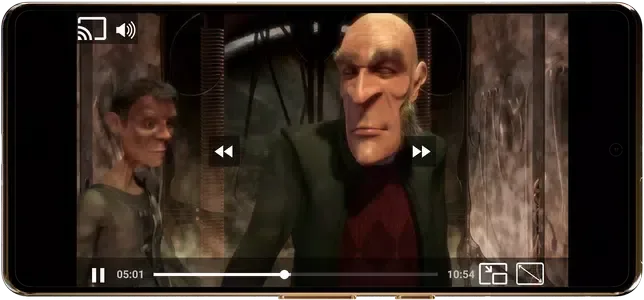
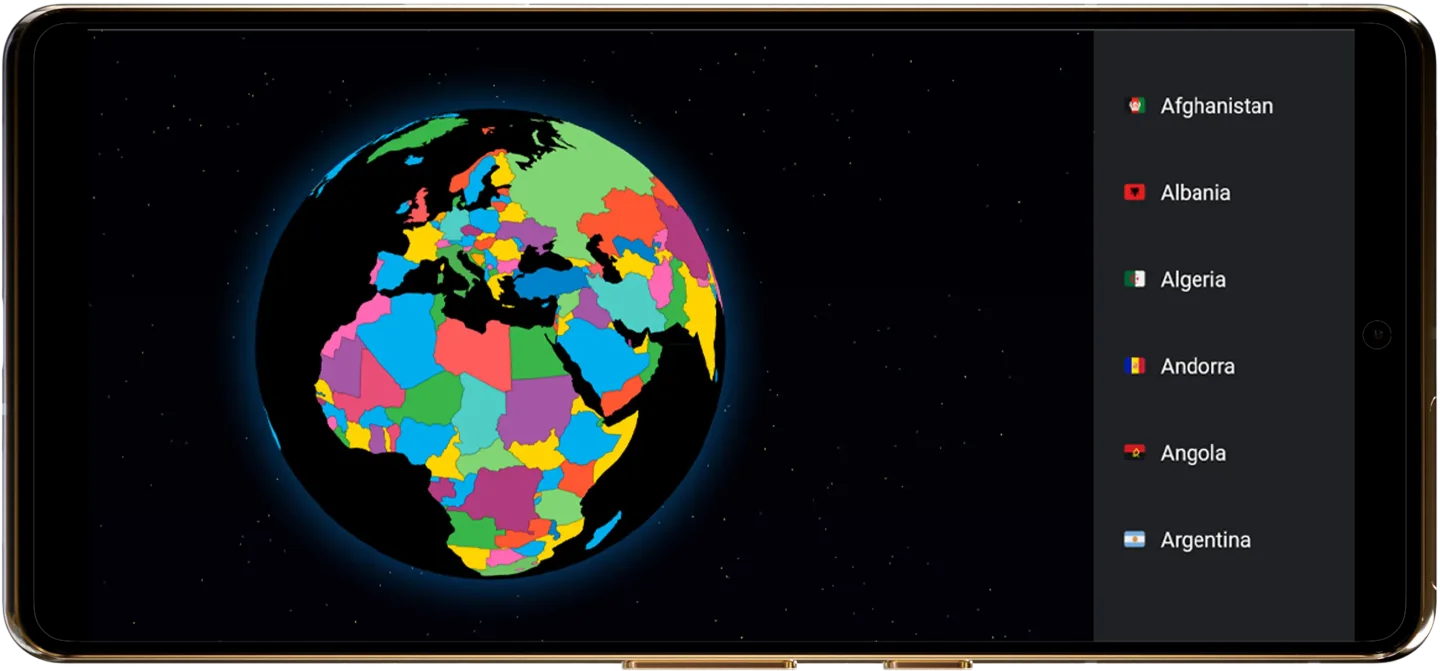
TV Garden World Video Player is a convenient video player that allows users to access and watch live TV channels from around the world, live news broadcasts, sports highlights, and more, making it easy to stay informed about global events and diverse cultures. Users enjoy a seamless, lag-free viewing experience and can customize settings such as screen size, image quality, and on-screen comments (danmaku) for optimal comfort. Additionally, the app supports screen casting, enabling users to project content from their mobile devices onto a TV for an immersive, high-definition big-screen experience.
Features of TV Garden World Video Player:
The user-centric approach to content sourcing grants complete control over available media. Users are entirely responsible for identifying and providing the streaming links they wish to use. Once imported into the application, these links become available for playback through the player interface. This model is particularly suited for users who maintain their own collection of streaming sources and prefer a centralized interface for managing and accessing them. The approach also enables users to mix content from multiple sources within a single application rather than switching between different platforms.
The application supports multiple streaming formats and protocols to accommodate various types of video sources. DASH and HLS streaming standards are both supported, enabling compatibility with adaptive bitrate streams that automatically adjust video quality based on available network bandwidth. These protocols are fundamental to modern online video delivery, providing stable playback that adapts to varying connection speeds and changing network conditions during viewing sessions. Beyond these adaptive streaming formats, the player also supports MP4 files and direct streaming links. This comprehensive format support enables users to incorporate different content delivery mechanisms within a single application—whether adaptive live streams, traditional video files, or other streaming sources.
Playback customization features provide meaningful control over video display and performance. Scaling modes are configurable, allowing users to adjust how video content fits within the display window, with options to preserve aspect ratio, fill the screen completely, or use other approaches according to user preference. Other playback settings are customizable as well, enabling fine-tuning of the viewing experience based on individual needs.
Functions of TV Garden World Video Player:
Reliable Playback: Ensures smooth and lag-free streaming experiences across all live TV content.
Picture-in-Picture Mode (PIP): Allows multitasking by watching streams in a small overlay window.
Favorites List: Enables users to bookmark preferred channels and streams for quick access.
Full-Screen Mode: Promotes immersive viewing through full-screen display options.
Stream & Cast Support: Facilitates casting to compatible devices such as TVs via Chromecast for enhanced viewing experiences.
Optimized Audio Quality: Enhances sound fidelity to enrich the multimedia experience.
Conclusion:
TV Garden World Video Player empowers users to access their favorite live TV channels, including news, sports, and entertainment, by allowing them to import their own streaming links. The app supports various formats such as DASH, HLS, and MP4, ensuring broad compatibility with online content. With features like smooth playback, picture-in-picture mode, and customizable controls, users can enjoy a tailored viewing experience.








