
Flashare is an excellent file-sharing tool. It offers powerful features that allow users to conveniently share information and transfer files between devices without relying on a Wi-Fi signal. With Flashare, users can say goodbye to cumbersome apps or outdated transfer methods and enjoy seamless data migration. It enables easy data exchange between devices and is completely free, with no restrictive limitations. Regardless of the platform or device you use, this free data transfer app helps you handle all data migration tasks with ease.
Highlights:
Contacts Transfer
Pictures Transfer
Videos Transfer
Calendars Transfer
Reminders Transfer
Apps Transfer
Phone Replication
WhatsApp™ Backup Transfer
Bulk Transfer Large Files
Features:
This app is incredibly easy to use because it only requires a few touches to work. Before you download a copy and imagine sending dozens of files though, you should keep in mind that it only works on devices that both have the app downloaded. Though it works on mobile devices such as tablets and smartphones, it may not work on all devices. Some LG users had problems getting the app to work.
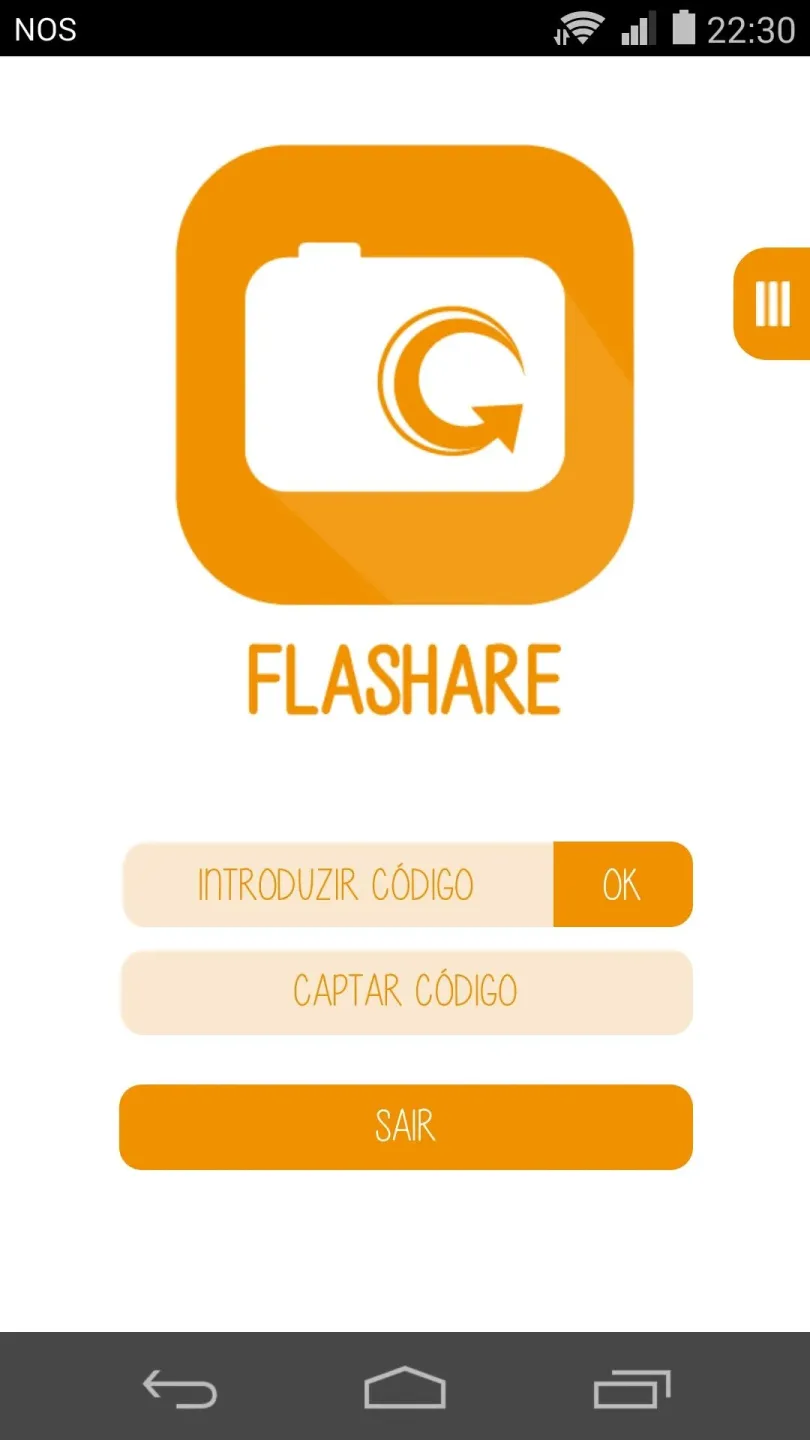
The buttons on the home screen let you pick between sending or receiving a file. When you share data with another user, you must have that individual press the opposite button to the one you press. You must also do this at the same time.
This allows the app to find a connection between the two of you, which is what it uses to send the file to the other device. If you need to share files across two of your own devices, you may need to have someone press the button on that second device for you.
A nice benefit to using Flashare is that it doesn't require any pesky cords. When you typically want to transfer files, you need to run a cord from one device to the next and sync the two. Using this app lets you share those files faster.
If you send a file to a new friend, you can then add that individual to your contact list through the app, which will make it easier to share data in the future. This is a helpful addition for those who need to transfer documents to coworkers or classmates.

Pros & Cons:
Pros
Convenient way to share files across devices
Works on both tablets and phones
Compatible with iOS and Android devices
Shows you all files you sent and received
Lets you pick the files you want to share
Cons
Requires that both users have the same app downloaded
Can have issues finding a connection between devices
May not work on products from some manufacturers such as LG
Conclusion:
Flashare also allows you to transfer multiple files at the same time, which comes in handy when using devices that you own. You can view all the files you are in the middle of sending and receiving at the same time too. This feature of the app shows you the total size of each one and the amount sent, which can give you an idea of how much time is left before the transfer completes. You can also click a button at the bottom of the screen to select from other transfer options such as email or SMS message. Anyone who shares files on a regular basis will find that Fileshare is a helpful app.








