

Mobogenie is an all-in-one app management tool. It allows you to quickly find the apps you need and install them without going through tedious steps; it also helps manage downloaded content and reduce clutter. With a vast number of apps updated daily, it saves you the hassle of repeatedly searching for applications. The tool is completely free, requiring no subscription or browsing fees. It enables quick data browsing and allows you to access resources such as game-related content, photos, ringtones, and wallpapers.
Features
Find Android apps
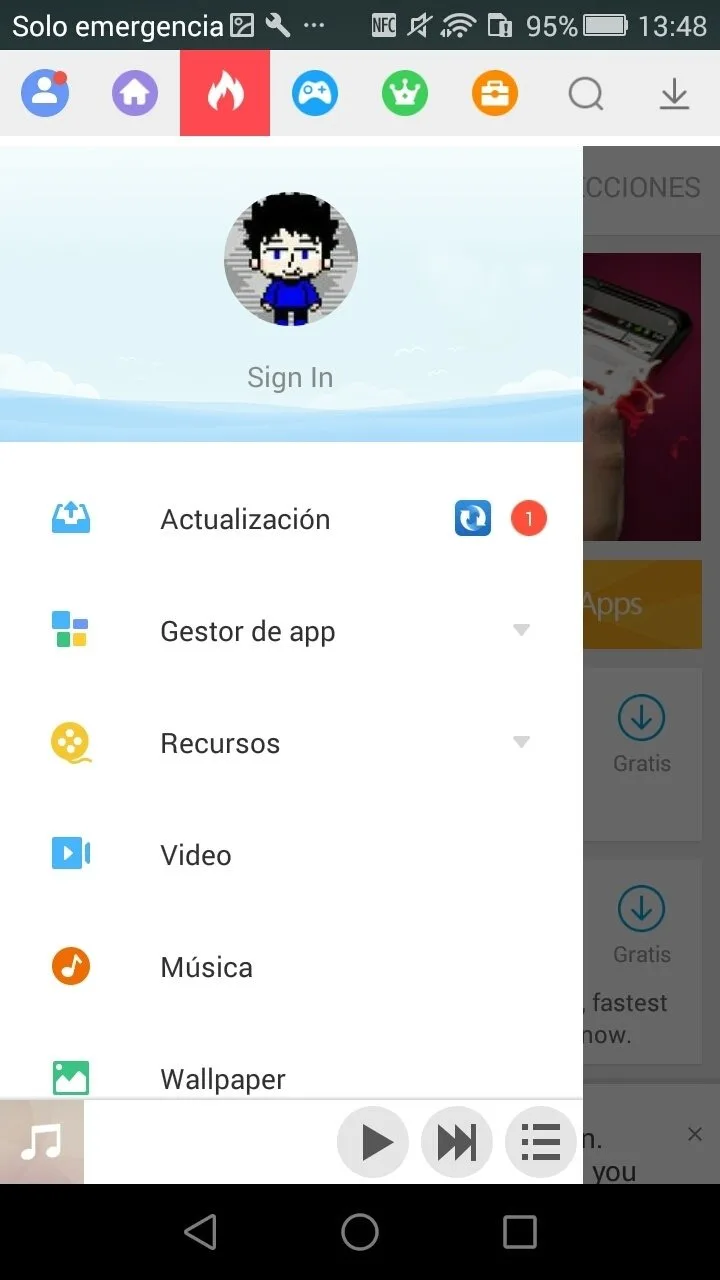
Mobogenie helps you find applications quickly with a straightforward catalog. Browse the catalog and pick items you want to install without extra steps. This is helpful when setting up a new device or refreshing your app lineup, since you can look for essentials and explore new choices in the same place.
Organize downloads
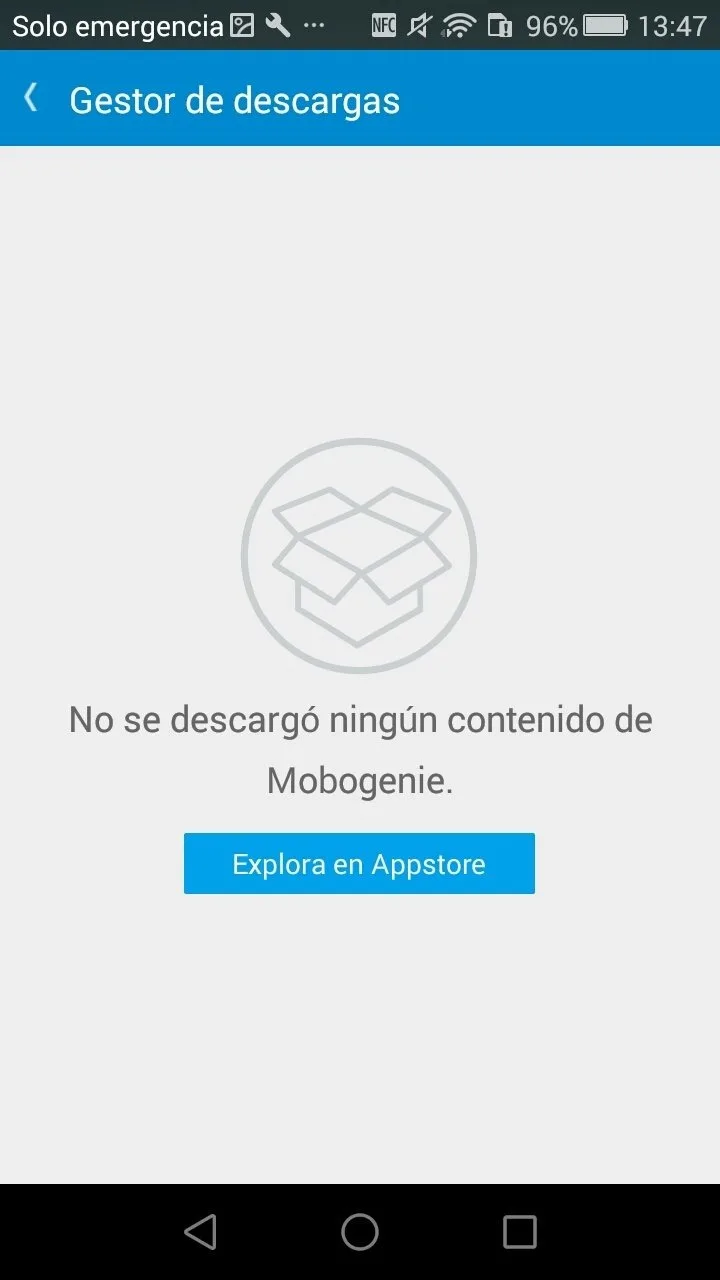
Your app downloads are kept in one accessible view. Once you start downloading, management is straightforward, and items remain easy to locate later. This organized approach helps reduce clutter, especially if you install many apps and want to see what has been added recently.
Centralized catalog with third party options
Beyond organization, Mobogenie brings app choices together in a single place, including third party options. This reduces the need to jump between different sources when looking for applications. It can be useful when a specific app is unavailable through your usual channel, giving you another path to check.
Free to use
The tool is free, so you can explore and manage downloads without subscription or extra cost. That makes it practical for everyday use, whether you are testing new apps or keeping a regular set installed.
Advantages and disadvantages
Pros
Easier Management of Your Data
Navigable Interface
Access to Games, Photos, Ringtones, and Wallpapers
Convenient Method for Backing up Your Data
Cons
You Have to Connect the Phone with the USB Cable to Use the App
The Inability to Connect with the Computer Using Wi-Fi
Highlights
On-fire applications: the trendiest and most downloaded apps. Here you'll find the applications that everyone is using.
Games: as you can imagine, a selection of different sorts of games (arcade, strategy, casual, action...).
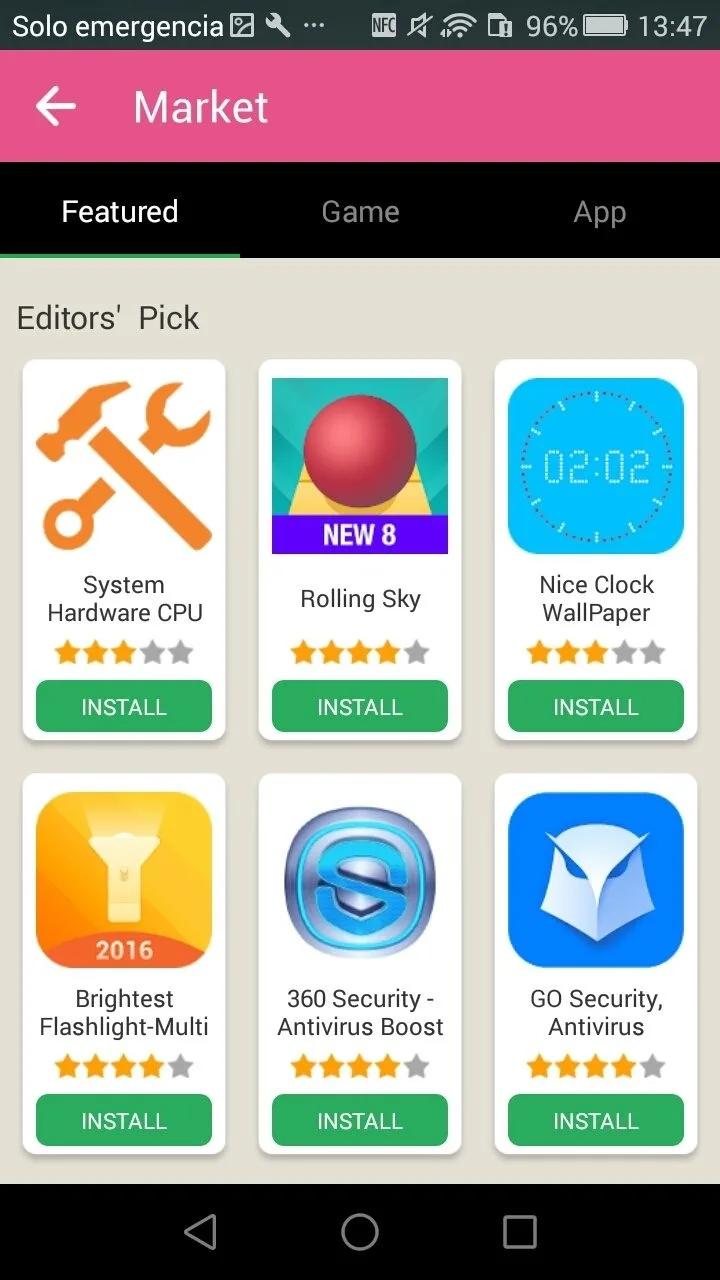
Editor's pick: here you'll find the applications curated by the service's editors. They don't necessarily need to be in fashion but have become their favorites.
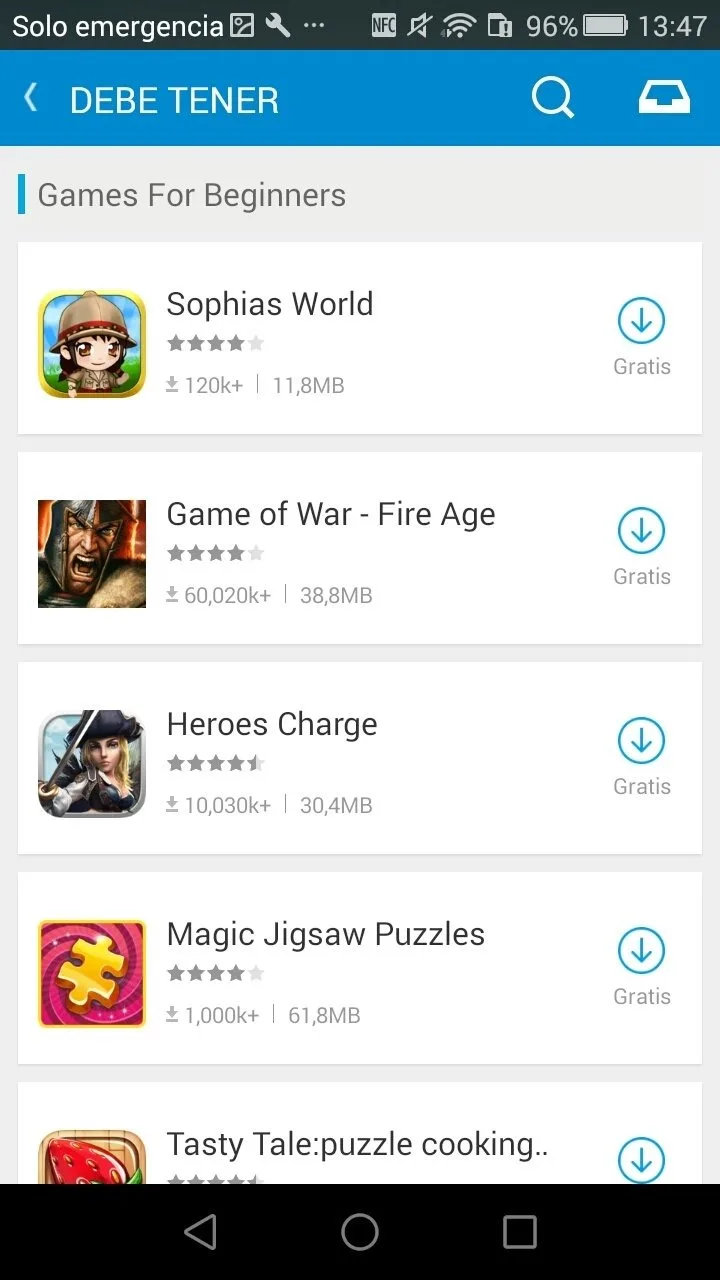
Must-Have apps: essential applications on any smartphone, apps of all sorts including games.
Summarize
The application also provides the platforms on which movies,games downloading and using.Mobognie has its store also. The app will let you know how to use it and how to interact apps on mobile and laptop/computer.The best tips and tricks to use Mobogenie for both the old and new users is listed. users can use this app online as well as offline.








