
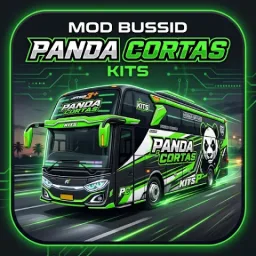
Mod Bussid Kits Panda Cortas is a utility app designed to provide the latest mods for the popular game BUSSID. Featuring cool liveries, realistic designs, and engaging features, the app allows players to customize buses, trucks, and other vehicles within the game. With Mod Bussid Kits Panda Cortas, users can apply unique, colorful liveries to their vehicles, creating a personalized gaming experience. Say goodbye to the hassle of scouring the web for mods; this app offers a one-stop solution for all your needs. Plus, the in-app library is constantly updated, ensuring you always have access to fresh content.

Features:
Access to hundreds of Bussid MODs and Liveries.
Wide variety of options including buses, trucks, and sports cars.
New MODs and Liveries added constantly without requiring app updates.
Easy downloads with just one click, no extraction needed.
Lightweight app size suitable for all smartphones.
Daily updates to keep your gaming experience fresh.
Tips and Tricks:
Check the compatibility of each mod with your current version of Bussid before installing.
Backup your game data before applying new mods to avoid losing progress.
Try different vehicle skins to find your favorite style in Mod Bussid Kits Panda Cortas.
Update mods regularly to enjoy the latest designs and features.
Follow installation instructions carefully to ensure mods work properly in the game.
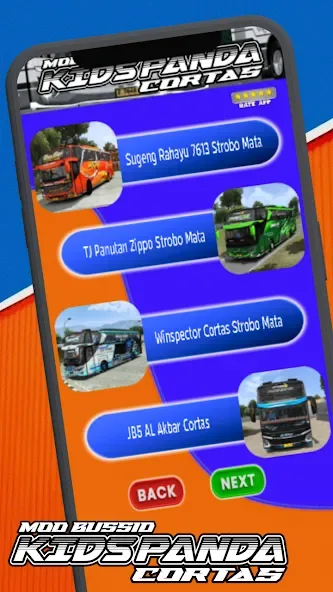
How to Install BUSSID Mods:
Download the desired BUSSID mod from the application.
After the mod file has been successfully downloaded, the file usually has the format .bussidmod or .bussidvehicle.
Open the Bus Simulator Indonesia application.
Enter the Garage menu.
Select the Mod menu then press Import.
Find the downloaded mod file and select it.
After being successfully imported, the mod will appear in the garage and is ready to use.
How to Install a BUSSID Livery:
Download the livery file from the app.
Open Bus Simulator Indonesia.
Go to the Garage and select the vehicle you want to use.
Select the Livery menu.
Click Select Livery File.
Locate the livery file you downloaded from the app.
Once selected, the livery will be immediately installed on the vehicle.
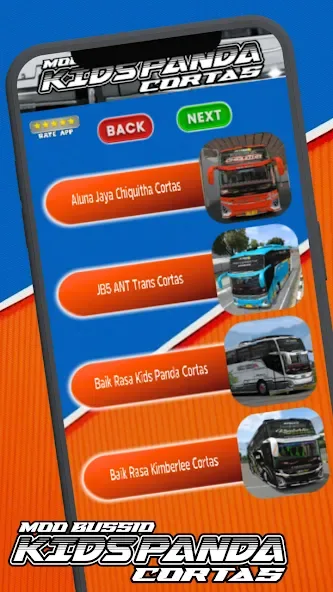
Conclusion:
Mod Bussid Kits Panda Cortas is a must-have app for BUS Simulator Indonesia players who want to customize their vehicles. With the latest mods, unique skins, and realistic designs, MOD BUSSID Terbaru enhances gameplay and keeps the experience exciting. Whether upgrading your bus or exploring new vehicles, this app provides endless fun and creativity. Download Mod Bussid Kits Panda Cortas and elevate your Bussid game today.








