
Quick Launcher for Android 17 is an excellent theme and customization app. It offers a wide range of features and tools, including an extensive collection of themes and stunning online wallpapers, helping users create a personalized experience for their devices. With Quick Launcher for Android 17, users can view missed calls, text messages, and notifications from various apps directly within the launcher interface. Furthermore, you can customize the icons and names of individual apps, as well as adjust the grid layout and color schemes, allowing you to craft a style that is uniquely your own.
Features:
Android™ 17 launcher experience with enhanced features, fully compatible with ALL Android 5.0+ devices
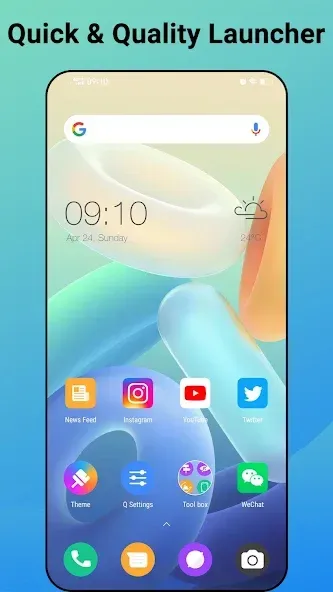
A-Z classified app drawer for effortless app searching—find what you need in seconds with this Quick Launcher
1000+ pay or free launcher themes, and full support for almost all GP third-party icon packs, customizable via Quick Launcher for Android 17
Abundant online HD wallpapers exclusive to Quick Launcher for Android 17, refresh your home screen anytime
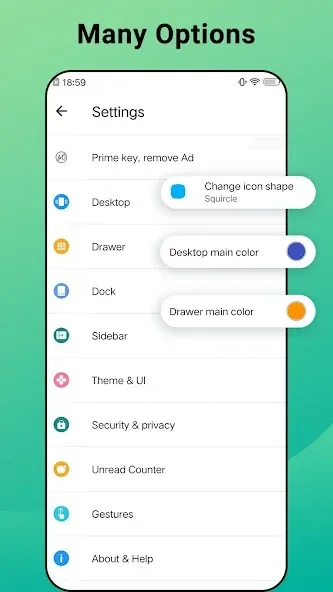
Unified app icon styling: switch between circle, square, or original shapes with one tap in this quick Android launcher
Rich gesture controls: swipe up/down, double tap, two-finger gestures, and more to navigate faster
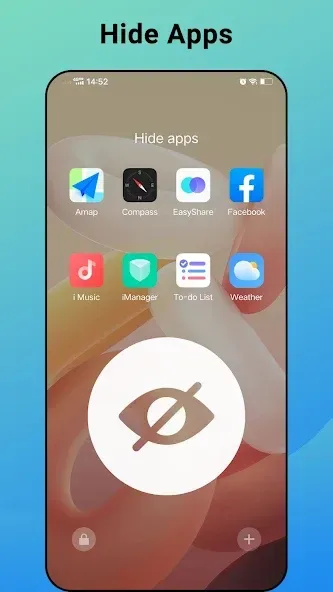
App hiding function: keep private apps away from prying eyes with Quick Launcher for Android 17
Unread counters for SMS, missed calls, and other apps—get real-time notifications directly on launcher icons
Customize app icons and names individually, tailoring your Android 17 / 16 launcher interface to your taste
Adjustable launcher grid size, icon size, icon labels, and label colors for personalized layout
10+ search bar styles to match your launcher theme, plus customizable dock background
Drawer background color adjustment: tweak the Android 17 / 16 launcher app drawer to fit your style
Lock desktop layout to prevent accidental changes, ideal for families with kids
Option to hide status bar for a more immersive Android launcher experience
Tips and Tricks:
Set up frequently used apps and shortcuts in Quick Launcher for Android 15 for faster access.
Use gestures like swipe, double-tap, or long-press to navigate your device efficiently.
Organize apps into folders or categories to reduce clutter and improve usability.
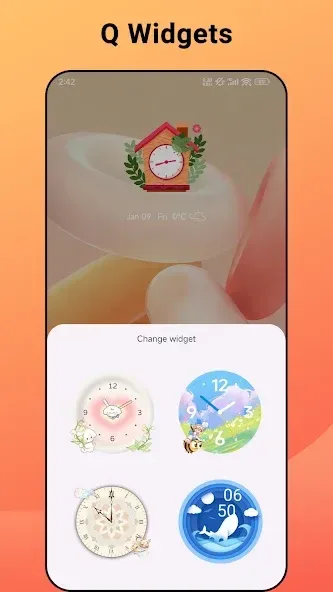
Customize the home screen with themes and icon packs to match your preferences.
Take advantage of the smart search feature to find apps, contacts, or settings instantly.
FAQs:
Can I use it on any Android device?
Yes, it is compatible with all Android 4+ devices.
Can I change the icon shapes with this launcher?
Yes, it allows you to unify your app icons to either circle or square shapes.
Is it free to download?
Yes, it is available for free on our website.
Conclusion:
Upgrade your mobile device with Quick Launcher for Android 17 and enjoy the benefits of a modern and efficient Android 17 launcher. With its remarkable features such as the A-Z classified app drawer, compatibility with various launcher themes and icon packs, and customizable app icon shapes, this launcher offers a seamless and personalized user experience. The intuitive navigation gestures and privacy features further enhance the usability of this launcher. Download Quick Launcher for Android 17 now and give your phone a fresh and stylish look.








