

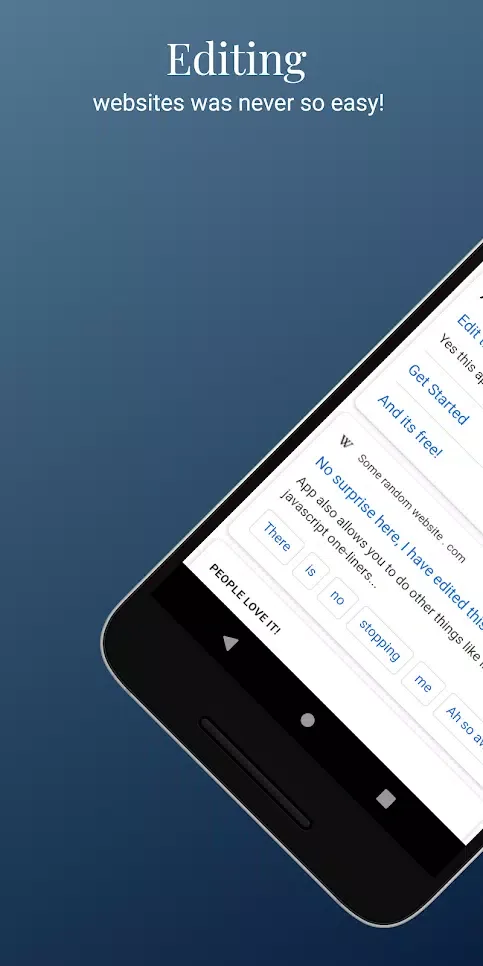
HTML Website Inspector Editor is a lightweight and convenient HTML coding tool. This application supports instant code access, allowing users to view and edit the source code of various web pages, simplifying your workflow. With the HTML Website Inspector Editor, users can easily view and modify the code of a live website and see the results immediately after making changes, thereby deepening their understanding of the website structure. Furthermore, the app includes powerful inspection and search features, enabling you to quickly locate specific content and troubleshoot issues with greater efficiency.
Highlights:
It's a handy tool for anyone who wants to learn more about the inner workings of a website, and it's especially useful for those who want to make changes to their own pages.
With it, you can easily view, edit, and even download the HTML code for free.
Once you install the app, you can enter a website address and view the source code of that page.
This is a helpful tool for learning more about HTML and CSS.
The app also offers an option to download the source code.
This will save the HTML code in your device's storage.
The app is very easy to use.
Features:
Live Source Code: Learn how web design effects are achieved by viewing the website’s source code.
Real-Time Changes: Change the website’s source code and view the changes in the design immediately. Test the effects of changing the design by altering or removing web elements.
Precision in Element Location: Enable accurate selection and pinpoint any area on a web page to find its related code. A site code view with a precision placement tool is now at your disposal.
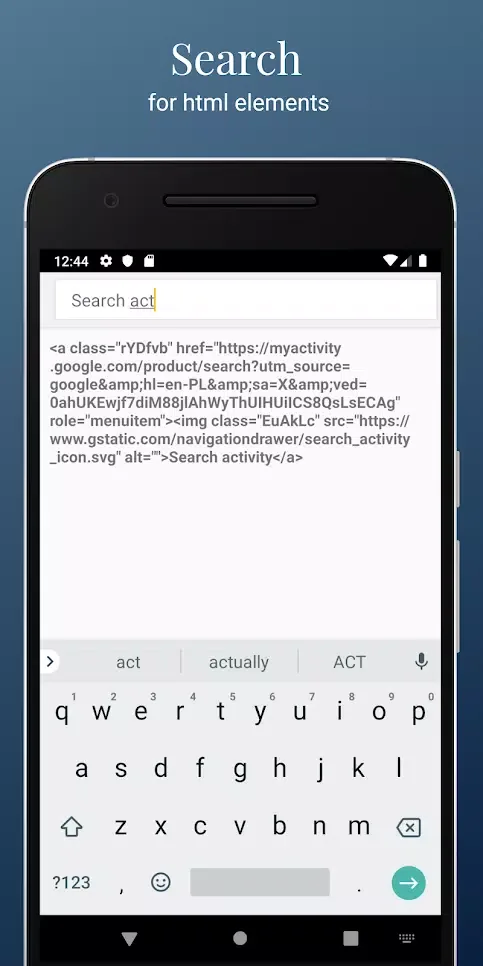
Enhanced Search and Alteration: Have the ability to search and find specific tags, classes or IDs in the entirety of the code structure. A search tool in a code structure consisting of a few thousand lines is extremely fast.
Analysis of Responsive Web Design: Understand and study the responsive nature of web design and the media queries and styles that enable it.
Understanding of Web Design: Understand the design and structure of complex websites to enhance your web development skills.

Tips and Tricks:
Element Quick Locate: The app features Element Quick Locate, which enables users to swiftly find specific elements or content within a webpage. This makes navigating complex codebases much more manageable and efficient. It is a great feature for those who manage websites, helping them find content more easily.
Efficient Issue Resolution: With Efficient Issue Resolution, users can debug and troubleshoot issues quickly. This way, users will avoid unnecessary risks. Quick troubleshooting is also one of the things that users love about this app.
Find Replace Ease: The Find Replace Ease feature allows users to find and replace text across the entire source code easily. This simplifies making broad changes and ensures consistency throughout the project. Now, users can manage their websites super easily!
Benefits:
Easy to use
Just enter web address and view the source code of that page.
Learn HTML and CSS
By reading and editing the code of well-designed web pages you can learn a lot!
View HTML website source code
Inspect web elements, edit them and improve you web page designing skills!
Please note
The code changed on any website will only be stored locally on your device, therefore it will disappear after the page refresh.
Conclusion:
For learners who want to examine HTML, adjust CSS or JavaScript, and immediately see the result, it provides a useful collection of tools at no charge. Experienced developers may find the inspection workflow too basic, but as a mobile study aid and quick editor, it has a clear purpose.








