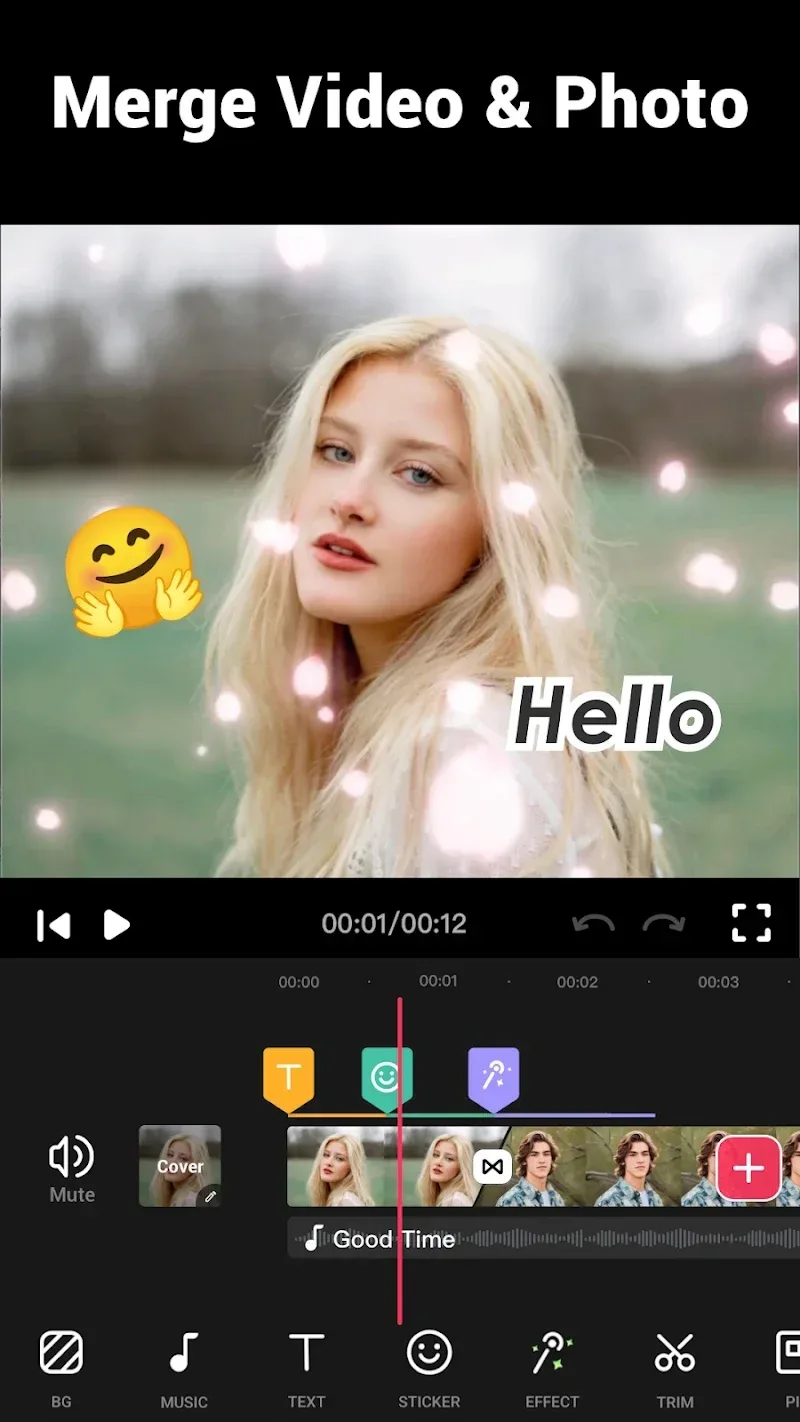
Video.Guru – Video Maker is a streamlined yet professional video editing app. It uses a single-layer timeline with a multi-tab design, allowing users to quickly drag and drop clips, add special effects and transitions, and achieve smooth animations and visual surprises through keyframe control. The app also provides a variety of aspect ratio templates and platform-adaptive presets, supporting full-process optimization from background music and text overlays to 4K output, taking into account the needs of social publishing and high-quality export, making it suitable for everyone from novice to advanced users to easily create outstanding videos.
Features:
Complex Project Support: Complex projects need to go through many layers of editing to become more perfect. The application is capable of carrying out projects whether simple or complex. Users can create as many editing layers as they want because the application can meet that.
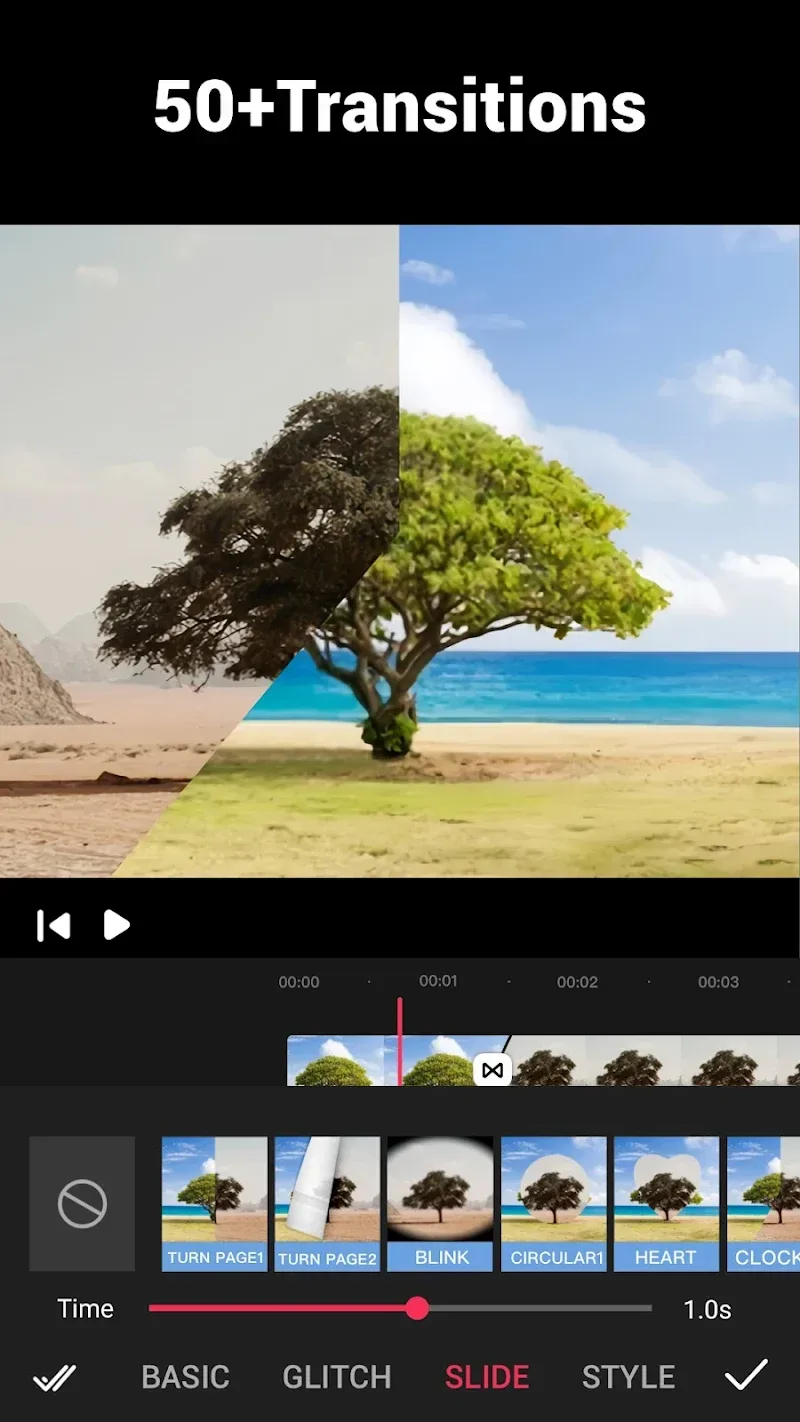
Professional Transition Library: Videos become more professional when applying modern editing technology. Users can refer to and use more than 50 transition effects for their videos. The smoothness of the scenes will create a professional and exciting feeling for viewers.
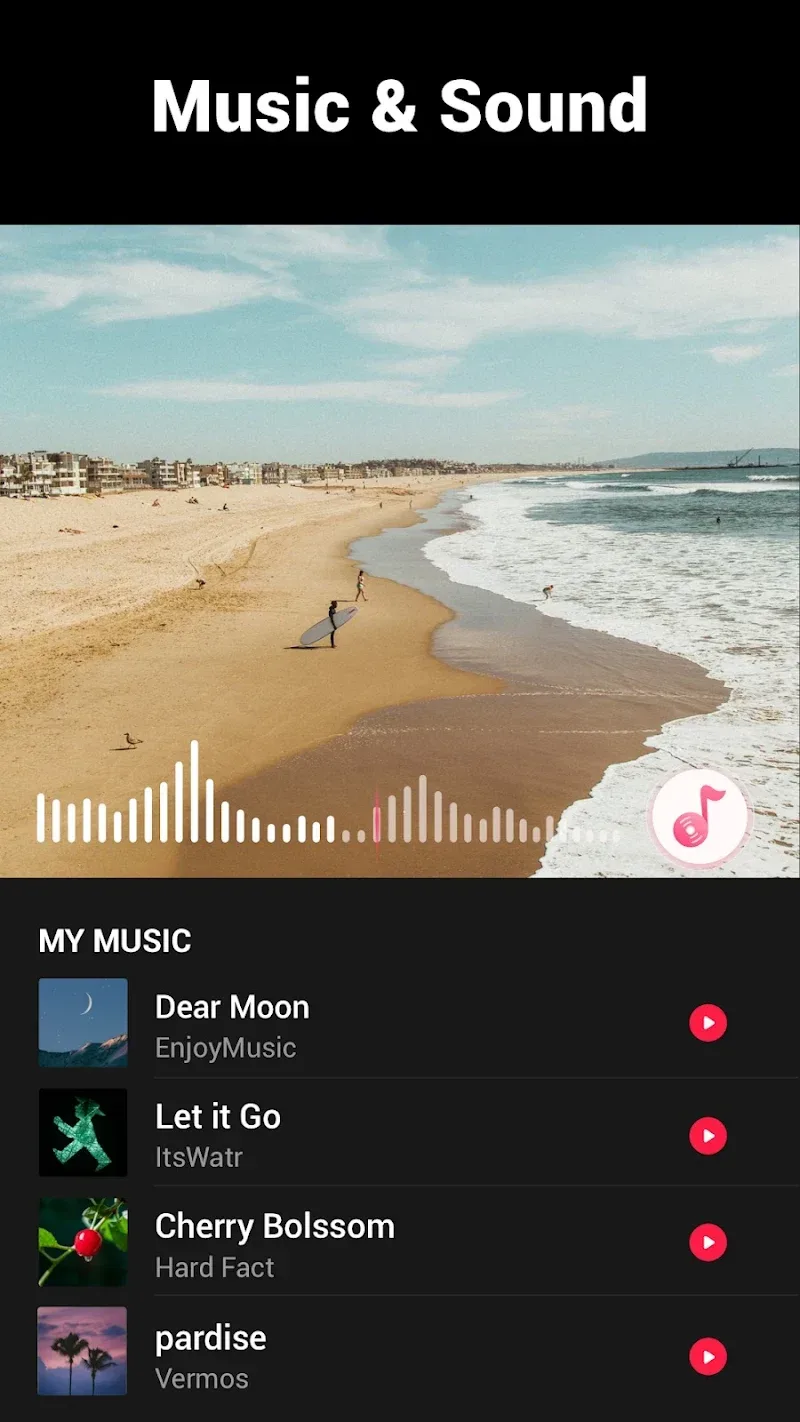
Extensive Creative Assets: The application supports many other options for sound and image. For sound, users can choose music that matches the video content in the music library. In addition, you can also use a series of extremely rich filters and visual effects.
High-Quality Video Output: The application not only possesses basic to advanced editing tools but also supports users to export high-quality videos. Videos with stable quality will always be welcomed because they look extremely professional. The application will maintain the stability of the image and sound quality of each product.
Unrestricted Content Sharing: Users can start editing with any content they like. The application does not place any content restrictions on the video editing process. In addition, you can share your content with everyone through the application’s link.
Easy Social Distribution: Sharing videos on social networks has never been easier. Users can directly share their products on social networking platforms that have been linked to the application. Your friends can enjoy the professional videos you create.
Advantages:
New editing sessions for users
Lip sync should be added and your own music should be inserted into the YouTube editing session. Change the original recorded video's loudness level. Apart from a venue for the production of vlogs and introductions, a music video creating tool built especially for YouTube is easily accessible. Filters and effects for videos: a YouTube editor with choices for bespoke filters and effects, an editing tool for videos. Including amazing cinematic video filters and effects into your video panorama can help it to look even better.
Incredible transitions effects
Use several transition effects in the film to provide changes into the video. a master in creating cinematic videos able to accommodate more than thirty amazing transitions. In and out; scan; blur; flash; glitch; fade in and out. Add text and emoticons to your created video. Additionally advised is including animations for the stickers and the text. You have the choice to upload the typeface you would want to use in addition to the great range of typefaces available. Including photo stickers and emoji into your film can help to improve its visual appeal as well as change the opacity.
Brilliant slideshow
Presenting the most sophisticated photo slideshow designer now accessible for Android devices: Slideshow and Status Creation Tool. Adding professionally-oriented music and images will help you to improve your video editing techniques. Select the resolution you wish to compress and convert your video to. The process of video compression and conversion starts here. a tool producing videos with customised quality settings. Especially suited for beginners, an application designed for the creation of high-quality videos and trimming them as well as a sophisticated tool for the production of vlogs and introduction videos.
Bring your photos to life:
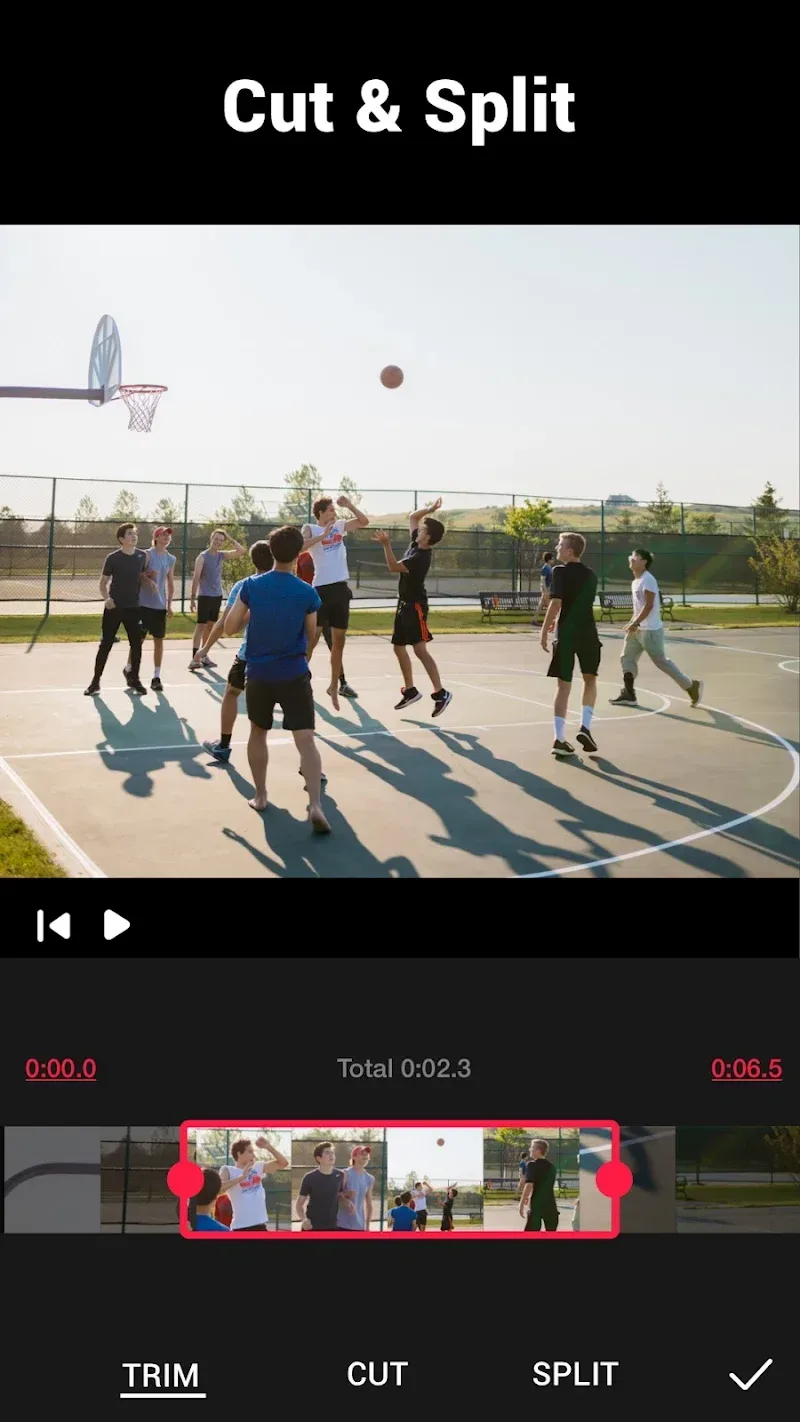
Video Maker offers an easy way to turn cherished photos into memorable videos. Users can trim and crop clips, adjust speed for slow- or fast-motion effects, and add engaging background music. With the ability to apply effects and choose a background image, videos can be customized to suit any style.
However, as with any video creation app, users should be aware that the quality of the output will depend on the input photos and editing skills. That said, for those seeking an easy way to bring their photos to life, this proves a great option.
Stylish and Effect-filled Fonts or Texts:
In addition to the above factors, Video.Guru also allows users to write on artistic or enchanting text to create a new element for the video. Thanks to the app’s capabilities, the design of typefaces becomes even more decadent, as they come with countless variations, styles, shapes, and more. Users can also change the appearance or animate the video to come alive, creating a strong impression on viewers.
The possibilities of Video.Guru is endless in providing facilities and features for users to edit photos or videos and come with many customizations to satisfy their individual needs. On top of that, it also constantly updates new content in each field to stimulate users’ creativity to new heights when editing things.
Conclusion:
Video.Guru – Video Maker is an editing application with minimal features that helps users edit videos professionally. Instead of using multiple layers, they go through tabs with different features to add or retain what is needed for the content. Keyframe will be a tool that requires them to master as soon as possible because it helps make content transitions smoother and creates certain surprises for viewers. In particular, throughout the creative process, aspect ratios and posting platforms are also things they need to pay attention to because the application supports a number of frames that you should consider when using.