
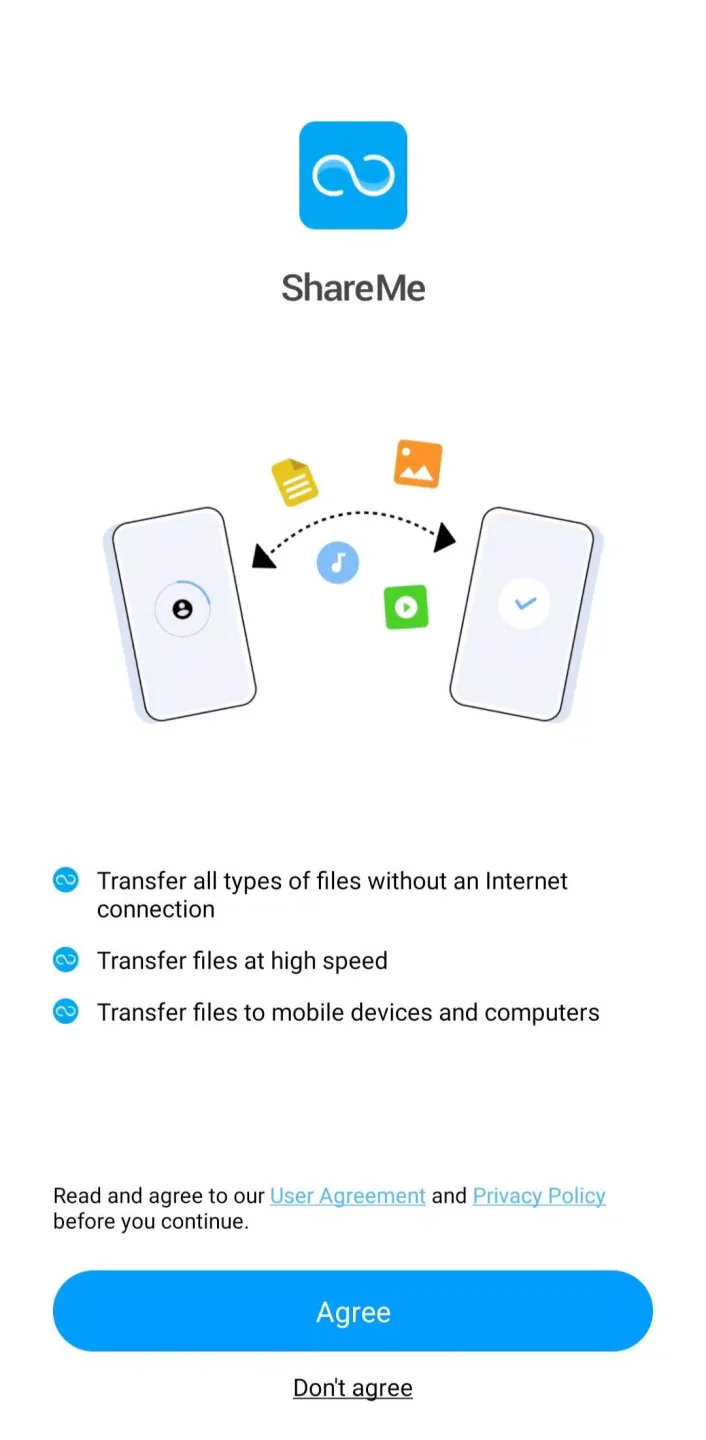
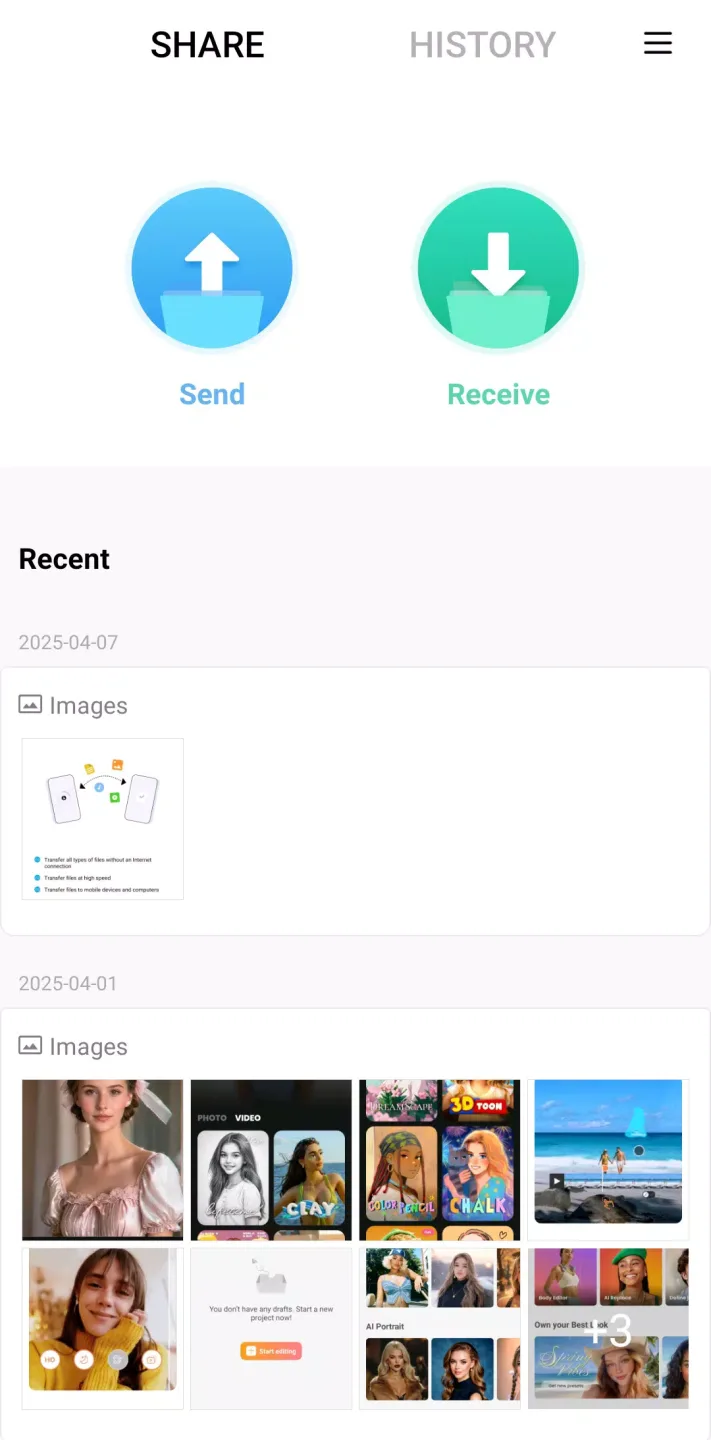
ShareMe is a highly praised file-sharing and storage utility that delivers ultra-fast transfer speeds and flexibly solves the difficulties of backing up, storing, and sharing large files. ShareMe presents users with a user-friendly and feature-rich cloud file storage platform that supports a wide variety of file formats and saves users time and effort with its high-speed transfer capabilities. This outstanding file-sharing tool supports multiple languages, making your file management easier.
Click to load YouTube / 点击加载视频
YouTube ↗Attractive Performance
Ultra-Fast Offline Transfer
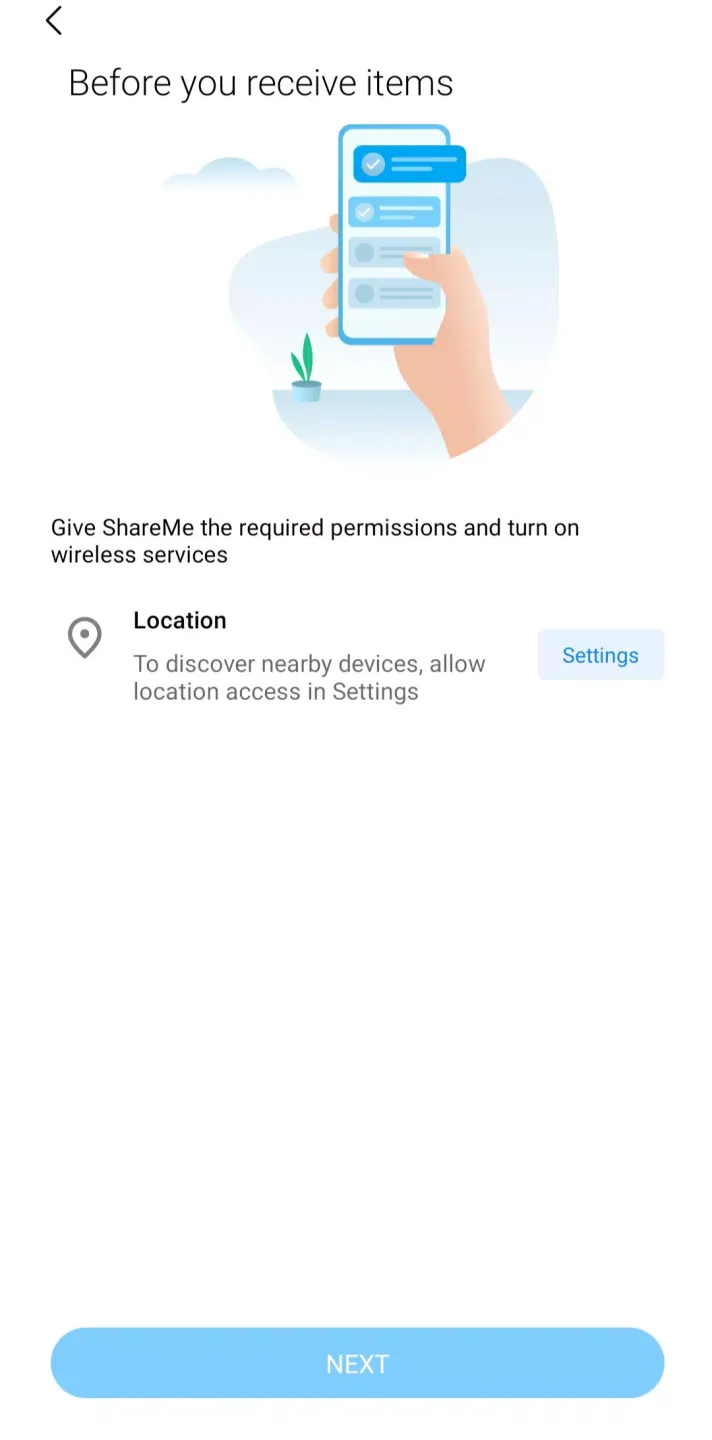
ShareMe's biggest advantage is that it allows file sharing without an internet connection; the application establishes a direct network between devices to send and receive data. This makes transfer speeds up to 200 times faster than Bluetooth and eliminates the need for mobile networks or routers. For example, ShareMe is ideal for environments without network coverage, offices without Wi-Fi, or when you need to urgently send files but don't want to use mobile data.
Supports All File Types
Another advantage of ShareMe is that you can freely send and receive files of any format or extension. You can share photos, songs, apps, videos, documents, or entire folders. ShareMe imposes no restrictions on you; for example, you don't need to compress files to avoid size limits. You can also select multiple files simultaneously and send them in batches without repetitive operations.
Resume Interrupted Transfers
One of the app's most useful features is that it allows you to pause and resume transfers if interrupted by a brief disconnection or accidental app exit. ShareMe remembers the transfer progress and resumes from where it left off, avoiding wasted time and ensuring file integrity.
User's Comments
super fast transfer one phone to another phone. Very format in transfer in files, video, photos, etc... No INTERNET connection only Bluetooth, location on ok. no waste data.
This app is amazing! Before, I was clueless what to do, but once I used this app, it was simple and easy file transfer. I kept a ton of good photos and videos to keep my heart full, and many memories flowing in my mind!
the app is very easy to use also the files transferred very quick I have 500 files including videos and apps it transferred within 2-3 mins. there's no ad in this app you can use freely without disturbing ads very useful !!
A good and easy means to share files with someone without revealing phone number and without any data usage. So yes it is good app.
Engaging Features
No intrusive ads
ShareMe sells itself as an ad-free user experience, unlike other file-sharing apps that are filled with distractions.
Supports over 70 world languages
ShareMe is designed for global users and supports multiple languages, including English, Spanish, Chinese, Portuguese, Russian, Vietnamese, and Vietnamese, allowing users from different regions to choose their preferred language when using the application.
Data transfer without Wi-Fi
ShareMe allows users to send files to other devices without a network connection by displaying an FTP address or QR code.
Compatible with multiple phone models
While the app comes pre-installed on Xiaomi smartphones, it also runs smoothly on other brands of phones, such as Samsung, OPPO, OnePlus, vivo, LG, and realme.
Cross-Platform Data Transfer
The "Share to PC" and "Web Share" features enable users to transfer files between mobile devices and between mobile devices and computers, ensuring a seamless sharing experience across Android, iOS, Windows, and Mac.
Frequently Asked Questions
What types of files can I share with ShareMe?
ShareMe supports a wide range of file types, including photos, videos, music, documents, and APK files.
Is ShareMe free to use?
Yes, ShareMe is completely free with no hidden fees or subscriptions.
Does ShareMe require an internet connection?
No, ShareMe uses Wi-Fi Direct for transfers, so an internet connection is not required for file sharing.
Final Words
ShareMe is not limited to a single operating system. It supports seamless file sharing between Android and iOS devices, making it ideal for users with different types of smartphones. This cross-platform functionality eliminates compatibility issues, ensuring smooth communication between friends, family, or colleagues.