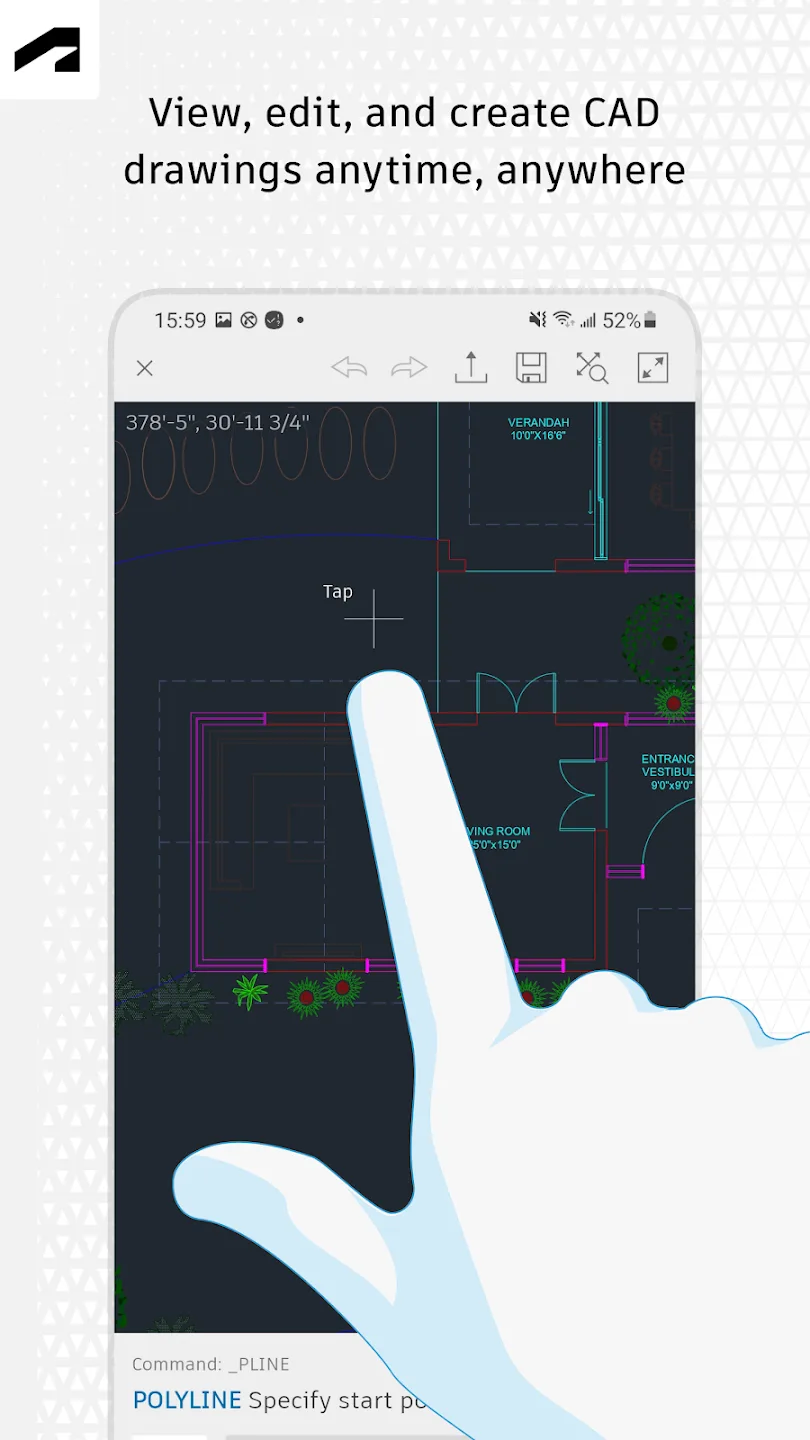
AutoCAD is a drawing viewing and editing software designed specifically for CAD users. It portes editing functions from PCs to mobile devices, allowing users to easily open CAD files and use built-in editing tools such as layers, geometric editing distances, measurement, and annotation for creation. The software supports sharing features, enabling users to collaborate with team members in real time, saving time while making drawings more detailed and fulfilling the ideas of other team members.
Click to load YouTube / 点击加载视频
YouTube ↗Features of AutoCAD:
Advanced DWG file viewing and editing: Effortlessly access and modify your drawings anytime and anywhere directly from your smartphone or tablet.
Robust lightweight editing tools: Perform essential edits, annotations, and basic design modifications efficiently, making fieldwork seamless.
Offline mode: Continue working without an internet connection and synchronize your changes once you're back online, ensuring uninterrupted productivity.
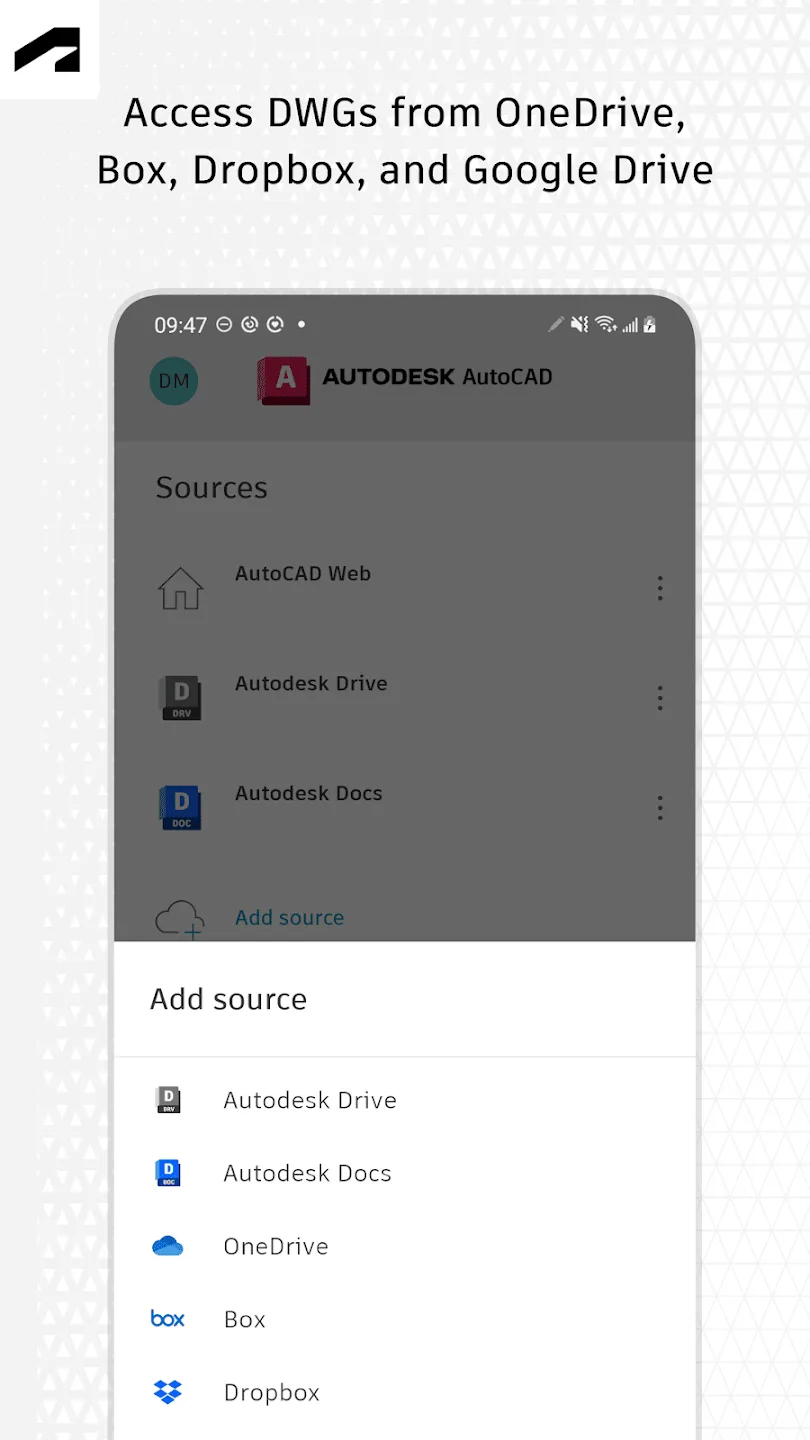
Cloud connectivity: Integrate seamlessly with Autodesk Drive, Google Drive, Dropbox, OneDrive, and Box for smooth file management and collaboration.
Comprehensive annotation tools: Add comments, measurements, and detailed markup to communicate your design intent clearly.
Layer control features: Manage visibility and layer settings within your DWG files to view complex drawings with ease.
Precise measurement functions: Measure distances, angles, radii, and areas directly on your drawings for accurate assessments.
User Reviews of AutoCAD:
Hey great job. I have a few suggestions to make this app even better: 1- a scale (like the one you see on GPS, google maps...) As zooming in and out, the scale changes. That makes it more accurate for constructing inrerior spaces and more intricate designs. 2- on the Draw/Arc function to be able to drop a pin on where you would like to extend the arc. Currently it's always right on the middle, but some shapes bend near the edges, I have to draw 5 different lines to make that happen. Thanks!
For what I needed it for. It worked nicely. I did the trial version designing a TV Stand. Came out nicely. Was able to print too. Not sure what more the premium or ultimate versions offer. But. The trial version got done what I needed it to do. I'm not going to buy the premium, I'll get another app and try them all out.
Nice app, easy to use on mobile. In emergency, when you are not on system, it helps. Only need to improve in dimensions size, dimensions are appearing larger than drawing and there is no option to reduce its size. Currently it can be eliminated by taking dimensions in multiple of 10 and entering dimensions values manually, so it will appear like normal.
Very good and very helpful especially when you are on time schedules, this really help a lot, and it is less bulky, it could just be stored on your pocket, if you got instant ideas popping out, you could get right away, hassle free. I highly recommend this to anyone. I hope autodesk got simplified Revit and 3dsMax to complete the set. I am a student license holder for Revit 2017 and Autodesk 2017, and I will later do the 3ds Max, for my initial works with these softwares. Thanks, Autodesk!
FAQs of AutoCAD:
Q: What is the app used for?
A: It is used to view, edit, and manage DWG CAD drawings directly on Android devices.
Q: Can I use it on my phone without the internet?
A: Yes, the app supports offline mode. You can work on drawings offline and sync changes later.
Q: Does the app support cloud storage?
A: Yes, it supports services like Google Drive, Dropbox, OneDrive, and Autodesk Drive.
Q: Can I create new drawings in the app?
A: Yes, users can create and edit 2D drawings using the built-in drafting tools.
Final Thoughts:
AutoCAD combines precise 2D and 3D drafting, advanced automation, and flexible workspace customization, making it an essential tool for professionals. Its collaborative features enhance teamwork, while integration with APIs and plugins allows for tailored workflows. Whether for architecture, engineering, or construction, it provides reliable performance and productivity, ensuring users can achieve complex design goals efficiently. It remains a top recommendation for serious design projects.