
MediaFire is a secure and efficient file storage and sharing tool that supports backup of all file types, including pictures, videos, and contacts. You can manage files by time, theme, and other categories, effectively freeing up local storage space. Users can upload or share files anonymously without registration, ensuring your privacy and security. Furthermore, the software provides multiple sharing modes, such as public short links and private secure links, to adapt to different use cases.
Click to load YouTube / 点击加载视频
YouTube ↗How to use:
This quick guide explains how to start using the app on Android. After you install the MediaFire APK, basic tasks like uploading and sharing take only a moment.
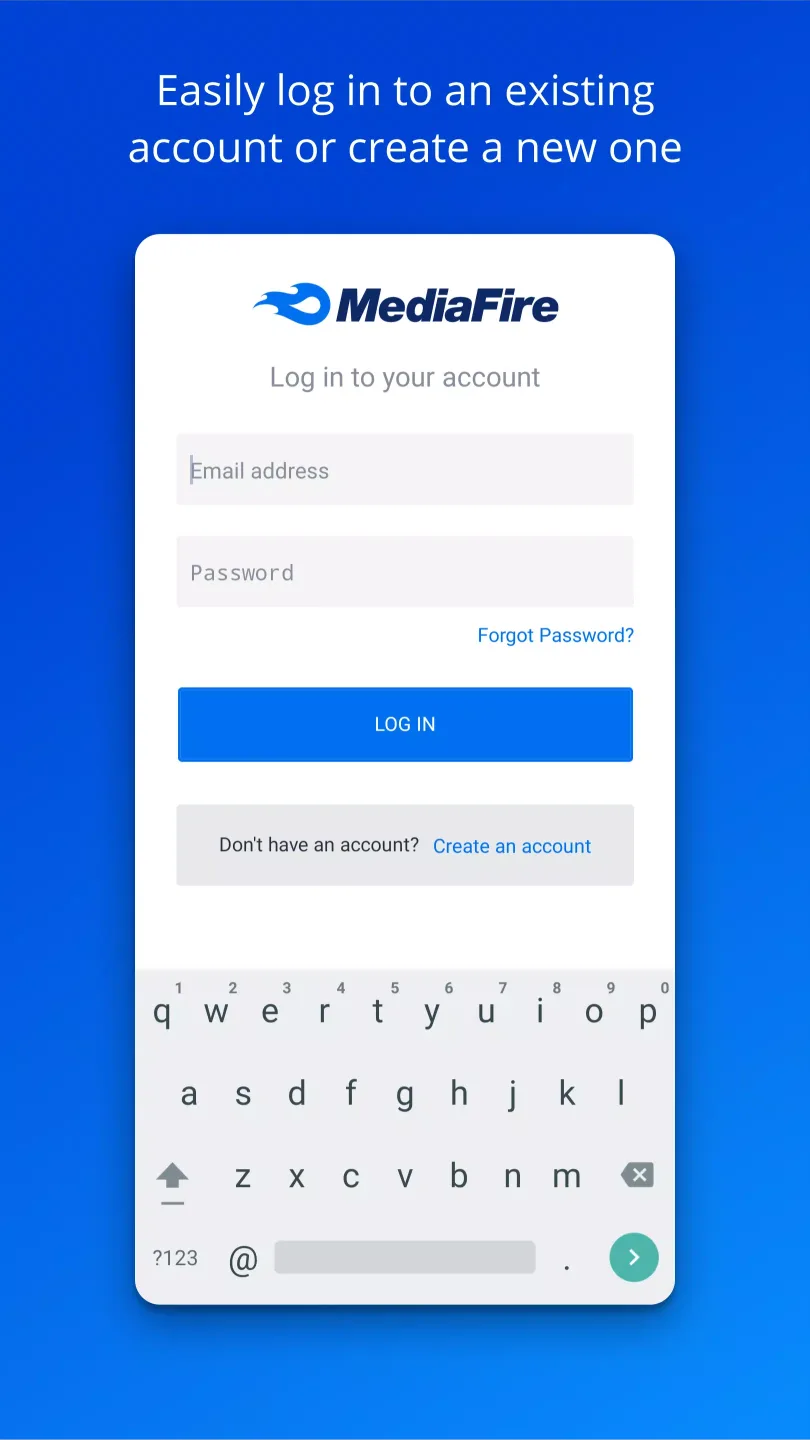
Open the app, then create an account or sign in. This connects your device to your cloud storage.
To upload, tap the add button in the app or use the Share to option from any Android app. Choose one or many files to send.
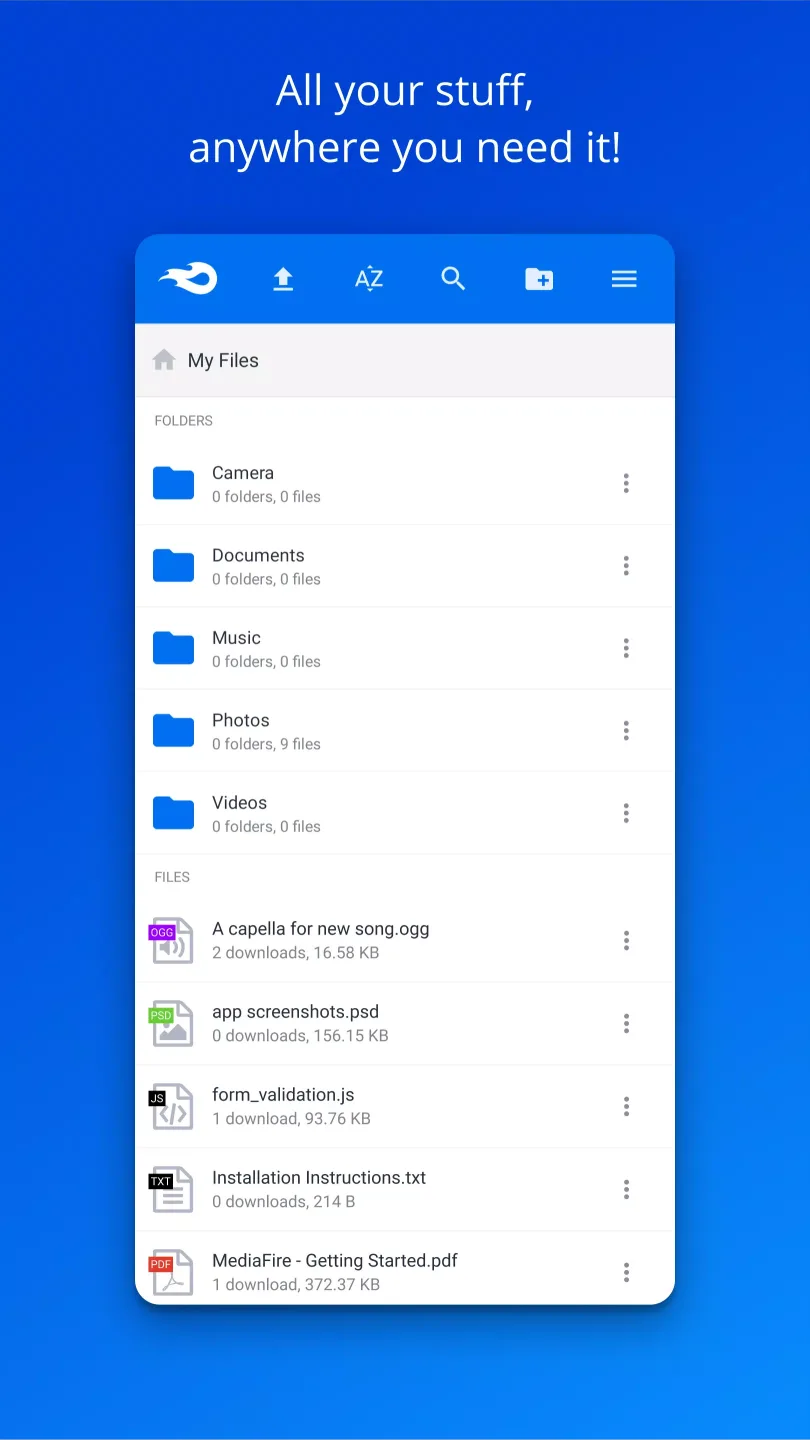
Next, create folders to group related items. Move files into folders so photos, documents, and videos stay organized.
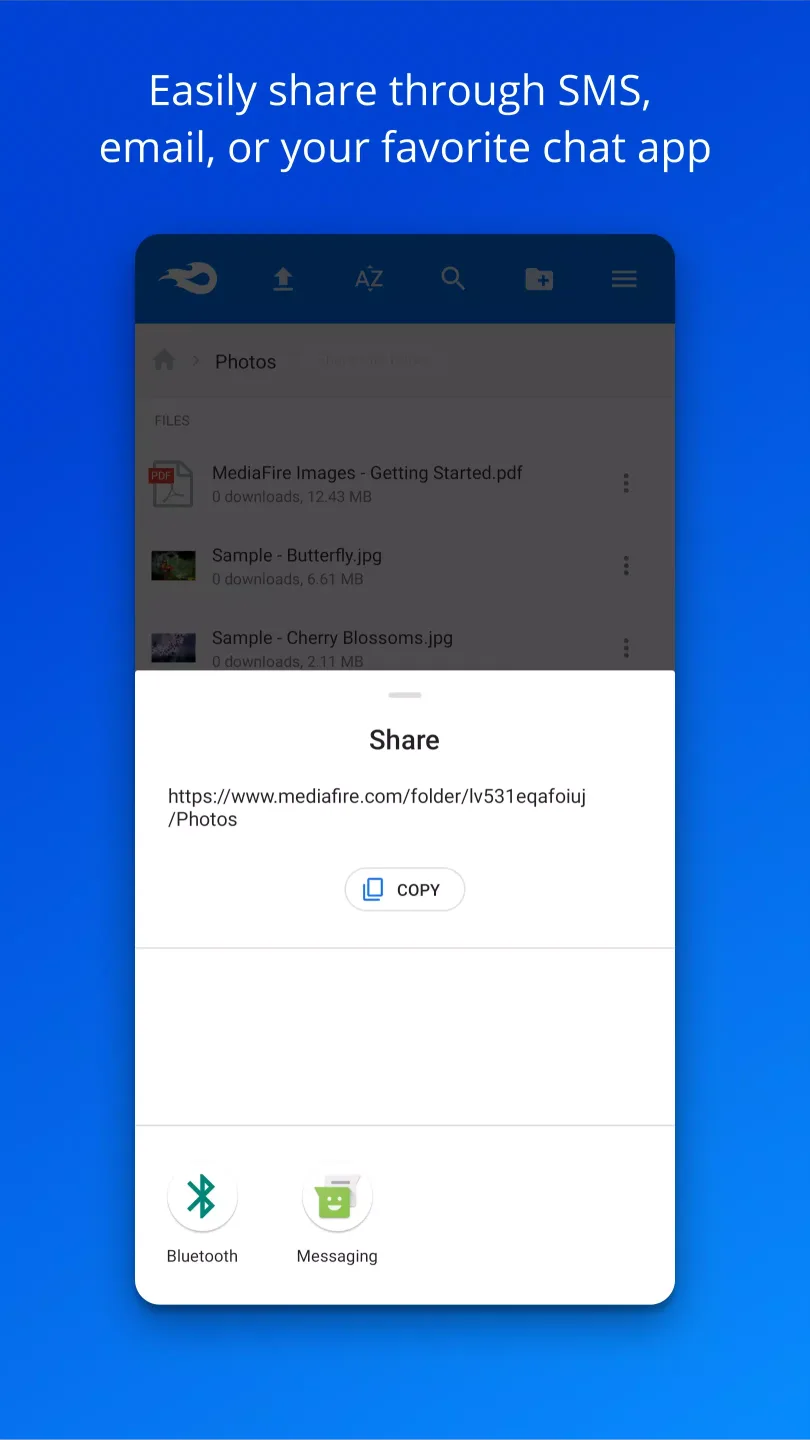
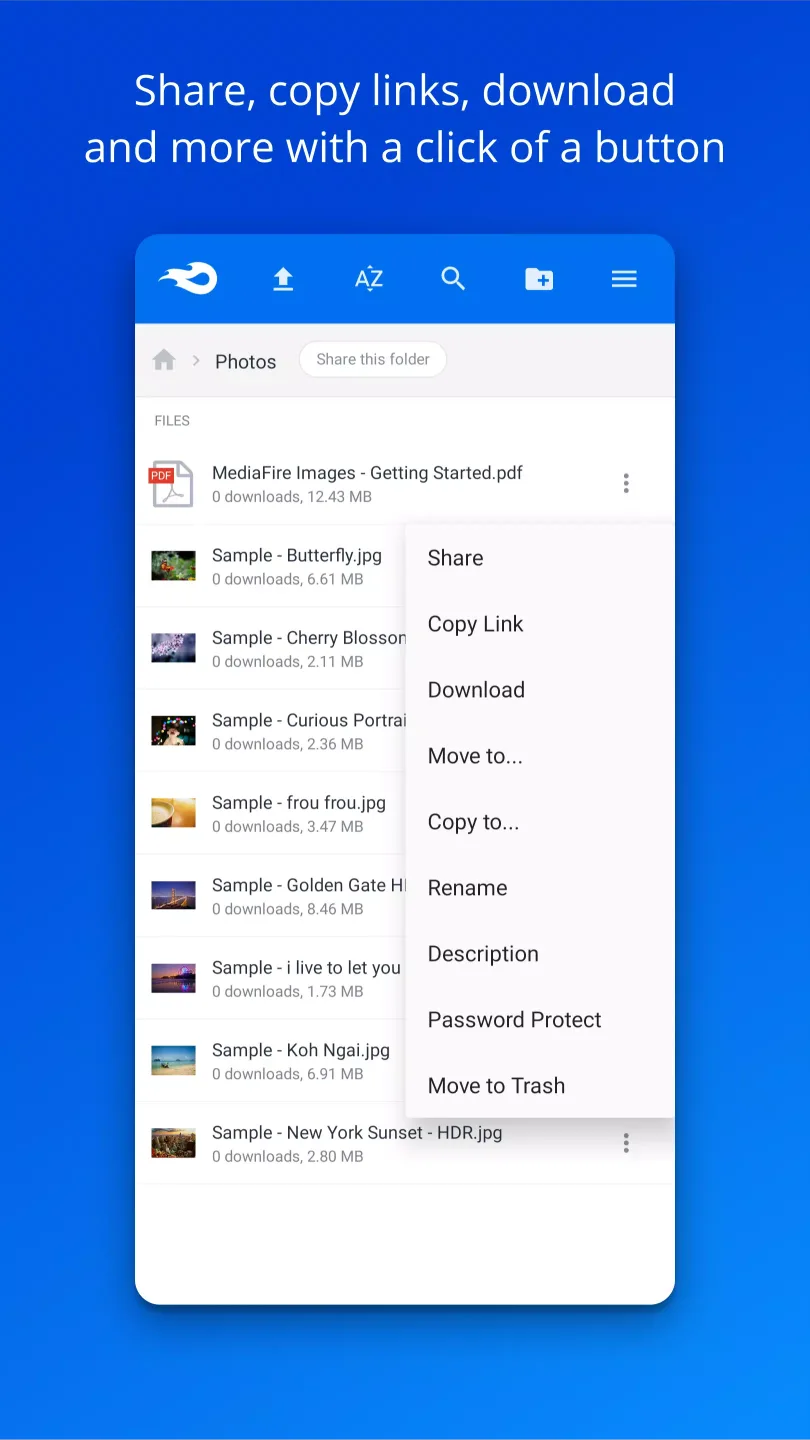
When you need to share, open a file or folder and copy its link. Then send the link by email, message, or your preferred app.
If a file is sensitive, create a one time link for limited access. Later, use search in the app to quickly find and open your content.
Features:
Automatically backup all your photos and videos.
Upload files from anywhere with "Share to MediaFire".
12 GB of space - free!
Earn up to 50 GB of free space.
Stream and play music and videos.
View docs, spreadsheets, presentations, video, and listen to audio.
Create and manage folders of files.
Share files on the go via email, SMS, Facebook, Twitter, other Android apps, or copy and paste links.
Quickly search all your files and folders.
Keep all your important files at your fingertips.
Pros and Cons:
Pros
Generous free storage (up to 50GB)
Easy file sharing with direct links
No strict file size limits
Affordable premium plans
Cons
Lacks end-to-end encryption
Frequent ads and captchas for free users
Limited tools
FAQs:
What is MediaFire?
MediaFire is a cloud-based storage app for Android that lets you upload, stream, organize, and share files like photos, videos, and documents.
How do I use MediaFire APK on my phone?
Just install the app, log in, and start uploading your files. You can organize them into folders, share via links, and even stream videos directly.
Is MediaFire APK free to use?
Yes, MediaFire offers a free version with ads and storage limits. There’s also a premium plan if you need more space or want to remove file size limits.
Can I back up my photos with MediaFire?
Absolutely. MediaFire has an auto-backup feature that can save your photos and videos automatically, so you don’t have to worry about losing anything.
What makes MediaFire different from other storage apps?
It’s lightweight, super easy to use, and allows in-app streaming, fast sharing, and automatic backups—all without needing a computer or complicated setup.
Conclusion:
MediaFire is a powerful tool for securely storing, organizing, and sharing all your media. It ensures that your photos, videos, documents, and more are always accessible and safe, providing a reliable backup solution for your digital life. Download it today and experience the convenience and security of having all your important files readily available anytime, anywhere.