
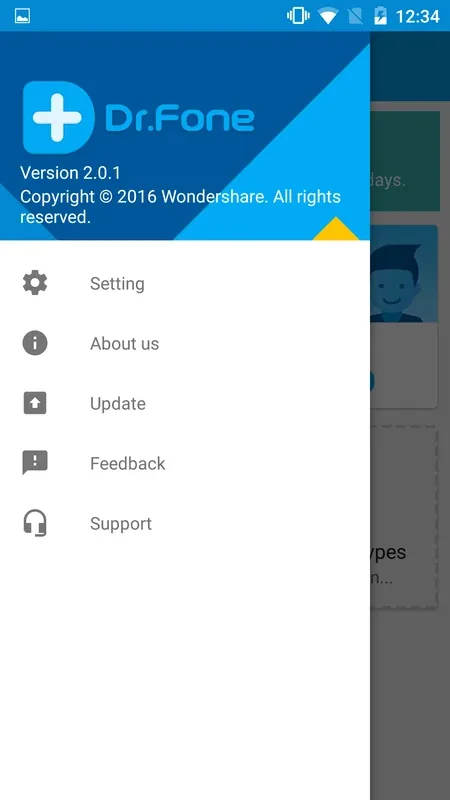
Wondershare Dr.Fone This is an application that recovers deleted files on your Android device. You can recover various types of files, photos, videos, audio, and even large formatted files, and even messages and content deleted by the sender. You have multiple ways to recover these files, and with these features, you can send files to other devices without a data cable. If you want to recover deleted files from your device, give it a try.
Click to load YouTube / 点击加载视频
YouTube ↗Features
Photo Recovery
Restore your deleted photos with one simple click which you deleted by mistake.
Message Recovery
Recover deleted messages including chats, photos, audio, videos, and more file format.
Recycle Bin
Save all the files you deleted, you can easily restore them at any time.
Video Recovery
Quickly recover videos without data loss. Dictionaries& Encyclopedias
Contact Recovery
Easily retrieve contacts in WhatsApp, Messenger and any other contacts on your Android device.
AI Image Upscaler
Image quality is automatically AI enhanced. No more giving up a nice picture because of poor image quality. And you can also restore old photos with or AI picture enhancer.
File Recovery
Scan your phone in depth to find deleted files and recover them.
Audio Recovery
Recover music or recordings, which you deleted by mistake.
What’s the difference between Dr.Fone and others data recovery app?
Easy and Efficient
Simple interface and concise instructions to get your problem fixed more efficiently.
Data Security
We value your privacy as much as you do. Your data is encrypted from beginning to end, leaving no sensitive information at risk. With Dr.Fone, you no more need to worry about data recovery and data transfer from your mobile device.
Highlights
Recovery feature
Important: Deleted data may be overwritten by new data. This will affect the outcome of data recovery. The sooner you act the better the results you’ll get.
Recover from Cache (No rooting necessary!*)
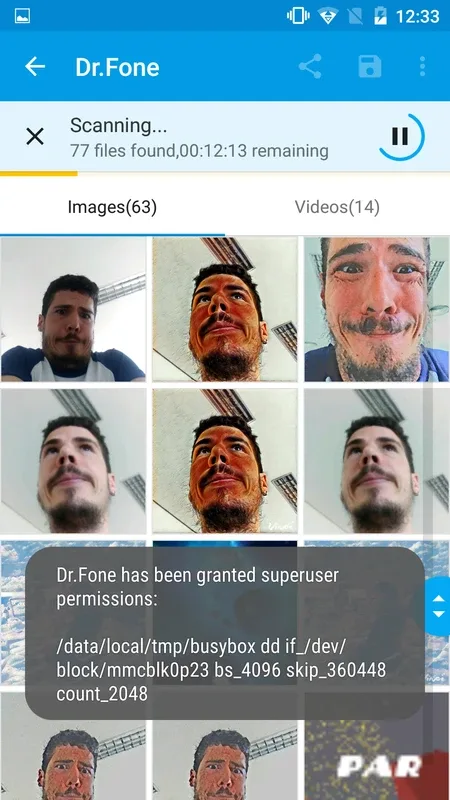
Support recover photos and videos from cache, thumbnails, memory card and internal memory.
Recover Photos & videos, Message, Contacts (Rooting necessary!
Support scan and recover from all of your device’s internal and external memory
Supported photo formats: JPG, PNG, BMP, GIF, TIF,TIFF.
Supported video formats: MP4 (Taken by Camera) , 3GP, MOV, AVI, MPG, WMV, ASF, FLV, RM/RMVB, M4V, 3G2, SWF.
Support save the recovered contacts as .csv file
Deep Recovery (Need to work with dr.fone desktop version) :
Deep Recovery supports more data loss scenarios, like accidentally deleted data/ rooting errors / OS update / system crash, .etc.
Support recover photos, videos, contacts, messaging, call logs, Audio, document, WhatsApp messages & Attachment .
Transfer feature :
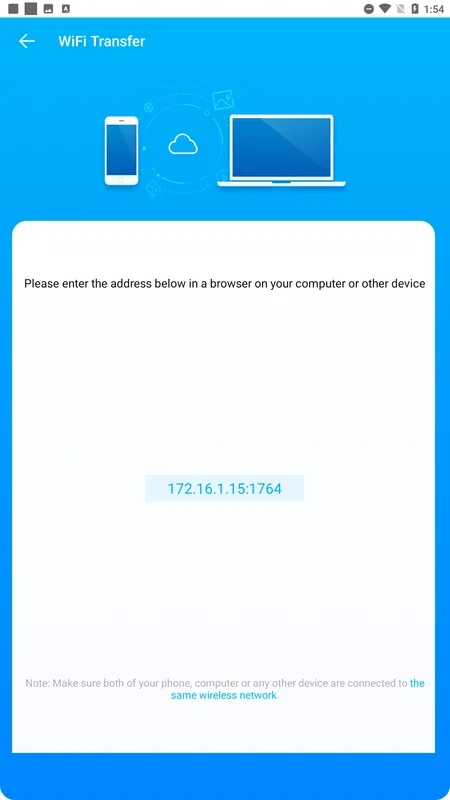
Easily transfer any files between devices and PC wirelessly.
The only thing you need to do is to open web.drfone.me in a browser.
Free you from cables and client.
Notes: you need to Keep your device and computer under the same network(or the same Wi-fi).
Recycle Bin (No rooting necessary!*) :
It’s just like the recycle bin on your windows or mac desktop computer. Move the photos and videos to the Recycle Bin when you delete them, you can restore them anytime you want.
Customize the retention period for deleted files.
Advantages and disadvantages
Pros
Compatible with more than 6000 different Android devices
Easy to understand
Cons
Can run slowly if you have a lot of data
Not always reliable in terms of file recovery
Conclusion
Dr.Fone is the most trusted software provider that specializes in offering the best customer experience for recovering lost or forgotten data from various devices. Dr.Fone App is specifically tailored to recovering lost data from Android phones - like contacts, photos, notification and messages of other apps, and videos. Now you can also use Dr.Fone App to help you to enhance the blurry picture clear with AI!