

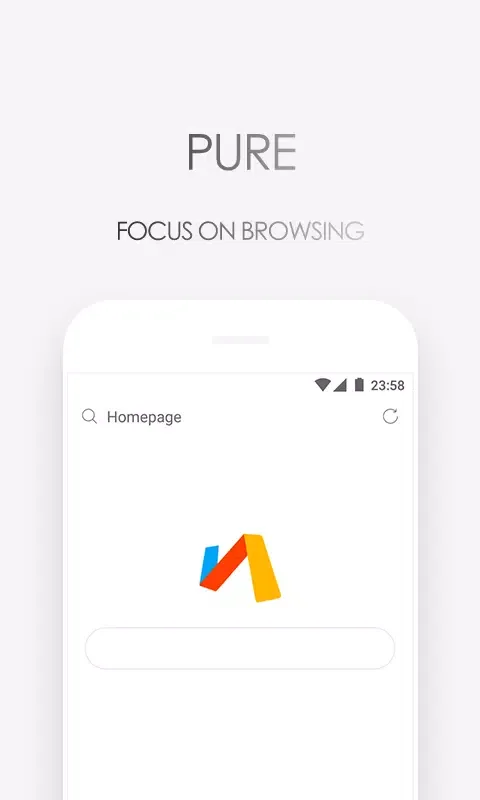
Via is a unique browser utility that helps users easily search and filter the vast amount of valuable resources on the internet, making your research tasks easier. This application presents a lightweight yet powerful browser application for a wide user base, allowing users to experience excellent search engine services and enjoy a clean and elegant interface design. This application delivers extreme speed and smooth operation, allowing users to experience powerful built-in ad blocking and script customization features, enjoying a private and fast browsing service that meets your basic daily browsing needs.
Amazing Features of Via
Fast Loading and Smooth Scrolling
Via prioritizes speed, with rapid page loading and smooth scrolling. The browser avoids loading excessive redundant programs, so content can be displayed immediately. This reduces waiting time, allowing you to spend more time reading or searching.
Powerful Built-in Ad Blocking
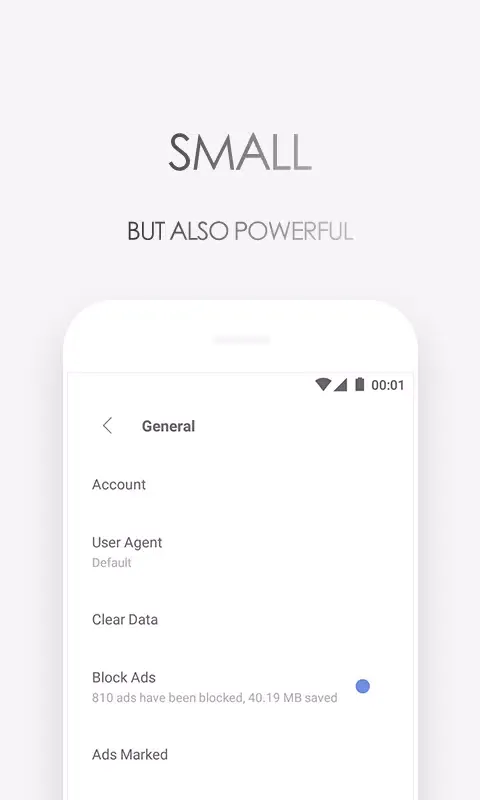
By blocking intrusive ads and trackers, it reduces page clutter and data usage. Pages generally feel cleaner, and slow-down elements are removed. Furthermore, the built-in blocker helps improve browsing speed even on slow network conditions.
Flexible Customization and Scripting
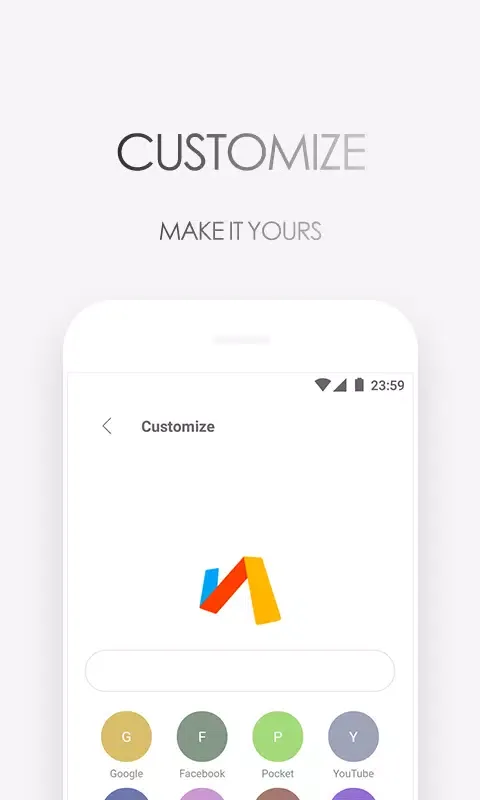
Via allows you to design your homepage, switch search engines, and install plugins. You can also load user scripts to customize your website's behavior. Furthermore, these tools allow Via to run to your liking without adding any bloated features.
Privacy Controls and Data Saving
Via includes privacy protection, a quick data-saving toggle, and a night mode. You can control what's stored and clear it with just a few taps. Therefore, your daily browsing activities remain private while minimizing data consumption.

Attractive Highlights of Via
A Quiet Browser
We won't push news, weather, etc., and we never pretend to understand you.
A Clean Browser
Multiple ad-blocking methods allow you to focus on the content.
A Lightweight Browser
Small in size but big in performance, fast, smooth, and effortless.
A Highly Customizable Browser
Design your own browser with customization features.
Helpful Tips of Via
Download the APK file and install it on your Android device.
Open Via, check permissions, and if you like, set it as your default browser. Customize your homepage by adding website shortcuts and widgets, then select your preferred search engine in Settings.
Go to Settings and enable ad blocking and data saving features. Adjust privacy options if needed, such as clearing data on exit.
Add plugins or user scripts to extend functionality. Use desktop mode, translation features, and in-page search when specific website tools are required.
Pros and Cons of Via
Pros
Fast and lightweight
Highly customizable
Privacy features
Convenient tools
Cons
Website compatibility issues
Data collection issues
Limited advanced features
Summarize
Via Browser is designed with a geek mindset, simplifying complex processes. It focuses on the core functionality, simplifying complex processes and greatly improving browsing efficiency. All commonly used browser functions are included. Advanced needs can also be met, such as viewing source code, web logs, etc.








