
Remini is a popular photo editing and retouching tool that helps users create creative and beautiful photography and video visual works with powerful professional tools, and share them on social media platforms with one click, gaining widespread attention and praise. The application presents a powerful and easy-to-use photo post-processing application with a stylish interface to the majority of user groups. With the help of powerful artificial intelligence technology, it allows you to easily complete image processing tasks in simple and easy steps. The application supports powerful one-click enhancement and elimination, old photo restoration, facial tools and color balance, etc. The rich material template library allows you to create unique visual works.
Click to load YouTube / 点击加载视频
YouTube ↗Wonderful Features of Remini
Enhance and remove blur with one click
Remini quickly improves blurry or low-resolution photos in just one operation. It restores detail and reduces blur without harsh artifacts, and allows you to fine-tune the intensity as needed. If your image has significant noise, you can add a denoiser to remove it before saving or sharing.
Old photo restorer
For scanned photos and album photos, Remini effectively reduces scratches, fading, and surface damage while maintaining the realism of faces and textures. This is especially important for family archives and classroom projects where clarity and recognition are important. As a result, older photos are easier to view, share, and reprint.
Facial Tools and Balancing Color
Facial enhancement and facial halo features focus on optimizing eyes, skin, and hair to give portraits a consistent look under different lighting conditions. Auto Color adjusts balance and contrast for more natural-looking tones, so your avatar, bio, and creator profile photos stay clear and crisp across devices. You can choose to apply these tools together or individually, depending on the photo source.
Improved video clarity
Remini can upscale images and video clips up to 2x to support tighter crops, product pages, and small print layouts. Unblur and Sharpen improve edge definition and make texture details stand out. Video Enhancement improves the overall clarity of low-quality videos, making it ideal for quick social media posts, tutorials, and educational materials.
AI photos and flexible access
AI Photos can generate studio-style portraits or a variety of different looks from your selfies, which can be used on your creator profile or as an edited image. You can try multiple styles, compare the output, and choose the one that best suits your needs. Multi-language support and a web version make collaboration across teams and devices easier.
Helpful Tips of Remini
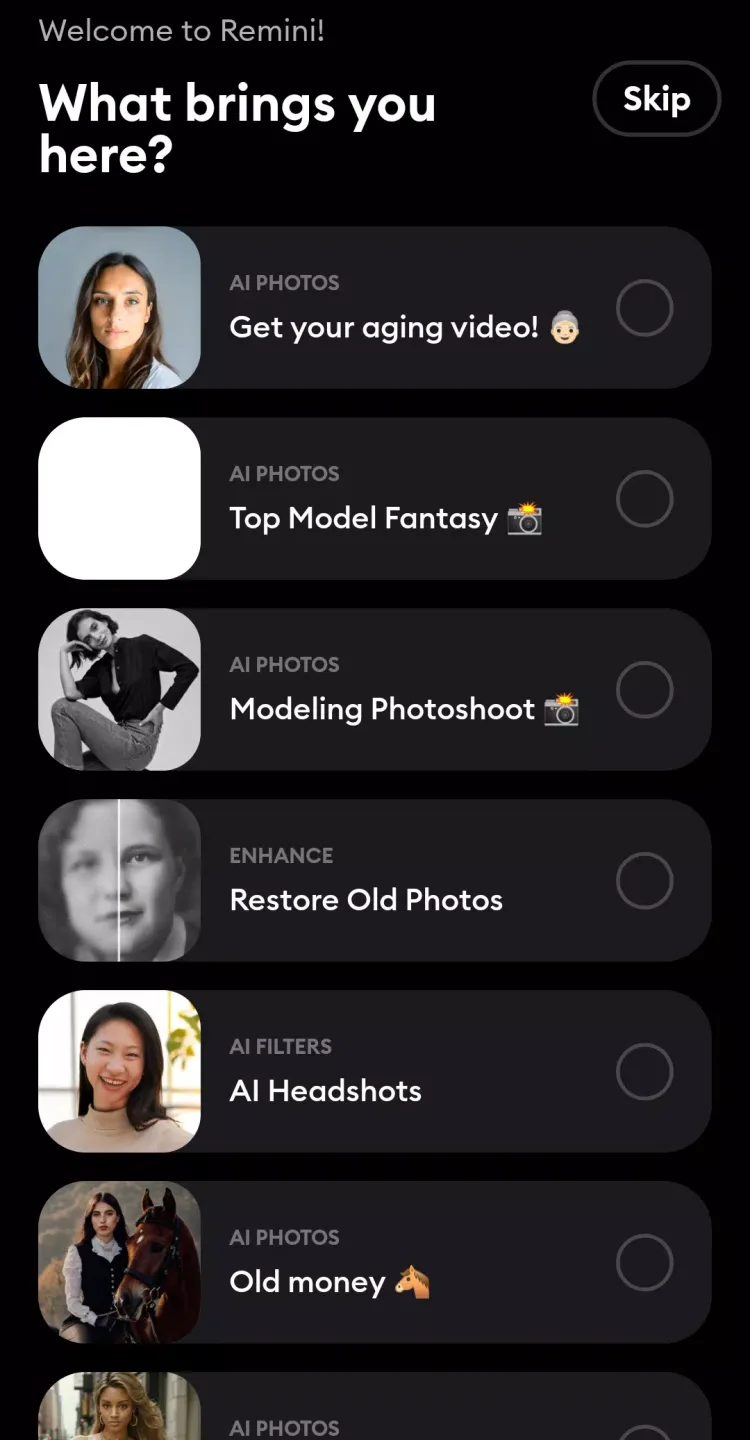
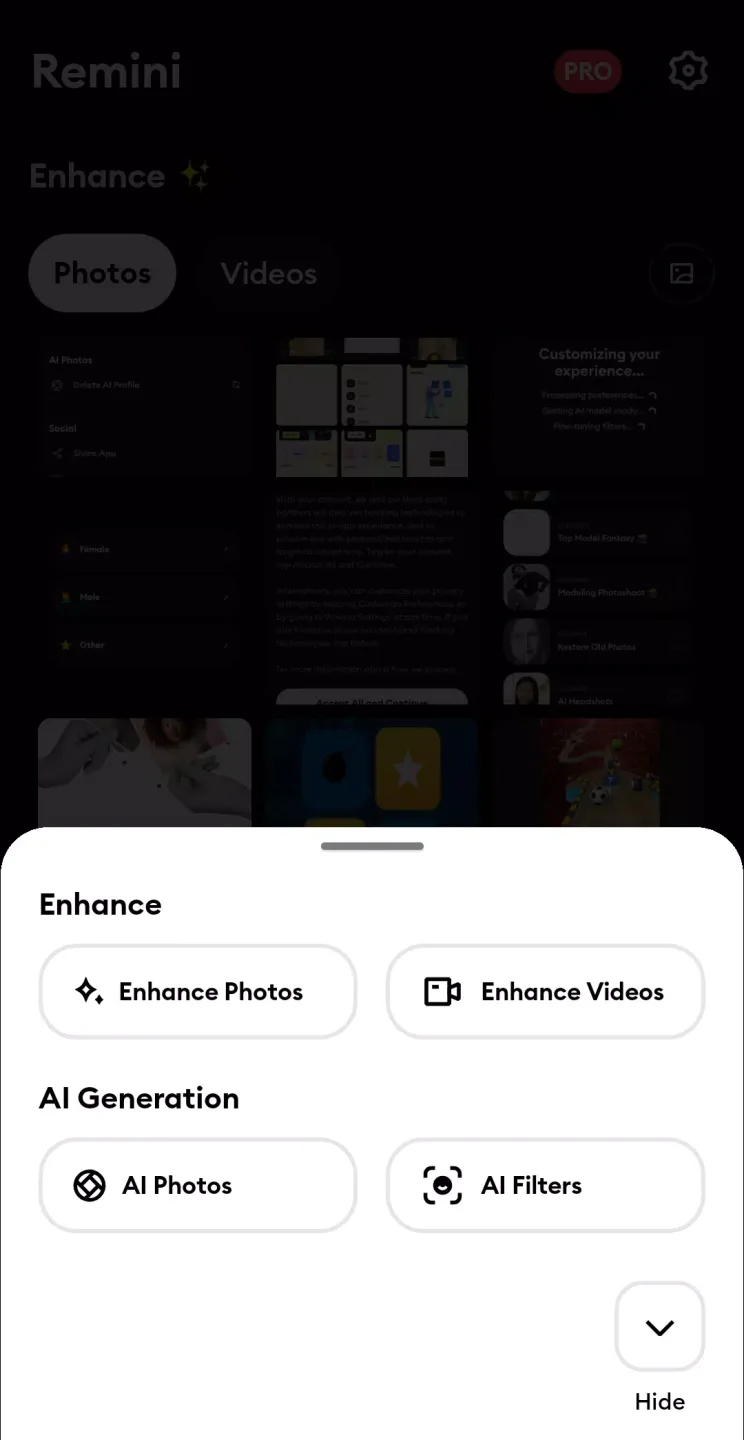
Open Remini and select Photos, Videos, or AI Photos on the home screen.
Select pictures or video clips from the gallery, confirm the import to continue.
Choose a tool like enhance, inpaint, face enhancement, noise reduction, deblurring or video enhancement and get started.
Once the preview is complete, compare the before and after effects and adjust the intensity or switch tools as needed.
Save results to your device, then share or export for print, lists, or profile.
Frequently Asked Questions of Remini
How effective is Remini at repairing severely damaged photos?
Remini's artificial intelligence is very effective, but the degree of repair depends on the severity of the image damage. While it can significantly improve most images, the ability to repair extremely damaged photos may still be limited.
Can Remini enhance videos shot in extremely low light?
Yes, Remini can improve the clarity and brightness of videos shot in low-light environments, reducing noise and enhancing detail. However, the final effect will vary depending on the original video quality.
Does Remini save photos and videos after processing them?
Remini handles your photos and videos securely. You can download the enhanced version, and the original and processed files are not permanently stored on Remini's servers.
User's Comments of Remini
I've got to say, the Remini app is a total game-changer! It's an AI-powered photo editing tool that can take your low-quality photos and turn them into stunning, high-definition images. I've seen it work its magic on old, blurry photos, and the results are nothing short of amazing ¹. One of the standout features of Remini is its ability to enhance faces in photos.
I love how my pictures turn out. I the only thing I don't like is that the enhancement feature is the only thing that's right thereafter they start to complicate things and they want to charge you a nickel and dime for anything and everything. Kind of puts a damper on things. Overall, though, it's great.!
Remini app gave excellent results in 2022, 2023, and 2024, showing true faces. Now, results are completely different and unrealistic. Please bring back the 2022–2023 version that showed 100% original pictures.
Conclusion
All in all, Remini Pro MOD APK is more than just an app; it's a catalyst that transforms ordinary photos into extraordinary masterpieces. With its AI-driven features and intuitive design, it inspires users’ creativity and breathes new life into their visual storytelling.