

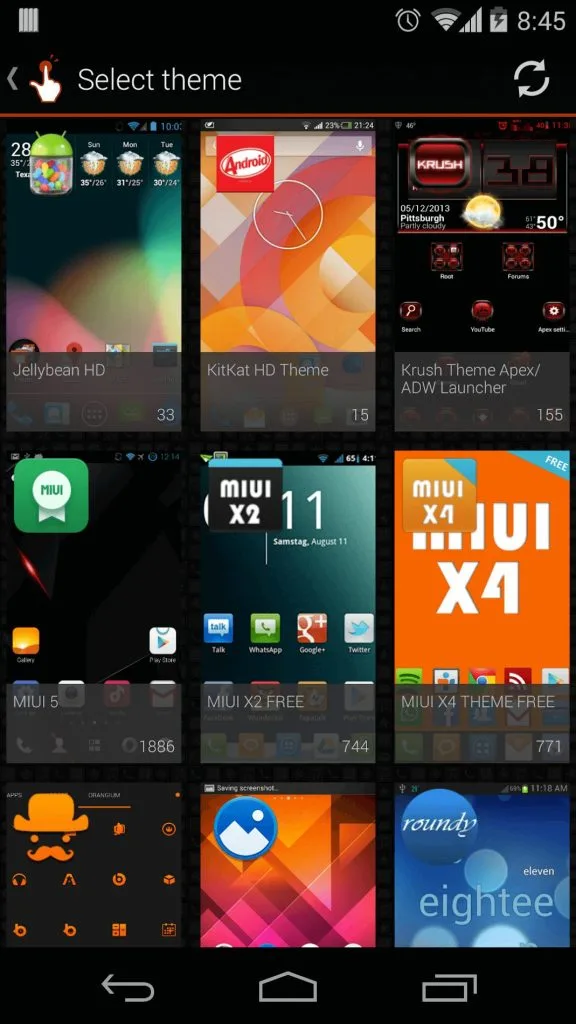
QuickShortCutMaker is a truly invaluable tool. Download this lightweight app for free and experience its powerful convenience. It's the perfect assistant for managing a multitude of apps. QuickShortCutMaker allows you to easily create shortcuts, personalize your phone's themes, and save time and space. Download QuickShortCutMaker now and give your device a fresh look.
Click to load YouTube / 点击加载视频
YouTube ↗Features:
Easy to Use
You might find it intimidating to use the other shortcut maker apps for Android. With the wide range of apps available on the internet, you might get confused. Fortunately, QuickShortcutMaker comes with a simple user interface. The user interface makes it easier to use the app for everyone. With the simple user interface, you can quickly start using this app and make personalized shortcuts suitable for your needs. It’s pretty quick to start using it with the clean UI, and you can improve your productivity through the same.
Shortcut Customizations
With the full customization options for the users, it has become easier to use this app. You can create as many shortcuts as you want. The process is easier than you think. You can name the shortcut as per your liking and even edit the names if you want. Editing and deleting the shortcuts won’t take much time, even for the new users. Just tap on the shortcut and tap on the “Edit” button to edit the shortcut. You can customize the name and the description for the same shortcut in this app.
Low Memory Consumption
There is no need for the QuickShortcutsMaker APK on the latest smartphones, as they are blazing fast. But for older smartphones, it’s highly essential to use this app for faster work. Fortunately, the app runs smoothly on the older generation of Android devices as it has very low memory consumption. With the low memory consumption, you can use the older device with ease and automate tedious tasks within a few minutes.
Favorites
On the main screen, you get the option to see a lot of apps and services. You can search through the apps and services and choose the workflow. But for the services and apps you use regularly, there is a new option of favoriting them. Your favorite apps can be seen in this new section with the favorites section. With this section, you can add the frequently used apps and shortcuts, and you are ready to access them in time of need. It’s one of the finest features of this app which has helped me a lot.
Multi-language support
Those who are not native English speakers may find using the English apps difficult. The developers of the QuickShortcutMaker app for Android knew this and have added multi-language support for this app. Now, you can choose from any language, including English, Turkish, French, Spanish, Japanese, Indonesian, and many others. There is no shortage of language options in this app, making it one of the best apps for people who are not native English Speakers like Southeast Asians and Europeans.
Visiting the Google Play Store to download the QuickShortcutMaker app for Android is a waste of time. Due to some technical issues, the app is not available on the Google Play Store. So, you have to use your smartness and download the APK file of this app. With the APK file, you can easily install this app without using the Google Play Store. Don’t worry; downloading and installing this app is not difficult but is pretty simple. In this section, we will share the direct download link for QuickShortcutMaker APK and the exact installation procedure, which will help you with the entire installation.
Steps:
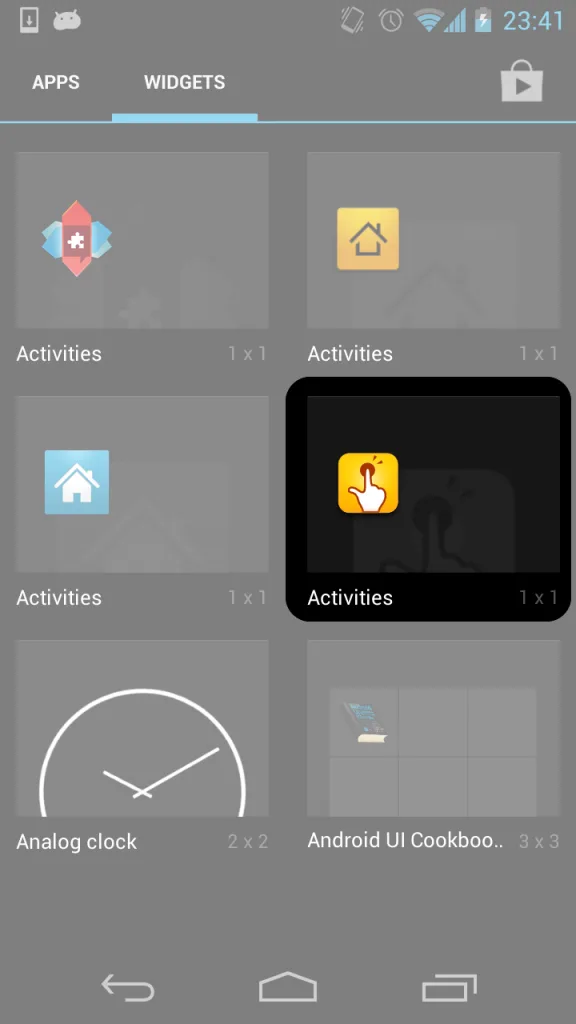
First of all, download QuickShortcutMaker APK’s latest version from the link provided above.
After that, tap on the downloaded APK file and tap on “Install” to start the installation.
Please be patient, as the installation will take a few seconds to complete.
Once completed, tap on “Open” to start this app and create personalized shortcuts for your app.
Conclusion:
Shortcuts have been helping us in life in many ways. Be it the shortcut roads or the shortcuts in your computer, they simplify our work and reduce the time spent. Shortcuts are nothing but the way to improve your productivity in many ways. With the QuickShortcutMaker, it becomes easier to get the work done on your smartphone with ease. Automation has played a vital role in the Android ecosystem for a long time, and the apps like QuickShortcutMaker are the proof to tell you about the same. We tried our best to share detailed information about the QuickShortcutMaker App APK for Android in this post. All you have to do is religiously follow the installation procedure, and you will get this app running on your smartphone.








