

GSpace is a Google app solution designed for Huawei devices. GSpace allows users to use Google and non-Google apps simultaneously across multiple accounts. GSpace boasts a massive application database, fast download speeds, multi-account support, and private installation. GSpace provides Huawei users with easy access to Google services. With a single click, you can conveniently use multiple services like Gmail, YouTube, Facebook, Google Photos, Google Docs, and more.
Click to load YouTube / 点击加载视频
YouTube ↗Features:
Numerous Apps
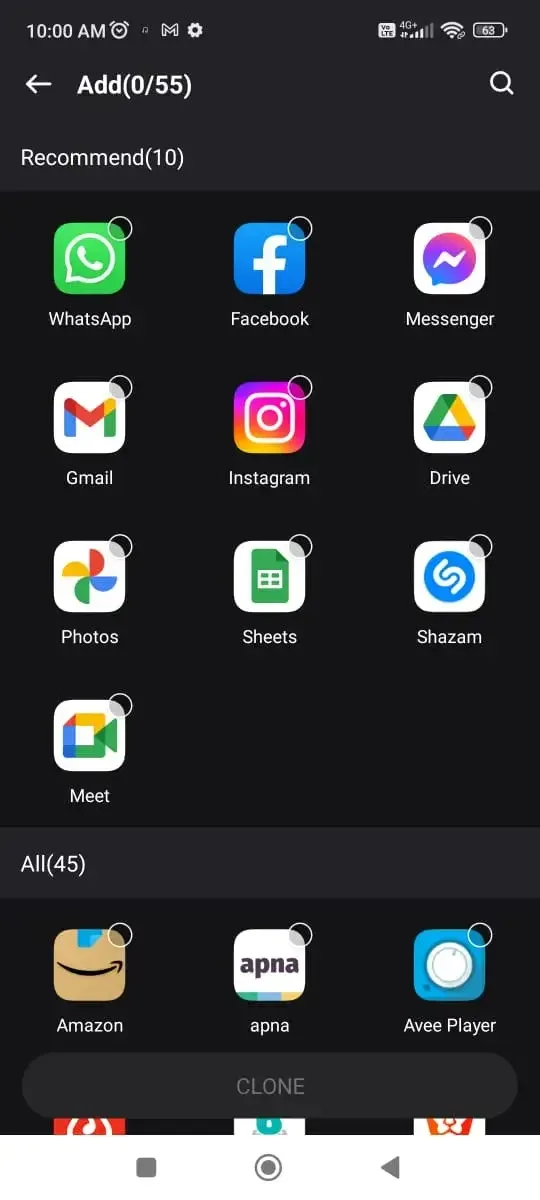
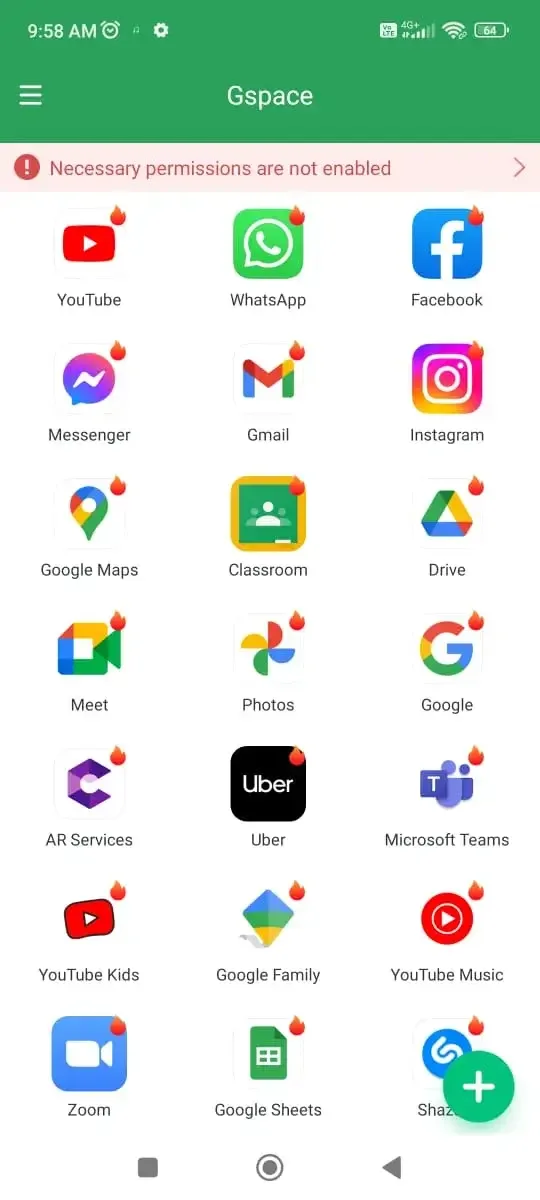
You can find many apps in the GSpace itself, from all of the Google Apps like Maps, Gmail, Google Search, Translate, Twitter, and many others. This app has the GMS ecosystem enabled, so you get all the Google apps and third-party apps. You just have to tap on the apps and download them to start using them.
Manage Dual Accounts
Once you install the GSpace on your phone, you can manage dual accounts on the apps. For example, you can open one account on Instagram on your phone and then open another account on Instagram in GSpace itself. GSpace allows you to create multiple variations and manage multiple accounts with ease on various social media apps.
Simple UI
After looking at these features, you might be confused. But the simple user interface allows you to easily use this app without any confusion. The simple UI makes it easier to access all the apps and features. Even the newbies to the Android ecosystem will find it simple to use this app without getting confused.
No-Root Needed
Privacy and Security of the device are very important points nowadays. The majority of similar apps require root access, but that’s not the case with GSpace. The GSpace app does not require any kind of root access and works flawlessly on any smartphone without compromising the device’s security.
Steps:
Due to obvious reasons, this app is not available on the Google Play Store, and you have to download the APK file to perform a manual installation. Here are the exact steps to guide you through the installation procedure.
First of all, download the APK file from the link provided above.
After that, tap on the downloaded app and then tap “Install.”
This will start the installation procedure. Please be patient till the installation finishes.
Once the installation finishes, tap on “Open,” and you are ready to roll.
FAQs:
Is the GSpace app free to use?
Yes. The GSpace app is free to use, and there are no hidden in-app purchases.
Is the GSpace app legal?
The legality of this app depends on the laws of the country you are living in. This app is legal in the majority of countries, so you don’t have to worry.
Is it safe to install this app?
Yes. The GSpace app is completely safe, and it is itself a sandbox app. So you don’t have to worry about the safety of this app.
Conclusion:
Staying safe from apps that go to extreme levels to track your activity and sell your data to advertisers. With the apps like GSpace APK, it becomes easier to run Google Apps and many other apps that track user activity in a sandbox mode. If you have a Huawei or Honor brand smartphone, then it’s the best app to use. Feel free to use the comment section to ask any doubts or questions.








