
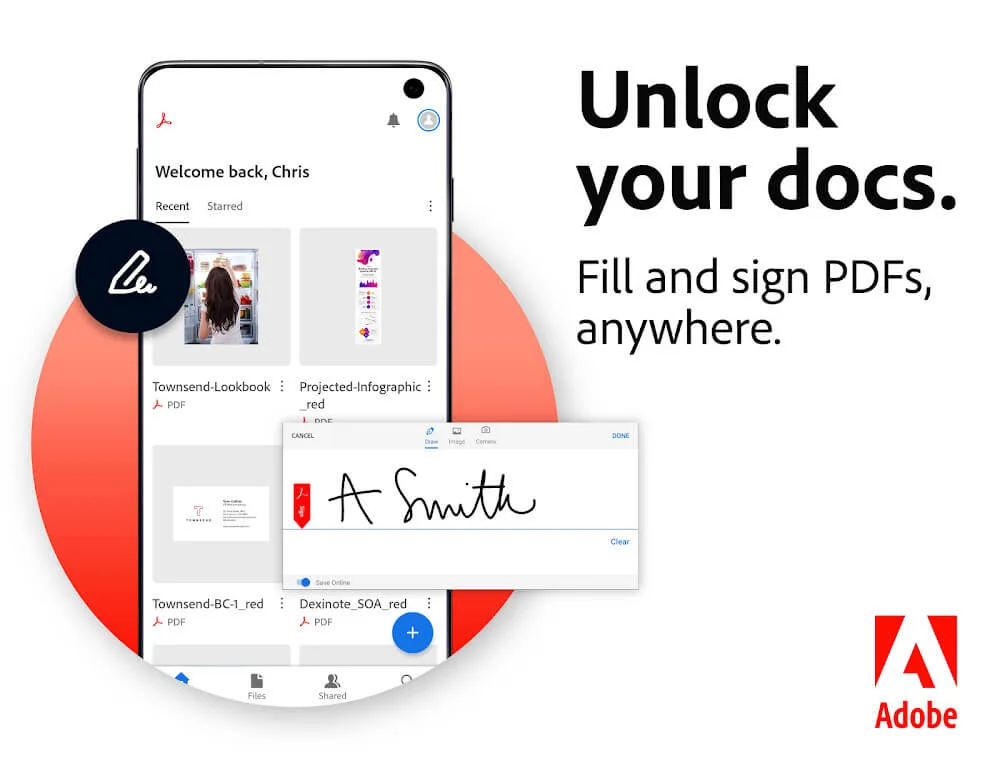
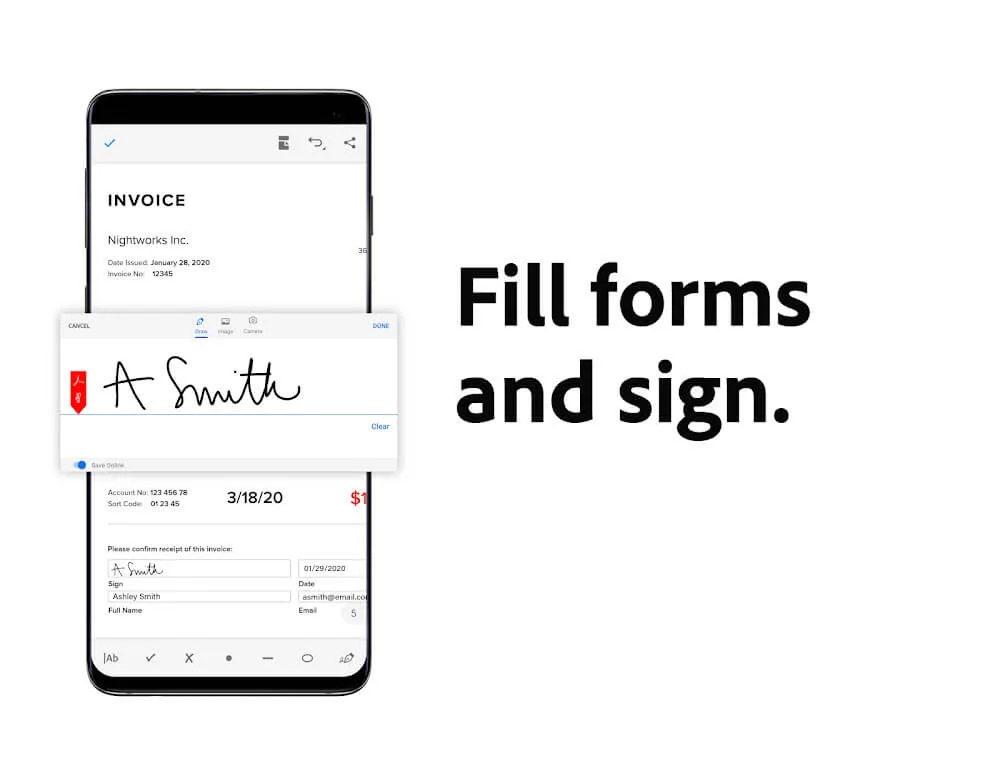
Adobe Acrobat is a powerful business productivity software. It not only allows you to view PDF files on your phone but also supports online file editing, including modifying content, renaming, and copying files. It also offers various tools, such as a form filler, signature tool, and AI assistant, allowing users to easily modify files even without a computer. Download this software now!
Click to load YouTube / 点击加载视频
YouTube ↗Highlights:
Access PDF files on any device: View data files, lectures, and reports in PDF format seamlessly on your phone, tablet, or laptop.
Free page view and dark mode: Choose a free page view to easily read information and save battery by setting up dark mode.
Print PDF files: Download and print PDF files directly with the press of a button.
Clear and convenient reading: Read articles and stories in PDF mode with clear and bright content, adjustable font sizes, and liquid mode for quick navigation.
Share and collaborate: Share PDF files with others, collect opinions, upgrade document review speed, and receive activity notifications for updated files.
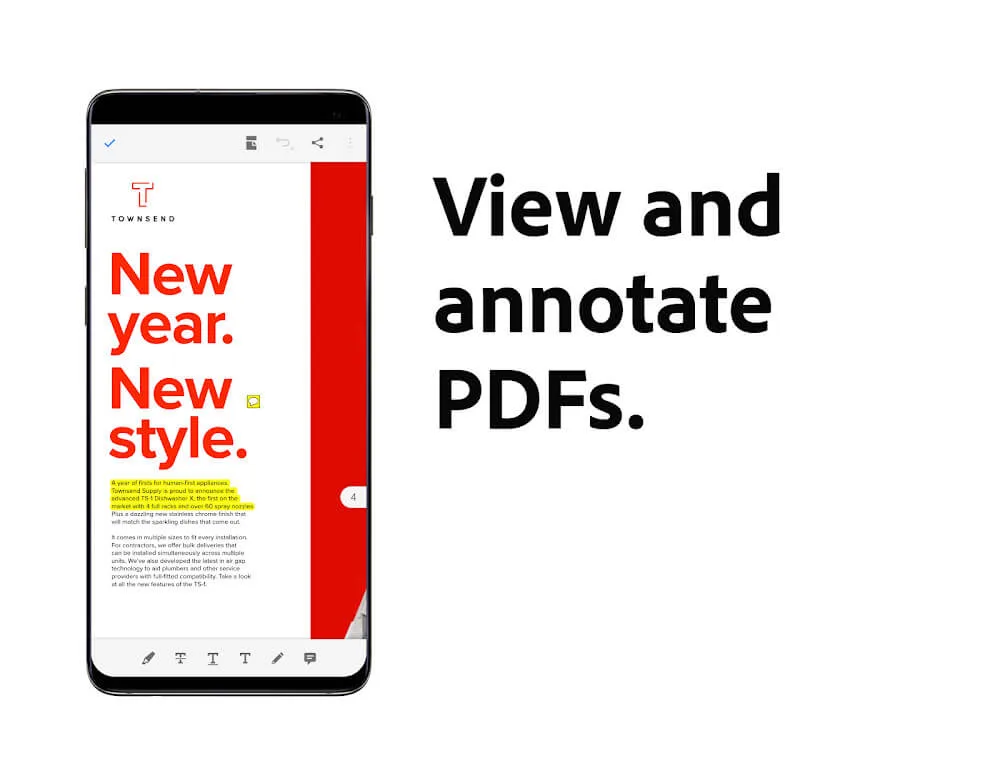
Annotate and edit: Add notes, comments, text, and drawings to enrich and customize files, edit content and images, and remove or rotate pictures flexibly.
Features:
View and interact with PDF documents on Android devices.
Easily zoom in or out of a document to read it clearly.
Search for words within the text of your PDFs quickly and accurately.
Select single page, continuous scroll, or reading mode views when viewing documents.
Access recently viewed files from anywhere using Acrobat Mobile app services integration.
Create new pdf by combining multiple existing ones into one file easily without any hassle.
Add comments directly onto an open document right away as you view them while editing texts if needed.
Share scanned images through email instantly after scanning them via the Adobe Scan mobile scanner application.
Tips for Users:
Organize Files: Use the app to organize your files by adding notes or characters to distinguish them clearly and avoid confusion when sending them to different people.
Connect to a Printer: Make sure you are connected to a printer when printing out multiple versions of documents for reference, ensuring a seamless printing experience.
Customize Layout: Change the layout of your PDF files to make them more logical and beautiful, enhancing readability and overall presentation.
FAQs:
Is Adobe Acrobat Reader for Android free?
Yes, Adobe Acrobat Reader for Android is free. With the free version, you can view PDF files and draw on them. However, to use additional features, you'll have to subscribe to the paid version. Among the paid features, you'll find actions such as editing PDF files, combining files, or protecting them with a password.
Can I use Adobe Acrobat Reader to open Gmail documents?
Yes, Adobe Acrobat Reader can become the default Android app for opening PDF files. This way, whenever you open a file in this format attached to a Gmail email, it will automatically open with Adobe Acrobat Reader.
Is it possible to print a PDF from Adobe Acrobat Reader?
Yes, Adobe Acrobat Reader offers the option to print documents directly from Adobe Acrobat Reader. To do so, select print, after which the operating system will allow you to print it via Wi-Fi if your printer has network connectivity.
Which cloud services can be synced with Adobe Acrobat Reader?
With Adobe Acrobat Reader, you can directly open files stored on your personal cloud. Adobe Acrobat Reader allows you to add your Google Drive, Gmail, OneDrive, Dropbox, or Adobe Cloud account, in addition to those stored locally on your device.
Final Words:
So this is all about Adobe Acrobat Reader APK MOD and we hope you are able to download Adobe Acrobat Reader paid from this page. There are many websites out there where you can find the link to download Adobe Reader cracked APK but beware of the fake websites. In the name of Adobe Acrobat Reader for Android, you may end up downloading some virus or malware.