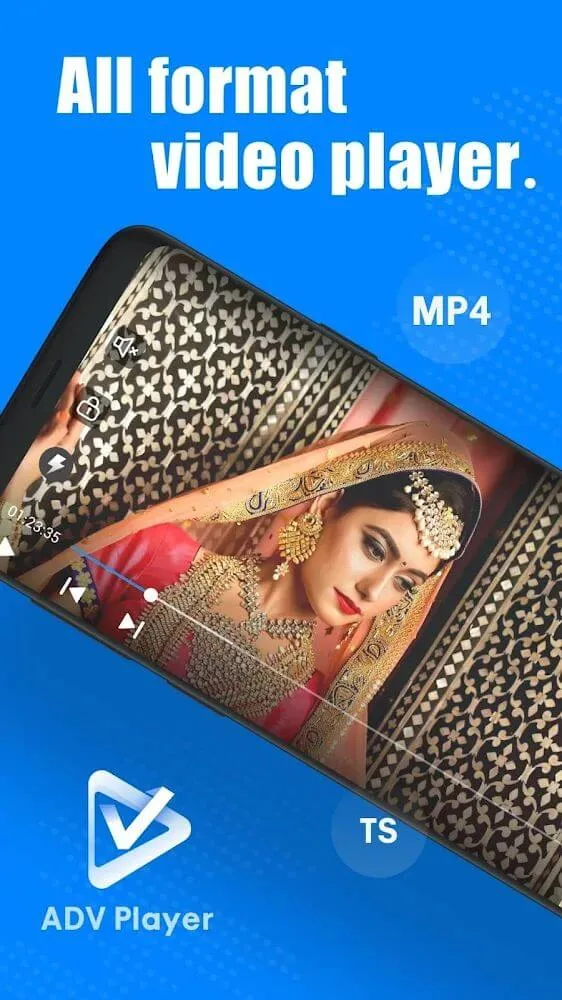
ADV Player is free video viewing software that supports a variety of formats, including MP4, MPK, 3GP, 2K, 4K, 3GP, MOV, WMV, and more, catering to diverse user needs. The software not only allows for customizable settings, such as brightness, volume, and image quality, but also eliminates the need for pop-up ads, ensuring a superior viewing experience.
Click to load YouTube / 点击加载视频
YouTube ↗Highlights:
Support many different video formats for users to download and play with smooth speed, including Mkv, mp4, 2k, 4k, 3gp, etc… Play online videos with free features.
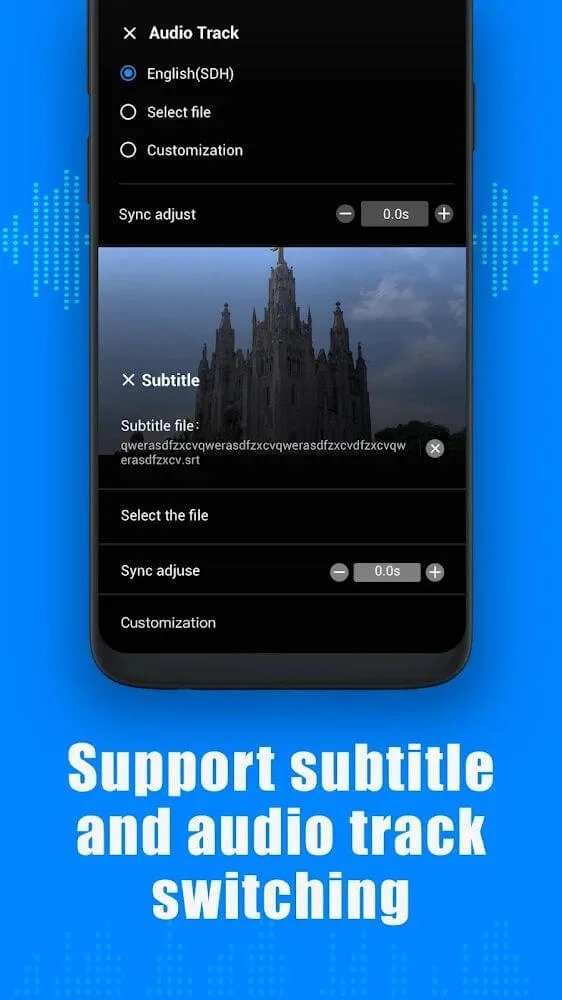
Download the SRT subtitle file to understand the conveyed video content and easily customize the playback speed to give you the best video viewing experience.
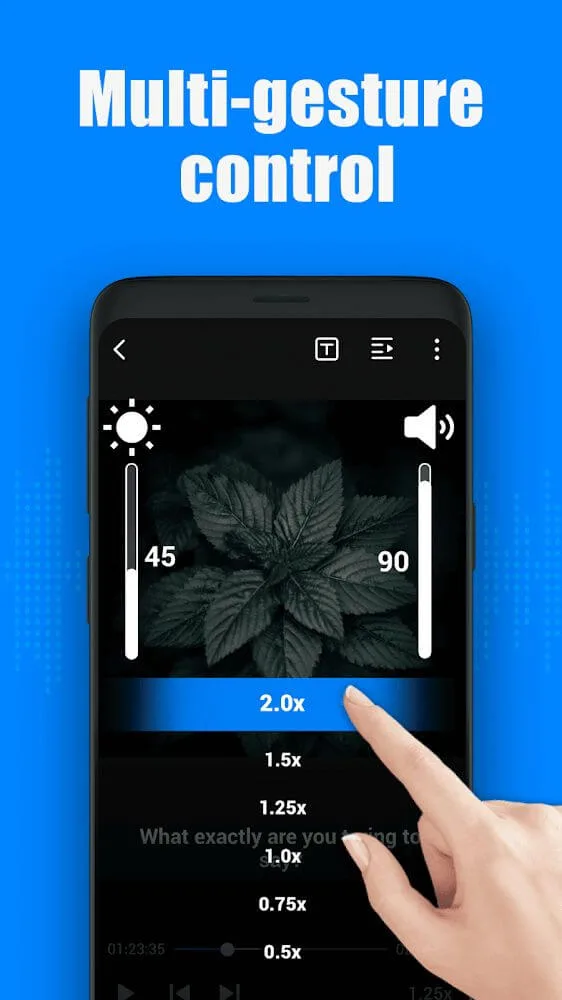
Smart control with powerful gesture functionality so you can customize the volume and brightness with a unique codec for your video playback in high quality and sharpness for users to discover.
Watch all the videos in your phone folder, even offline, without consuming mobile data to watch online, and automatically recognize the videos on your SD card.
Video download link with high speed so you can watch it whenever you want a smooth and easy way for you to play any video or music file you want. In particular, all ads have been removed from the application.
Features:
No In-App Purchases.There are no in-app purchases involved with this application. You can use it without having to worry about further costs.
Gesture Control.Adjust volume and brightness using this amazing feature. You can also use it to go back and forth through the videos you are watching. This eases the controls and guarantees optimum enjoyment.
Speed Control.This app allows you to customize your playback speed. As such, you can enjoy listening to the songs you love at your preferred pace. Even when you want to learn the song's lyrics, you'll have all the time you need.
Comes with Subtitles. This game offers subtitles in different languages. This ensures that everyone can understand the videos they play.
It Supports Multiple Languages.You don't need to worry about language barriers when you use ADV Player on your Android device or iOS phone. Just pick a language and go!
Advantages:
Multiple video format support: including mkv,mp4,2k,4k,etc.
Onling video play: ADV Player can play online videos smoothly.
Subtitle: Can load srt subtitle file.
Speed contrl: Can customize playback speed.
Gesture control: Powerful gesture function,you can quickly adjust the brightness and volume.
Watch folder videos offline:You can play all the videos in your phone without spending data
High-speed download video link:You can multitask to download any video you want to watch, and achieve high speed
Tips for Users:
Experiment with different playback speeds: ADV Player's speed control feature allows you to watch videos at different speeds. You can try watching educational videos at a slower pace to fully grasp complex concepts or speed up action-packed movies to intensify the excitement.
Customize subtitles for better readability: Make use of ADV Player's subtitle support to enhance your viewing experience. Adjust the font size, color, and positioning of the subtitles according to your preferences, ensuring that you can follow along with ease.
Utilize gesture control for seamless playback adjustments: Take advantage of ADV Player's gesture control to make quick adjustments during playback. Whether you need to increase the volume or dim the screen brightness, simply swipe up or down on the screen for effortless customization.
Conclusion:
Whether you're a movie enthusiast or enjoy watching videos on different platforms, this free video player is a must-have. Download ADV Player-Multi format player now and elevate your video viewing to a whole new level of convenience and enjoyment.