
CamScanner - Scanner, PDF Maker is designed to help users improve their work efficiency. The software allows quick and easy scanning of various photos and documents, converting them into various formats, and allows for easy uploading and sharing of documents to other devices with a single click. The software features a clean interface, free of ads and pop-ups, and includes a tutorial to quickly familiarize users with all its features. The software also supports data synchronization, allowing users to sync data across multiple devices by logging into the same account, allowing them to work anytime, anywhere.
Click to load YouTube / 点击加载视频
YouTube ↗Features:
A Quick Way to Digitize Your Documents: This app is the best way to digitize your physical documents. You can use it to scan your notes, receipts, whiteboard discussions, certificates, and business cards. This way, you can have a digital copy of your documents that you can access anytime, anywhere.
Share Scanned Documents Instantly: This app lets you share scanned documents instantly via different channels, including email, Snapchat, WhatsApp, and WeChat. You can also save the document to your device or upload it to the cloud for safekeeping.
Smart Customization Options: This application comes with smart customization options that let you optimize your scanned documents. For instance, you can adjust the crop area, contrast, brightness, and color. You can also choose to save the document in PDF or JPG format.
Extract Text: This application uses OCR technology to extract text from scanned documents. This way, you can easily edit the document or format it before sharing it with others. You can also get a download link of the extracted text file for future reference.
Wireless Printing and Remote Fax: This app lets you print your scanned documents wirelessly. You just need a nearby printer that is compatible with this app. You can also fax your documents remotely to more than 30 countries. This eliminates the need to go to a physical fax machine.
Advanced Editing: You can make annotations on your scanned documents using this app. You can also add signatures, watermarks, and timestamps. This way, you can personalize your document or make it more secure before sharing it with others.
Highlights:
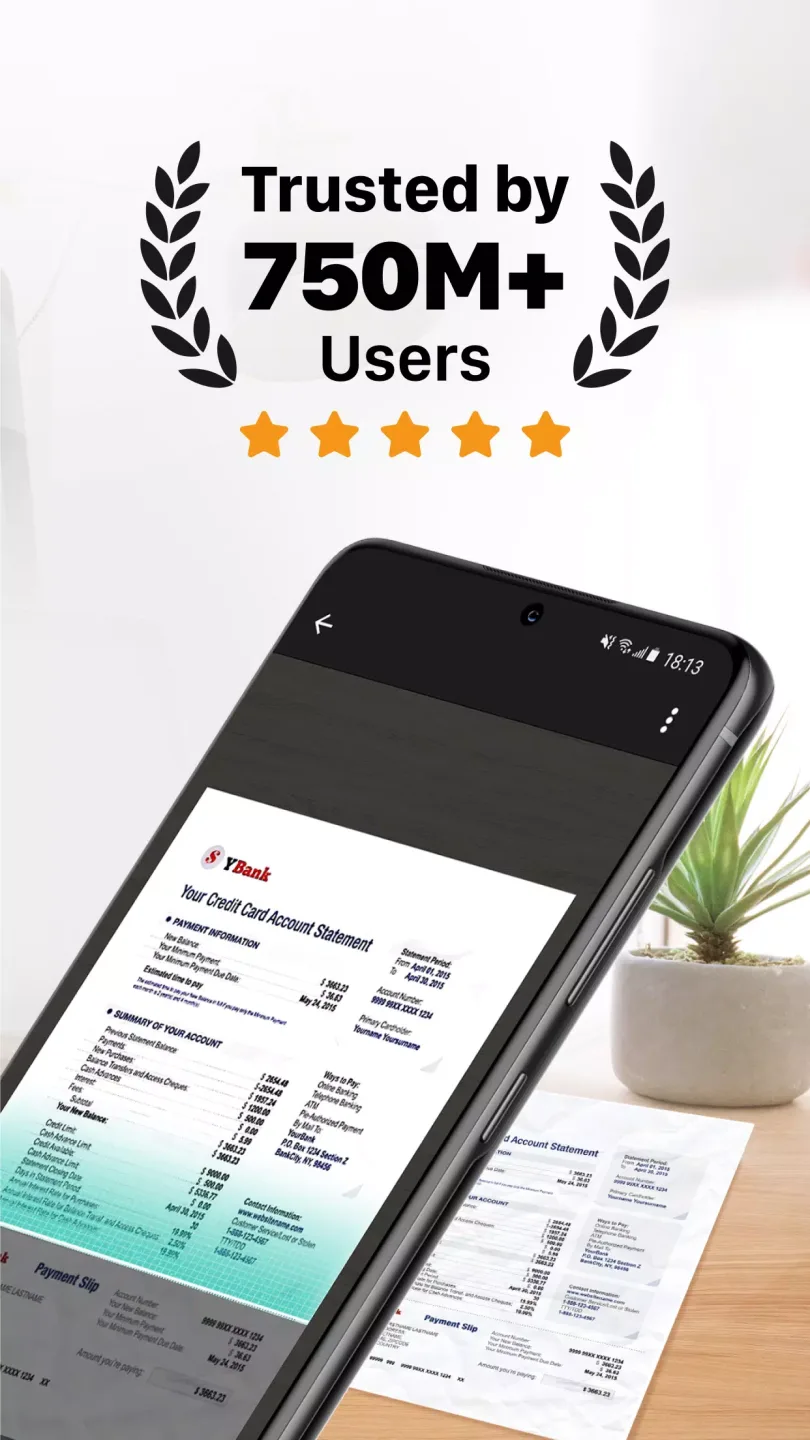
Improved scanner quality for clear and sharp documents: And to improve the scanning quality, CamScanner does come with the advanced auto enhancements, which allow users to immediately improve the sharp and clear documents from any captured scans. Also, the smart cropping feature will allow you to capture the correct documents, even from poorly taken images. And the impressive colors and high resolutions will make sure that your digital documents are fully accessible and transparent.
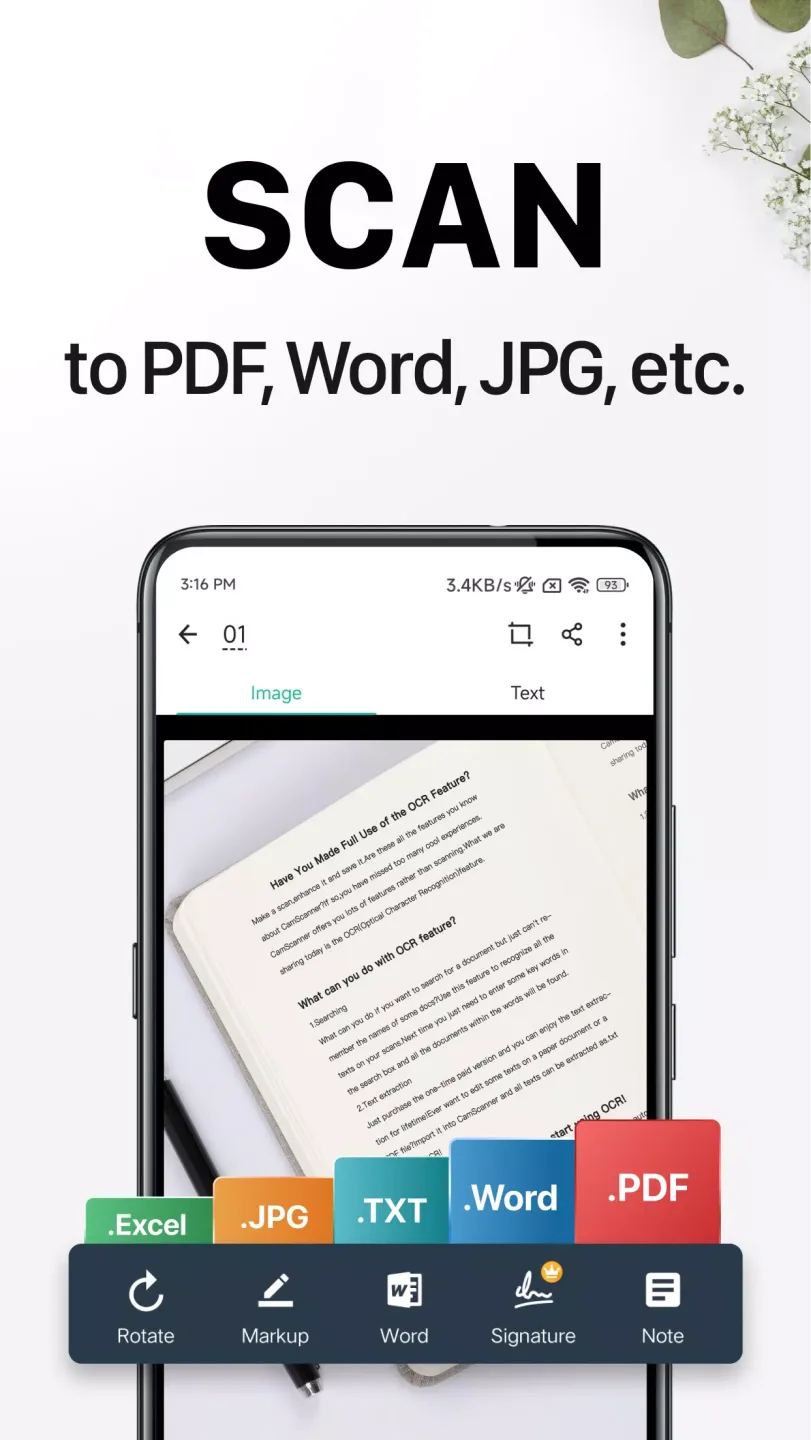
Automatically extract texts from images: For those of you who are interested, you can now easily extract texts from any images, using the advanced OCR (optical character recognition) from CamScanner. Feel free to allow it to convert all handwritten documents into digitized text files for easy editing and sharing. This works on the standard text articles and also sheet documents, which you can easily convert into TXT, Word, or Excel files.
Easily share your documents online: And if you wish to share your scanned documents, CamScanner will quickly enable its immediate sharing feature, which allows you to easily introduce the documents online. Now, you can easily share your documents with friends via social media channels, messaging apps, or emails. Simply select the scanned PDF or JPEG to have them immediately sent to your friends. And to make things more convenient, you’re allowed to share multiple files and enable batch download option via secured download links in CamScanner.
Protect shared documents with passwords: Speaking of which, to make sure that not all people can have access to your shared documents, even with the download links available, you can enable protected passwords on any selected documents. Feel free to set any preferred passwords and only inform them to the intended receivers.
Effortlessly print with AirPrint and Fax Documents: For files and documents that need to be printed, users can easily connect them to any AirPrint-supported devices nearby. CamScanner will automatically enable the printing operations to make sure that you receive your documents immediately. This also works on faxing machines, which is really helpful when looking to share physical documents.
Functions:
Quick & Simple to Scan Paper Documents: CamScanner allows users to scan physical documents using their mobile devices and turn them into digital files. Any paper documents can be scanned: Contracts, legal agreements, resumes, job applications, medical records, academic transcripts, product manuals, and marketing materials, etc.
Improve Scanning Results: The app uses advanced algorithms to enhance the quality of scanned documents, removing any distortions or shadows.
Image to Text (OCR): With OCR technology, CamScanner is able to recognize text in scanned documents and extract it for editing or sharing purposes.
Send Large Files & Share Photos: Users can easily share their scanned documents as PDF or JPEG files via email, social media, or cloud storage services.
Send faxes remotely: With this feature, users can send faxes directly from the app without the need for a physical fax machine.
Advanced Editing Mode: Users can edit their scanned documents by adding annotations, watermarks, or signatures.
Search Selected Text Quickly: The app allows users to search for specific words or phrases within their scanned documents.
Keep Important Docs Safe: CamScanner provides a password protection feature to keep sensitive documents secure.
Cross-platform Data Sync: Users can access their scanned documents from any device by syncing them across all platforms.
Support wireless printing: Print scanned documents directly from the app to a nearby wireless printer. It can be very useful for individuals who need to quickly print out a document on-the-go or for businesses that require a mobile printing solution.
Comments:
This app worked well when I tested a few pages, and I so decided to sign up for a one month premium subscription for $4.99. Unfortunately, it never activated my account and I’m stuck with no credits. I tried Restore Activated Items countless times but it fails to connect to the iTunes Store. This would be a great app if this wasn’t so activation wasn’t so frustrating and buggy.
I have used for 3 or 4 years and i love how userfriendly the App is to take a picture, of any document that you want to have saved for ease of accessing during an yemergencies or if you’re pressed for time. I recommend our friends and family download the free app. You can take a picture and crop it and name it and save it. I use the free version currently although before the pandemic, I was able to afford the premium version which screws the watermark plus a few other features that you can read about in the App Store, I do not leave many reviews although this is one of my go to apps to save any receipts from hotels and business expenses, I like to open the app it loads quickly on the iPhone and take a snapshot photograph of one or multiple pages. I recommend all friends and family use this app.
So often we have to sing and return documents - or send original copies for resumes, diplomas and other verification of employment documentation and... how do we do that ? Cam scanner allows transmission of any image as high quality doc in high quality images from your smart phone you can transmit in pdf format which is most preferred in formal business transaction You have the option of jpg is you prefer it.The images are clear crisp no shadow or weird angles like taking a photo with you phone PLUS you have the ability to adjust the image and edit the clarity giving you clear crisp documents to send via your phone.As someone who uses this regularly I highly recommend it and tell others to send me documents via CamScanner all the time.Go for It Try it! You are going to Love it!
Final words:
CamScanner is a simple and convenient application that allows you to convert any photo from a mobile device into a full-fledged office document. The program provides digitization and conversion of images, replacing a conventional scanner. After processing, a file is obtained that can be sent by mail, uploaded to a website, or printed. The utility is used by more than 40 million users around the world.The CamScanner app for Android has a convenient and intuitive interface that any user can easily understand. To get the desired result, just take a photo of the document. The program quickly scans it and converts it into a suitable format. A file with a PDF, JPG, TXT or Word extension can be saved or used in future work.