
Samsung Good Lock is a deep customization tool designed specifically for Samsung devices. The app offers rich and intuitive modular features, allowing users to freely design their lock screen (including the clock style and notification interface), flexibly adjust the recent task view with "Task Changer," customize wallpapers, and even create their own interface elements. This fully optimizes the interactive experience and visual style, helping users easily achieve highly personalized phone interface customization and fully unleash the visual and operational potential of Samsung devices. Download and experience it now!
Click to load YouTube / 点击加载视频
YouTube ↗Features:
Customizable lock screen: Samsung Good Lock allows you to modify the clock display and define the style of notifications on your lock screen, giving it a unique and personalized look.
Task Changer utility: With the "Task Changer" feature, you can customize how recently used apps and games are displayed, making it easier and more efficient to access them.
Wallpaper customization: This app offers a wide range of wallpapers to choose from, and you can even design your own creations to add a personal touch to your device's interface.
Easy customization: Samsung Good Lock provides a user-friendly interface that allows you to easily customize various elements of your Samsung device, making it simple for anyone to give their smartphone an eye-catching touch.
Maximizing device potential: This app is packed with features designed to help you get the most out of your Samsung device, allowing you to fully customize it according to your preferences and needs.
Small apps with big impact: Within Samsung Good Lock, you'll find a collection of small apps, each focusing on a specific customization aspect, making it easy for you to customize your Samsung device to the fullest.
Benefits:
One Hand Operations: With one hand screen option, you can resize and minimize the screen size and take it to any corner of your phone. This way, you can efficiently operate your smartphone with only one hand.
Add Gesture Buttons: You can add shortcut buttons and gesture keys on your smartphone, by these buttons, you can easily open the camera, take screenshots, or play music even without unlocking the smartphone.
Customize Lock Screen: If you feel bored with your standard lock screen, you can add live wallpapers, change the pattern view, or customize the background with additional shortcuts.
Free Theme Packs: It also has a themes gallery where you can find thousands of free themes that you can download and install on your device, along with icon packs and similar wallpapers.
Sound Assistant: The tool also has a sound assistant for your help, and you can connect the app with Bixby or TalkBack voice assistant on your smartphone. Now you can handle most of your operations through voice commands.
Notification Manager: Change the view of notifications and customize the status bar, along with the notification icon, alert tone, and other upgrades.
Powerful toolkit:
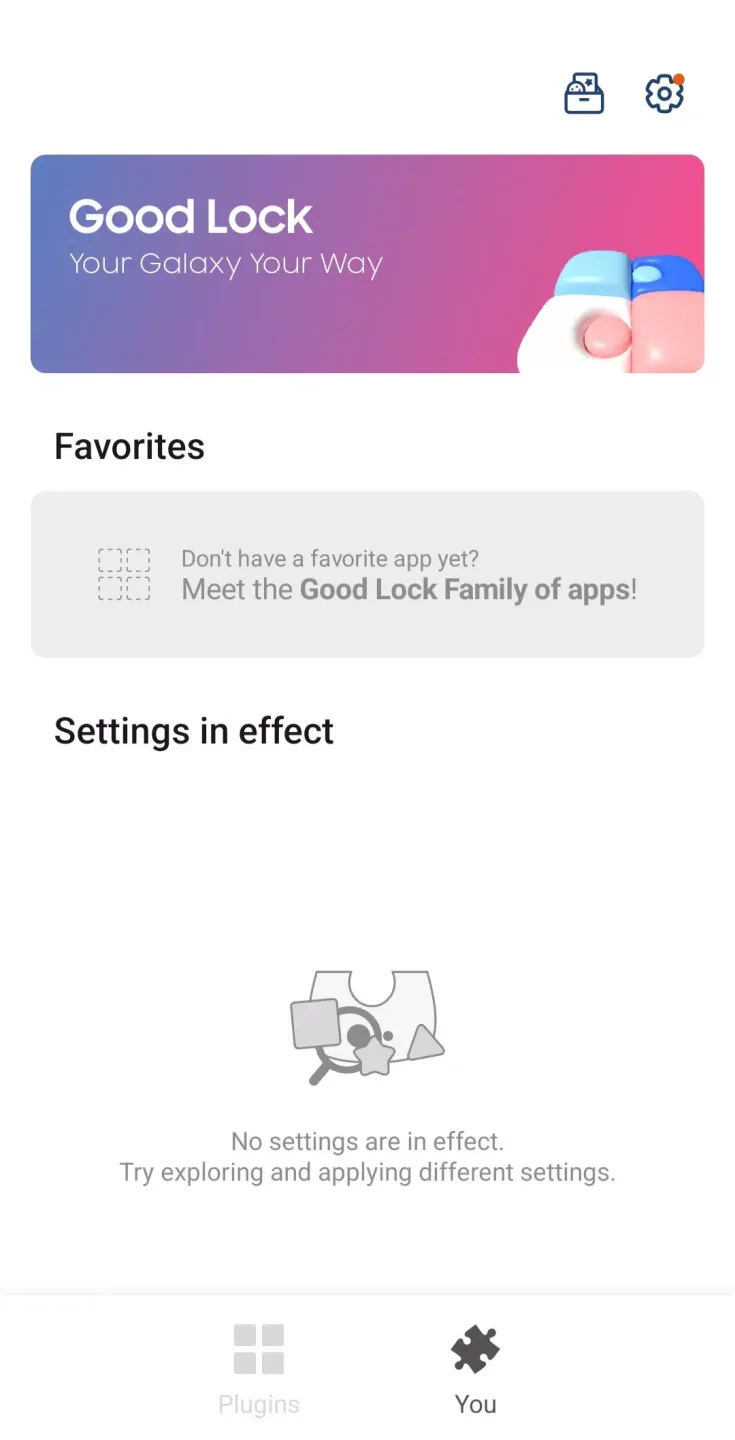
A simple way to look at the Samsung Good Lock app is it's basically a Swiss army multi-tool for the company's smartphones and tablets. It's an after-sales value-add that provides all sorts of additional options and functions on to add to the already feature-packed One UI interface running on top of the Android mobile operating system. Best of all, you can cherry-pick only the ones you want.
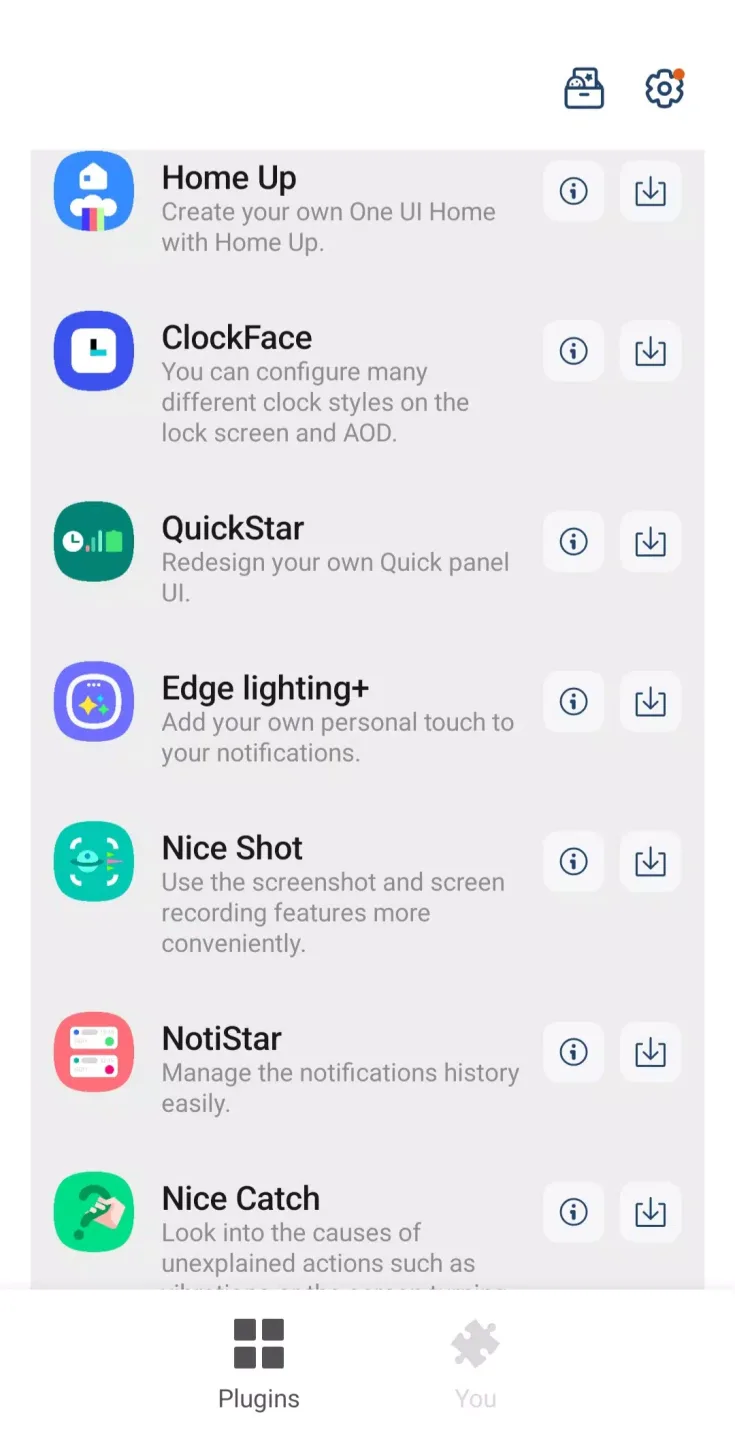
The way this app works is it employs modules which are essentially mini-apps that run in conjunction with One UI to enhance the capabilities of your devices in various ways. Some of the most popular and useful ones include the Camera Assistant which adds Auto HDR and Lens Switching options, Dropship that lets you create shareable links for any content, and many more to try out.
As mentioned earlier, the great thing about this app is that you can install only what you need and none that you don't, so you don't unnecessarily take up too much storage space. It should go without saying, this application is only compatible with Samsung devices. Even then, not all models are supported, hence check if yours is included in the list before diving in.
Conclusion:
Samsung Good Lock is the ultimate tool to customize your Samsung device's interface and operation. With a wide range of built-in features, you can easily give your smartphone an eye-catching touch. From customizing your lock screen to defining the style and design of notifications, everything can be tailored to match your taste. The "Task Changer" utility allows you to adapt the display style of recently used apps and games for better accessibility. You can also personalize your interface with unique wallpapers or even design your own creations. Download Samsung Good Lock now and unlock the full potential of your Samsung device.








