

Photoroom AI Photo Editor is a powerful, professional-grade photo editing app. Featuring precise AI background removal and replacement, batch editing, brand customization tools, and a wealth of commercial templates, it makes it easy for mobile users to create efficient, professional visuals. No design experience is needed to quickly create high-quality images for e-commerce, social media, or resumes. With just a few clicks, you can achieve professional-level results. Download and experience it now!
Click to load YouTube / 点击加载视频
YouTube ↗Features:
Wide Range of Photo Templates: PhotoRoom offers a variety of templates with multiple styles for users to choose from. This allows users to easily create unique and eye-catching photos.
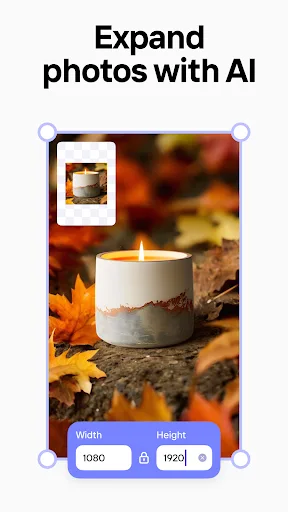
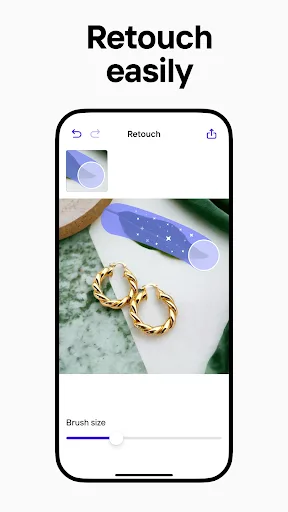
Editing Tools: Users can edit their photos using tools provided by PhotoRoom. This includes adjusting colors, adding effects, and enhancing the overall appearance of the image.
Create Cover Photos: PhotoRoom allows users to create custom cover photos for their social media profiles. They can choose from a selection of templates and customize the design to their liking.
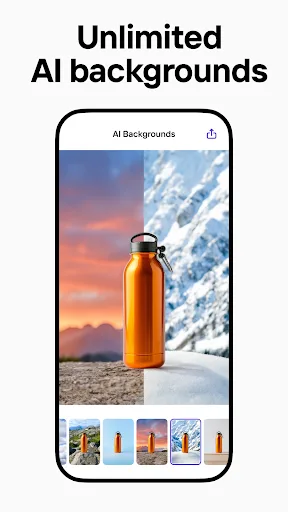
Background Replacement: Users can replace the background of their photos with colorful wallpapers provided by PhotoRoom. This feature allows the main details of the photo to stand out and adds a unique touch to each image.
Highlights:
Customizable Templates: Users have a huge number of templates in their library. More than 1000 customizable templates allow users to be creative, such as social posts, ads, products, etc., depending on each situation.
Text & Branding: To make a photo advertisement, you have to add a lot of text and effects to your photo. Therefore, the app also provides users with many unique effects and fonts.
Collages & Layouts: This app also easily allows users to create collages. Users can add multiple layouts to make their collages unique and eye-catching.
Custom Stickers & Shapes: Users can also add stickers to make the photo look funnier and more eye-catching and to help viewers understand the intention of the photo.
Professional Graphics: Professional, on-brand graphics are the result you achieve if you combine many editing methods.
Tips and Tricks:
Experiment with Different Templates: Try out different templates and styles to find the one that best suits your photo.
Utilize Editing Tools: Make use of the editing tools provided by PhotoRoom to enhance the quality of your images.
Get Creative with Cover Photos: Have fun designing cover photos for your social media profiles using PhotoRoom's customizable options.
Play with Backgrounds: Explore the variety of background templates available in PhotoRoom to add an extra pop of color to your photos.
What does it do?
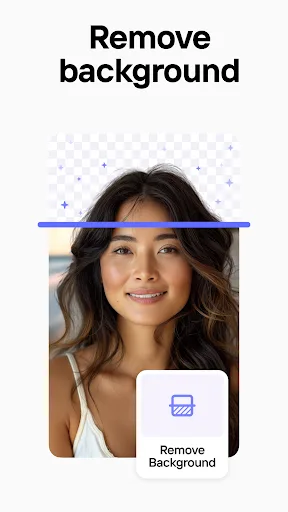
As you could have guessed, PhotoRoom is a dedicated photo editing app with the advanced background remover feature, which will allow you to easily edit your footage later on. The app can easily crop objects and people in any pictures completely automatically. Feel free to then use the images with removed backgrounds to comfortably edit your content in many ways.
This means that even if you don’t have any experiences regarding the editing process, you can still get the correct images and cutouts for your certain purposes. Simply select the right footages and use the app to automatically work on them whenever you want.
At the same time, you can attempt to add new backgrounds to your cropped objects to enable many unique editing features. Make uses of the standard editing features to fix the lighting of your photos, add certain texts to better interpret your content, or put in your signature logos or stickers to make the photos more personal. The list goes on.
Conclusion:
If you're searching for a way to create stunning, eye-catching photos effortlessly, look no further than PhotoRoom. This innovative app offers a wide range of templates and editing tools to unleash your creativity and make your images truly shine. With PhotoRoom, you can transform ordinary photos into multi-style masterpieces that capture the viewer's attention and evoke a range of emotions. From customizable cover photos to stunning backgrounds, PhotoRoom has everything you need to make your photos stand out. Say goodbye to boring pictures and hello to a world of endless possibilities with PhotoRoom. Download now and start creating your own beautiful photos today!








