

Grafika Vector Image Editor is the perfect vector icon design and creation solution for Android. Download the latest version online and enjoy a powerful yet user-friendly program that lets you easily create the effects you want. This tool features a comprehensive set of editing tools, including a pen tool, pencil tool, and Bézier curves, allowing you to easily create, edit, and delete shapes. With advanced canvas support and unlimited undo/redo functionality, Grafika Vector Image Editor lets you focus on your design and create stunning vector icons!
Click to load YouTube / 点击加载视频
YouTube ↗Exclusive Features
VECTOR DESIGN POWER
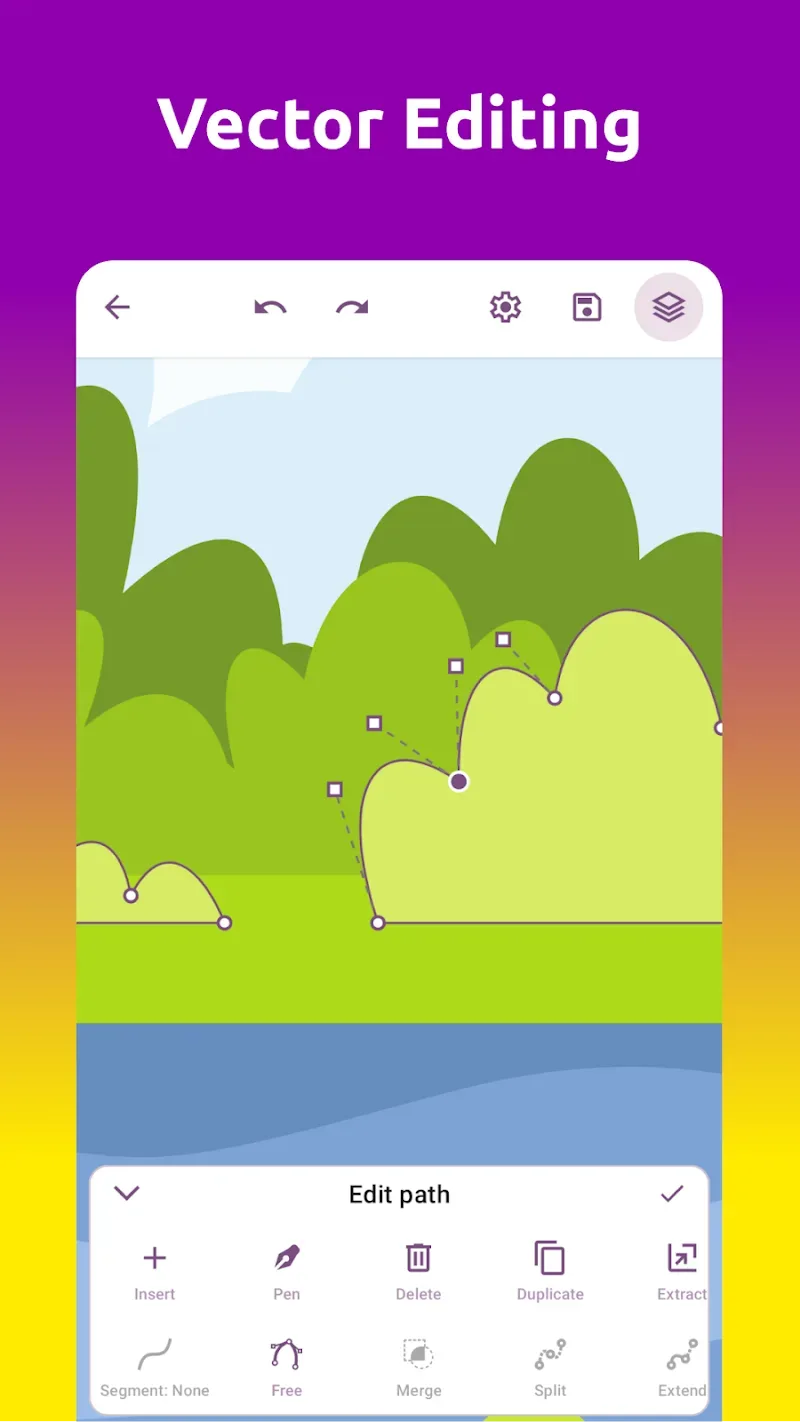
The designs made by the application are the product of a vector shaping process. The application allows users to create various shapes in the designs. The reverse and duplicate tools make the design more impressive. Users can customize all the parts to make them perfect.
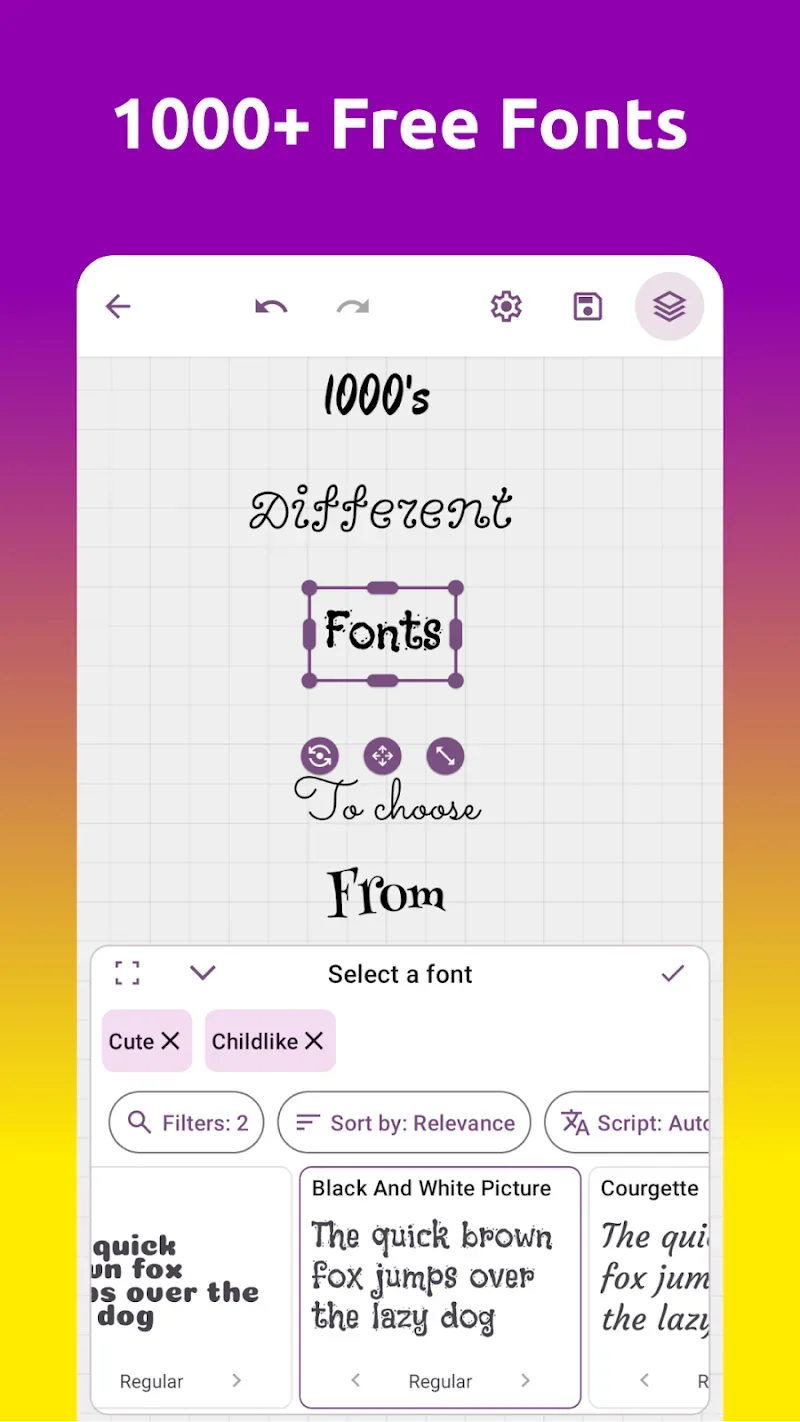
Shape Creation Ease: The application provides many tools to help users create shapes for designs. Thousands of beautiful and artistic fonts will be applied. Users can try many templates to find the font that best suits their design. Some letter-specific effects will be applied to the user’s texts.
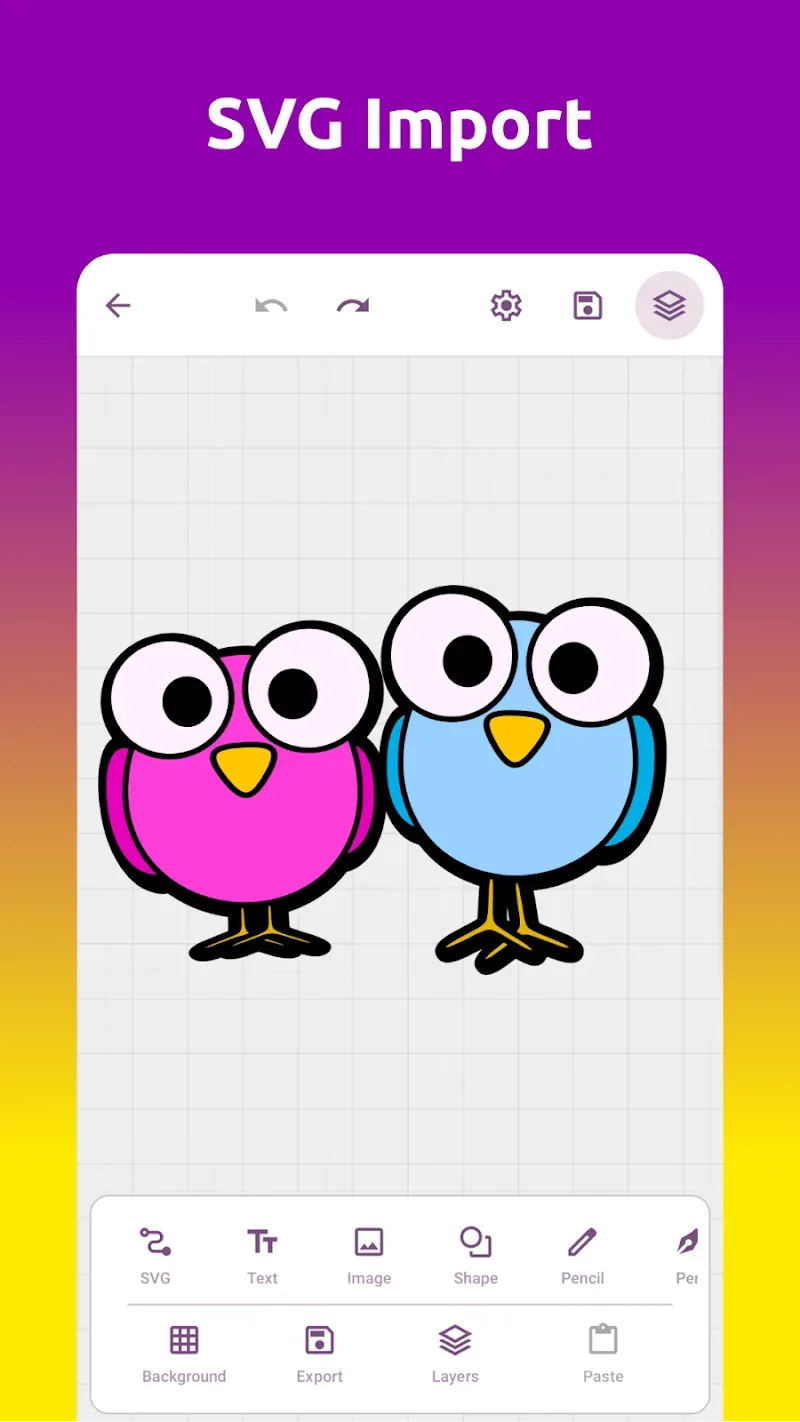
SVG Full Control: SVG files are uploaded to the application to become an editing project. Users can edit these files with modern vector tools. Various types of pens will be used by users to enhance their designs. Boolean operations and Bezier curves are most commonly performed to create an impressive design.
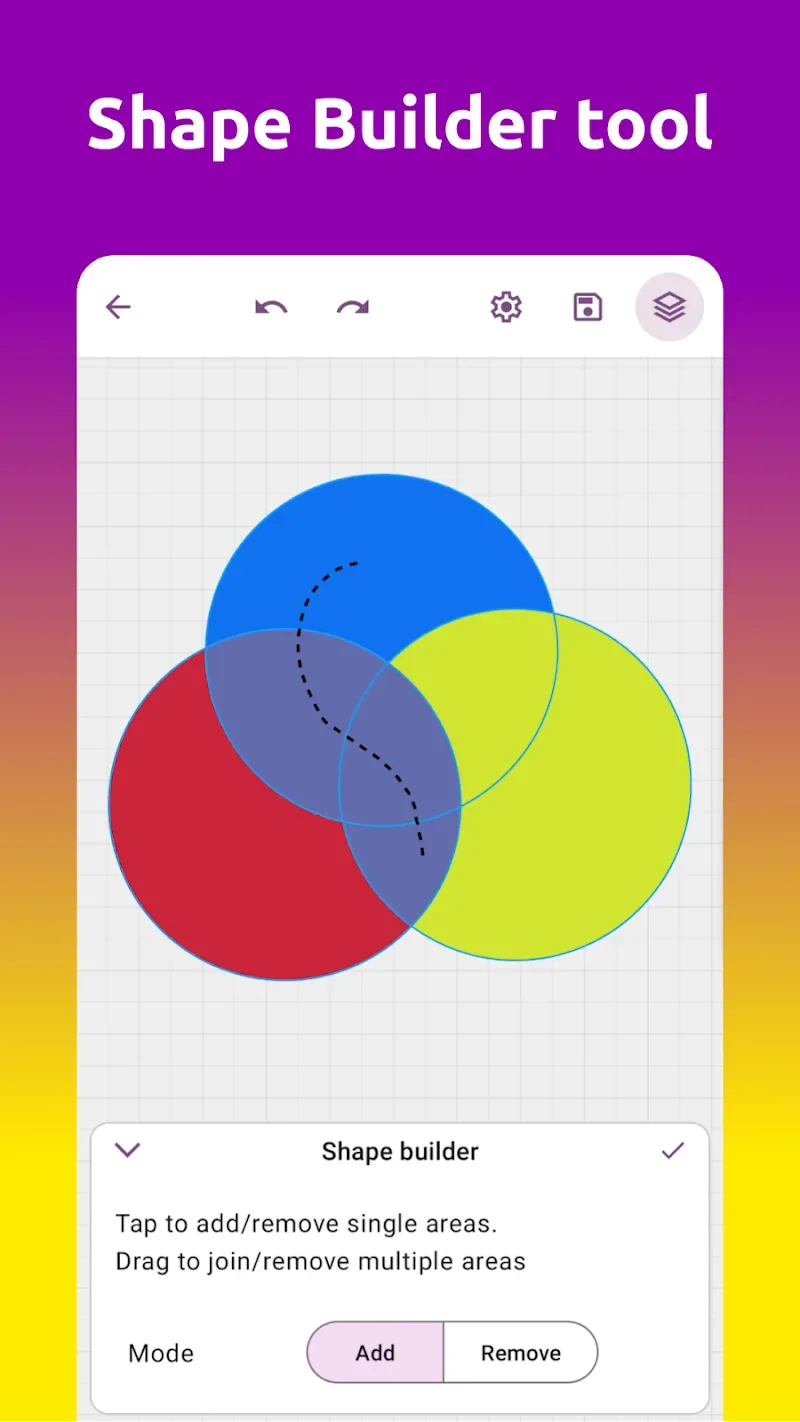
Precision Editing Tools: Multiple tools will be used by users to enhance their designs. Users can try using the Shape Builder tool to create shapes easily and achieve absolute perfection. The excess elements can be easily removed with the eraser tool.
PRO-LEVEL FEATURES
A variety of professional editing features will be provided by the application. Users can have a variety of editing tools to enhance the quality of the photo. They can save projects in a variety of pre-defined formats.
Infinite Workspace Freedom: Users can use the application’s tools to create cutting-edge art projects. They can design logos containing unique shapes. In addition, editing and creating new computer-drawn works is also easier. Users can edit existing files regardless of the format they are saved in.
Advanced Layer Control: Projects will be imported with additional layers for editing in a hierarchical manner. Rearranging objects that appear in the work is also easier. Users are allowed to group objects even if they are on different layers. Moving these groups will be easier than customizing the position of each object.
Format Flexibility: When imported, the SVG format will not affect the quality of image sharpness. Users can completely create quality designs saved in the format they want. User projects will be saved in PNG, SVG, JPEG, or WEBP format of your choice.
Outstanding Function
Core Tools and Features
• Text Tool – Add and edit text with alignment, styles, formatting, text on a curve, or custom paths. Save and reuse your own text styles.
• Vector Shapes – Draw rectangles, ellipses, stars, polygons, and more. Use the shape builder and path Boolean operations (union, subtraction, intersection, exclusion) for advanced editing.
• Paintbrush and Pen – Sketch freely with the paintbrush or create precise vector paths with the pen tool.
• Paint Bucket Fill – Quickly apply colors, gradients, or patterns to closed shapes.
• Vectorize Images (Bitmap Tracing) – Convert photos or raster images into clean, scalable SVG vectors. Great for turning sketches into digital art.
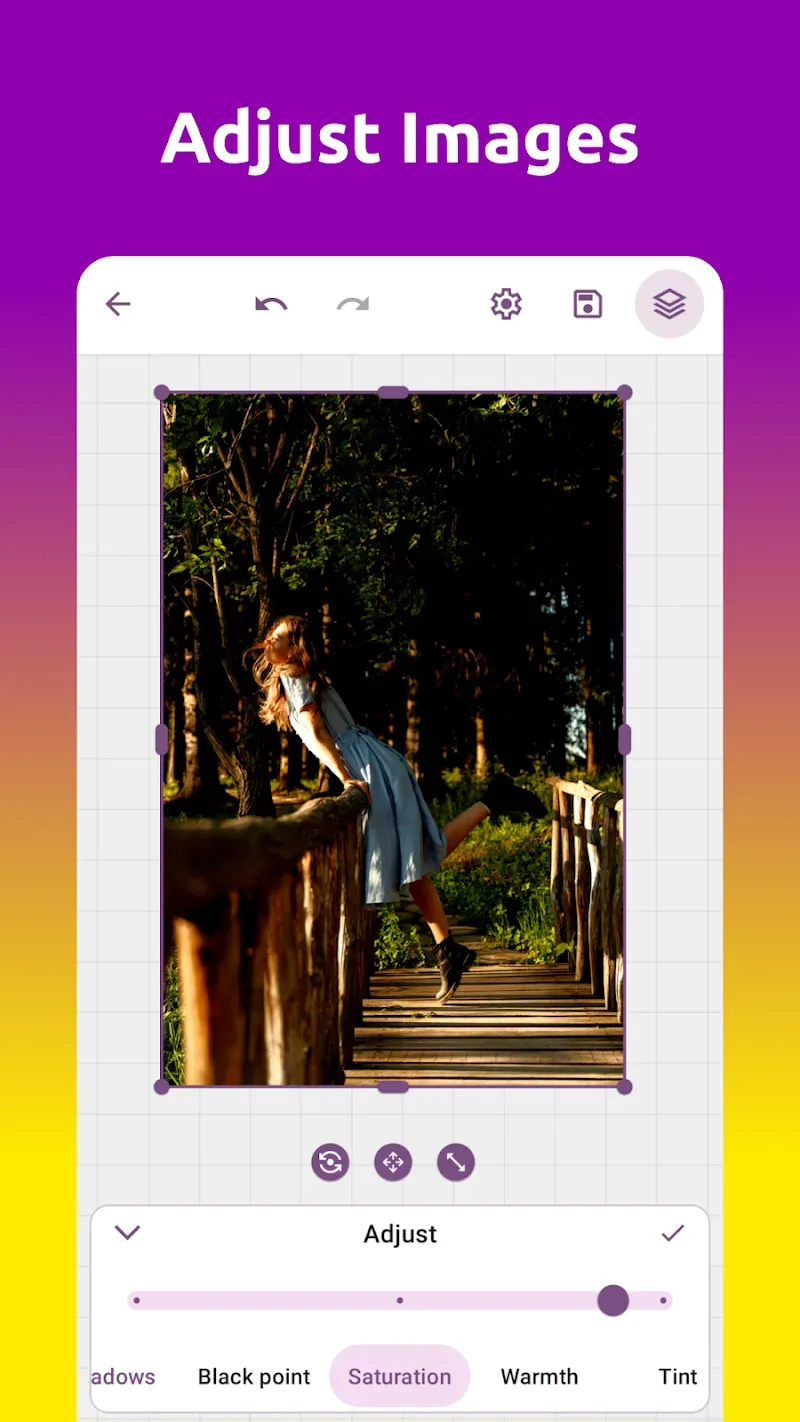
• Image Editing – Crop, adjust brightness, contrast, saturation, and more.
• Gradients and Patterns – Apply linear, radial, and sweep gradients or seamless patterns for modern design effects.
• Effects – Add blur, shadows, and blending modes to create depth and visual style.
• Transform, Align, and Arrange – Easily resize, rotate, distribute, and organize elements on the canvas with precision.
• Snap Options – Work with professional precision using multiple switchable snapping modes: snap to grid, object boundaries, centers, outlines, path nodes, and text baselines.
• Grids and Guides – Design with precision using customizable grids and guides.
Fonts, Icons, and Assets
• Choose from over 1500 built-in fonts, or import your own custom fonts.
• Save custom text styles and reuse them across projects.
• Access over 3000 free, importable icons.
• Browse and insert a vast library of stock images to use as backgrounds, textures, or for inspiration.
Export and Share
• Export your projects in SVG, PDF, PNG, JPG, and WEBP formats for maximum compatibility.
• Create professional-quality designs that look crisp and sharp at any size.
• Share directly to social media, websites, or with clients.
• Ideal for logos, icons, posters, flyers, T-shirts, YouTube thumbnails, social media banners, infographics, and more.
Cloud Sync and Personalization
• Cloud sync ensures your projects, fonts, settings, and styles are safely stored and accessible across all your devices.
• Seamlessly collaborate between your phone and tablet.
• Enjoy light and dark themes to create a comfortable workspace.
Why choose Grafika
Designed specifically for creating logos, icon packs, branding materials, social media content, posters, flyers, and marketing graphics.
Ideal for vector art, digital illustrations, scalable graphics, and professional design projects.
Intuitive interface for beginners, yet powerful enough for advanced users.
Designed for seamless export to SVG, PDF, PNG, JPG, and WEBP formats, ensuring your work is always compatible and ready to share.
Replace multiple apps with one all-in-one graphic design tool for Android.
What's new
– Added Lifetime purchase option
– Added pure white/black colors in color palette
– Bug fixes
User's Comments
This app is absolutely amazing. I love it. It's the best vector designing app I've ever seen on Android. Usually most vector graphics apps have problems. But this one? So refreshing. I really hope you guys don't ruin it. This is a hidden gem. Keep up the amazing work. However, I just wanted to say, please make the star shape free to use.. It's really unfair to make it pro, since it's a very common shape that I very commonly need. That's all though, other than that, great app.
The only Vector Graphics Editor that actually works on a mobile device! I've never felt more comfortable working on fairly complex projects on my phone from the comfort of my couch. I'm able to draft my designs and everything while I'm on the metro, or waiting for an appointment. Things have never been better as a designer. I feel blessed that this app exists :)
There aren't many apps you can use to do high quality graphics with a cell phone or tablet. Most of them don't let you use custom fonts. Grafika is an exceptional solution for graphics pros on the go. I'm surprised it isn't the first thing people recommend as an easy solution.
Grafika is a powerful vector and graphics design app. However, it could be improved in some areas: Draggable and floating panels: If the layers panel, tools panel, properties panel, etc. were draggable and floating like Photoshop, the work would be easier and more interactive. Export quality: Increasing the export resolution and quality would make it more suitable for professional design. Graphics + Vector Design: The app is mainly good for vector design, but if the graphics design features
Grafika is a complete game-changer for designers! I’ve been using many editing and design apps, but Grafika truly stands out. The interface is super clean, tools are powerful yet easy to use, and the quality of exports is professional-grade. Whether it’s logo design, social media posts, or creative illustrations – this app handles everything smoothly
Conclusion
Professional editing tools allow users to create beautiful logos. The design process with the Grafika Vector Image Editor tools helps users create great design projects. The application allows users to edit SVG-format images without losing image quality.








