
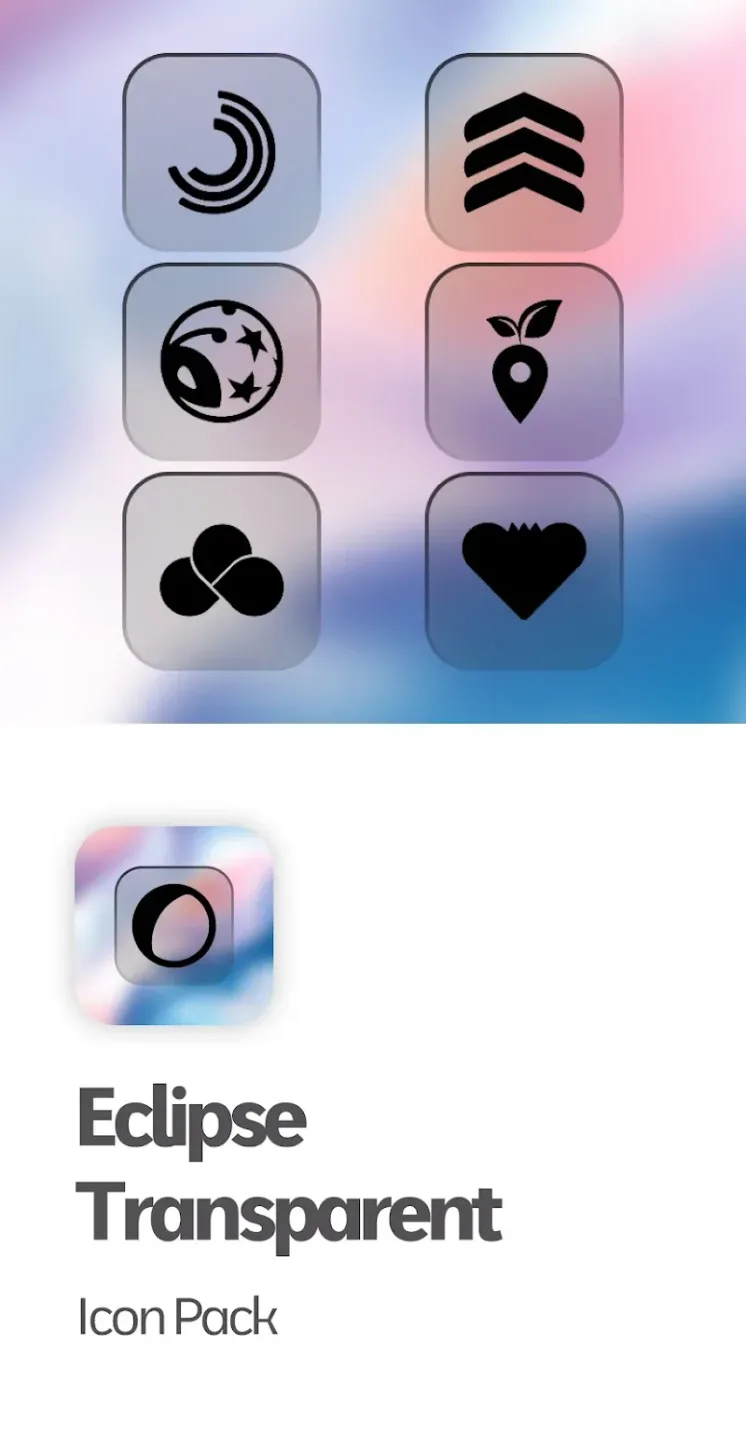
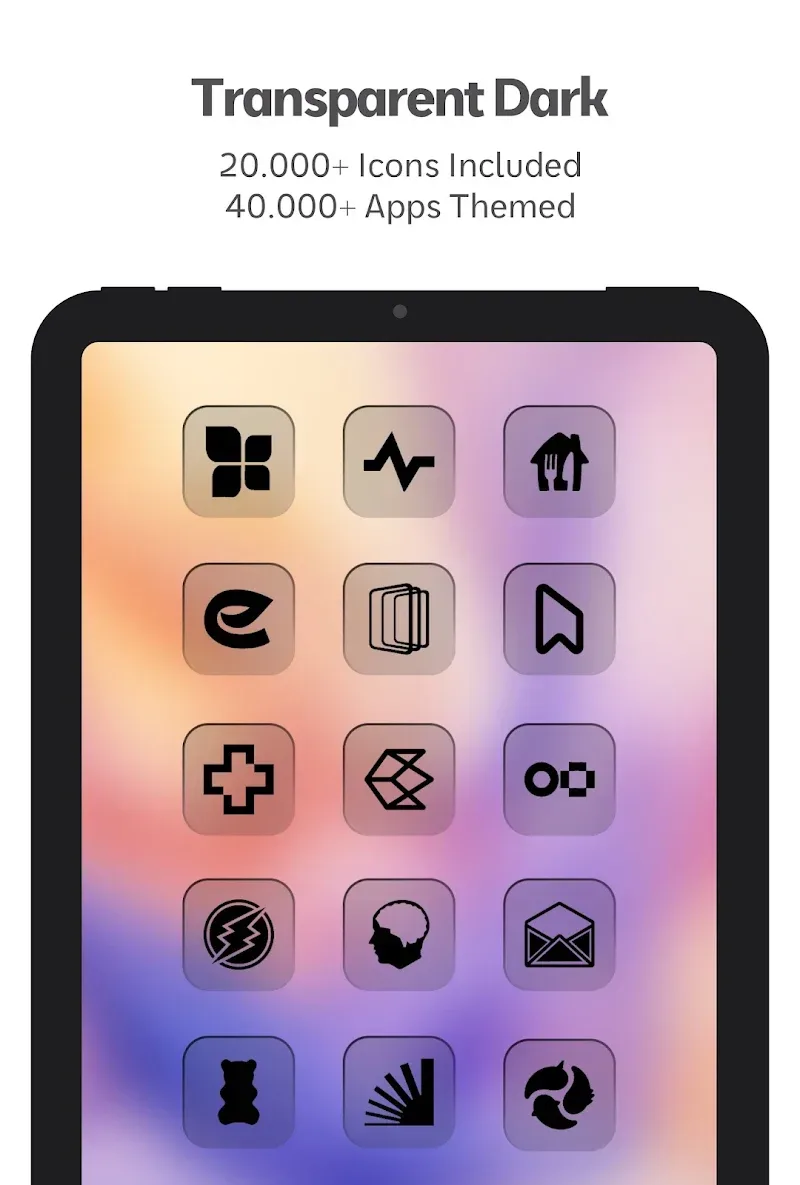
Eclipse Transparent Icon Pack is an excellent app for customizing your Android device's icons. Download the latest version online to give your Android interface a fresh, stylish look. With its minimalist, semi-transparent, black square design, Eclipse Transparent Icon Pack seamlessly blends with both light and dark backgrounds, providing a visually pleasing user experience. This isn't just a simple icon pack; it also offers a wealth of theme features, wallpapers, and regular updates. Experience the sleek, elegant look of Eclipse Transparent Icon Pack – a lightweight, minimalist icon pack that delivers a premium user experience!
Click to load YouTube / 点击加载视频
YouTube ↗Engaging Advantages
DARK TRANSPARENT DESIGN
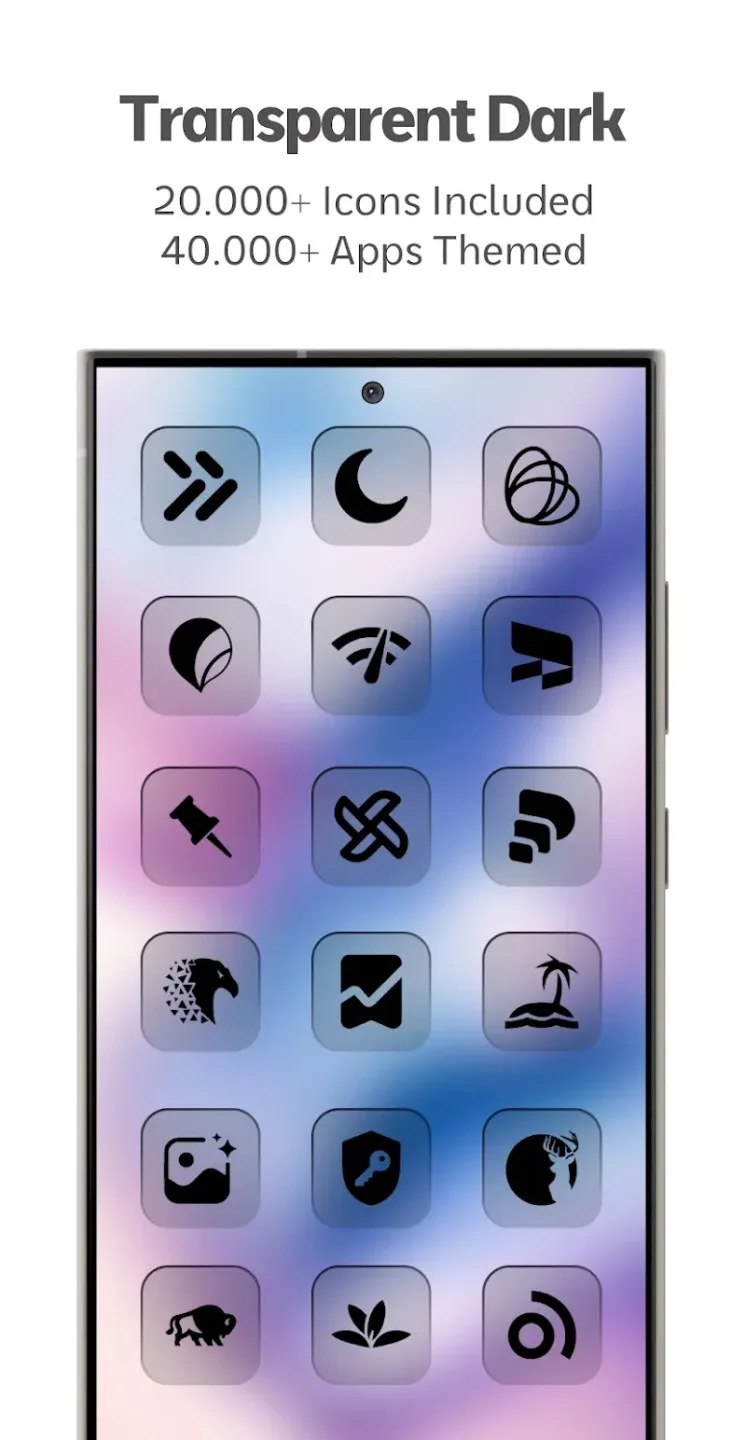
The application provides unique icon templates designed according to exclusive designs. Users will be able to apply the icon pack containing a mysterious black background. The black background is enhanced with dark tones to create a mysterious and attractive feeling when observing.
Unique Aesthetic Appeal: The unique design style has created the appeal of this icon pack. Users will be satisfied when admiring the icon pack containing a separate background and drawing. Each design is a product of the creative process and the most unique ideas.
Wallpaper Compatibility Level: Users can combine this icon pack with many different types of wallpapers. The glossy black background will help the icon pack stand out on a light background. Besides, they are also suitable for dark style wallpapers.
Minimal Modern Look: The user interface will be significantly improved after applying the new icon pack. Users can cover it with a mysterious dark color and express their own personality. The interface will be more eye-catching and suitable for users who love the dark style.
MASSIVE ICON COVERAGE
The application shares with users many exclusive icon templates that are meticulously designed. Users will be overwhelmed by the variety of templates and designs. However, users need to install a suitable launcher to activate this unique icon pack.
Icon Count Total: The app’s icon pack contains 25,000 icon templates for users to use. They will be satisfied when using thousands of beautiful and stylish icon templates. The app also shares 45,000 themed icon templates for users to have more choices when redesigning the interface.
App Support Range: The app allows users to activate all the great features when a compatible launcher is installed. The simple requirement of the app is to be connected to a suitable launcher. Users need to use any launcher to activate all the icons in the pack and exploit the full potential of the icon pack.
Update Frequency Rate: The updated version of the app brings many beautiful designs that suit the needs of users. Some icon templates that are blacked out will have new designs to replace them. The app updates the missing icon templates to add more choices for users.
Frequently Asked Questions (FAQ)
Q: Do I need a custom launcher to use this icon pack?
A: Yes, a third-party or OEM-compatible launcher is required for full functionality.
Q: What if an icon is missing or doesn't match the theme?
A: You can submit an icon request directly through the app, and it may be included in future updates.
Q: Are there any matching wallpapers?
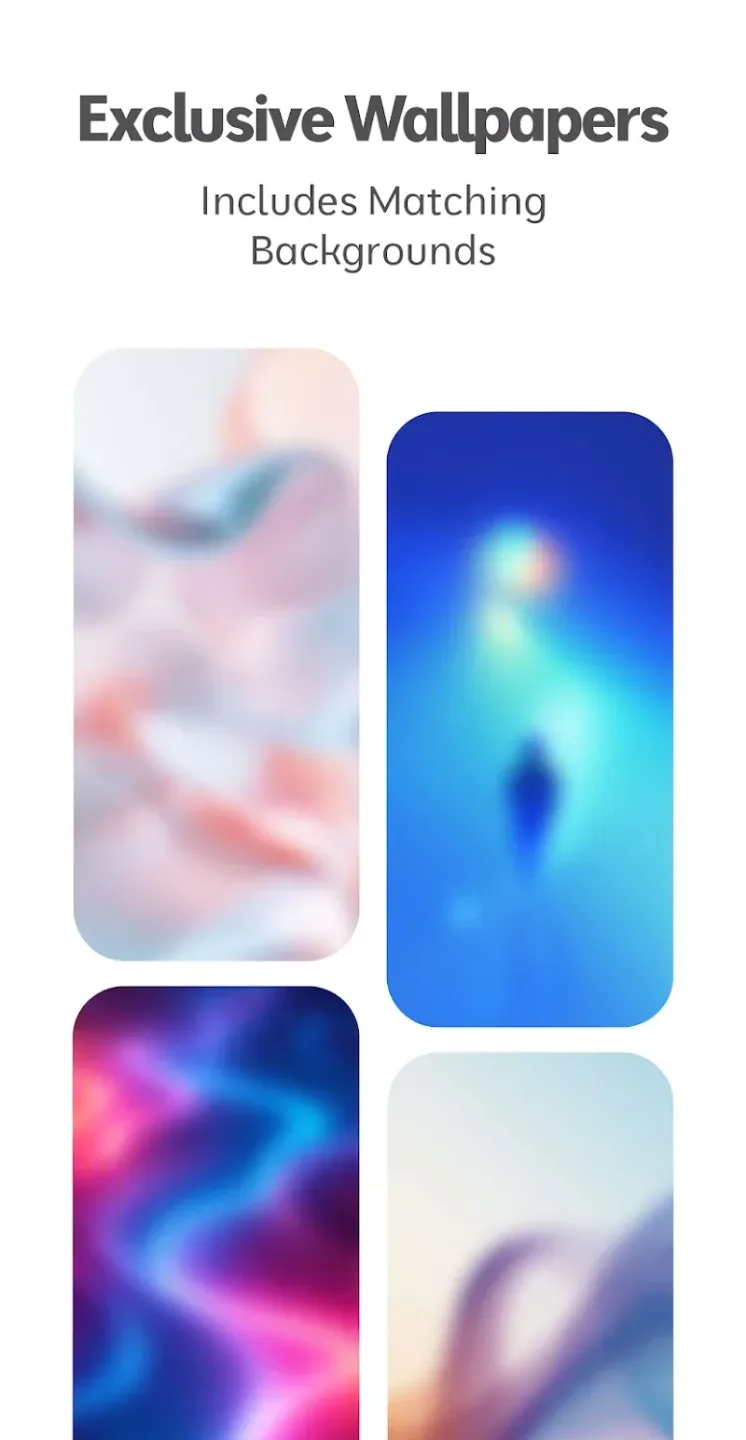
A: Yes, the app includes exclusive wallpapers that match the icon pack design.
Q: Will this app receive regular updates?
A: Yes, we will regularly add new icons and features to keep the pack up to date.
Q: Does it support dynamic calendar icons?
A: Yes, supported calendar apps can use dynamic calendar icons.
Amazing Features
• Includes 25,000+ dark square icons
• 45,000+ themed apps
• Exclusive matching wallpapers
• Dynamic calendar for supported launchers
• Material You user-friendly dashboard
• Icon masks/backgrounds for non-themed apps
• Icon requests for your apps (free and premium)
• Regular updates with new icons
Android App Categories Covered
• System apps
• Google apps
• Stock OEM apps
• Social apps
• Media apps
• Game apps
• Many other apps...
How to Use/Requirements
• Install a compatible launcher listed below
• Open the icon pack app, tap Apply, or select it in the launcher settings.
Supported Launchers
Action • ADW • Before • Color OS • Go EX • HiOS • Hyperion • KISS • Kvaesitso • Lawnchair • Lucid • Microsoft Launcher • Niagara • Nothing • Nougat • Nova Launcher • OxygenOS • Pixel (with Shortcut Maker) • POCO • Projectivy • Realme UI • Samsung One UI (with Theme Park) • Smart • Solo • Square • TinyBit ...May be compatible with other launchers not listed here!
Additional Notes
• Requires a third-party launcher or OEM compatibility to work.
• Missing or un-themed icons? Submit a free icon request within the app, and I'll add them in a future update.
• The FAQ section in the app answers many common questions. Please read this section before emailing.
Summarize
The square dark background will embrace the designs of Eclipse Transparent Icon Pack. The characteristic of this icon pack is the beautiful and artistic background. Each icon is designed in a minimalist style and brings a gentle feeling when admired. Users also have thousands of icon templates to apply and replace the old icon pack.








