

OSLink is a powerful mobile tool that allows users to remotely access their computers from their phones and perform operations to meet the needs of diverse users. The software boasts strong compatibility, running smoothly on most phone models. You can also customize device keystrokes to provide a more comfortable experience. So what are you waiting for? Download the software now and start experiencing convenient and fast remote access!
Click to load YouTube / 点击加载视频
YouTube ↗Features:
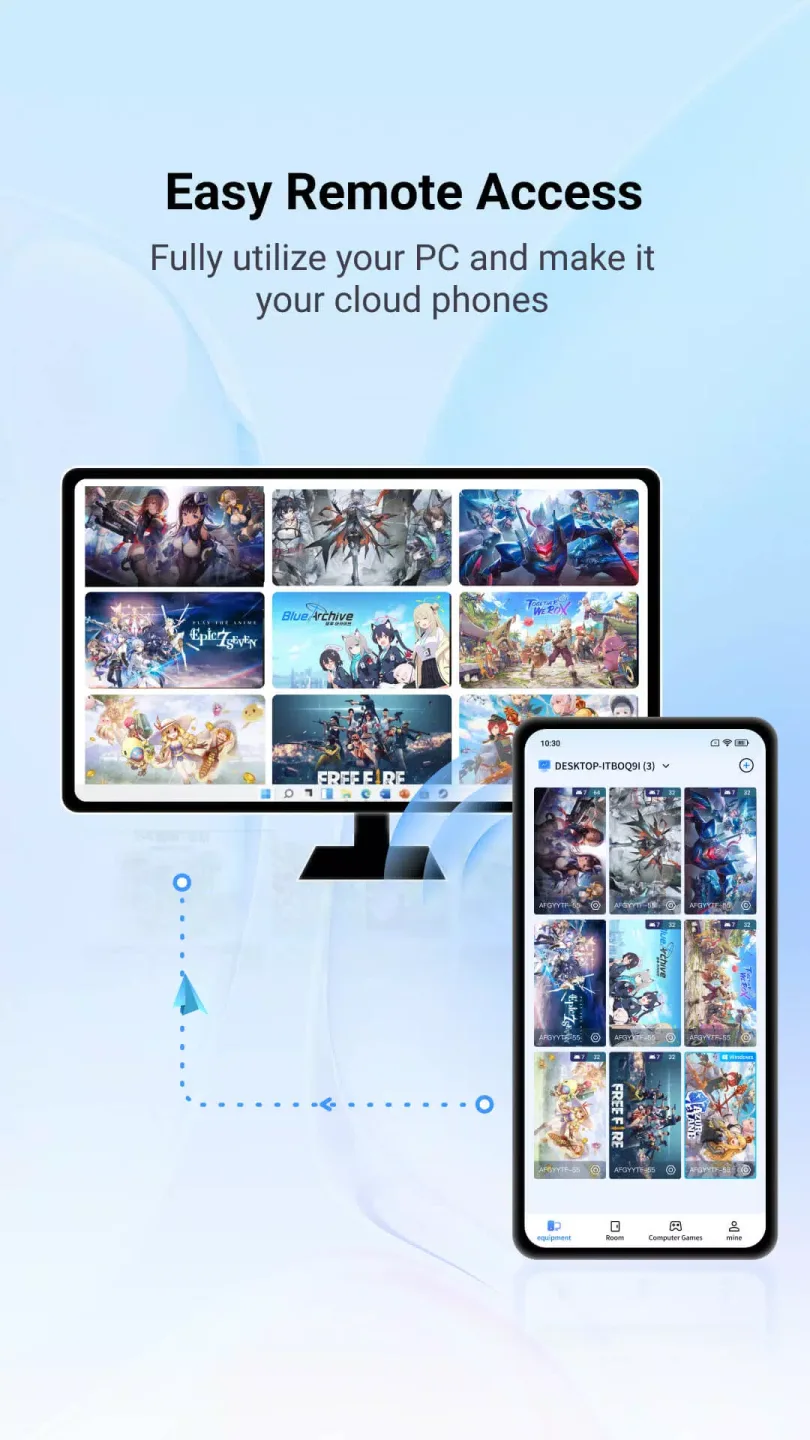
Remote Connection: OSLink is a remote software that seamlessly connects your mobile phone to your computer from anywhere, anytime. Whether you're at home, office or on the go, you can access your computer remotely.
Multiple Device Support: With OSLink, you can log in to multiple devices and gain control over them remotely. This feature allows you to conveniently manage your computers or LDPlayers from a single mobile device.
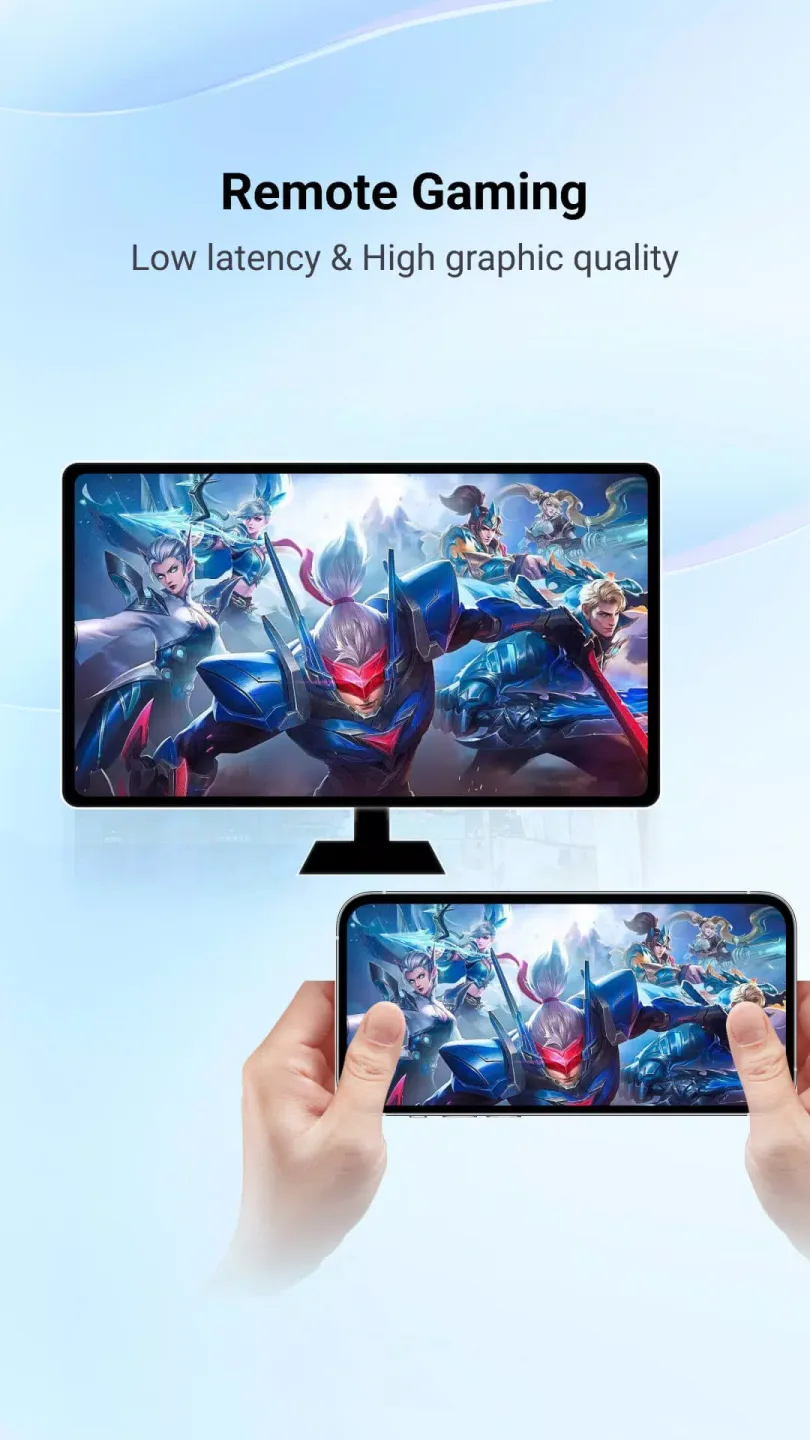
Host Games Remotely: OSLink empowers you to leverage the power of your computer to host games on multiple LDPlayers 24/- This means you can enjoy uninterrupted gaming sessions and even invite your friends to join you remotely.
Collaborative Tasks: Need help with your daily tasks? OSLink lets you share your hosted games or computer screens with your friends. They can assist you remotely, making teamwork and collaboration fun and convenient.
Remote Work Capability: If you're out and need to handle urgent work tasks, OSLink comes to your rescue. You can launch the app on your mobile phone and remotely access your computer, allowing you to work efficiently no matter where you are.
Easy-to-Use Interface: OSLink features a user-friendly interface that makes it simple for anyone to connect their mobile phone to a computer. The app is designed to provide a seamless and hassle-free remote control experience.
Pros and Cons:
Pros:
Excellent app for Android to PC remote gaming with physical gamepad support.
Allows users with older phones to play new Android games via remote control, providing an innovative gaming experience.
Offers a VIP subscription that improves usability and features, making the app highly recommended by paying users.
Reliable connection for most users and work as described without ads for paying customers.
Convenient for busy adults who play idle games, helping them manage gaming sessions remotely.
Cons:
Free version is largely unusable or severely limited, requiring payment or watching ads to access features.
Frequent performance issues such as graphics glitches, latency spikes, and sound delays are reported by multiple users.
Login and account management problems including inability to log in even after subscription renewal.
Customer support is poor, with reports of unresponsiveness on platforms like Facebook.
The app negatively impacts internet connectivity, sometimes stopping internet access while open or even after closing it.
User Reviews:
I'm using this because it works well with LDPlayer. I can control my emulator with my phone and the performance is good, I'm surprised at how responsive it is tbh. My issue with the app is some parts of it seem thrown together. For starters there are a few typos in the app, which is just kind of silly in an app like this. There are inconsistencies or at least it's unclear what amount of "trial time" you get when watching ads, and the experience for watching an ad to get access is quite poor. I wouldn't mind paying a subscription for this app just because it works so well with LDPlayer, but when i look at subscriptions it's extremely obvious they want you to pay for the premium option, as they offer a monthly and yearly at a discount for premium but not a yearly for basic, just monthly. I'd much rather pay for yearly even if the discount is small so I'm not getting a transaction every month, but that's just my preference.Overall there are some silly oversights and poor flow in the app when it comes to watching ads, and they lack a yearly option for what's obviously a more common choice for most users. Despite these things the app does it's main function well. I would love to see a yearly option for basic or see the ad experience improved.
Ive installed the application on macbook air m1 and when opening the app, It's rotated and somehow is landscape.I tried clicking on portrait view from view tab multiple times but nothing happened.please fix this problem for using on macbook.
Great app . unlocked so many more possibilities . I use it to play games on my pc & control them on my phone when im not home . $1 a month membership btw golden.
Summary:
OSLink is a remote control software designed for Windows that allows users to control their devices remotely using a companion mobile app on Android or iOS. To utilize OSLink effectively, it is essential to have the mobile app installed on another device.When launching OSLink, users are prompted to log in with their user account, ensuring synchronization between the Windows and mobile versions. Connected devices are easily identified by their names displayed in the software's device list.








