PDF Maker is a truly valuable office application. Download the latest version to streamline your document processing. Powerful yet user-friendly, PDF Maker helps you easily convert images and documents, preserving and managing your photos. Experience PDF Maker! This easy-to-use, fast PDF tool simplifies your tedious tasks!
Click to load YouTube / 点击加载视频
YouTube ↗Unique Function
Image to PDF Converter App
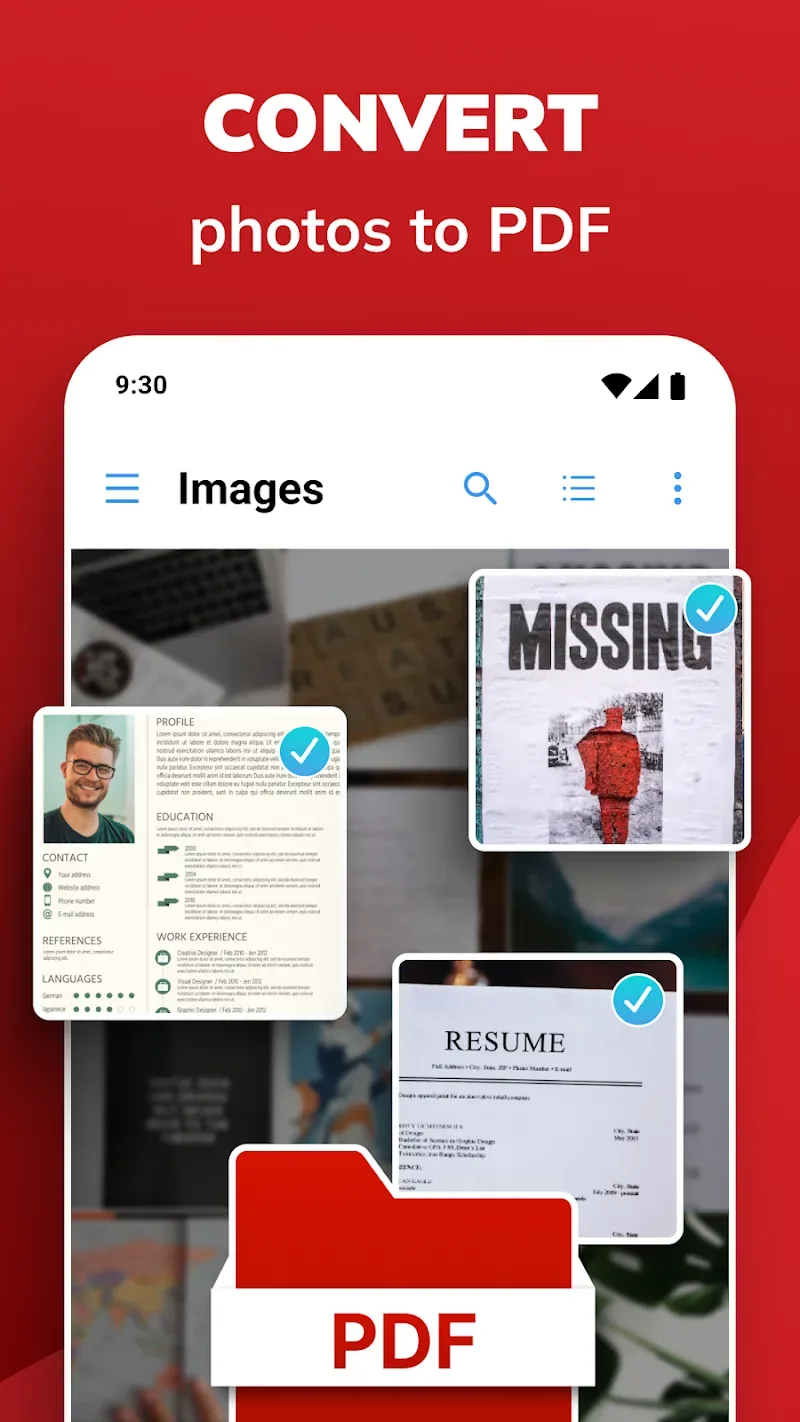
JPG to PDF Converter - Photo to PDF Converter and Editor lets you transform your images into professional-quality files in just a few taps. Whether you select images from your gallery or shoot directly from your camera, this app ensures a smooth conversion process. Select your photos, and let PDF Photo Editor do the rest, transforming them into beautiful documents ready for sharing or archiving.
Instantly convert photos to PDF documents!
Whether you need to convert notes, receipts, invoices, forms, business cards, certificates, whiteboards, or anything else, this app has you covered. JPG to PDF Converter App's user-friendly interface and powerful features simplify the conversion process, providing a seamless experience that meets all your needs.
Password Protection
Protect your sensitive documents with PDF Photo Editor's built-in password protection. Set a custom password to restrict file access, ensuring only authorized personnel can view or edit them. With this extra layer of security, you can rest assured that your confidential information is hidden from prying eyes.
Easily eSign Documents
Need to sign documents on the go? Convert To PDF Maker - Image to PDF Converter and Editor has you covered. With its intuitive eSignature tool, you can eSign files directly within the app—no printing, scanning, or faxing required. Use your device's touchscreen to add your signature and complete your document with confidence and ease.
Seamless Document Sharing
Whether collaborating on a project or sharing important documents with friends and family, PDF Photos Editor makes it easy to distribute files with just a few taps. Share converted documents via email, messaging apps, or cloud storage to ensure everyone has access to the information they need.
Amazing Performance
Easy Conversion
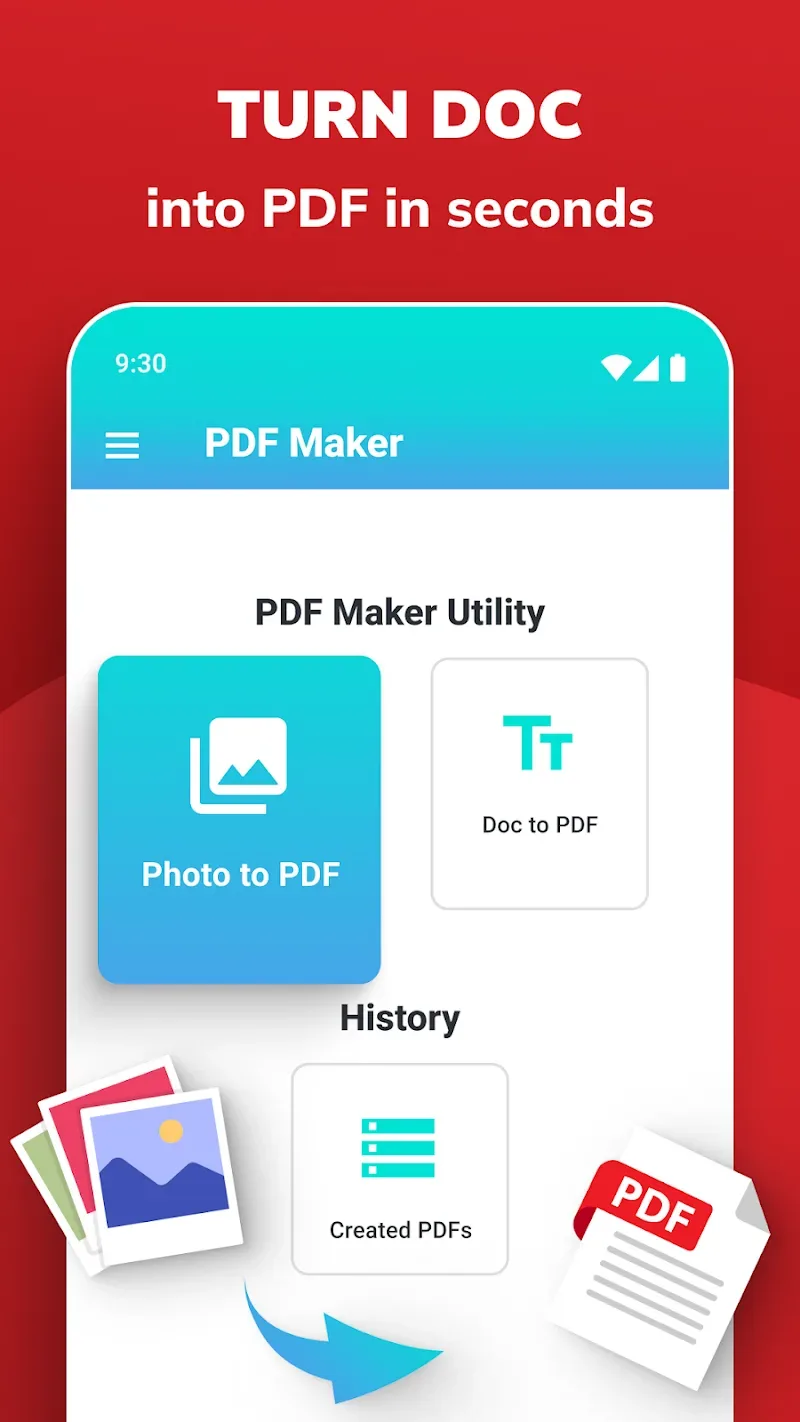
Easily convert documents with PDF Maker/Reader: Photo to PDF. Quickly convert various formats to PDF files with just a few taps. Meet all your needs instantly.
Instant Document Conversion: PDF Maker/Reader: Photo to PDF quickly converts photos, images, and text to PDF format. The steps for converting documents to PDF are simple and easy to use. Meet your needs instantly.
Offline Conversion Anytime: No internet connection is a problem. No strings attached. Easily convert documents offline anytime, anywhere. This enhances the user experience and helps users stay more engaged with their work.
Multiple Format Handling: The app ensures successful conversion of various formats. One-size-fits-all, effortless. Export images and text to PDF files. Seamless and smooth. No barriers to using the app.
Customization
PDF Maker/Reader: Supports photo to PDF conversion, allowing for file customization. Perfectly customize your PDF. Comprehensive editing and organization tools enhance the quality of your PDF documents.
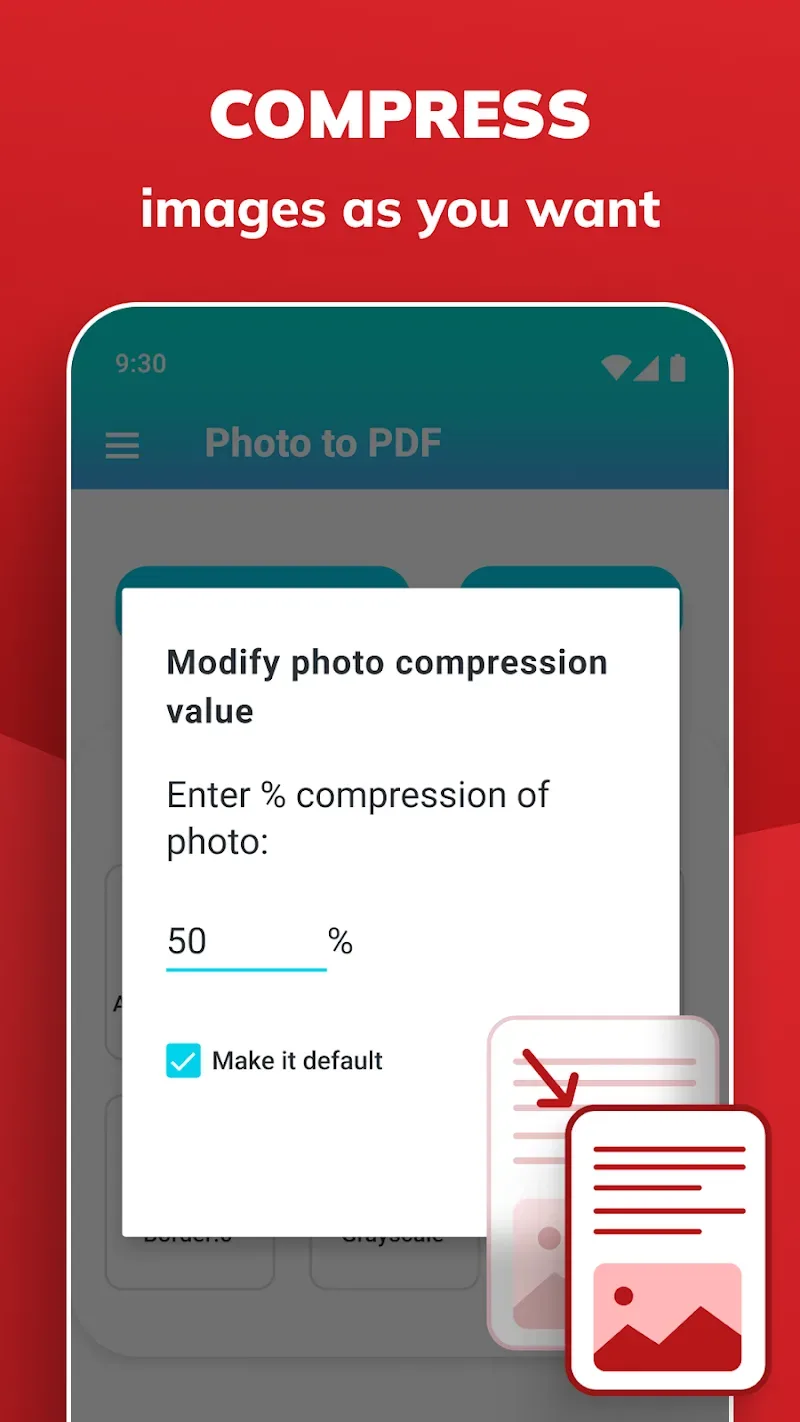
Comprehensive Document Editing: PDF Creator/Reader: Photo to PDF helps you export flawless documents. Fine-tune for flawless presentation. Adjust margins for flawless presentation. Compress images to save space. Enhance document quality. Easy to use, easy to use.
Flexible Image Processing: This app allows you to edit images within PDF files as needed. A picture is worth a thousand words. Easily resize and rotate images to suit your visual style. Users can adjust the layout to suit their needs.
Professional Document Creation: Documents exported from this app are guaranteed to look professional. High image quality, well-organized layouts, and the absence of watermarks elevate your documents. Send high-quality documents to partners with confidence.
User's Comments
I use to from almost a year. And it's the best app for students because due to online education we need to all photos in pdf form and this app is very easy to use and it's completely free. Earlier it didn't had any adds but now there are adds so it will be better if they remove adds . Adds make your work slow otherwise I will rate it as 5 stars compared to other apps it's freee of cost no money needed nor internet . It's simple and good to use not complicated .
It's the best app for making pdf's .It takes like 2 minutes to make a pdf and it isn't even confusing like the other pdf makers like : Simple scanner . And the fact that it is free makes it even better . I use it to make pdf's for my assignments . And if anyone having problem with ads then here's a tip : Turn on airplane mode or turn off the internet
I don't know but it doesn't have too many image cropping and enhancing buttons like other apps have, I cropped my 34 photos and clicked the check button but after I viewed the PDF, all the images were uncropped. Moreover, it doesn't allows me to take images, rather saves those images in my gallery and then select those images.
Final Words
PDF Maker is a very useful app that can open any PDF document and convert files and images to PDF, all without any complicated programs, and best of all, it can be done from your own Android device.